

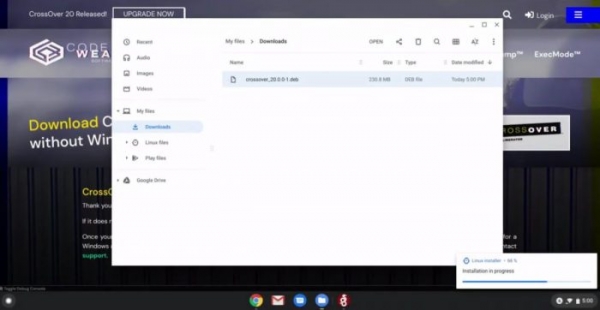
Good news for Chromebook owners who lack Windows applications on their machines. CrossOver software allows running Windows OS applications in the Chromebook environment.
However, there is a catch: the software is paid, starting at a price of $40. Nevertheless, it is an interesting solution, and we are preparing a review for it. For now, we will describe in general terms what it actually is.
CrossOver is developed by the CodeWeavers team, which announced its exit from beta. There is a condition: the package can only be used on modern Chromebooks with Intel® processors.
CrossOver is by no means a new solution; it has been working for many years for Linux and Mac, allowing Windows applications to run on these platforms. As for Chrome OS, the corresponding version of the package appeared in 2016. Initially, it was based on Android and did not move beyond the beta version during all this time.
Everything changed after Google added Linux support for Chromebooks. The developers from CodeWeavers responded almost immediately and achieved compatibility of their software with Google's Crostini tool. This is a Linux subsystem that runs in the Chrome OS environment.
After improvements, everything became so good that CodeWeavers published the final release, taking the platform out of beta. But this is a commercial project, and the cost of the tool cannot be considered low. The price for different versions is as follows:
- $40 — just the software, current version.
- $60 — current software version and one year of support, plus updates.
- $500 — lifetime support and updates.
You can test the package for free.
Before you start testing CrossOver, you should ensure that your Chromebook is compatible with this software. The specifications should be as follows:
- Linux support (Chromebooks from 2019 onwards).
- Intel® processor.
- 2 GB of RAM.
- 200 MB of free disk space plus space for the applications you plan to install.
An important point: not all Windows applications are compatible with CrossOver. You can check what is compatible and what is not in the software authors' database. There is a convenient .
As for a detailed review of CrossOver, we will release it next week, so stay tuned.
Zdroj: habr.com
