

The Document Foundation has released LibreOffice 7.2. Ready installation packages are available for various Linux distributions, Windows, and macOS. In the release preparation, 70% of the changes have been made by employees from project-partner companies such as Collabora, Red Hat, and Allotropia, while 30% of the changes were contributed by independent enthusiasts.
The release of LibreOffice 7.2 is tagged as 'Community' and will be supported by enthusiasts; it is not intended for enterprise use. LibreOffice Community is available for free to everyone, including corporate users, without any restrictions. For enterprises that require additional services, products from the LibreOffice Enterprise family are developed separately, providing full support from partner companies, options for long-term updates (LTS), and additional features such as SLAs (Service Level Agreements).
The most notable changes:
- Initial support for GTK4 has been added.
- The OpenGL rendering code has been removed in favor of using Skia/Vulkan.
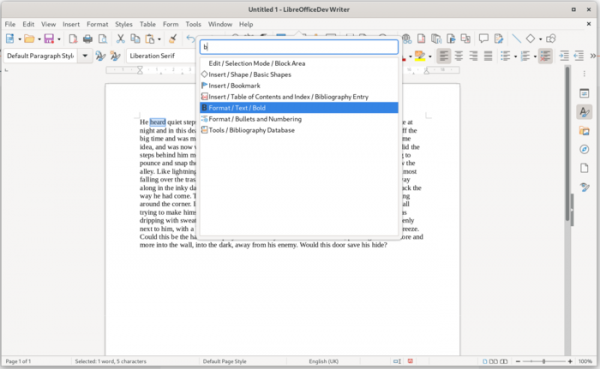
- A pop-up interface for searching settings and commands in the style of MS Office has been added, displayed over the current image (heads-up display, HUD).

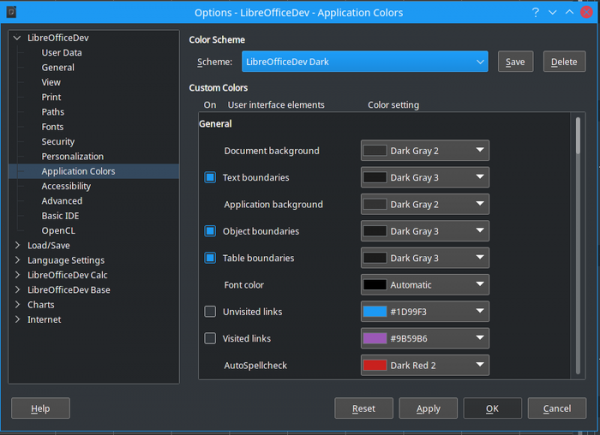
- A dark theme has been added, which can be enabled through the menu 'Alternative Tools ▸ Options ▸ LibreOffice ▸ Application Colors'.

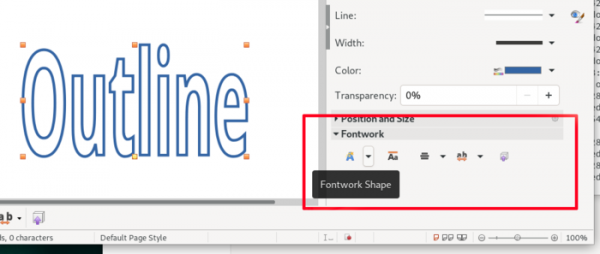
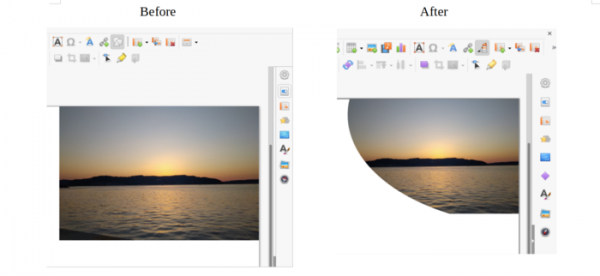
- A section for managing Fontwork font effects has been added to the sidebar.

- The main Notebookbar has implemented the ability to scroll elements within the styles selection block.
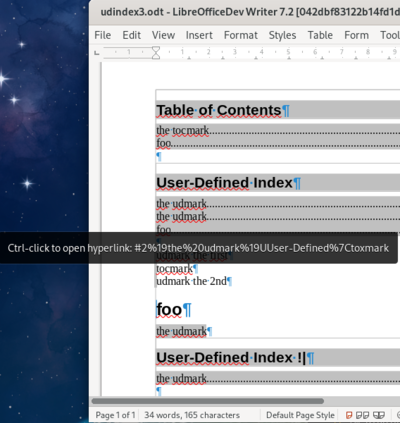
- In Writer, support for hyperlinks in tables of contents and indexes has been added.

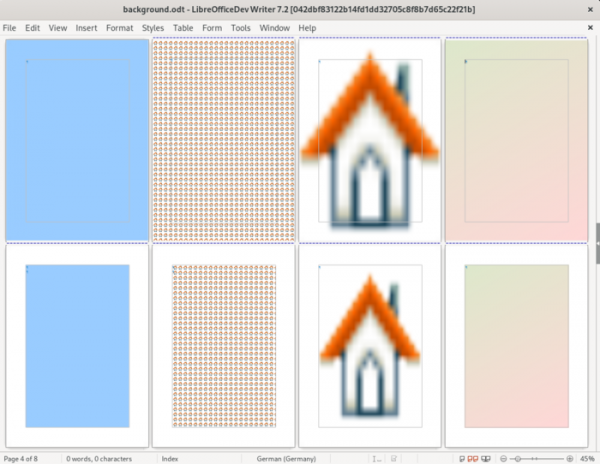
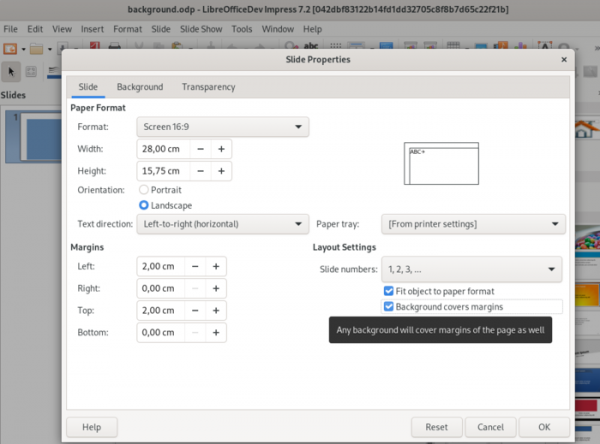
It is now possible to place a background image both within the visible boundaries of the document and within the text boundaries.

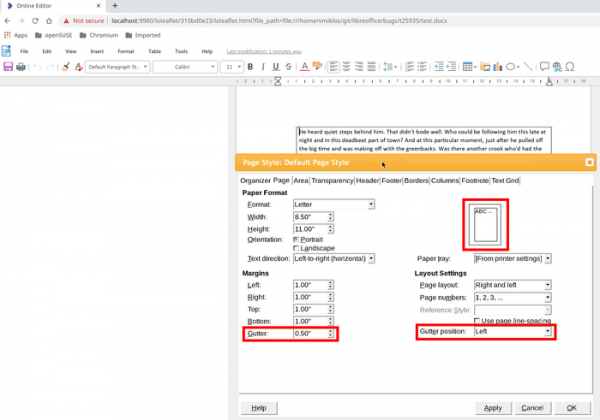
A new type of field, 'gutter', has been implemented for adding additional margins.

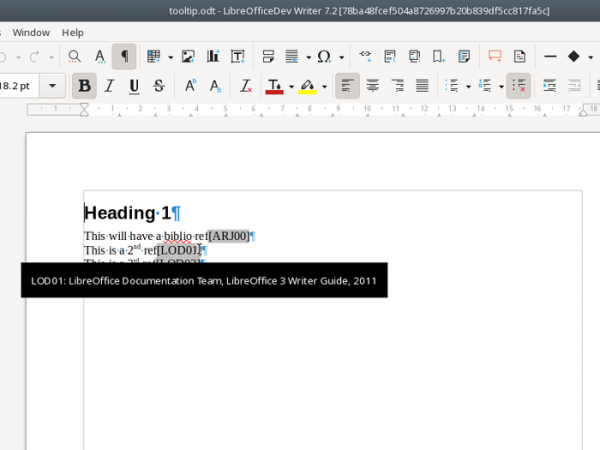
Bibliography handling has improved. Pop-up tooltips for bibliographic fields have been added. Clickable URLs are now shown in the bibliography table.

In the MS Word-compatible mode for table border rendering, support for merged cells has been improved. When exporting a document to PDF, bidirectional links between bookmarks and footnotes are preserved. By default, spell checking for indexes is disabled. In the Image Properties dialog (Format ▸ Image ▸ Properties… ▸ Image), the file type of the image is displayed.
- ODT files now support formatting strings for lists, allowing for complex numbering rules from DOCX documents.
- Font caching has been improved for faster text rendering.
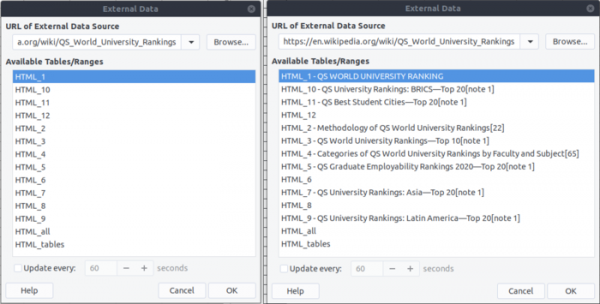
- Performance optimizations have been made in the Calc spreadsheet application: the insertion of formulas with VLOOKUP functions has been accelerated, the opening time for XLSX files and scrolling has been reduced, and filter performance has been enhanced. A compensatory summation algorithm by Kehan has been implemented, reducing numeric errors in the calculation of final values for certain functions. New options have been added to select only visible rows and columns (Edit ▸ Select). In HTML tables shown in the External Data dialog (Sheet ▸ Link to External Data…), headers are now displayed for easier table identification.

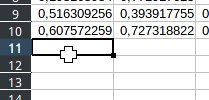
A new cursor shape 'fat-cross' has been implemented, which can be enabled through the menu ‘Tools ▸ Options ▸ Calc ▸ View ▸ Themed’.

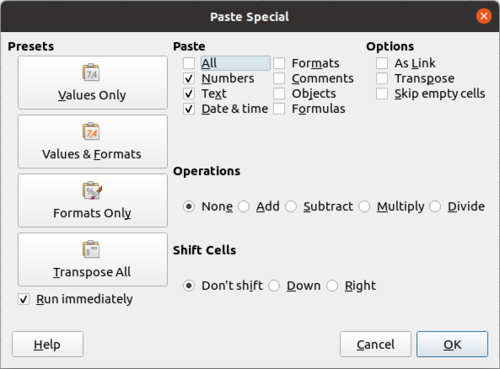
The formatting of the special paste dialog (Edit ▸ Paste Special ▸ Paste Special…) has been changed, with a new preset 'Formats Only' added.

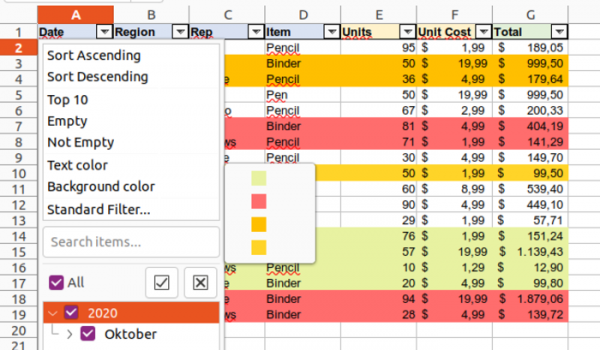
The Autofilter now supports filtering cells by background or text color, including the ability to import and export from/to OOXML.

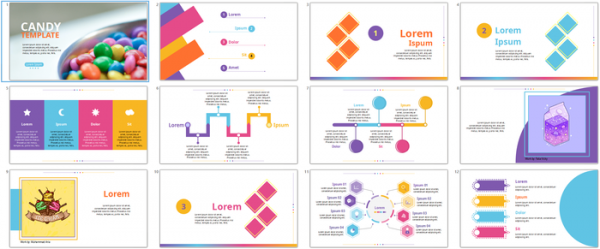
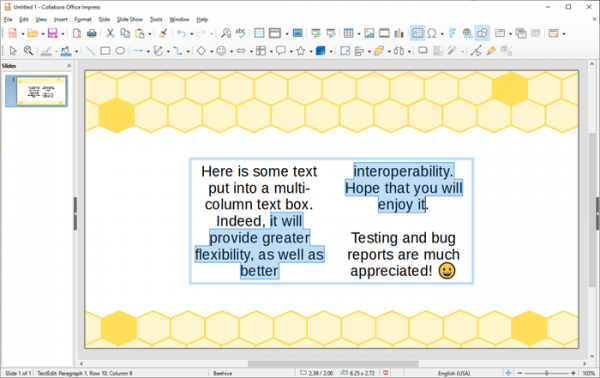
- The template collection in Impress has been updated. The templates Alizarin, Bright Blue, Classy Red, Impress, and Lush Green have been removed. New templates Candy, Freshes, Grey Elegant, Growing Liberty, and Yellow Idea have been added.

Options are provided for background filling of the entire page or only the area within page borders.

Text blocks now have the option to arrange text in multiple columns.

- The PDFium package has been utilized for verifying digital signatures of PDF documents.
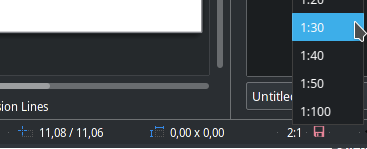
- In Draw, a button has been implemented in the status bar for changing the document's scaling factor.

- In Impress and Draw, document loading has been accelerated by loading large images as needed. Slide rendering speed has increased due to pre-loading large images. The rendering of semi-transparent images has also been sped up.
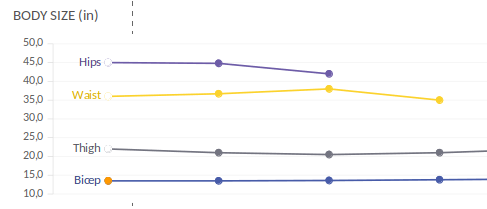
- Charts now allow displaying data series labels.

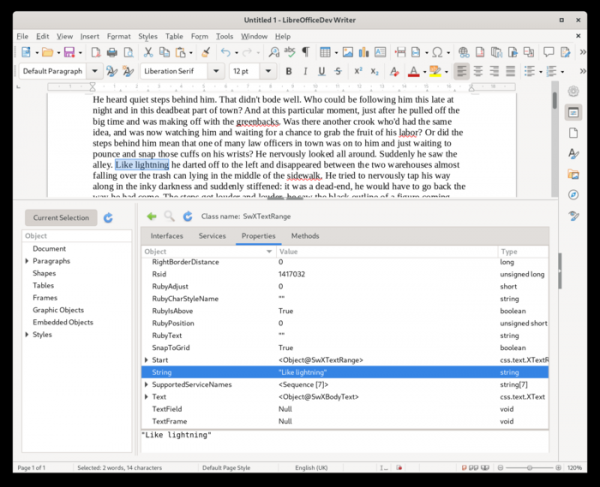
- A new object inspection tool for developers has been added to UNO.

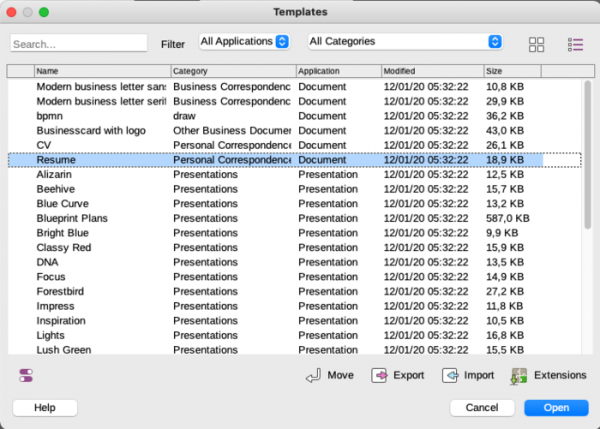
- A list view mode with sorting options by name, category, date, modules, and size has been added to the document template dialog.

- The import and export filters have been improved, resolving numerous issues with importing and exporting WMF/EMF, SVG, DOCX, PPTX, and XLSX formats. The opening of some DOCX documents has been accelerated.

- Initial support for WebAssembly compilation has been added.
Source: opennet.ru
