

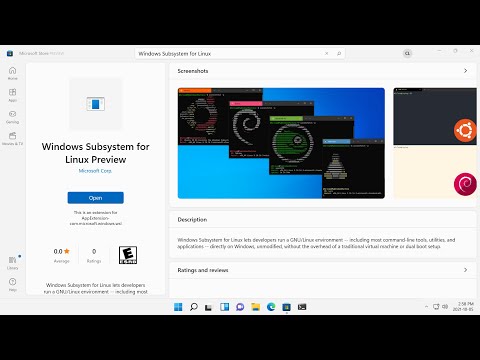
Microsoft has announced the availability of the WSL (Windows Subsystem for Linux) environment for Windows 11, enabling the execution of Linux executable files. Unlike previous versions of WSL for earlier Windows releases, the version for Windows 11 is not built into the system image but is presented as an application distributed through the Microsoft Store. However, from a technological perspective, the WSL core remains the same, with only the installation and update method changing.
It is noted that distribution through the Microsoft Store allows for faster delivery of updates and new features for WSL, including the ability to install new versions of WSL independently of the Windows version. For example, once such experimental features as support for graphical Linux applications, GPU computing, and disk mounting are ready, users will be able to access them immediately without needing to update Windows or use Windows Insider test builds.
Note that in the modern WSL environment, a complete Linux kernel is used instead of an emulator that translated Linux system calls into Windows system calls. The kernel offered for WSL is based on the Linux kernel version 5.10, which is enhanced with WSL-specific patches that include optimizations to reduce kernel boot time, lower memory consumption, return memory freed by Linux processes back to Windows, and keep the minimum necessary set of drivers and subsystems in the kernel.
The kernel runs in a Windows environment using a virtual machine already utilized in Azure. The WSL environment operates in a separate disk image (VHD) with an ext4 file system and a virtual network adapter. User space components are installed separately and are based on builds from various distributions. For example, in the Microsoft Store, builds of Ubuntu, Debian GNU/Linux, Kali Linux, Fedora, Alpine, SUSE, and openSUSE are available for installation in WSL.
Source: opennet.ru
