

A new release of the graphic editor for children's creativity — Tux Paint 0.9.27 has been published. The program is designed to teach drawing to children aged 3 to 12 years. Binary builds are available for Linux (rpm, Flatpak), Android, macOS, and Windows.
In the new release:
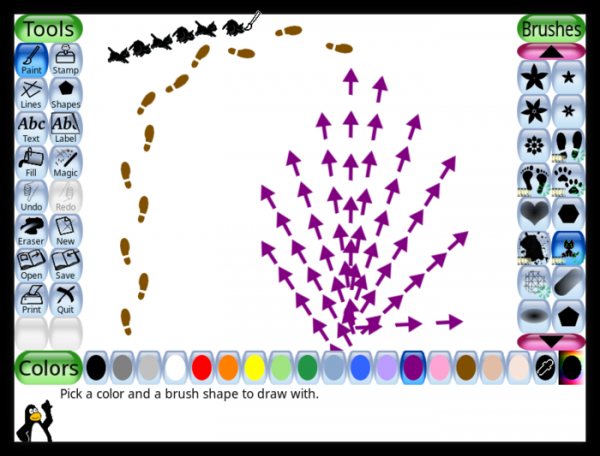
- Support for brushes that rotate based on brush movement direction has been added to the drawing and line tools.

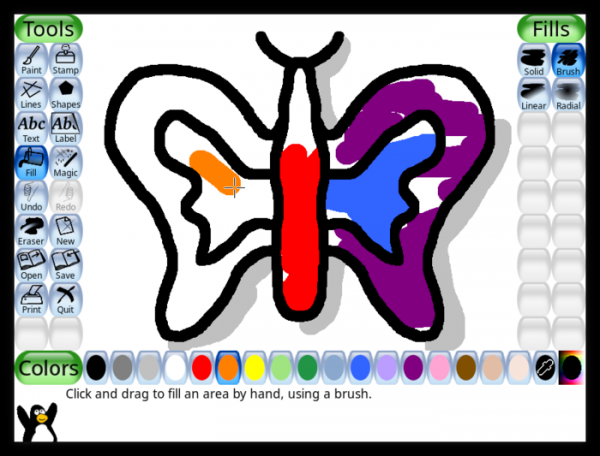
- A free coloring mode has been added to the fill tool for interactive coloring of restricted areas with a brush (strokes do not go beyond the edge of the area, but coloring only touches the areas where the brush contacts).
- Six new 'magic' tools have been added:
- Panels — reduces and duplicates the image into 4 cells of a selected size (for creating comics).
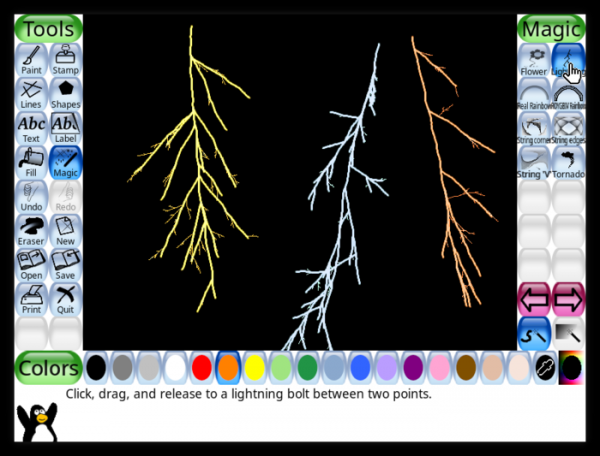
- Lightning — interactive drawing of lightning.
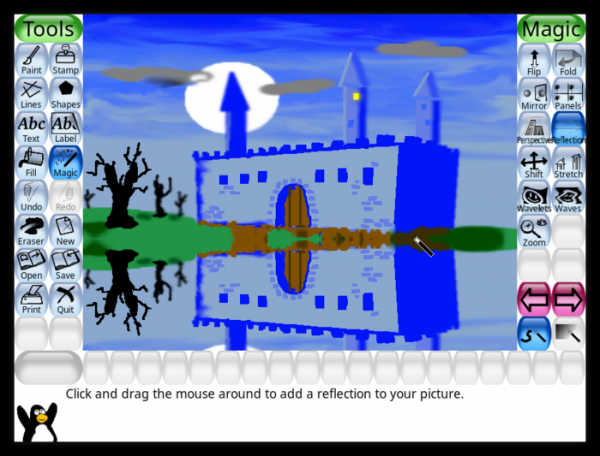
- Reflection — creates a mirror reflection.
- Opposite — changes the color to its opposite.
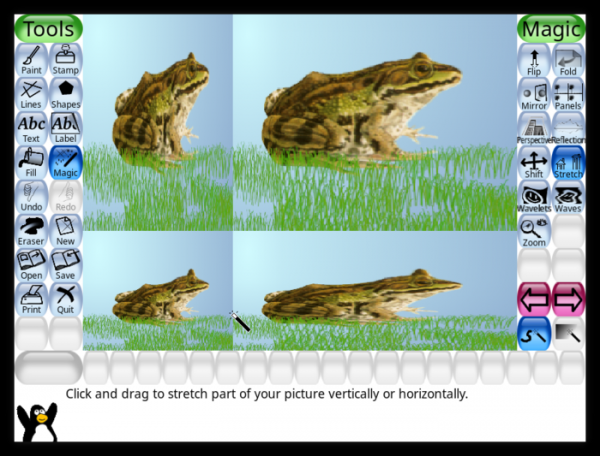
- Stretch — distorts the image like in funhouse mirrors.
- Smooth Rainbow — a smoother version of the rainbow drawing tool.
- Panels — reduces and duplicates the image into 4 cells of a selected size (for creating comics).
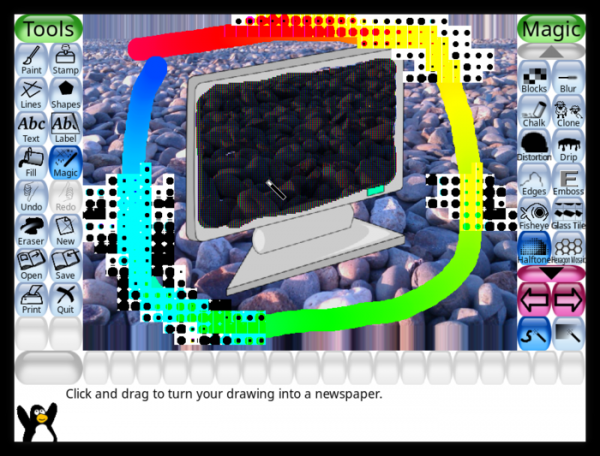
- Many 'magic' tools have been updated, including Halftone (simulates newspaper printing of photos), Cartoon (makes the image look like a cartoon drawing), and TV (simulates a television screen).
- 'Magic' tools are grouped into collections by purpose (drawing, distortion, color filters, etc.).
- The program's parameter settings interface has been adapted to improve usability on large high-resolution screens.
- On the Windows platform, deleted images can now be placed in the recycle bin instead of being physically removed.
- The documentation has been revised.
Source: opennet.ru
