

After a year and a half of development, the Enlightenment 0.25 user environment has been released, based on the EFL (Enlightenment Foundation Library) and Elementary widget libraries. The release is available in source code, but packages for distributions have not yet been formed.
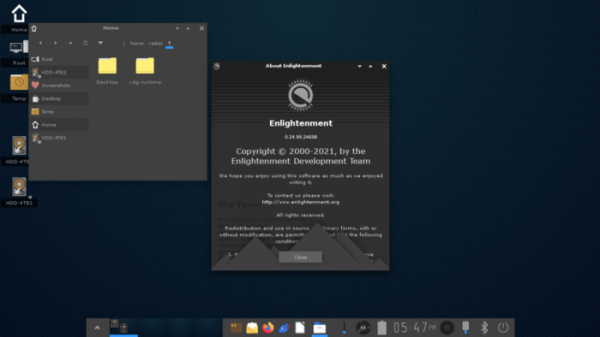
The most notable innovations in Enlightenment 0.25 include:
- A modernized appearance with a new flat theme instead of the previously prevalent relief highlighting of elements.

- A significantly improved set of desktop wallpapers.
- Optimized handling of keyboard layout switching.
- The initial splash screen is enabled by default and can be disabled in settings.
- The quick settings menu now includes items for screen configuration.
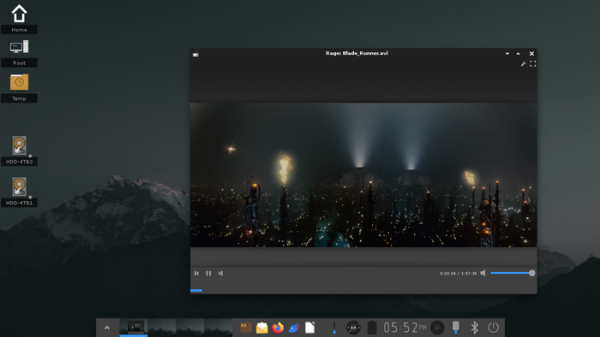
- The code responsible for handling the screen refresh and synchronization has been rewritten, eliminating artifacts during video playback. The data displayed in the FPS debugger (shown via ctl+alt+shift+f) has been expanded.
- In the IBox module, which is responsible for minimizing applications to the icon, content preview of the minimized window is now shown when hovering the mouse cursor.
- Windows are reliably restored after disconnecting or reconnecting displays.
- In the task manager, window previews are available upon mouse hover.
- The interface size for navigating the list of windows (alt+tab) has been increased, and it also supports previewing window contents.
- For Bluetooth devices, the Bluez widget displays battery level.
- The energy consumption control widget now shows a pop-up with detailed battery information when hovered over with the mouse.
- The configuration saving code has been rewritten for multi-threaded input/output processing.
- The screenshot creation interface now supports copying and pasting from the clipboard.
- The temperature monitoring widget has been updated to use hwmon devices, allowing for tracking multiple sensor readings.
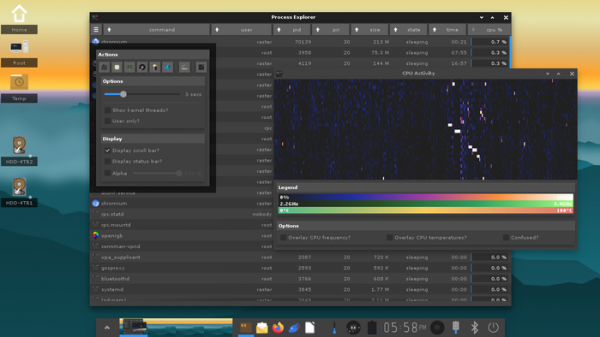
- A new Procstats module has been added to display memory usage and CPU load information in the header.
- Added support for tracking connected devices and applying separate input system configurations upon their connection.
- Bindings for recognizing gesture commands have been implemented for touchpads.
- Scaling and DPI settings can now be changed via xsettings, allowing for proper scaling of external applications that do not use EFL libraries.
- Unified font handling in applications based on EFL and other libraries.
- Bindings for switching profiles have been added.
- The EFM file manager has introduced a menu listing recently opened files. The synchronization frequency for input/output operations such as file copying has been increased. When previewing images, the date based on EXIF data is now shown.
- The environment variable XDG_CURRENT_DESKTOP has been added.
- A sound signal feature has been implemented for connecting or disconnecting power.
- The appearance of the sound mixer has been improved, with level meters added for input and output channels, and the display of application icons currently playing or recording audio.
- Energy consumption has been reduced when the screen is off.
- A palette editor and utility for customizing colors have been added.
- The screen lock system has implemented fingerprint login using libFprint. An interface for saving fingerprints has been added.
- Output from stdout and error streams is now saved to the file ~/e-log.log.
- Settings for controlling animation speed in transition effects have been added.
- All bindings to screen edges are disabled by default.
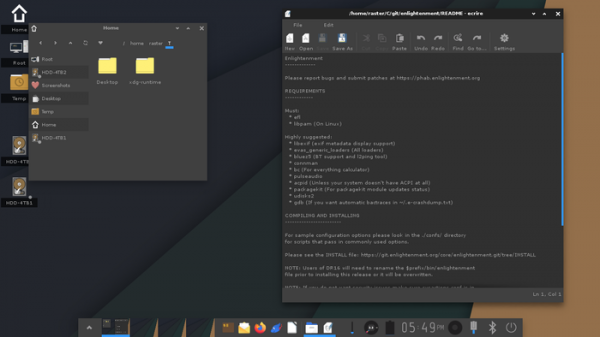
The mandatory dependencies declared are EFL, libexif, and libpam (only on Linux). Recommended dependencies for full functionality include: connman for network configuration, bluez5 for Bluetooth support, bc for a built-in calculator, pulseaudio for sound device management, acpid for handling various hardware events, packagekit for tracking system updates, udisks2 for mounting external disks, ddcutil for managing screen backlight, and gdb for tracing crashes.
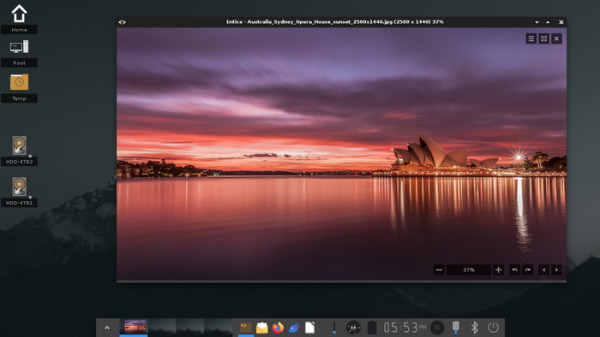
Let’s remember that the desktop in Enlightenment is formed by components such as a file manager, a set of widgets, an application launcher panel, and a set of graphical configurators. Enlightenment is very flexible in being customized to your liking: the graphical configurators do not restrict the user in settings and allow for adjustments to all aspects of operation, providing both high-level tools (changing themes, setting up virtual desktops, managing fonts, screen resolution, keyboard layout, localization, etc.) and options for low-level tuning (for example, you can configure caching parameters, graphics acceleration, power consumption, and window manager logic).
To extend functionality, modules (gadgets) are offered, and for reworking the appearance, themes are available. In particular, there are modules for displaying a calendar-scheduler, weather forecasts, monitoring, volume control, battery charge estimation, etc. The components of Enlightenment are not tightly bound to each other and can be used in other projects or for creating specialized environments, such as shells for mobile devices.
Source: opennet.ru
