

The release of ONLYOFFICE DocumentServer 7.0 has been published, featuring a server for the ONLYOFFICE online editors and collaboration tools. The editors can be used for working on text documents, spreadsheets, and presentations. The project's code is distributed under the free AGPLv3 license.
At the same time, the release of ONLYOFFICE DesktopEditors 7.0, built on the same codebase as the online editors, has been formed. Desktop editors are packaged as desktop applications written in JavaScript, utilizing web technologies, but combine client and server components in a single set, designed for self-sufficient use on the user's local system without reliance on external services. The Nextcloud Hub platform can also be used for collaboration on their own infrastructure, providing full integration with ONLYOFFICE. Ready builds have been created for Linux, Windows, and macOS.
ONLYOFFICE claims full compatibility with MS Office and OpenDocument formats. Supported formats include: DOC, DOCX, ODT, RTF, TXT, PDF, HTML, EPUB, XPS, DjVu, XLS, XLSX, ODS, CSV, PPT, PPTX, ODP. The functionality of the editors can be extended through plugins, for instance, plugins for creating templates and adding videos from YouTube are available. Pre-built packages are available for Windows and Linux (deb and rpm packages).
Key innovations:
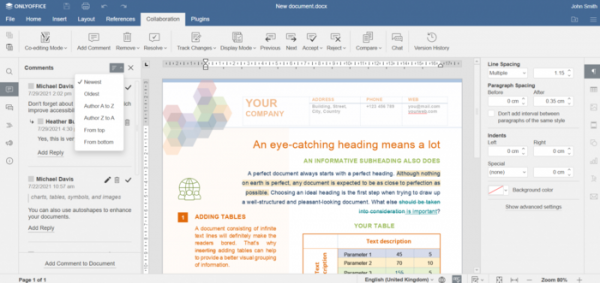
- The ability to change the sorting method of comments on documents, spreadsheets, and presentations has been added. For example, comments can be sorted by the publication time or alphabetically.

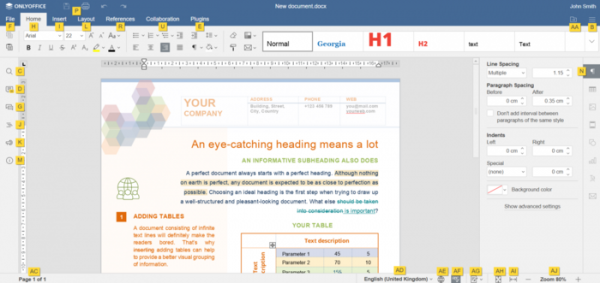
- The ability to invoke menu items using keyboard shortcuts and to display visual pop-up tips about available combinations, shown when the Alt key is held down, has been added.
- New scaling increments for documents, spreadsheets, or presentations have been added (up to 500% zoom).
- Document editors:
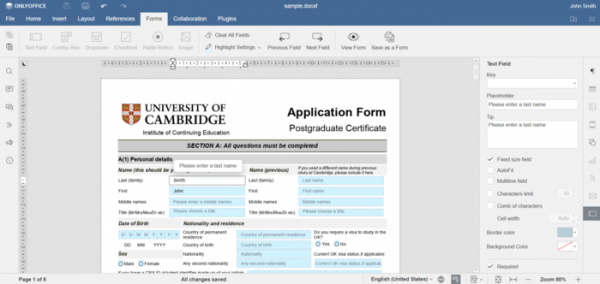
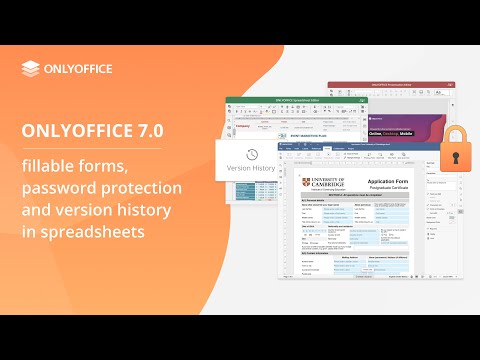
- Tools have been provided for creating fillable forms, granting access to forms, and filling out forms in online mode. A set of various field types is available for use in forms. A form can be distributed either separately or as part of a document in DOCX format. The completed form can be saved in PDF and OFORM formats.

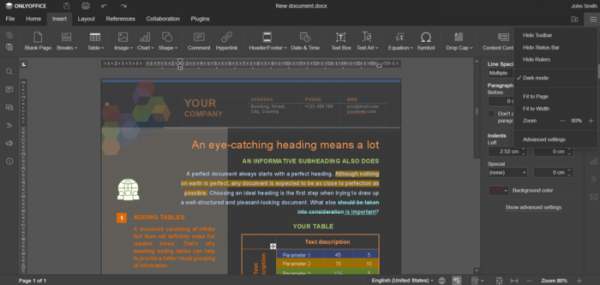
- A dark mode theme has been added.

- File comparison features and content control elements have been transferred to the open version of the document editors.
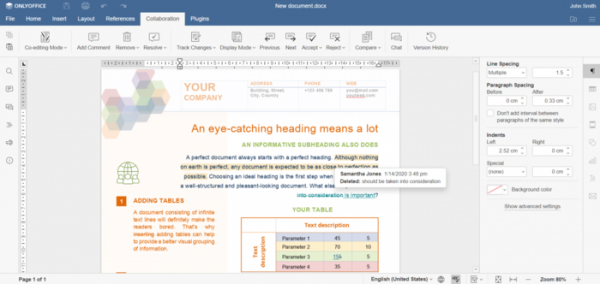
- Two modes for displaying information during the review of changes from other users have been implemented: show changes on click and display changes in pop-up tips when hovering the mouse.
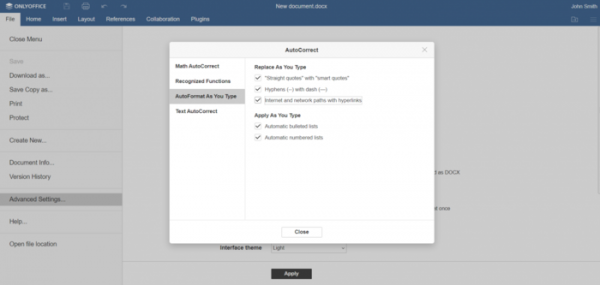
- Support for automatic conversion of links and network paths into hyperlinks has been added.
- Tools have been provided for creating fillable forms, granting access to forms, and filling out forms in online mode. A set of various field types is available for use in forms. A form can be distributed either separately or as part of a document in DOCX format. The completed form can be saved in PDF and OFORM formats.
- Spreadsheet:
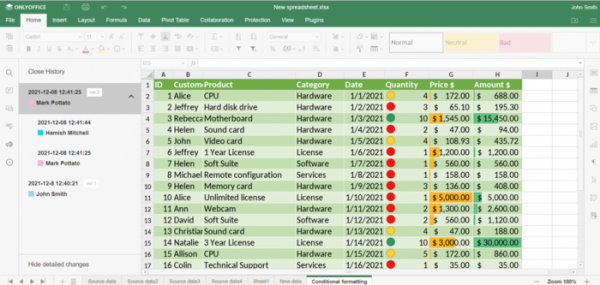
- An interface for working with the version history of spreadsheets has been proposed. Users can view the change history and revert to previous states if necessary. By default, a new version of the spreadsheet is created each time the spreadsheet application is closed.
- The interface for creating custom views of the spreadsheet (Sheet Views, displaying content according to applied filters) has been transferred to the open version of the spreadsheet application.
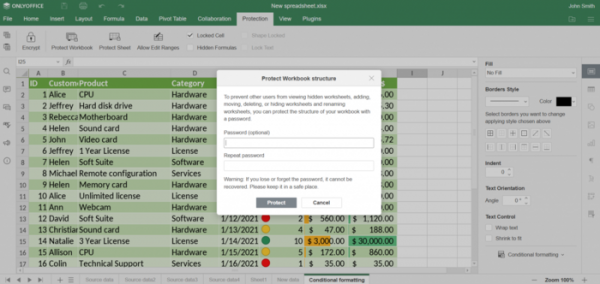
- The ability to set a password to restrict access to document files and individual sheets has been added.
- Support for the Query Table mechanism has been added, allowing the creation of tables with content from external sources; for example, you can combine data from multiple spreadsheets.
- In collaborative editing mode, users can see the cursors of other users and the results of selected areas.
- Support for splitting tables and the status bar has been added.
- Support for dragging and dropping tables while holding the Ctrl key has been provided.
- An interface for working with the version history of spreadsheets has been proposed. Users can view the change history and revert to previous states if necessary. By default, a new version of the spreadsheet is created each time the spreadsheet application is closed.
- Presentation Editor:
- The capability for automatic display of animations in slides has been introduced.
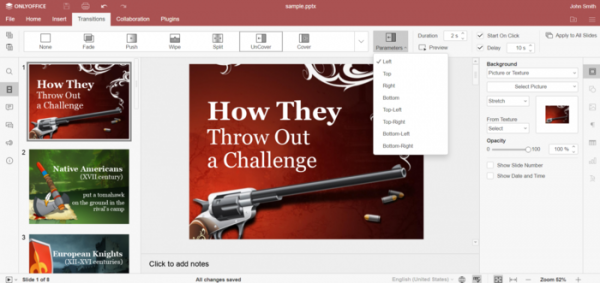
- A separate tab with transition effect settings between slides has been added to the top panel.
- The ability to save presentations as images in JPG or PNG formats has been added.
- Changes specific to the ONLYOFFICE DesktopEditors isolated applications:
- The ability to launch the editor in a single window has been provided.
- Providers for file sharing via Liferay and kDrive services have been added.
- Interface translations into Belarusian and Ukrainian have been added.
- For high pixel density screens, the interface scaling capability has been implemented to levels of 125% and 175% (in addition to the previously available 100%, 150%, and 200%).
Source: opennet.ru
