

After more than a year of development, a new release of the dahliaOS 220222 operating system has been published, combining technologies from GNU/Linux and the Fuchsia OS. The project’s developments are written in Dart and distributed under the Apache 2.0 license. dahliaOS builds are available in two versions — for UEFI systems (675 MB) and older systems/virtual machines (437 MB). The base distribution of dahliaOS is built on the Linux kernel and the typical GNU system environment. Meanwhile, builds based on the Zircon microkernel and the environment from the Fuchsia OS are being developed, which are available for Raspberry Pi 4, msm8917, and several other devices.
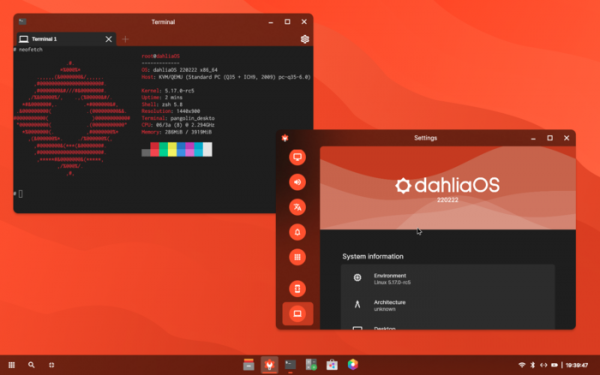
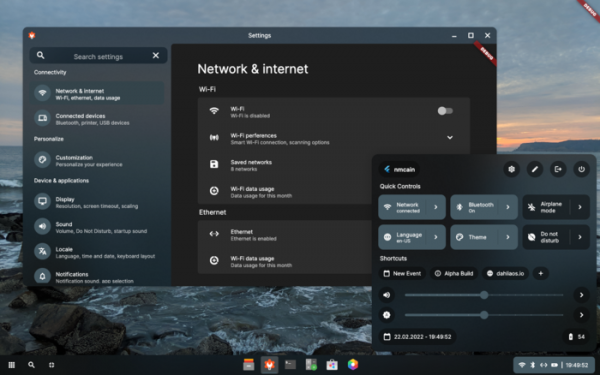
The project is developing its own user interface, Pangolin, written in Dart using the Flutter framework. The interface supports both classic multi-window mode and mosaic window layout. It is based on the developments of the Capybara project and a custom window management system written from scratch. The interface can run on systems with the Linux kernel and the Zircon microkernel developed by the Fuchsia project. A web version has been prepared for evaluating the performance of the Pangolin interface without installing dahliaOS, which works in browsers based on Chromium.
A set of applications is also being developed for dahliaOS, most of which are written in Dart and Flutter. Among the developed programs are: a file manager, configurator, text editor, terminal emulator, application for managing virtual machines and containers, multimedia player, application catalog, calculator, web browser, and messaging program.
To run third-party programs in the Pangolin environment, built-in support for isolated containers is provided, allowing any application not related to dahliaOS to run. For UEFI systems, a system-recovery application is provided, enabling automatic loading of a fresh dahliaOS image in case of system issues, allowing for booting from it.
Key changes in the new release:
- The design and functionality of the Pangolin desktop have been completely overhauled.

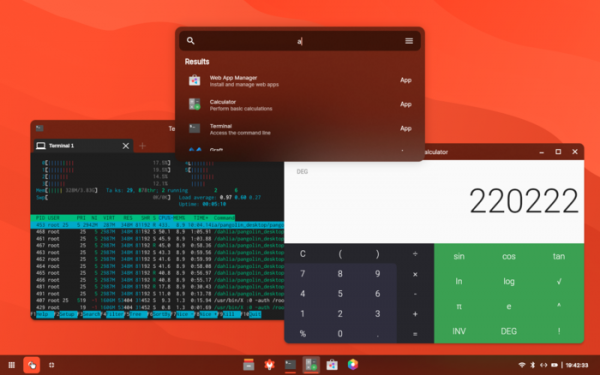
- An interface for quick application search has been added.
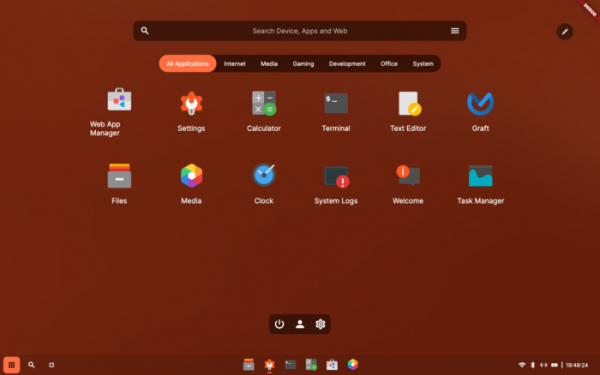
- The navigation interface for available programs has been improved, which is highlighted in a separate application called Launcher. The ability to categorize applications has been implemented.
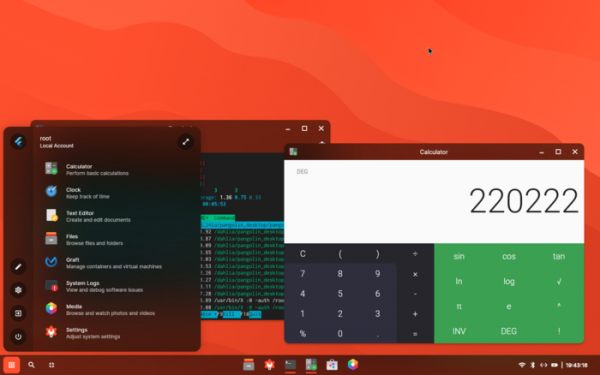
- A compact version of the application launcher interface has been added, designed as a menu and triggered by clicking in the top right corner of the Launcher window.
- The quick settings menu has been improved, with a restructuring of available options and displayed information.
- The taskbar has been enhanced. Applications can now be pinned. A separate button has been added to minimize all windows.
- A new window manager, Utopia, has been implemented, developed using Flutter.
- The interface of the file manager, configurator, terminal emulator, and calculator has been significantly updated and functionality expanded.
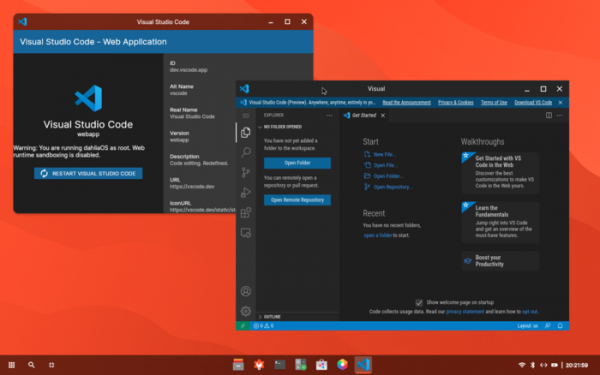
- A transition to a new web runtime has been made, providing a functional web browser and the ability to run web applications. A new web application manager has been proposed for installing web applications.
- The Linux kernel has been updated to version 5.17-rc5.
- Support for various virtualization solutions has been implemented, including the ability to run Linux in QEMU and Fuchsia under the management of FImage.
- A transition to the Btrfs file system has been made.
- The network stack has been improved. The network manager has been utilized for configuring network connections.
Source: opennet.ru
