

The developers of the Raspberry Pi project have released the spring update of the Raspberry Pi OS distribution 2022-04-04 (Raspbian), based on the Debian package base. Three builds are prepared for download — a minimal version (297 MB) for server systems, a basic desktop version (837 MB), and a full version with an additional set of applications (2.2 GB). The distribution comes with the PIXEL user environment (a fork of LXDE). About 35,000 packages are available for installation from the repositories.
In the new release:
- Experimental support for using the Wayland protocol has been added to the graphical session. The implementation of Wayland became possible last year due to the migration of the PIXEL environment from the openbox window manager to mutter. Wayland support is still limited, and some desktop components continue to use the X11 protocol, launching under XWayland. To activate a Wayland-based session, you can do so in the 'Advanced Options' section of the raspi-config configurator.
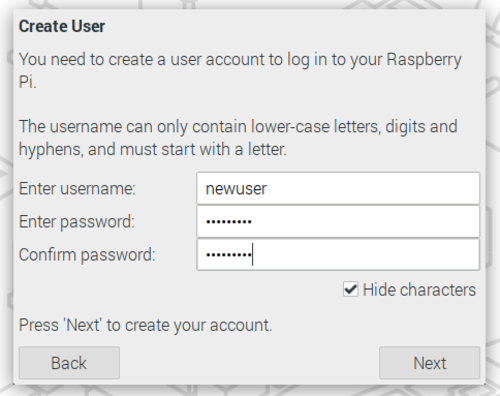
- The default predefined account 'pi' has been discontinued. Instead, upon first boot, users are given the opportunity to create their own account.
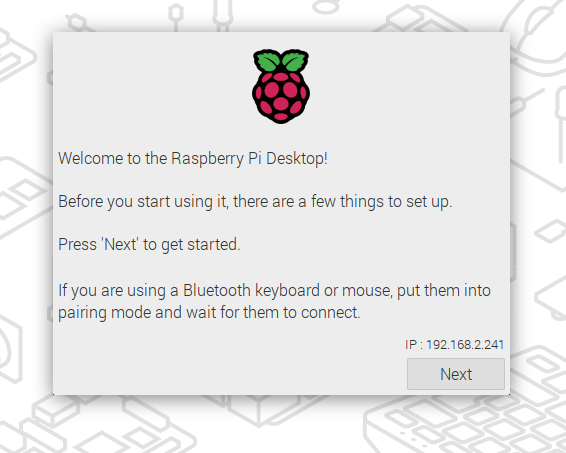
- A new system setup wizard has been introduced, which runs during the first boot and allows users to configure language settings, define network connections, and install application updates. Previously, the wizard could be skipped by pressing the 'Cancel' button, but now its use has become mandatory.

The setup wizard includes an interface for creating the first user account, and until this account is created, the user will not be able to log into the user environment. The wizard now runs as a separate environment rather than as an application in the desktop session. In addition to creating an account, the wizard also features separate settings for each connected monitor, which are applied immediately and do not require a restart.

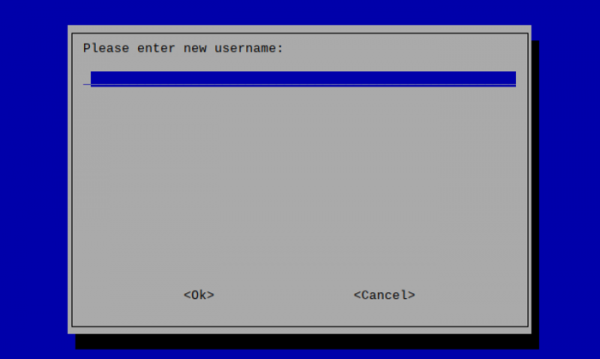
- In the minimal Raspberry Pi OS Lite image, a special dialog is displayed in console mode for creating an account.

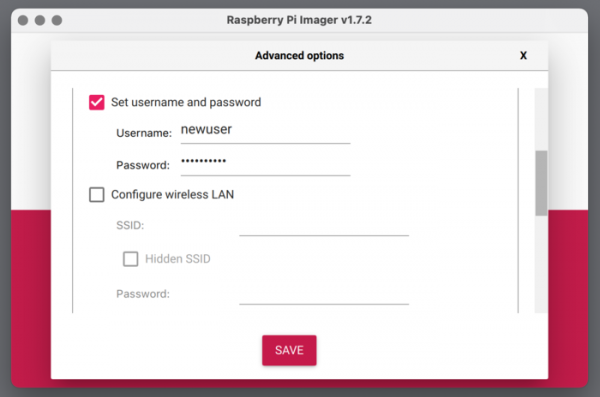
- For systems where the Raspberry Pi board is used in isolation without a monitor connection, there is an option to create an account through pre-configuring the boot image with the Imager utility.

Another way to set up a new user is to place a file named userconf (or userconf.txt) on the boot partition of the SD card, containing information about the username and password in the format "username:password_hash" (to get the password hash, you can use the command "echo 'mypassword' | openssl passwd -6 -stdin").
- For existing installations, after the update, the command "sudo rename-user" is provided to rename the "pi" account to any desired name.
- The issue with using Bluetooth mice and keyboards has been resolved. Previously, setting up such input devices required booting with a connected USB keyboard or USB mouse for Bluetooth pairing configuration. The new initial connection wizard now implements automatic scanning for Bluetooth devices ready for pairing and connects them.
Source: opennet.ru
