

The release of Linux Mint 21 has been introduced, which is based on the Ubuntu 22.04 LTS package base. The distribution is fully compatible with Ubuntu but significantly differs in its approach to user interface organization and the selection of default applications. The developers of Linux Mint provide a desktop environment that adheres to the classic principles of desktop organization, which is more familiar for users who do not embrace the new GNOME 3 interface methods. DVD editions are available for download based on the MATE 1.26 (2 GB), Cinnamon 5.4 (2 GB), and Xfce 4.16 (2 GB) shells. Linux Mint 21 is categorized as a long-term support (LTS) release, with updates scheduled to be provided until 2027.
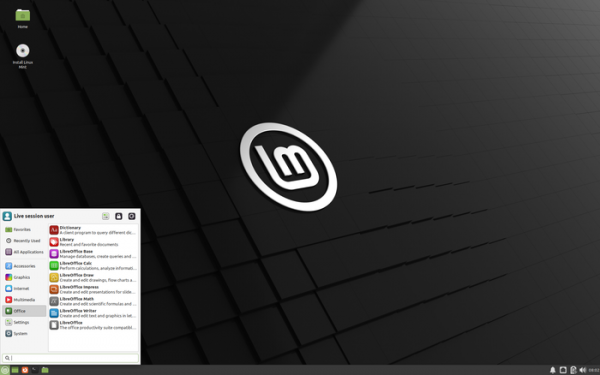
Key changes in Linux Mint 21 (MATE, Cinnamon, Xfce):
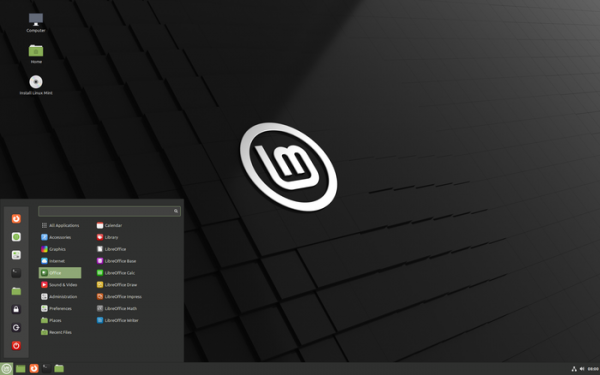
- Included is a new release of the Cinnamon 5.4 desktop environment, whose design and functionality continue to evolve the ideas of GNOME 2 — offering users a desktop and panel with a menu, a quick launch area, a list of open windows, and a system tray with running applets. Cinnamon is based on GTK and GNOME 3 technologies. The project develops the GNOME Shell interface and the Mutter window manager towards providing an environment in the style of GNOME 2 with a more modern design, incorporating elements from GNOME Shell that complement the classic desktop tools. Editions with Xfce and MATE desktops are supplied with Xfce 4.16 and MATE 1.26.

The Muffin window manager has been transitioned to the fresh codebase of the Metacity 3.36 window manager developed by the GNOME project. Muffin was originally forked from Mutter 3.2 11 years ago and has since evolved in parallel. As the codebases of Muffin and Mutter have diverged significantly over time, making it increasingly difficult to transfer changes and fixes, it was decided to port Muffin to the more current Metacity codebase to bring it closer to upstream. This transition required considerable internal redevelopment, with many features needing to be transferred to Cinnamon and some being discarded. Metacity-specific changes have been moved to the screen configurator from gnome-control-center, while setup operations, previously handled in csd-xrandr, have been moved to Muffin.

All window rendering operations are now carried out using the GTK theme, and the use of the Metacity theme has been discontinued (previously, different engines were applied depending on whether the address bar was used in the application). All windows now also make use of the smoothing tools provided by GTK (all windows now have rounded corners). The window animation has been improved. The ability to fine-tune the animation has been removed, but by default, the animation now looks better, and the overall animation speed can be adjusted.

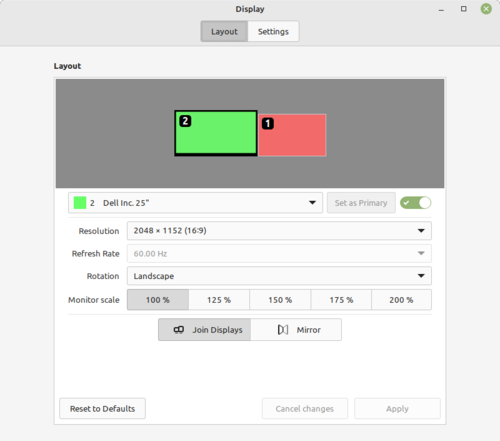
From version 1.66.2 to 1.70, the JavaScript interpreter used by the project (GJS) has been updated. The action binding when hovering the cursor over the screen corners (hotcorner) has been simplified. The support for non-integer values when scaling has been enhanced. The background process for managing settings has improved support for the MPRIS protocol.
The main menu now includes the option to display additional actions for running applications (e.g., opening incognito mode in the browser or composing a new message in the email client).
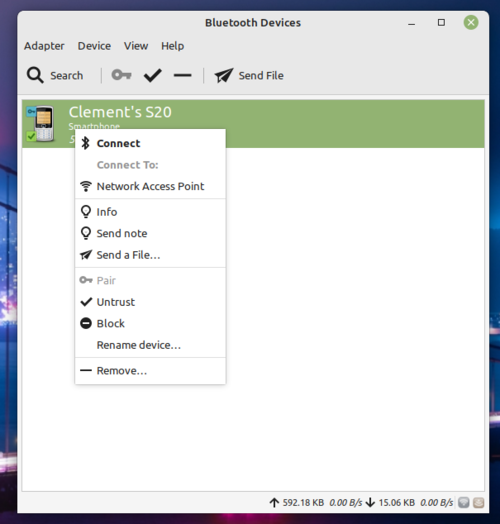
- For configuring Bluetooth connections, instead of Blueberry, a Blueman-based interface has been proposed, which is a GTK application using the Bluez stack. Blueman is implemented for all supplied desktops and provides a more functional indicator in the system tray and a configurator that supports symbolic icons. Compared to Blueberry, Blueman provides better support for wireless headphones and audio devices, as well as enhanced monitoring and diagnostic features.

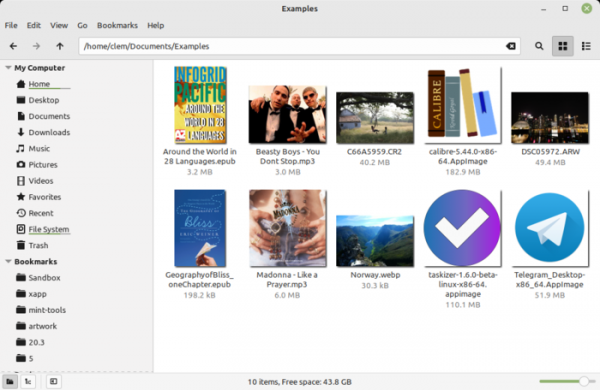
- A new application, xapp-thumbnailers, has been added to generate thumbnails for various types of content. Compared to previous releases, xapp-thumbnailers now generates thumbnails for files in AppImage, ePub, MP3 (showing album artwork), WebP, and RAW image formats.

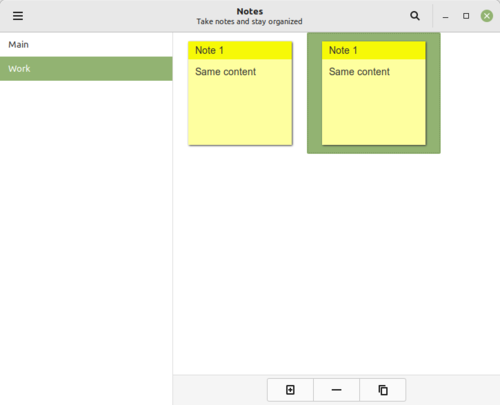
- The capabilities of the note-taking application (Sticky Notes) have been expanded. The ability to duplicate notes has been added. When using different colors for new notes, colors are now selected not randomly, but in a cyclic manner to avoid repeats. The design of the icon in the system tray has been changed. The position of new notes is now determined relative to the parent note.

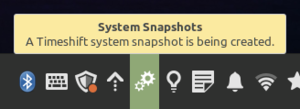
- A monitoring system has been implemented to track background processes, displaying a special indicator in the system tray during automated tasks that may negatively impact performance. For example, the new indicator informs the user about ongoing background tasks, such as updates or snapshot creation in the file system.

- The improvement of applications developed under the X-Apps initiative, aimed at unifying the software environment across different desktop editions of Linux Mint, continues. The X-Apps incorporate modern technologies (GTK3 for HiDPI support, gsettings, etc.), while retaining traditional interface elements such as the toolbar and menu. Among these applications are: the text editor Xed, the photo manager Pix, the document viewer Xreader, and the image viewer Xviewer.
- The Timeshift application, designed for creating system state snapshots with the ability to restore them later, has been ported to the X-Apps platform. In rsync mode, it calculates the disk space needed for the snapshot and cancels the operation if there is less than 1 GB of free space remaining after the snapshot is created.
- Support for the Webp format has been added to the Xviewer image viewer. Navigation through directories has been improved. When holding down the control key while using the cursor, images are displayed in a slideshow format, with sufficient delays to view each image.
- In the Warpinator utility, designed for encrypted file sharing between two computers on a local network, if the devices for sharing are not found, links to alternative methods for Windows, Android, and iOS are now provided.
- The user interface of the Thingy program, designed for batch file renaming, has been improved.
- The web applications manager (WebApp) has added support for additional browsers and parameters.
- Print and document scanning support using the IPP protocol, which does not require driver installation, has been enhanced. The HPLIP package has been updated to version 3.21.12, supporting new HP printers and scanners. To disable the driverless mode, simply remove the ipp-usb and sane-airscan packages, after which classic drivers for scanners and printers provided by the manufacturer can be installed.
- In the application sources selection interface, the lists of repositories, PPA, and keys now allow the simultaneous selection of multiple items.
- When removing an application from the main menu (the uninstall button in the context menu), the application's usage is now considered among the dependencies (if other programs depend on the removed application, an error is returned). Additionally, related dependencies that were automatically installed and are not used in other packages are now also removed.
- When switching the graphics card via the NVIDIA Prime applet, the switch now remains visible and allows for immediate cancellation of the action performed.
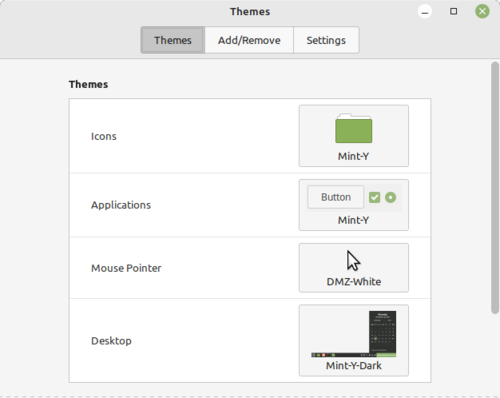
- Initial support for GTK4 has been added in the Mint-Y and Mint-X themes. The Mint-X theme has been redesigned, now built using the SASS language and supporting applications that use dark mode.
Source: opennet.ru
