

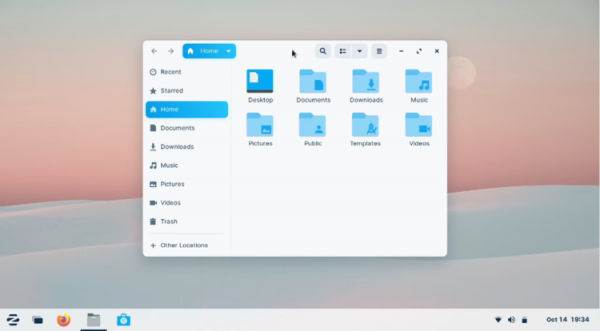
The release of the Zorin OS 16.2 Linux distribution, based on the Ubuntu 20.04 package base, has been presented. The target audience for the distribution is novice users accustomed to working in Windows. To manage the appearance, the distribution offers a special configurator that allows users to give their desktop the look reminiscent of various versions of Windows and macOS. It also includes a selection of applications similar to the ones familiar to Windows users. For smartphone integration, the Zorin Connect application (based on KDE Connect) is provided. In addition to the default Ubuntu repositories, support for installing software from Flathub and Snap Store catalogs has been included. The size of the bootable ISO image is 2.7 GB (four builds are available — the standard based on GNOME, 'Lite' with Xfce, and their variants for educational institutions).
In the new version:
- Updated package versions and user applications, including the release of LibreOffice 7.4. Transition to Linux kernel 5.15 with support for new hardware has been completed. The graphics stack and drivers for Intel, AMD, and NVIDIA chips have been updated. Support for USB4, new wireless adapters, sound cards, and input devices (Xbox One Controller and Apple Magic Mouse) has been added.
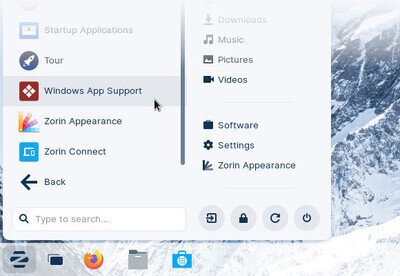
- A Windows App Support handler has been added to the main menu to simplify the installation and searching for programs for the Windows platform. The application database has been expanded to help identify files with Windows program installers and provide recommendations for available alternatives (for instance, when attempting to run installers for Epic Games Store and GOG Galaxy, users will be prompted to install the Heroic Games Launcher compiled for Linux).


Source: opennet.ru
