

The release of Linux Mint 21.1 has been introduced, continuing the development of the branch based on the Ubuntu 22.04 LTS package base. The distribution is fully compatible with Ubuntu but significantly differs in its approach to user interface design and the selection of default applications. The developers of Linux Mint provide a desktop environment that adheres to the classic canons of desktop organization, which is more familiar to users who prefer not to adopt the new GNOME 3 interface methods. DVD builds with MATE 1.26 (2.1 GB), Cinnamon 5.6 (2.1 GB), and Xfce 4.16 (2 GB) are available for download. Linux Mint 21 is classified as a long-term support (LTS) release, with updates planned until 2027.
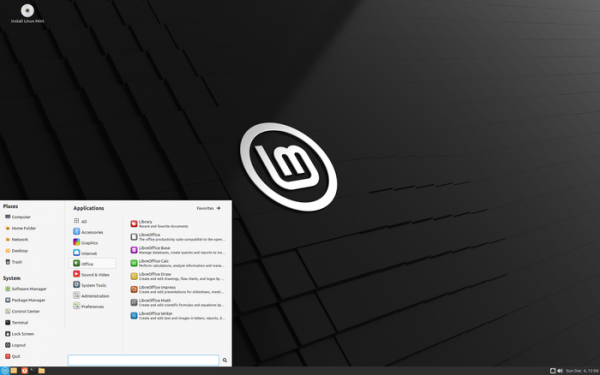
Key changes in Linux Mint 21.1 (MATE, Cinnamon, Xfce):
- Included is the new release of the Cinnamon 5.6 desktop environment, whose design and workflow continue to develop the ideas of GNOME 2 — users are offered a desktop and a panel with a menu, a quick-launch area, a list of open windows, and a system tray with running applets. Cinnamon is based on GTK and GNOME 3 technologies. The project develops the GNOME Shell interface and the Mutter window manager towards providing an environment in the style of GNOME 2 with a more modern design, incorporating elements from GNOME Shell that complement the classic desktop tools. Editions with Xfce and MATE desktops come with Xfce 4.16 and MATE 1.26.

Key changes in Cinnamon 5.6:
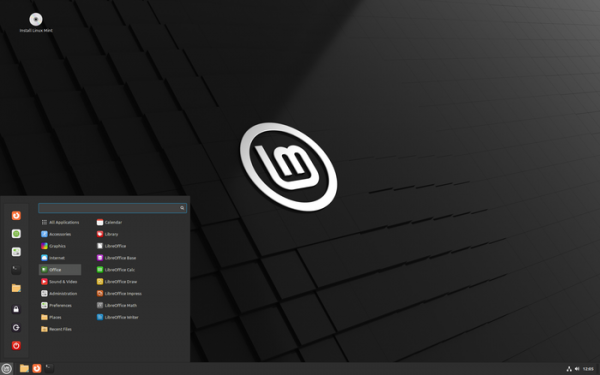
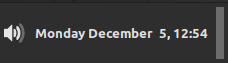
- A Corner bar applet has been added, located on the right side of the panel, which replaces the show-desktop applet, with a separator now placed between the menu call button and the task list.

The new applet allows binding actions to different mouse button clicks, for example, it can display the desktop contents without windows, show desklets, or bring up interfaces to switch between windows and virtual desktops. Its placement in the corner of the screen makes it easier to position the mouse pointer over the applet. The applet also allows for quick placement of files on the desktop, regardless of how many windows are open, as it is sufficient to drag the necessary files into the applet area.

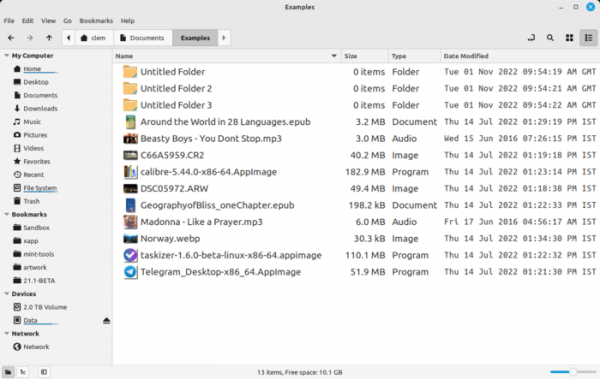
- In the Nemo file manager's list view mode, the name of highlighted files is now the only element that is highlighted, while the icon remains unchanged.

- Icons representing the desktop are now rotated vertically.

- The implementation of the path bar in the Nemo file manager has been enhanced. Clicking on the current path now switches the panel to location input mode, and further navigation through directories returns to the original panel. A monospace font is used to display dates.

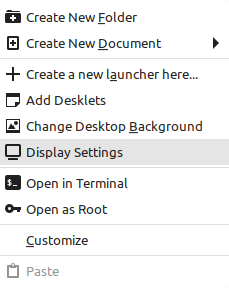
- A new item has been added to the context menu displayed when right-clicking on the desktop to access display settings.

- A search field has been added to the keyboard shortcut settings.
- Favorite applications are now categorized.
- The duration for displaying notifications can now be customized.
- Keyboard shortcuts for managing notifications and power control have been added to the inhibit applet.
- Theme lists have been sorted to separate dark, light, and legacy themes.
- The window placement mode has been reinstated, which was removed during the mutter overhaul in Cinnamon 5.4.
- A Corner bar applet has been added, located on the right side of the panel, which replaces the show-desktop applet, with a separator now placed between the menu call button and the task list.
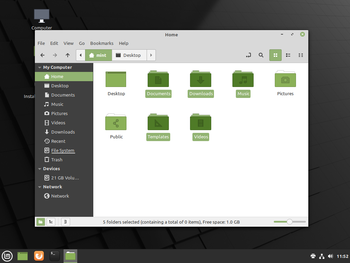
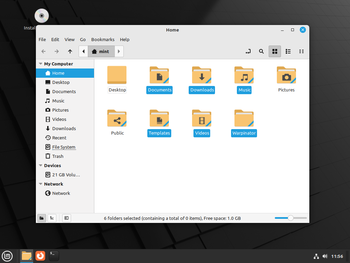
- By default, the icons for 'Home', 'Computer', 'Trash', and 'Network' are hidden on the desktop (they can be restored through settings). The 'Home' icon has been replaced by a button in the panel and a favorites section in the main menu, while the icons for 'Computer', 'Trash', and 'Network' are used infrequently and are quickly accessible via the file manager. Mounted drives, the installation icon, and files located in the ~/Desktop directory are still displayed on the desktop as before.
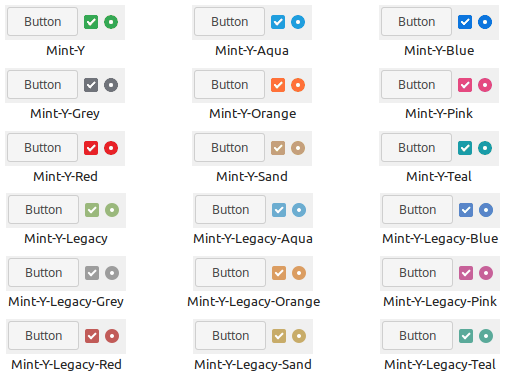
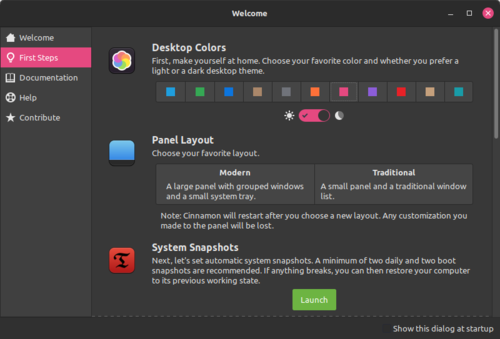
- Additional accent color options have been added to highlight active elements.

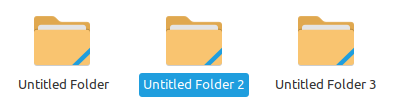
- The use of accent colors in the panel and menu has been discontinued. The color of folder icons has been changed to yellow. By default, blue is used for highlighting instead of green. A separate theme 'Mint-Y-Legacy' has been proposed to revert to the old design (as in Linux Mint 20.2).

- Settings now allow the selection of custom colors for theming.

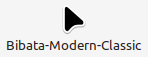
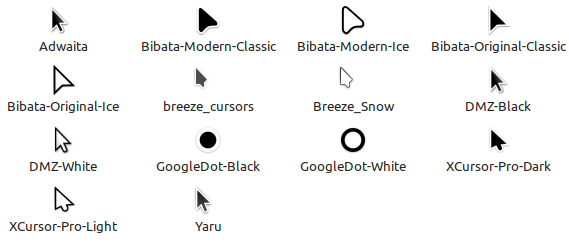
- A new mouse pointer design has been proposed along with a set of alternative pointers.


- The default sound effects set has been changed. New effects are borrowed from the Material Design V2 set.
- Alternative icon themes have been added. In addition to Mint-X, Mint-Y, and Mint Legacy themes, Breeze, Papirus, Numix, and Yaru themes are also available.
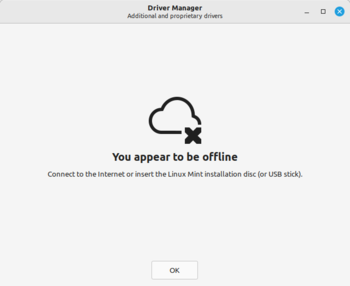
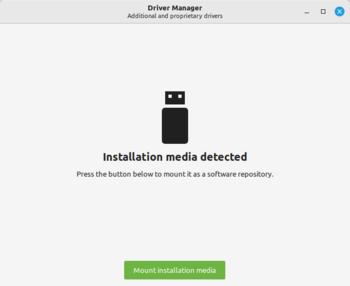
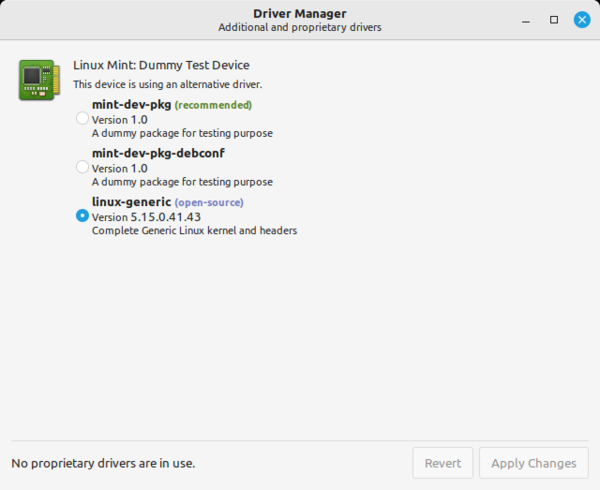
- The device manager has been upgraded to run under a non-privileged user and does not require password entry. The design of the offline mode screen has been modified. The screen displayed when detecting a USB or DVD drive with drivers has also been changed. The installation process for Broadcom wireless adapter drivers has been simplified.

- Correct support for Debconf has been ensured, which is necessary when installing NVIDIA drivers with SecureBoot enabled. Changes have been made to Packagekit to remove packages along with configuration files used by the device manager when uninstalling drivers, resolving issues with NVIDIA drivers when switching from one branch to another.

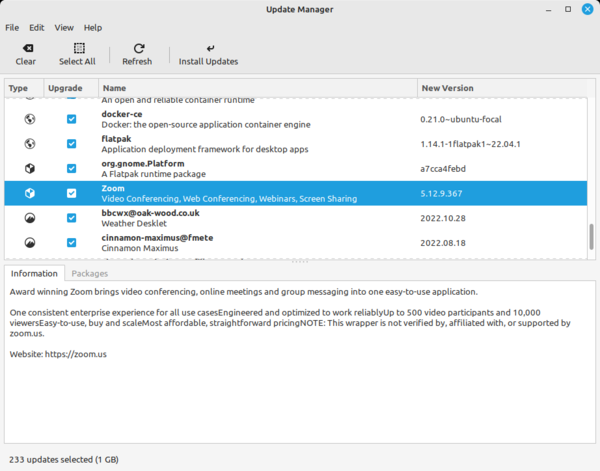
- The update manager now supports packages in Flatpak format and related runtime sets, which can now be updated similarly to regular packages.

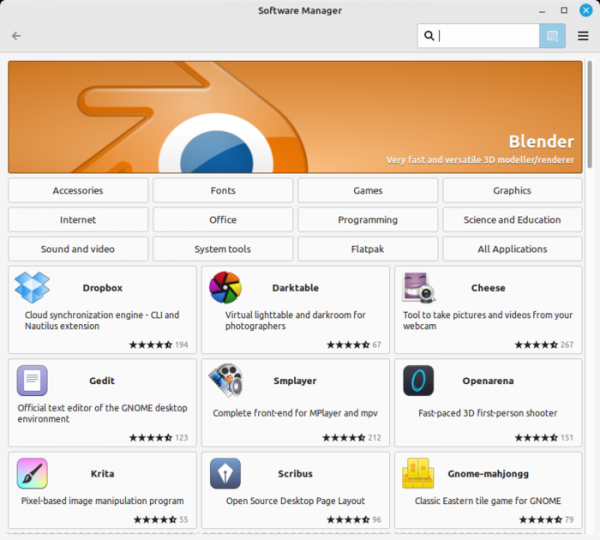
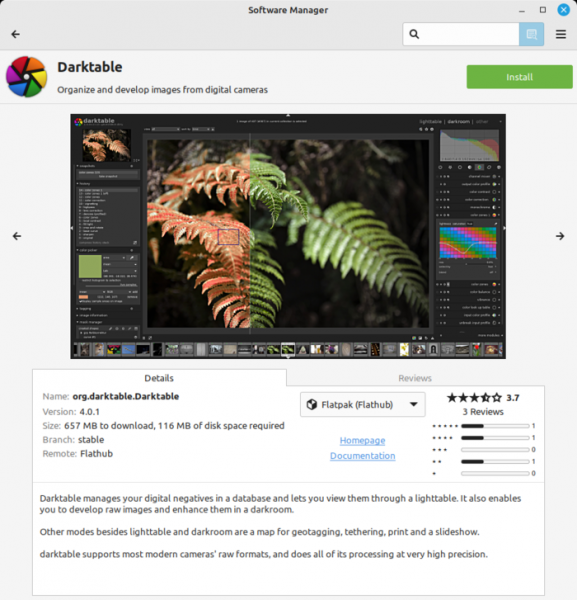
- Changes have been made to the application manager interface to clearly separate Flatpak and system packages. The automatic addition of new packages from the Flathub catalog has been ensured.

The ability to choose a version has been provided when the desired application is available in both the official repository and in Flatpak format.

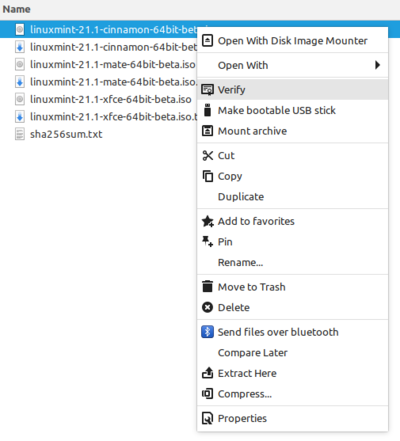
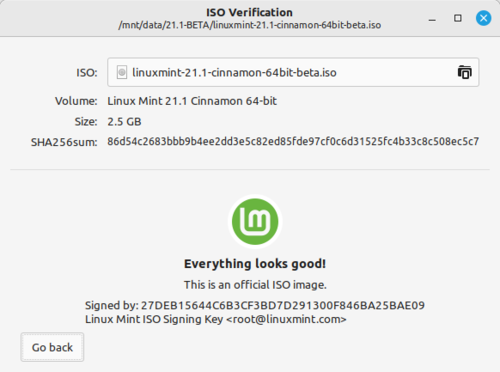
- A tool for checking the integrity of ISO images has been added, which can be invoked through the context menu. For Linux Mint and Ubuntu, GPG files and SHA256 checksums for verification are determined automatically, while for other distributions, manual input of links or file paths is required.


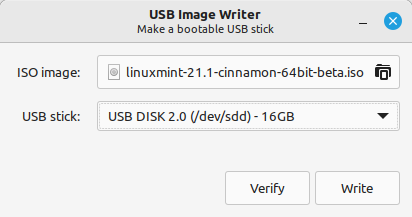
- A button has been added to the ISO image writing utility to initiate integrity verification, which now works for Windows images as well. The interface of the USB drive formatting utilities has been improved.

- The improvement of applications developed under the X-Apps initiative, aimed at unifying the software environment across different desktop editions of Linux Mint, continues. The X-Apps incorporate modern technologies (GTK3 for HiDPI support, gsettings, etc.), while retaining traditional interface elements such as the toolbar and menu. Among these applications are: the text editor Xed, the photo manager Pix, the document viewer Xreader, and the image viewer Xviewer.
- Customization options for the login screen's cursor appearance and size have been introduced.
- The security of Warpinator, the utility for encrypted file sharing between two computers, has been enhanced. It automatically terminates after 60 minutes of inactivity and restricts access to certain settings.
- The web application manager (WebApp Manager) has been expanded, now featuring additional settings for web applications such as navigation bar display, profile isolation, and launching in private browsing mode.
- The code for removing applications from the main menu has been revised — if the current user has sufficient permissions to remove an application, the administrator password is no longer required. For example, applications in the Flatpak format or shortcuts to local applications can be removed without entering a password. Synaptic and the update manager have been transitioned to use pkexec to remember the entered password, allowing the password to be requested only once for multiple operations.
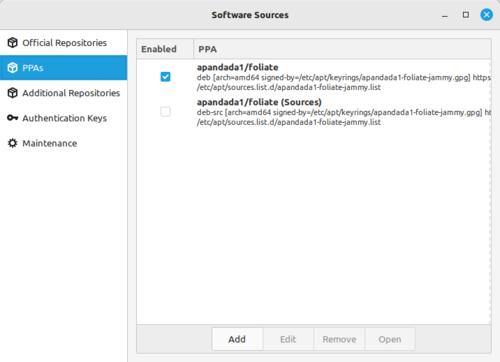
- The package source configuration application has revamped the way keys for PPA repositories are handled, which are now applied only to the specific PPA instead of all package sources.

- Testing of all Linux Mint projects has transitioned from the Circle continuous integration system to GitHub Actions.


Source: opennet.ru

 Russian
 Italian
 German
 Polish
 Estonian
 Albanian
 Bulgarian
 Croatian
 Czech
Czech Danish
 Dutch
Dutch English
 French
 Hungarian
 Latvian
 Norwegian
 Portuguese
 Romanian
 Slovak
 Slovenian
 Spanish
 Swedish