

The release of the Ubuntu 23.04 "Lunar Lobster" distribution has been published, classified as an intermediate release, with updates provided for 9 months (support will last until January 2024). Installation images are available for Ubuntu, Ubuntu Server, Lubuntu, Kubuntu, Ubuntu Mate, Ubuntu Budgie, Ubuntu Studio, Xubuntu, Ubuntu Kylin (the edition for China), Ubuntu Unity, Edubuntu, and Ubuntu Cinnamon.
Key Changes:
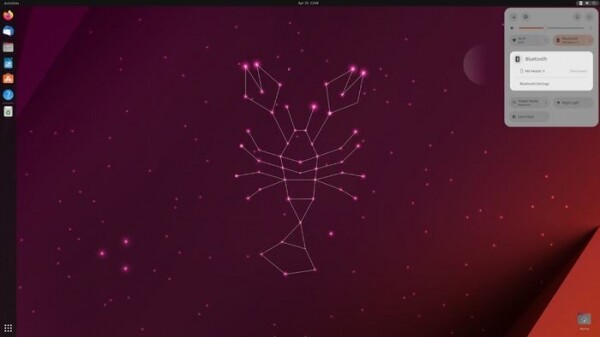
- The desktop has been updated to GNOME 44, continuing the transition of applications to use GTK 4 and the libadwaita library (the GNOME Shell user interface and the Mutter compositing manager have been transitioned to GTK4, among others). The file selection dialog has added a grid view for displaying content. Numerous changes have been made to the configurator. A section for managing Bluetooth has been added to the quick settings menu.

- The Ubuntu Dock panel now displays a notification counter badge on application icons, generated by applications.
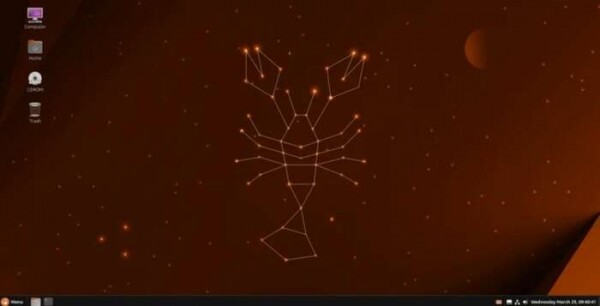
- The official editions of Ubuntu now include the Ubuntu Cinnamon build, offering a Cinnamon desktop environment designed in the classic GNOME 2 style.

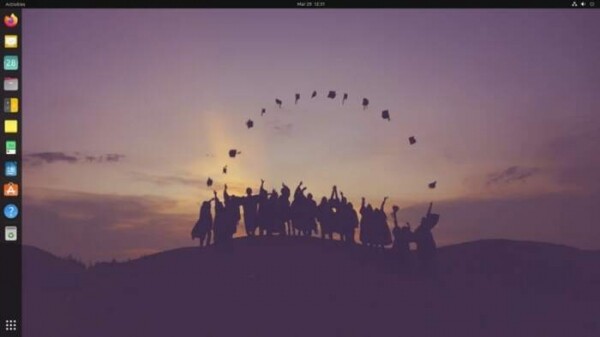
- The official Edubuntu build has returned, providing a selection of educational programs for children of various ages.
- A new minimalist Netboot build has been added, size 143 MB. This build can be used for burning to CD/USB or for dynamic boot via UEFI HTTP. It offers a text menu to select the desired Ubuntu edition, whose installation image will be loaded into memory.
- A new installer is employed by default for installing Ubuntu Desktop, implemented as an overlay on the low-level curtin installer, which is already used in the default installation of Ubuntu Server with Subiquity. The new installer for Ubuntu Desktop is written in Dart and uses the Flutter framework for building the user interface. The design of the new installer is tailored to the modern style of the Ubuntu desktop and aims to provide a unified installation process for the entire range of Ubuntu products. The old installer remains available as an option in case of unforeseen issues.

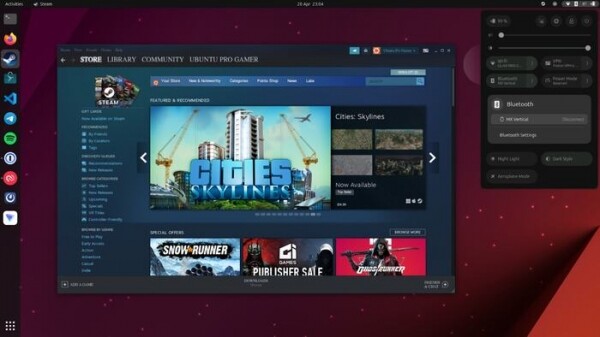
- The snap package with the Steam client has been classified as stable, providing a ready environment for launching games. This setup prevents mixing game dependencies with the main system and ensures a pre-configured up-to-date environment that doesn't require additional setup. The package includes fresh versions of Proton, Wine, and the latest dependency versions necessary for running games (users do not need to perform manual operations, install a set of 32-bit libraries, or connect to PPA repositories with extra Mesa drivers). Games run without access to the system environment, creating an additional layer of protection in case of game and gaming service compromises.
- The package update process for snap packages has been improved. Previously, users received notifications about available updates but had to launch Ubuntu Software, perform command line manipulations, or wait for automatic installations. Now, updates are downloaded in the background and applied immediately after the related application is closed (users can pause the installation of updates if desired).
- A new version of the Subiquity installer is now utilized in Ubuntu Server, allowing server builds to be loaded in live mode and enabling quick installation of Ubuntu Desktop for users. servers.
- In the Netplan system, used for storing network interface settings, a new command 'netplan status' has been added to display the current state of the network. The behavior of matching physical network interfaces has been modified using the 'match.macaddress' parameter, which now checks against the PermanentMACAddress rather than the MACAddress.
- Support for authentication using Azure Active Directory (Azure AD) has been added, allowing users of Microsoft 365 (M365) to connect to Ubuntu using the same login credentials as those used in M365 and Azure.
- Official Ubuntu editions have discontinued support for Flatpak in the base installation and have excluded the Flatpak deb package and packages necessary for working with the Flatpak format from the default desktop environment. Users of previously installed systems that used Flatpak packages will retain the ability to use this format after upgrading to Ubuntu 23.04. Users who did not use Flatpak after the upgrade by default will only have access to the Snap Store and the distribution's standard repositories. To use the Flatpak format, they will need to separately install the support package from the repository (the deb package flatpak) and, if necessary, activate Flathub support.
- The Linux kernel has been updated to version 6.2. Versions of Mesa 22.3.6, systemd 252.5, PulseAudio 16.1, Ruby 3.1, PostgreSQL 15, QEMU 7.2.0, Samba 4.17, CUPS 2.4.2, Firefox 111, LibreOffice 7.5.2, Thunderbird 102.9, VLC 3.0.18, BlueZ 5.66, NetworkManager 1.42, Pipewire 0.3.65, Poppler 22.12, xdg-desktop-portal 1.16, cloud-init 23.1, Docker 20.10.21, Containerd 1.6.12, runc 1.1.4, Dnsmasq 2.89, libvirt 9.0.0, and Open vSwitch 3.1.0 have also been updated.
- Packages for LibreOffice have been generated for the RISC-V architecture.
- AppArmor profiles have been added for the protection of rsyslog and isc-kea.
- The capabilities of the debuginfod.ubuntu.com service have been expanded, allowing users to debug programs included in the distribution without having to install separate debug information packages from the debuginfo repository. With this new service, users can dynamically load debug symbols from external sources during debugging. server In the new version, indexing and processing of source texts from packages have been ensured, allowing users to avoid separately installing source packages via 'apt-get source' (source texts will be transparently loaded by the debugger). Support has been added for debug data for packages from PPA repositories (currently, only ESM PPA (Expanded Security Maintenance) is being indexed).
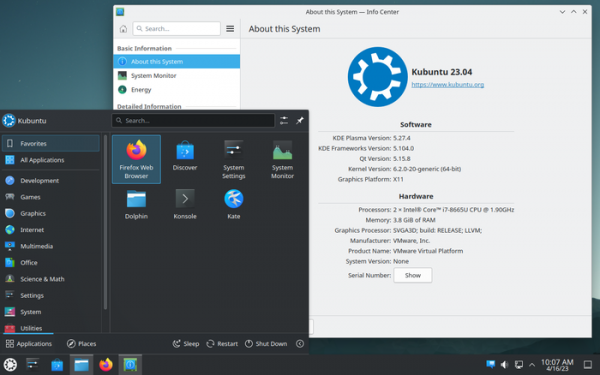
- Kubuntu offers the KDE Plasma 5.27 desktop, KDE Frameworks 5.104 libraries, and KDE Gear 22.12 applications suite. The versions of Krita, Kdevelop, Yakuake, and many other applications have been updated.

- Ubuntu Studio now utilizes the PipeWire multimedia server by default. Updated versions of the following programs: RaySession 0.13.0, Carla 2.5.4, lsp-plugins 1.2.5, Audacity 3.2.4, Ardour 7.3.0, Patchance 1.0.0, Krita 5.1.5, Darktable 4.2.1, digiKam 8.0.0 Beta, OBS Studio 29.0.2, Blender 3.4.1, KDEnlive 22.12.3, Freeshow 0.7.2, OpenLP 3.0.2, Q Light Controller Plus 4.12.6, GIMP 2.10.34, Scribus 1.5.8, Inkscape 1.2.2, MyPaint v2.0.1.
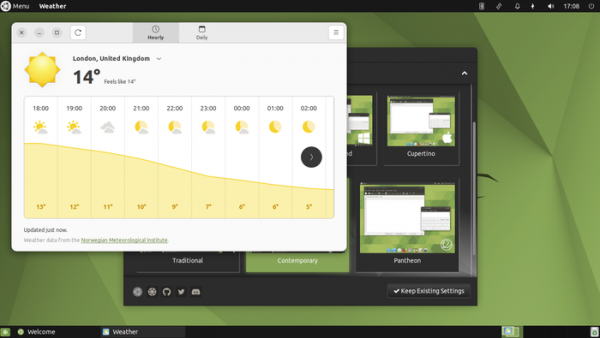
- Ubuntu MATE features the MATE Desktop 1.26.1, and the MATE Panel has been updated to version 1.27, which includes additional patches.

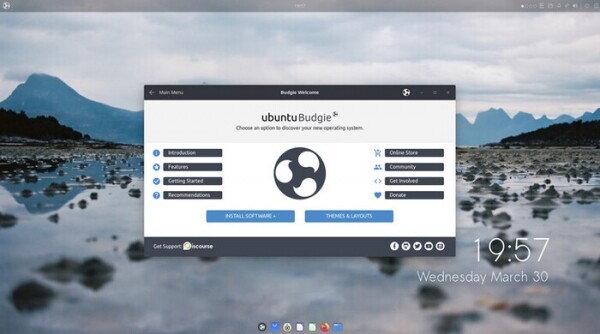
- Ubuntu Budgie includes the Budgie Desktop 10.7. The action execution system has been completely redesigned to allow mouse pointer placement at the corners and edges of the screen. A new mosaic layout management system has been added, allowing windows to be moved to the edges of the screen.

- Lubuntu now offers the LXQt 1.2 desktop environment by default. The installer has been updated to Calamares 3.3 Alpha 2. Instead of a deb package, Firefox is now using a snap.
- In Xubuntu, the Xfce desktop has been updated to version 4.18. The Pipewire multimedia server has been included. Updated versions of Catfish 4.16.4, Exo 4.18.0, Gigolo 0.5.2, Mousepad 0.5.10, Ristretto 0.12.4, Thunar File Manager 4.18.4, Xfce Panel 4.18.2, Xfce Settings 4.18.2, Xfce Task Manager 1.5.5, Atril 1.26.0, Engrampa 1.26.0.
A minimal version of Xubuntu has been added, which occupies 1.8 GB instead of 3 GB. This new build will be useful for those who prefer a different set of applications than those in the default installation — the user can choose and download the desired application set from the repository during the distribution installation.


Source: opennet.ru
