

The Blender Foundation has released the free 3D modeling package Blender 4.0, suitable for various tasks related to 3D modeling, 3D graphics, game development, simulation, rendering, compositing, motion tracking, sculpting, animation creation, and video editing. The code is distributed under the GPL license. Pre-built packages are available for Linux, Windows, and macOS. Support for the Blender 3.3 and 3.6 long-term support (LTS) branches continues, with updates planned until September 2024 and June 2025, respectively.
Among the added improvements:
- A new implementation of the Principled BSDF shader node has been proposed, significantly expanding support for various types of materials and increasing usability flexibility. For instance, the sheen of fabric is now achieved using a new microfiber shader model and sits atop the emission and coating layers, allowing it to be used not only for fluffy fabrics but also to create a dust effect on any materials. The coat layer is now placed above the emission layer, enabling the simulation of a glowing screen behind glass. Subsurface scattering now uses the base color instead of a separate one. The Glossy BSDF and Anisotropic BSDF nodes have been combined into a single Glossy BSDF node with anisotropy control. Support for edge tinting of metallic surfaces has been added.

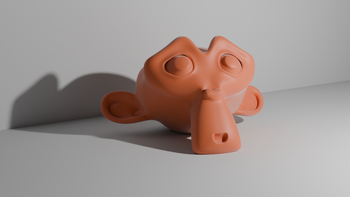
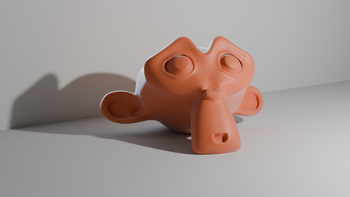
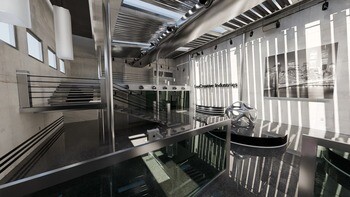
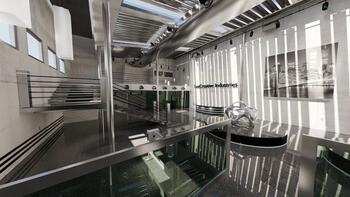
- A new AgX color management mode has been added, which, compared to the Filmic mode, allows for more realistic results in areas with blown-out highlights by approaching bright colors towards white, similar to real cameras.

- In the Voronoi texture node, the ability to add fractal noise has been implemented along with specifying multiple detail layers, as well as three new input types: detail (number of layers for computation), roughness (degree of influence from the upper layers on the result), and lacunarity (scaling factor for each subsequent layer).
- The Cycles rendering system now features light linking, allowing for targeted lighting of specific objects in a scene, as well as shadow linking to define which objects block shadows from lighting. These features provide greater control over illumination, enabling different lighting settings to be tied to various objects and ensuring separate highlighting of characters.
- The Path Guiding rendering method now supports not only diffuse surfaces but also glossy ones. The application of Path Guiding significantly reduces noise levels on glossy surfaces and helps find missing paths to light sources. The loading speed for large polygonal meshes has increased significantly (by 1.76 times).
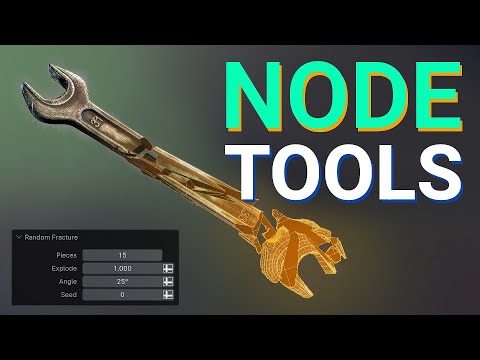
- A new toolset called 'Node tools' has been introduced, which can be utilized to expand Blender's basic functionalities and modify existing tools using geometric nodes instead of Python scripts. New tools based on nodes can be created with the built-in geometry node editor. A series of new features has been added to the geometry node system to implement this new functionality, including the ability to run geometry nodes as standard operators.
Several specific nodes have also been added to provide access to the 3D cursor, selection areas, and visibility management (Face Set). The Repeat Zones node allows users to execute selected nodes a specified number of times to organize loops without duplicating nodes. Eight new nodes have been added to simplify rotation operations.

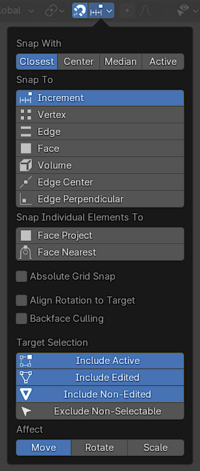
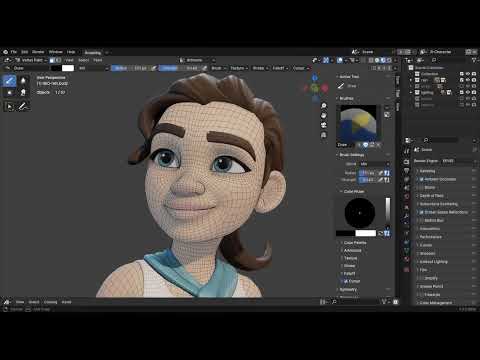
- The modeling interface has seen significant enhancements related to snapping. The snapping dropdown menu has been redesigned. Users can now select a base (initial) snapping point on the fly (by pressing the 'B' key) and navigate by holding the Alt key during object transformations (moving, rotating, and scaling). When hovering over a polygon mesh, its shape will now change based on the type of snapping being used (for example, it takes a square shape for vertices, a circle for faces, and a triangle for midpoints).

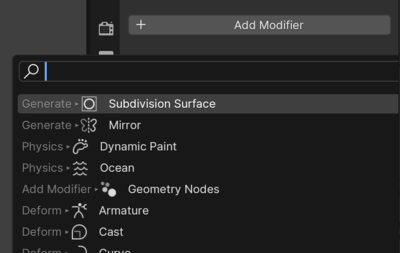
- The user interface now features instant search for elements in the 'Add' menu (objects, meshes, curves, nodes, modifiers, etc.) — just start typing, and results will appear as you input your search phrase. In other menus and submenus, you can access the search by pressing the spacebar (for example, hover over the File menu, press space, type the file format type, and receive links for import and export). Previous search results are displayed before you start typing the search phrase. The modifier addition menu has been significantly redesigned.

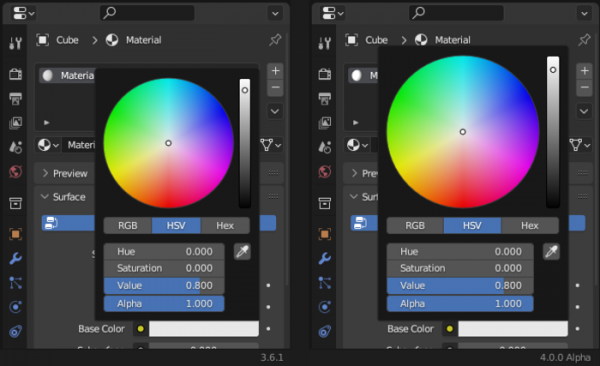
- The color picker dialog size has been increased. In Linux and Windows, the color picker interface can be used to determine the color in the screen area outside the Blender window.

- The font in the user interface has been changed to Inter, providing high-quality rendering regardless of screen size and resolution. Text output ensures proper hinting and subpixel positioning. Settings have been added to enable subpixel smoothing options.

- New keyboard shortcuts and layouts have been added for an environment familiar to users coming from other 3D packages. Hotkeys have been unified across different modes. The Tweak Tool now allows you to move multiple objects at once with the mouse. A shortcut Ctrl + comma has been added for quick access to settings. Renaming tags can now be done with a simple double-click.
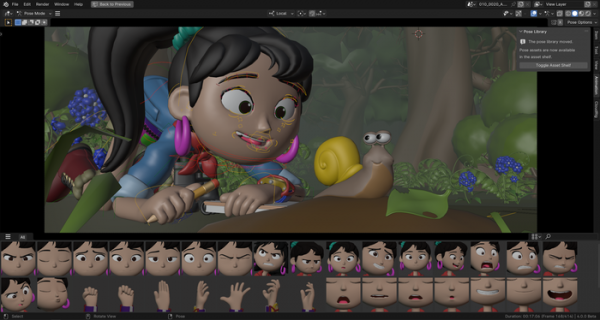
- A collection of joints (Armature Bones) is offered for animation creation tools. The pose library has been transitioned to a new asset system and is now accessible from the 3D viewport. Interactive sliders have been added to the Graph Editor for operations such as Match Slope, Blend To Ease, Blend Offset, Shear Keys, Scale Average, Time Offset, and Push/Pull.

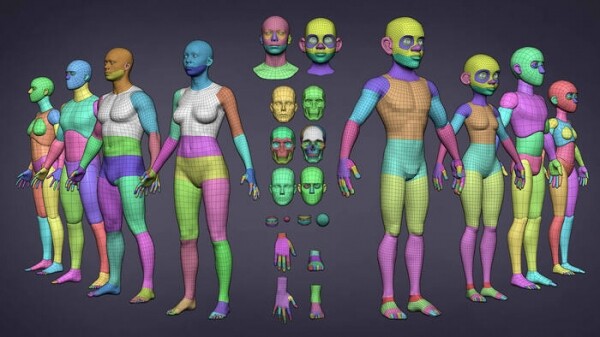
- A new version of the Human Base Meshes set has been proposed, featuring a collection of human body models.
- The Hydra Storm add-on has been introduced, implementing a rendering system based on the OpenUSD platform. The new renderer can be used as an alternative to Cycles, EEVEE, and Workbench. Hydra Storm's capabilities lag behind EEVEE's render, primarily aimed at previewing before export, allowing assessment of how the scene will appear in other systems that support the USD format.
- Compatibility with the CY2023 specification has been ensured, defining the utilities and libraries of the VFX reference platform.



Source: opennet.ru
