On December 9, the developers of the Lubuntu distribution shared some plans for the upcoming release of Lubuntu 24.04 LTS. In this version of the distribution, which is set to be released in April, an additional Wayland session is planned. This session will not be installed by default but will be used as the standard option starting with version 24.10.
The Lubuntu developers also hope to fully switch the distribution to Qt6. The upstream LXQt is also working on supporting Wayland and transitioning from Qt5 to Qt6.
Significant improvements and new features expected in the Lubuntu 24.04 LTS release include:
- new customizable options in the system installer:
- minimal installation ‘barebone’ systems without snapd;
- regular installation with the standard set of applications;
- full installation — the same as the regular one, but with pre-installed additional applications Element, Thunderbird, Krita, and Virtual Machine Manager.
- the option to allow or prohibit the installation of updates during system deployment;
- the ‘Try or Install’ feature, missing since April 18th, is available again;
- when using a Wi-Fi connection, if there is no user present, after some time, it will prompt to re-enter the password — if an incorrect password is entered that is shorter or longer than the correct one, the Wi-Fi connection will be interrupted until the next correct password attempt;
- the developers emphasize that Ubuntu Desktop currently does not have such functionality!
- Bluetooth management — a graphical interface for managing Bluetooth is available in the LXQt menu, allowing you to easily configure your devices (this utility is based on GTK, but by Lubuntu version 26.04 it will be rewritten in Qt);
- SDDM editor — a simple yet fully functional login screen editor is now available from the LXQt menu;
- Redshift — a feature for dimming the screen at night, with the option to activate a blue light filter (there is currently no graphical method for configuring it, but the panel has a context menu for temporarily pausing it);
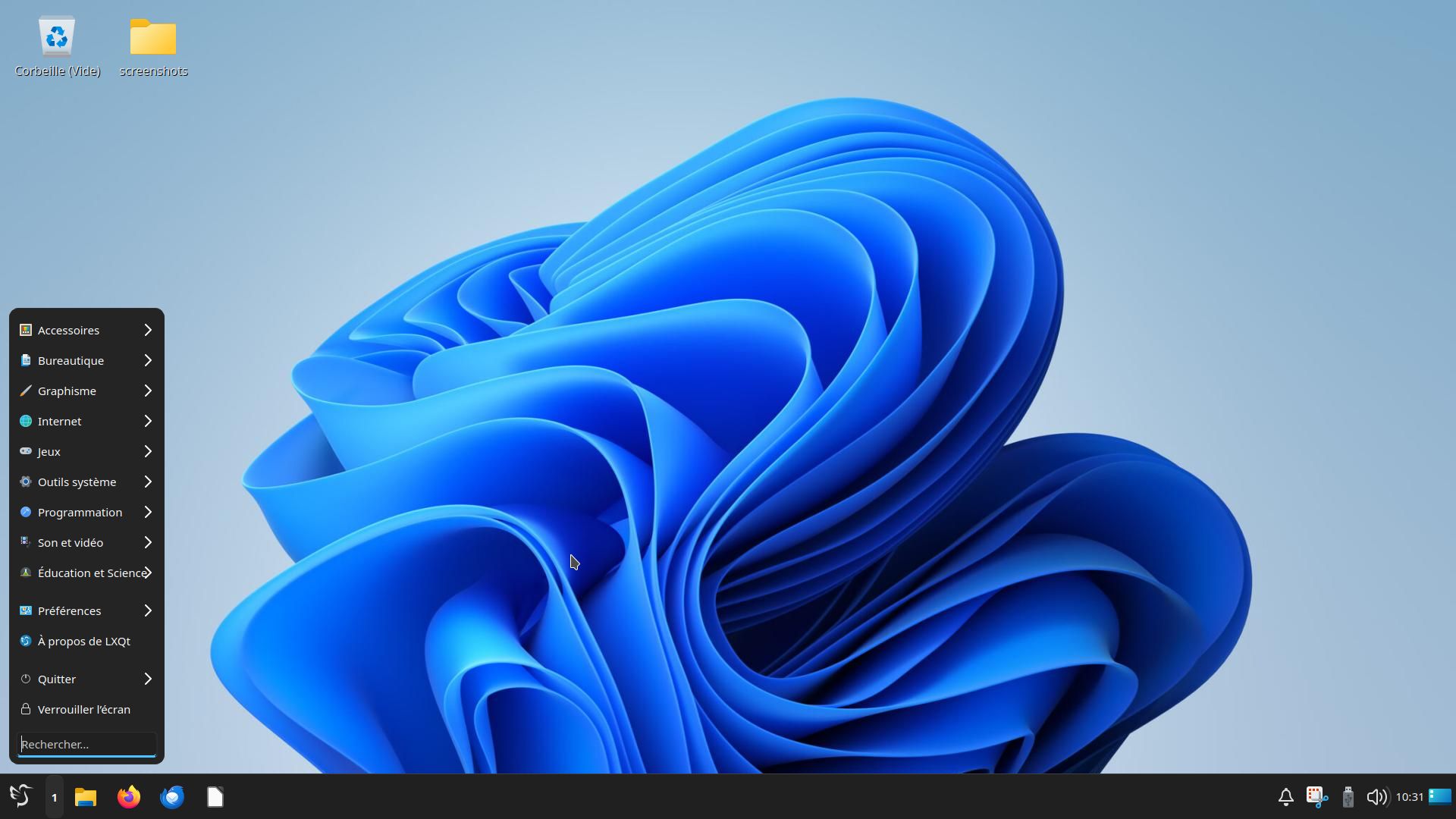
- an update of some standard LXQt themes, including the announcement of the theme Windows Eleven (link to screenshot, as well as link to the GitLab author of the theme);
- continuation of Power Management UX development — simplifying and enhancing the user experience regarding these messages (the ultimate goal is to provide only the information that is truly useful, for example, if a virtual machine is running, it should not alert you about the absence of a battery);
- updated battery icon — instead of a default icon that does not give an accurate indication of the battery percentage (low/medium/high), it now shows the exact energy charge in percentage;
- Lubuntu Manual Icon — updating the icon=);
- appearance of a new icon on the desktop for Calamares.
For reference: Lubuntu is a derivative of the Ubuntu GNU/Linux distribution with low resource consumption. The LXQt environment is used as the desktop environment. The Xubuntu project has similar goals. More details can be found in the Wikipedia article and on the official website the project.
Source: linux.org.ru