

The release of the Linux distribution Zorin OS 17 has been announced, based on the Ubuntu 22.04 package base. The target audience of the distribution is novice users accustomed to working in Windows. To manage the appearance, the distribution offers a special configurator that allows users to customize their desktop to resemble various versions of Windows and macOS, and it includes a set of programs similar to those familiar to Windows users. The size of the bootable ISO image is 3.5 GB.
The desktop is based on GNOME with a set of custom extensions and a panel based on Dash to Panel and Dash to Dock. To integrate the desktop with smartphones, the Zorin Connect application (based on KDE Connect) is provided. In addition to packages in deb format and Ubuntu repositories, support for Flatpak, AppImage, and Snap formats is included by default, allowing for the installation of programs from Flathub and Snap Store.
In the new version:
- Settings affecting performance and responsiveness of the interface have been optimized. Boot times have been reduced, applications open faster, and animation smoothness has been improved. The minimum RAM requirement has been lowered from two to one and a half gigabytes, allowing the distribution to extend the life cycle of outdated hardware.
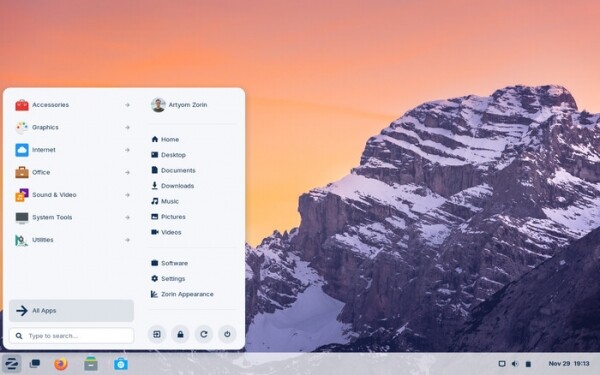
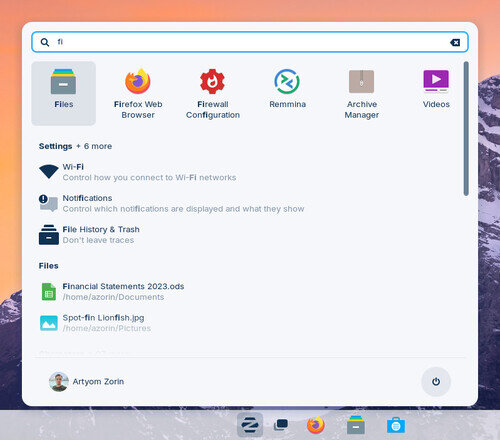
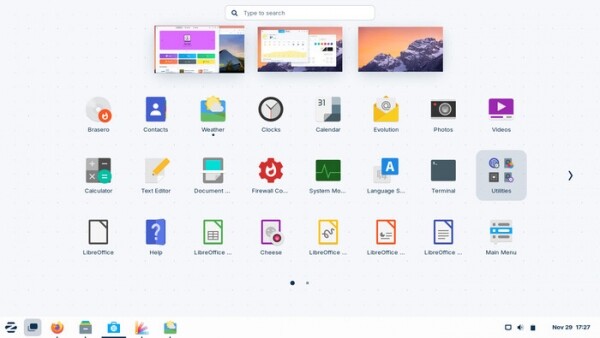
- The system menu has been redesigned and optimized. A universal search interface has been added, allowing users to search for files, applications, settings, calendar events, and address book entries all in one place. Moreover, the search bar can interpret input of mathematical expressions and can be used instead of a calculator. Certain search handlers can be disabled in the settings if desired.

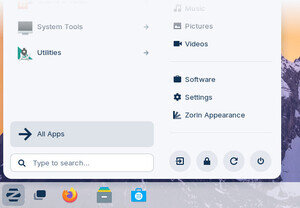
- A new category "All Apps" has been added to the applications menu, providing the ability to display a list of all installed applications at once, sorted in alphabetical order.

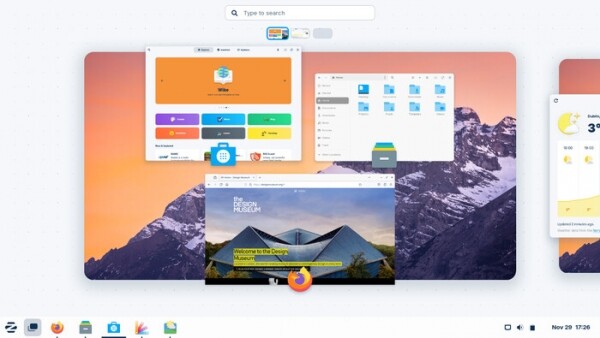
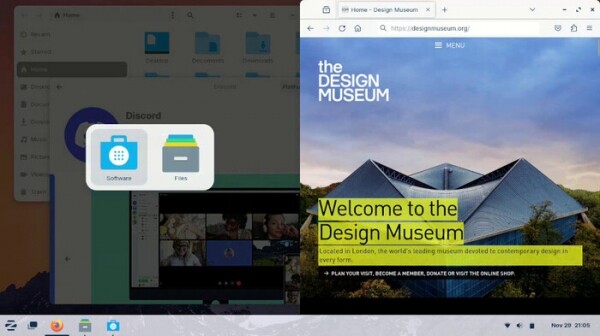
- The capabilities for switching between applications and virtual desktops have been expanded. Desktop previews in overview mode are now displayed in a horizontal strip, which can be scrolled on the touchpad using three-finger swipe gestures or by pressing the Super key.

Double-clicking the Super key now brings up the application grid, from which applications can be launched by dragging their icons with the mouse to the desired location. virtual desktop.
- A spatial mode for switching between virtual desktops has been added, featuring navigation in the form of a three-dimensional cube. A three-dimensional version of the window switching interface via Alt+Tab has also been introduced. These new modes can be enabled in the appearance settings under visual effects.
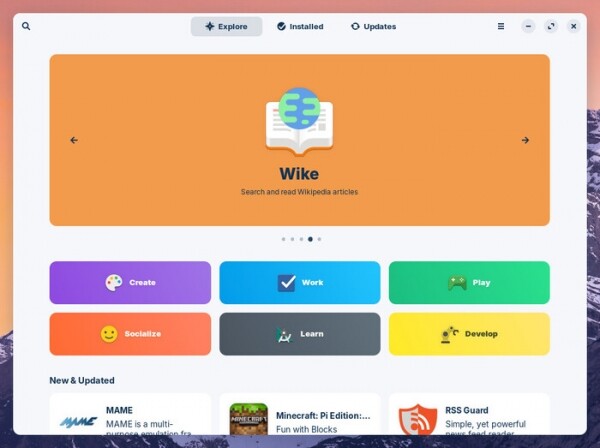
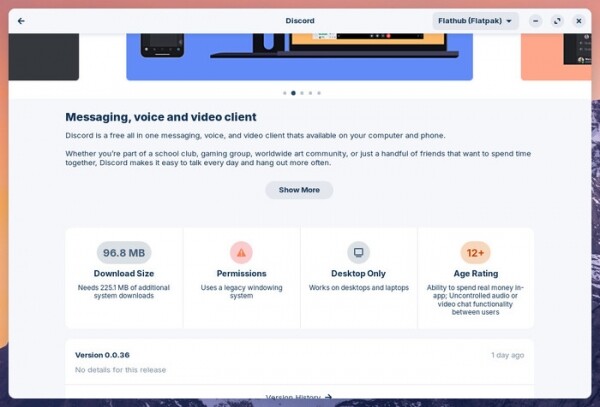
- The application manager's interface has been updated, and performance has been improved (utilizing GNOME Software 45.2), offering a new implementation of the home screen and redesigned detailed application information pages. Access to applications installed via APT, Snap, and Flatpak has been unified in one interface. Zorin OS 17 additionally provides the ability to install software in AppImage and deb formats, as well as exe and msi files for Windows programs.


- New window tiling options have been added, which can be enabled in the interface management section of the configurator, allowing for a layout that divides the screen into 4 parts. In the experimental settings section, you can define your own tiled layout mode and change the control keyboard shortcuts.

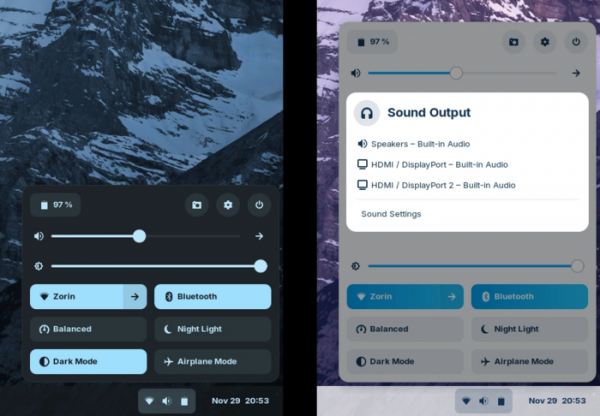
- An indicator with buttons for quickly changing the most frequently used settings and assessing their current status has been added to the panel.

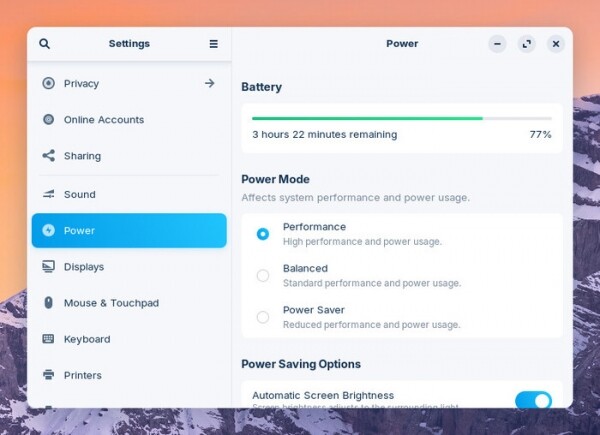
- Power consumption settings now include the option to select a performance profile: energy-saving mode, balanced power consumption mode, and maximum performance mode.

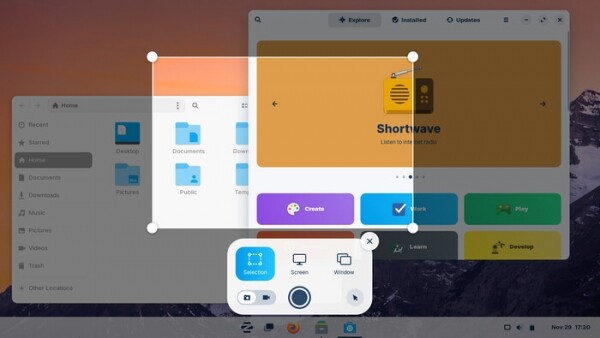
- A new interface for taking screenshots has been added, which integrates with the screencast tool and provides the ability to create a snapshot of a specific screen area or individual window. After pressing the Print Screen key, a dialog appears, allowing you to select the screen area and choose to save either a single snapshot or record a video.
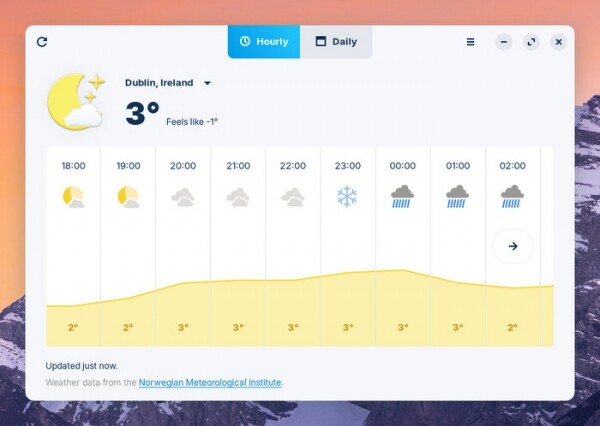
- The design of the weather forecast applet has been modified.

- Improved support for running programs built for Windows. The Wine package has been updated to version 8.0.2.
- In the configurator section 'Settings → Users panel', the ability to access parental control settings has been added.
- The size of on-screen notifications for volume and brightness information has been reduced.

- Support for the RDP protocol has been added to provide remote access to the screen (enabled in Settings → Sharing).
- Many applications have been updated to use GTK 4 and the libadwaita library, which offers ready-made widgets and objects for building applications that comply with the new GNOME HIG (Human Interface Guidelines) and can adaptively fit screens of any size.
- A new project logo has been introduced.

- Package and user application versions have been updated, based on the Ubuntu 22.04 release.


Source: opennet.ru
