

The release of the Xpra 6.0 project has been published, developing a similar tool to screen and tmux for working with graphical applications. Xpra allows launching X11 applications on a local or remote system, detaching a session without terminating program execution, and returning to working with applications after some time or continuing work from another host (you can start working with a program on one machine and continue on another). For example, Xpra allows running a graphical application on an external Linux server and displaying its content on the screen of a current workstation running Linux, Windows, or macOS. The project code is written in Python and distributed under the GPLv2+ license.
Both connecting to existing desktop sessions and creating new sessions for organizing work with graphical Linux programs in Windows and macOS environments are possible. Moreover, Xpra has a built-in HTML5 client that allows connecting to sessions through a browser. In addition to access to windows, Xpra supports many accompanying features of desktops, such as remote audio streaming, printer and webcam passthrough, clipboard access, and synchronization of system tray and notification states. There are built-in functions for transferring and synchronizing files between systems.
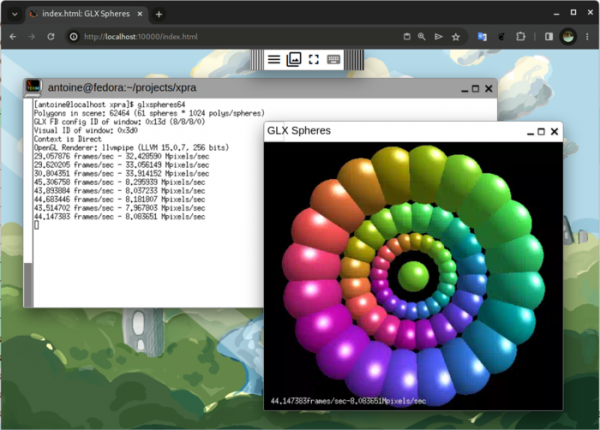
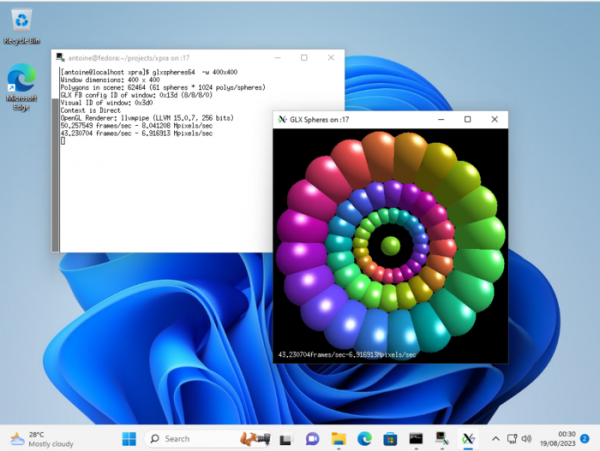
Among the new features introduced in Xpra 6.0 are support for the riscv64 architecture, transitioning to the use of the OpenGL base profile, adding a separate client for GNOME, implementing the 'xpra configure' command for simplifying Gstreamer configuration, speeding up mmap operations, simplifying fast disabling of advanced audio and video streaming capabilities, and adding support. virtual desktops Windows 10.
Additionally, it is worth noting the wprs project, which develops an alternative to Xpra for Wayland-based systems. Wprs allows applications that use Wayland to be run on a local or external system and can resume work on other systems. Through the integration of XWayland, it also provides the capability to launch applications built for X11. To work on a remote system, it is necessary to start the background process wprsd, after which applications can be launched from other computers using the commands 'wprs run', 'wprs detach', and 'wprs attach'. The wprs code is written in Rust and is distributed under the Apache 2.0 license.
The wprsd process includes the implementation of a compositing server Wayland, based on the Smithay library, which performs session serialization of Wayland for transfer to another system instead of rendering to the screen. The session is recreated using the wprsc utility with a Wayland client implementation based on the Smithay Client Toolkit. SSH is used for access authorization and establishing a communication channel. Among the limitations of wprs, only the basic Wayland protocol and XDG shell extensions are supported, which, for example, prevents the use of hardware acceleration for rendering and dmabuf. Event transmission from touch screens/touchpads is also not supported yet, and the capabilities of the Drag&drop interface are limited.
Source: opennet.ru
