

The release of the proprietary browser Vivaldi 6.8 has been announced, developed based on the Chromium engine. Vivaldi builds are prepared for Linux, Windows, and macOS. The changes made to the Chromium codebase are distributed under an open license. The browser interface is written in JavaScript using the React library, Node.js platform, Browserify, and various ready-made NPM modules. The interface implementation is available in the source texts, but under a proprietary license.
The browser is developed by former Opera Presto developers and aims to create a customizable and functional browser that preserves user data privacy. Key features include a tracker and ad blocker, note, history, and bookmark managers, a private browsing mode, synchronization, secured with end-to-end encryption, a tab grouping mode, a sidebar, a configurator with numerous settings, a horizontal tab display mode, as well as a built-in email client, RSS reader, and calendar in beta mode.
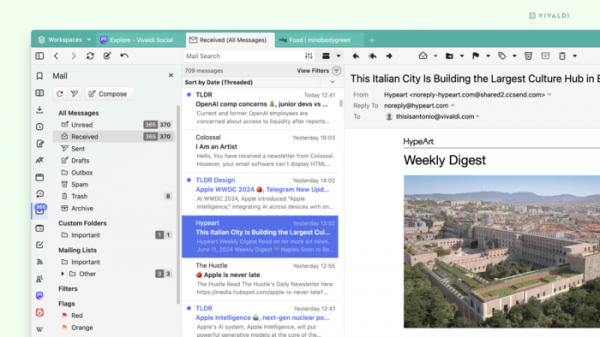
In the new version, the main work has been done on the built-in email client, which has now reached version 2.0. Among the most notable innovations in the email client are:
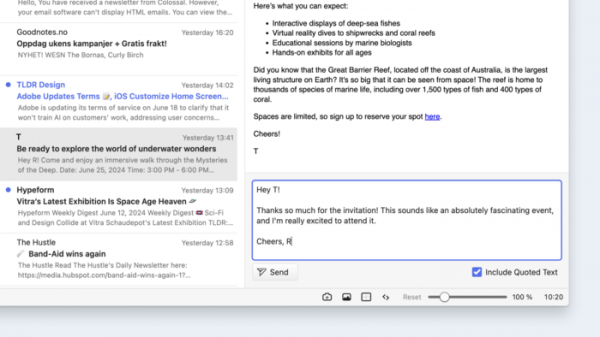
- Email preloading — by default, the email client will now load all messages from the last 30 days and all messages visible in the email preview window, allowing for search capabilities, including within message bodies, as well as enabling email previews. Additionally, thanks to preloading, emails will be available for offline processing. server A quick reply field, which was once implemented in the built-in M2 email client from Opera Presto. This optional feature allows users to reply to emails without switching to the message editor, also providing the capability to quote the original message.

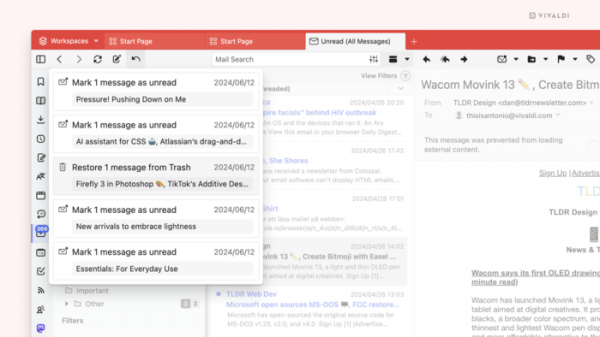
- The ability to undo the last 200 actions related to moving emails to the trash or marking them as read.
- In addition to improvements in the email client, the new version of the Vivaldi browser features other innovations:
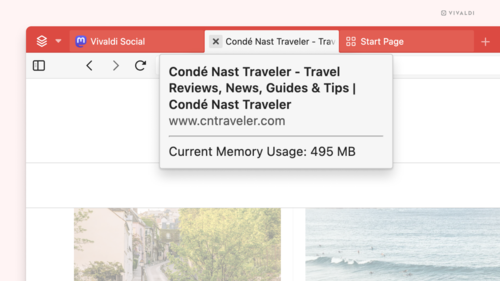
Memory usage indication by tabs — when hovering the mouse cursor over a tab, the memory usage of that tab will be displayed. Unlike other browsers that only show initial memory usage when opening a tab, in Vivaldi this parameter is updated dynamically as the page loads new data.
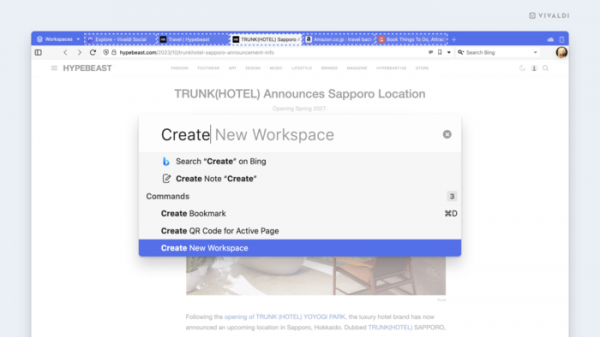
- A quick command for creating a workspace from a set of selected tabs. A keyboard shortcut can also be assigned to this action.

- Быстрая команда для создания рабочего пространства из набора выделенных вкладок. Также для данного действия можно назначить комбинацию клавиш.
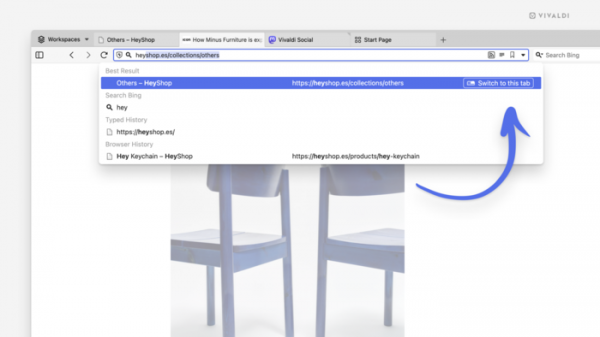
- Tab duplication protection — when entering a webpage address already open in another tab, the user will be prompted to switch to the existing tab to avoid creating duplicates and overloading the tab bar.
- The feature to import extensions from other Chromium-based browsers. Extensions are imported in a disabled state, and the user can activate the necessary extensions through the extensions manager.
- Improved ad blocker functionality (now you can watch YouTube peacefully).
- The list of localizations has been expanded with two new languages — Georgian and Sinhala.
Source: opennet.ru
