

The release of Chrome OS 127 has been announced, based on the Linux kernel, the upstart system manager, the ebuild/portage build toolkit, open components, and the Chrome 127 web browser. The user environment of Chrome OS is limited to the web browser, with web applications used instead of standard programs. However, Chrome OS includes a full multi-window interface, desktop, and taskbar. Display output is handled by the Freon graphics stack (work is underway to transition to using Wayland) and the Aura window manager. The source code is distributed under the open Apache 2.0 license. The Chrome OS 127 build is available for most current models of Chromebook. For use on regular computers, the Chrome OS Flex edition is proposed.
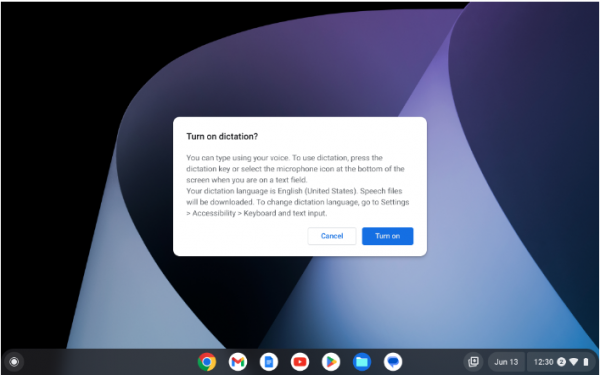
Key changes in Chrome OS 127:
- Support for call management buttons has been implemented for Bluetooth headsets, allowing users to answer, end, or decline calls, as well as turn off the microphone.
- In control panel Video calls now include indicators of DLC (Downloadable Content) status, reflecting features such as noise cancellation, automatically generated subtitles, lighting adjustments, and blurring.
- The document and image viewer (Gallery) has integrated optical character recognition (OCR) capabilities based on machine learning models, enabling text extraction from scanned PDF documents and reading it aloud for visually impaired users via a screen reader.
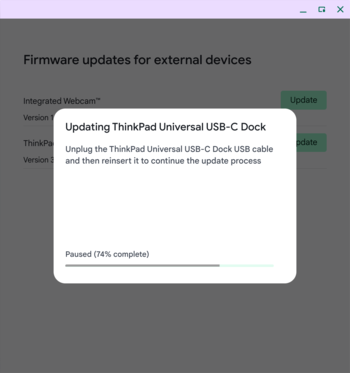
- The firmware update management program has added support for updating firmware for peripheral devices that require user action during the update, such as disconnecting and reconnecting the device. Step-by-step instructions on the actions necessary for the update are now provided for such devices.

- The Reading Mode feature in the Chrome browser, which displays only content while hiding navigation elements on the page, has been enhanced with the ability to read content aloud using a speech synthesizer. It is believed that the option to hear the text being read by the user may help individuals with reading or attention difficulties concentrate better.
- For students using the Google Classroom platform, a button has been added to the main page of Chrome OS to open a panel with a list of assignments, deadlines, and their status.
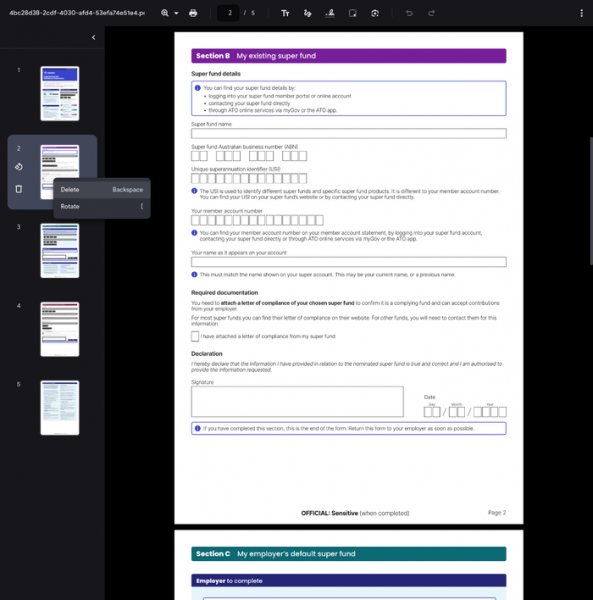
- The PDF viewer has been updated to support deleting and rearranging pages while editing PDF files.

Source: opennet.ru
