

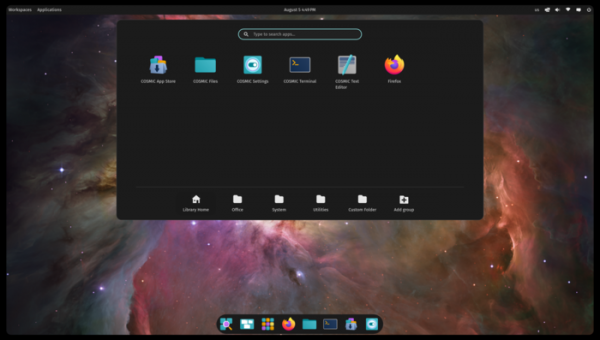
System76, the company developing the Pop!_OS Linux distribution, has begun testing the second alpha version of the COSMIC desktop environment, written in Rust (not to be confused with the old COSMIC, which was based on GNOME Shell). ISO images for systems with NVIDIA GPUs (3 GB) and Intel/AMD (2.5 GB) have been provided for testing, built on the test release of Pop!_OS 24.04. Pre-packaged versions for Fedora, NixOS, Arch Linux, openSUSE, Serpent OS, Redox, and CachyOS are also available.
COSMIC is evolving as a universal project, not tied to a specific distribution and compliant with Freedesktop specifications. The Iced library is used to build the interface in COSMIC, which employs safe types, a modular architecture, and a reactive programming model, offering an architecture familiar to developers experienced with the declarative interface-building language Elm. Several rendering engines are provided, supporting Vulkan, Metal, DX12, OpenGL 2.1+, and OpenGL ES 2.0+. Developers are offered a complete set of widgets, the ability to create asynchronous handlers, and the use of responsive layout for interface elements based on window and screen sizes. The project is also developing a compositor. server cosmic-comp based on Wayland.
Key changes compared to the first alpha version of COSMIC:
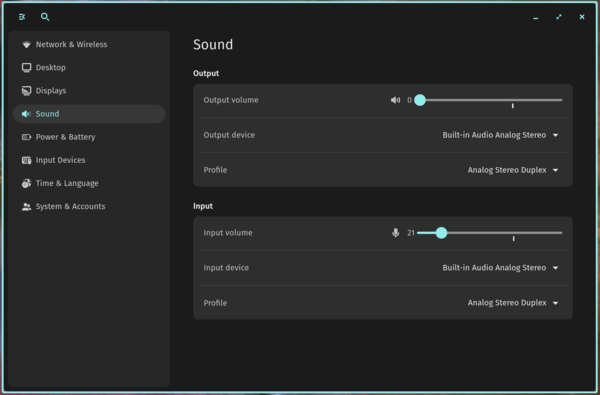
- A module has been added to the configurator for sound settings, allowing users to choose audio devices, adjust volume, and assign profiles to devices such as 'Analog Stereo', 'Digital Stereo', and 'Pro Audio'. Support for Bluetooth audio devices has also been added.

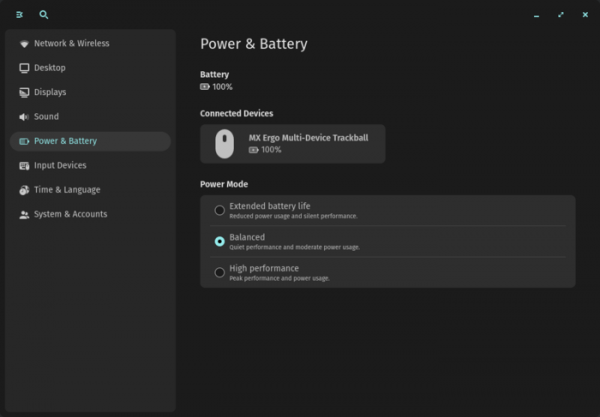
- The configurator now includes a 'Power & Battery' panel, which provides options for selecting power consumption modes: 'Minimum Power Consumption', 'Maximum Performance', and 'Balanced Mode'. The page also displays the charge level not only of the built-in battery but also of connected wireless devices like mice, keyboards, and headphones.

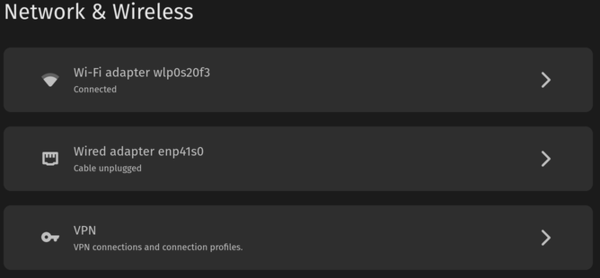
- The configurator has been enhanced with a 'Network & Wireless' panel, providing access to configuration pages for wired, wireless, and VPN connections, as well as displaying connection statuses.

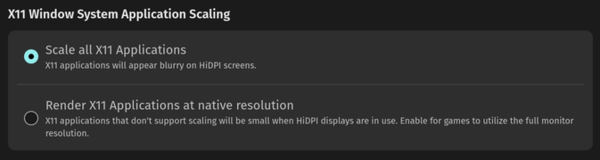
- In the display settings panel, users can choose whether to scale the output of X11 applications. When scaling is enabled, content may appear blurry on high pixel density screens, and when disabled, content may look too small.

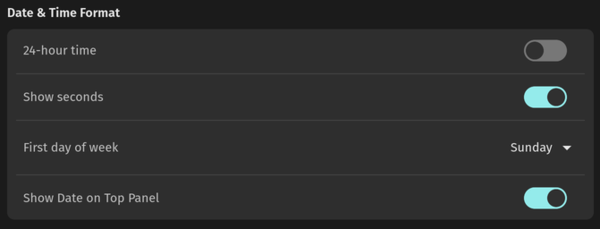
- The date and time settings now feature a toggle to display seconds in the clock applet.

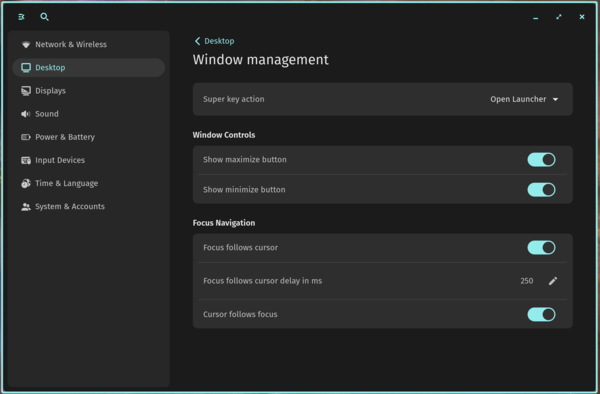
- In the window management settings, modes have been introduced for either the input focus following the mouse cursor (focus is set on the windows currently under the mouse cursor) or the cursor following the input focus (changing focus with a keyboard shortcut or opening a new window moves the cursor to the top left corner of that window). Additionally, a toggle has been added to disable action invocation by pressing the Super key.

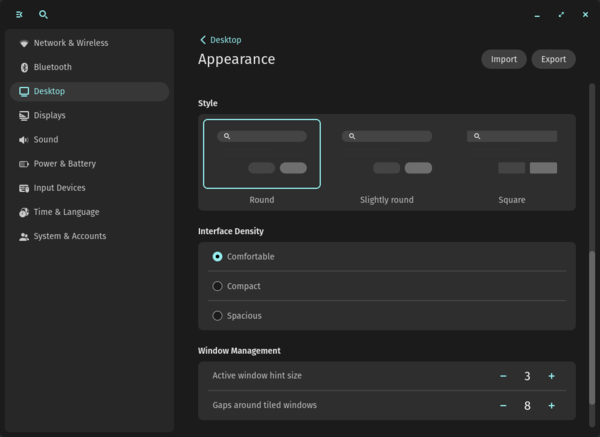
- The appearance settings have been updated to include the option to choose the density of interface elements—comfortable, compact, and spacious. The density mode affects the size of headers, the spacing between items in lists and applets.

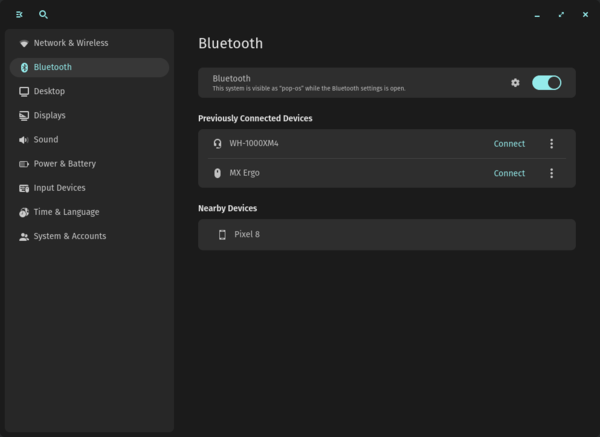
- A new panel with Bluetooth settings has been added to the configurator, allowing users to pair, connect, and disconnect devices.
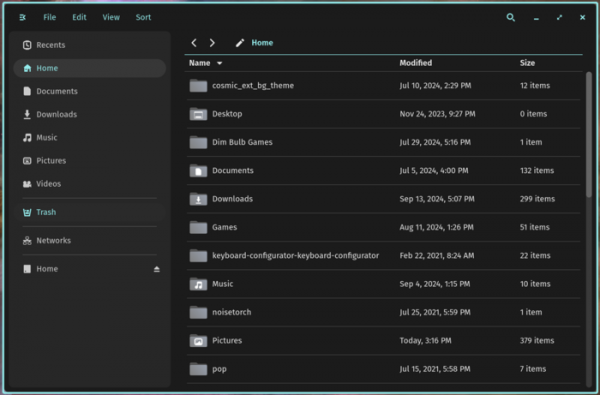
- The file manager's capabilities have been significantly expanded. A search bar, buttons for creating new directories, file display mode toggles (list or grid), and sorting modes have been added to the header. Support for sorting by name, type, modification time, creation time, and size has been introduced. A keyboard shortcut Ctrl+ has been proposed to access the settings. The sidebar now features dividers between the trash bin, network storage, and additional drives.
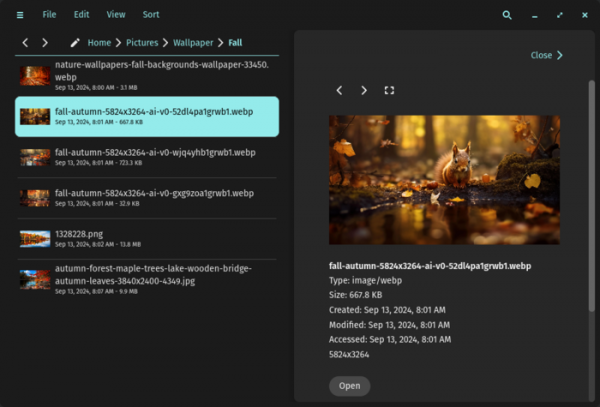
A button for previewing files before opening has been added to the context menu. The sidebar now includes a mode for viewing recently used files with the option to preview them.

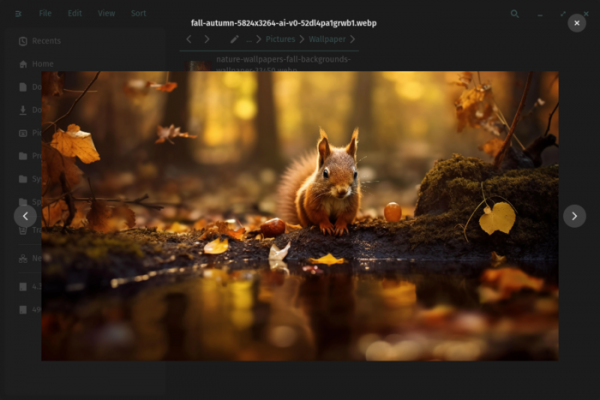
A gallery mode has been introduced, allowing the file manager to function as an image viewer with the capability to sequentially view the contents of a selected directory.

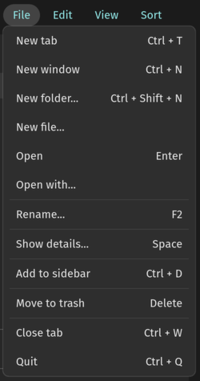
Support for viewing network storage has been implemented. The context menu now includes buttons for compressing files and extracting from archives in .tar, .tbz, .tgz, .txz, and .zip formats. The content of the 'File' menu has been completed.

- The loading speed of the application manager (COSMIC Store) has been significantly improved upon first launch.
- The power management applet has added support for threshold values for charging, which determine at what battery level the device should start or stop charging.
- CPU load has been reduced in the volume control applet.
- The clock applet has been enhanced to update the time after switching time zones and improve the format of displayed time.
- Text rendering has been optimized.
- The reliability of using non-integer scaling values in games launched through the Proton package has been increased.
Source: opennet.ru
