

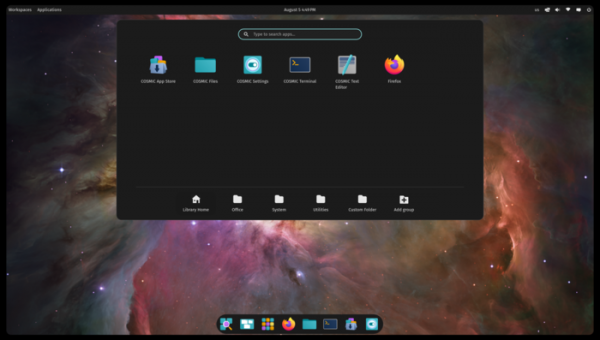
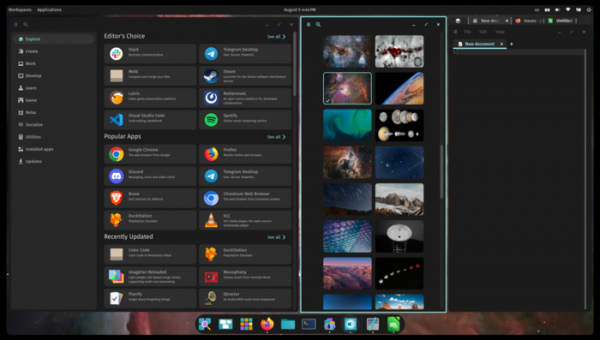
System76, the company behind the Linux distribution Pop!_OS, has released the fifth alpha version of the COSMIC desktop environment, written in Rust (not to be confused with the old COSMIC based on GNOME Shell). ISO images are available for testing featuring the latest version of COSMIC, built on the alpha builds of the upcoming Pop!_OS 24.04 release for systems with NVIDIA (2.9 GB) and Intel/AMD (2.5 GB) GPUs. Ready packages are also being created for Fedora, NixOS, Arch Linux, openSUSE, Serpent OS, Redox, and CachyOS.
COSMIC is evolving as a universal project, not tied to a specific distribution and compliant with Freedesktop specifications. The Iced library is used for building the interface in COSMIC, which employs safe types, a modular architecture, and a reactive programming model, as well as providing an architecture familiar to developers with experience in the declarative interface-building language Elm. Several rendering engines support Vulkan, Metal, DX12, OpenGL 2.1+, and OpenGL ES 2.0+. Developers are provided with a ready-made set of widgets, the ability to create asynchronous handlers, and to use adaptive layouts for interface elements based on the window and screen size.
In addition to using Rust, notable features of COSMIC include hybrid tiled window layout modes and stacked window anchoring (grouping windows like browser tabs), which can be enabled in conjunction with virtual desktops. The project is also developing a compositor server cosmic-comp based on Wayland. The first stable release of COSMIC is scheduled for the first quarter of 2025.
Key changes compared to the fourth alpha version of COSMIC:
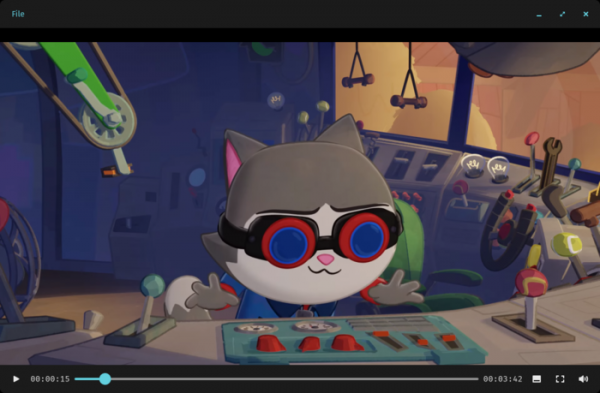
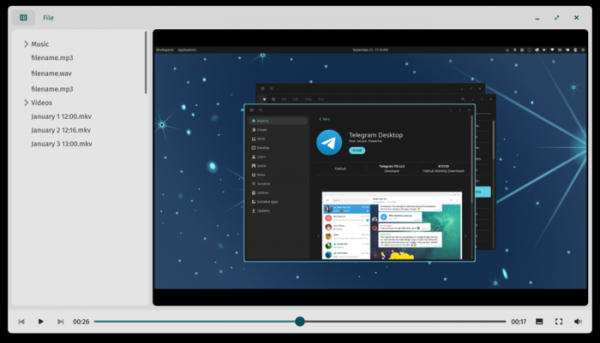
- By default, the COSMIC Media Player is utilized as the multimedia player, which uses the Vulkan graphics API for rendering and VAAPI for video decoding. Additionally, a separate codec installer application is under development, which will eventually replace sessioninstaller.


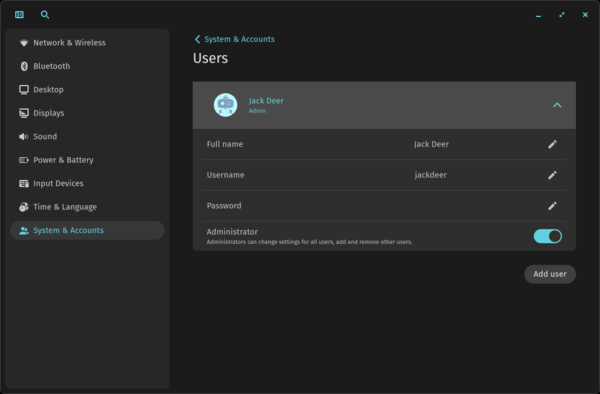
- A user account management page has been added to the configurator, allowing users to modify their account settings. Users with administrative rights can also add new users, change existing user data, and delegate privileged operations to other users.

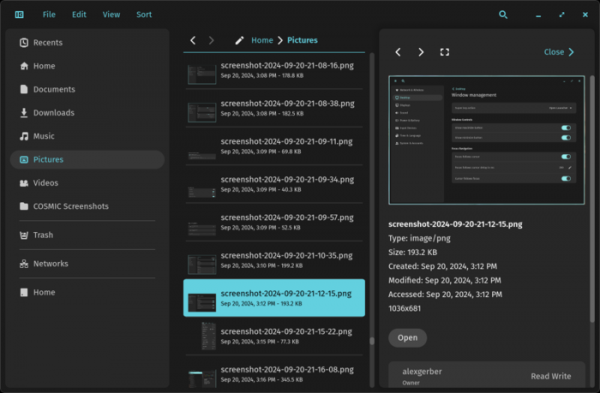
- The ContextDrawer widget has been enhanced to support button placement in the header. For instance, in the file manager's right panel, which provides additional file information through ContextDrawer, buttons ‘’, and ‘[]’ have been added for navigating to the previous and next file, as well as opening the file in a separate application.
- The file manager now allows saving new files in a new directory. Support for renaming files in search results has been added. The context menu shown in the recently opened files section now includes an option to view the directory containing the selected file.
- In the interface for switching between active windows, invoked via Alt+Tab, the order of application windows now corresponds to the user's workflow (the window the user last interacted with will be shown first, and the one not accessed for the longest time will be last). To scroll in reverse order, the Alt + Shift + Tab combination can be used.
- Expanded support for Variable Refresh Rate (VRR), which allows for adaptive monitor refresh rates to ensure smooth gameplay and video playback without tearing. When using VRR, the minimum refresh rate is now taken into account, guaranteeing smooth cursor movement even if an application outputs at a lower rate. This change is particularly noticeable when opening non-gaming applications in full-screen mode.
- Added the ability to open links from the terminal emulator by clicking the left mouse button on the URL.
Source: opennet.ru
