

The openSUSE project developers have introduced the Agama 11 installer, which is being developed to replace the traditional installation interface of SUSE and openSUSE, notably separating the user interface from the internal components of YaST. Agama supports various front-ends, such as a web interface for managing the installation. The code for the installer components is licensed under GPLv2 and is written in Ruby, Rust, and JavaScript/TypeScript.
The new installer can be tested in the alpha release of openSUSE 16 and the upcoming beta release of SUSE Linux Enterprise Server 16. Additionally, separate live builds for testing the new installer have been created for x86_64, ppc64le, s390x, and ARM64 architectures, supporting the installation of the alpha version of openSUSE Leap 16, continuously updated builds of openSUSE Tumbleweed and openSUSE Slowroll, as well as the MicroOS container-based edition.
The goals of the Agama development include eliminating existing limitations of the graphical interface; expanding the functionality of YaST for use in other applications; moving away from a single programming language; and encouraging the creation of alternative configurations by community members.
The installer provides features such as selecting an initial set of applications, configuring network connections, language settings, keyboard layout, time zone, and localization options, preparing storage devices, and partitioning, as well as adding users to the system.
For installing packages, checking hardware, partitioning disks, and other necessary installation functions, Agama continues to use YaST libraries, on top of which are service wrappers that abstract access to the libraries via a unified communication protocol based on HTTP. The installer employs a multiprocess architecture that ensures the user interaction interface remains responsive while other tasks are executed.
The basic interface for managing installations is built using web technologies. The web interface is written in JavaScript using the React framework and PatternFly components. The messaging service, along with a built-in HTTP server, is written in Ruby.
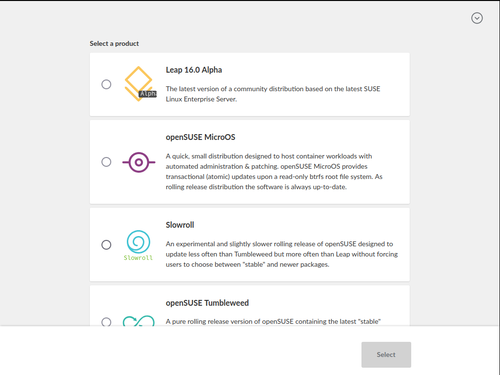
In the new version:
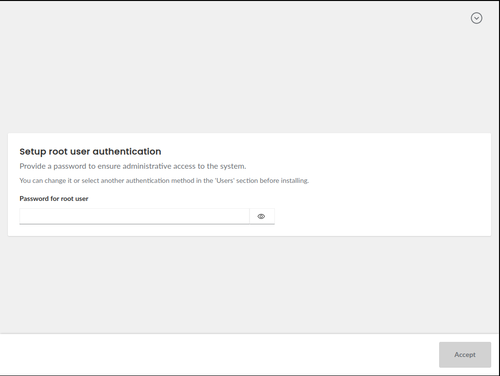
- After selecting the type of operating system, the screen now displays a prompt for entering the root user's password. Previously, the user had to navigate separately to the 'Users' section and then return to the summary screen, but now the root configuration is integrated into the sequence of actions proposed by the installer.

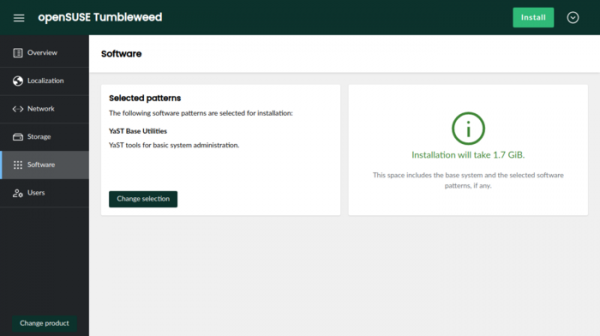
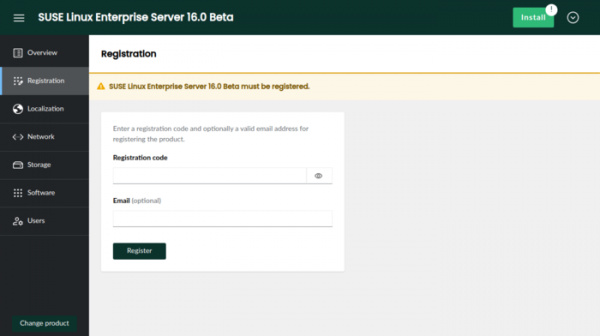
- The main screen displayed after setting the root password has been redesigned. The primary change is the display of the Install button in all sections, allowing users to proceed to installation from any settings section.

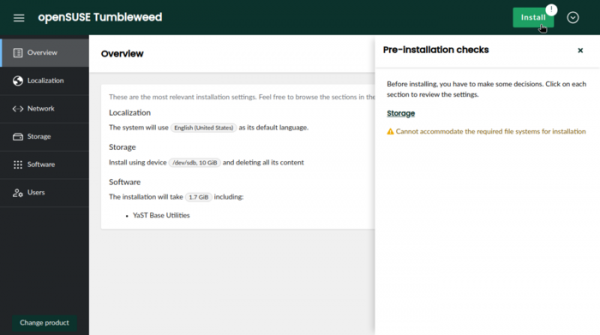
- If certain settings are missing to initiate the installation, a special indicator appears on the Install button, providing hints on the required actions.

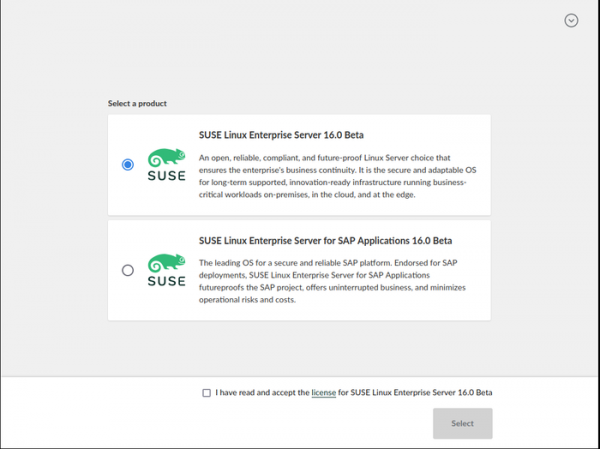
- For the commercial distribution of SUSE Linux Enterprise Server 16, registration steps have been implemented to gain access to repositories and confirm the license agreement.

- In the command-line installation mode, which can be used from scripts or in cases where the web interface cannot be launched, the "--api" option has been implemented, allowing installation management from another computer.
- In the automatic installation mode, support for embedding scripts into the installation configuration has been added. A section called "scripts" is provided to add scripts that run before or after installation, as well as during the first boot of the installed system.
- In the configuration for the automatic installation mode, the capability for automatic generation of physical partitions in the LVM volume group based on the disk specified as the LVM foundation has been introduced. Additionally, support for defining a configuration for unlocking encrypted disks, the decryption information for which is stored in TPMv2, has been added.
Source: opennet.ru
