

System76, the company behind the Linux distribution Pop!_OS, has released the COSMIC desktop environment version 1.0.3 and announced the availability of the previously released update 1.0.2. Packages for COSMIC 1.0.3 are available in the Pop!_OS 24.04 distribution and will soon be available in Fedora, NixOS, Arch Linux, openSUSE, Serpent OS, Redox, and CachyOS.
COSMIC develops as a universal project, independent of any specific distribution and compliant with Freedesktop specifications. The interface in COSMIC is built using the Iced library, which employs safe types, a modular architecture, and a reactive programming model, offering an architecture familiar to developers acquainted with the declarative interface building language Elm. Several rendering engines are provided, supporting Vulkan, Metal, DX12, OpenGL 2.1+, and OpenGL ES 2.0+. Developers are offered a ready-to-use widget set, the ability to create asynchronous handlers, and utilize adaptive layout of interface elements depending on window and screen size.
In addition to using the Rust language, COSMIC features hybrid mosaic window layout modes and stack window docking (grouping windows similar to tabs in a browser), which can be activated in conjunction with virtual desktops. The project is also developing the composite server cosmic-comp based on Wayland.
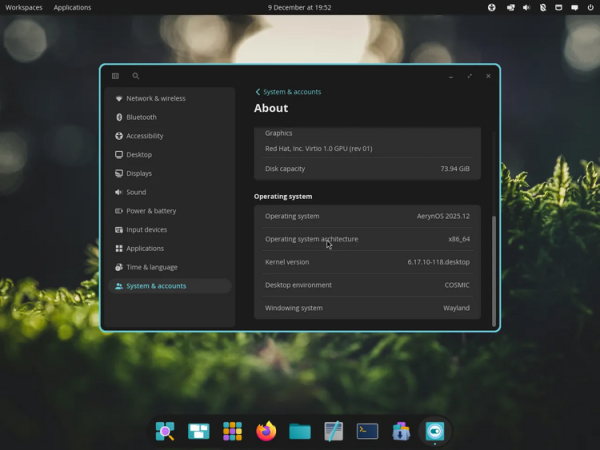
Key changes in releases 1.0.1, 1.0.2, and 1.0.3:
- Support for rounding corners for all windows, not just COSMIC applications, has been realized. Shadows for windows can now be displayed, including in tiled layouts. A section for selecting the appearance of corners and window shadows has been added to the appearance settings: 'Settings > Desktop > Appearance > Window shadow and corners'.
- The composite server implements window activation for X11 clients running through XWayland, allowing indicators in the system tray to switch focus to windows in other virtual desktops. The icon size for X11 applications has been adjusted to the set scaling level.
- The file manager has added the ability to open multiple directories in separate tabs. An option for preserving file creation and modification times when copying has been added. Network paths can now be input in the panel. Path input can be auto-completed by pressing the Tab or Shift-Tab keys. A confirmation dialog for the emptying of the trash has been added.
- In the multimedia player cosmic-player, sound has been muted when displaying thumbnails that correspond to the selected position on the scroll bar.
- The configurator has implemented a quick search activation feature — starting to type on the keyboard brings up the search bar in any section of the configurator. The ability to apply themes in RON (Rusty Object Notation) format through the command line interface has been added. A subsection with options for people with disabilities has been added to the key combination settings page. The Super+Alt+S combination for activating the screen reader has been added. By default, touchpad tap-to-click simulation has been enabled. Support has been added. VPN-for connections requiring two-factor authentication.
- In the terminal emulator, passwords are loaded into memory only when the password management page is opened and are removed from memory when it is closed. Support has been added for selecting content by clicking while holding the Shift key.
- In the initial setup interface (COSMIC Initial Setup), support for systems with multiple monitors has been added and the screen reader has been activated by default.
- The application manager (COSMIC Store) now has an option to clear data from Flatpak applications after they are uninstalled.
- In the switching interface virtual desktops circular scrolling has been implemented when using the mouse wheel, similar to the behavior of the desktop switching applet on the panel. The speed of scrolling through desktop thumbnails has been improved using the touchpad.
- The text editor now supports text selection using the Shift+click combination.
- The screenshot creation program now remembers the selected screen area.
Source: opennet.ru
