

The latest version of the Vivaldi browser introduces an interesting feature — users can choose to automatically hide parts of the interface in the settings, so that only the content of the active web page is visible. Hidden elements reappear when the mouse pointer hovers near the edge of the screen. Similarly, in Windows, the taskbar can be hidden to free up additional space.
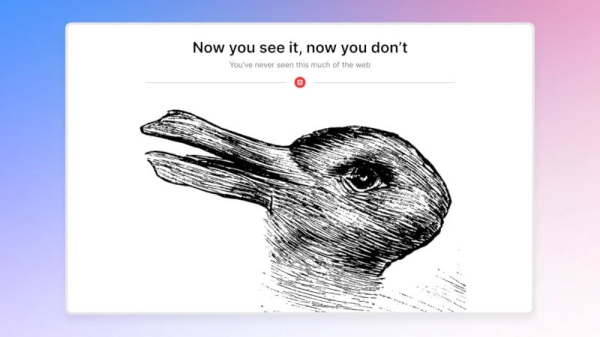
The idea behind this feature is not new, but it has been implemented in browsers for the first time, and it seems quite fitting for PCs. "It works both in fullscreen mode and in a maximized/normal window," one of the Vivaldi developers commented to the resource. The RegisterIn the browser settings, there is an option to hide only specific interface elements or restrict the functionality to fullscreen mode only. "This feature is designed to give our users the maximum space to operate without losing the control elements they need," the Vivaldi team added.
There are, however, some security aspects to consider. When other interface elements are hidden, the address bar also disappears, meaning it is not always clear which site is being loaded. There may still be a scroll bar, but that depends on the site. This is perhaps the most convenient and noticeable feature of the updated Vivaldi 7.9, and it may not appeal to everyone. On the other hand, the developers do not impose it on users — it can be easily turned on and off in the settings. "As always, we release a product without AI. No tracking. No nonsense. Just web, edge to edge. Or from Vivaldi to Vivaldi," the developers boasted.
Another notable feature is the ability to open links as paired tabs. When opening a link in this mode, the second page will appear in the same tab on the second half of the screen next to the first. With each click on the first half of the screen, the corresponding page will open on the second. Finally, the option to open the email editor of the built-in mail client in a separate window has been added, along with a range of other settings.
Source:
Source: 3dnews.ru
