

The Deepin developers have released a new version of their distribution. The main changes involve improvements to the built-in AI agent, overall performance enhancement, and bug and vulnerability fixes.
Key features of the release
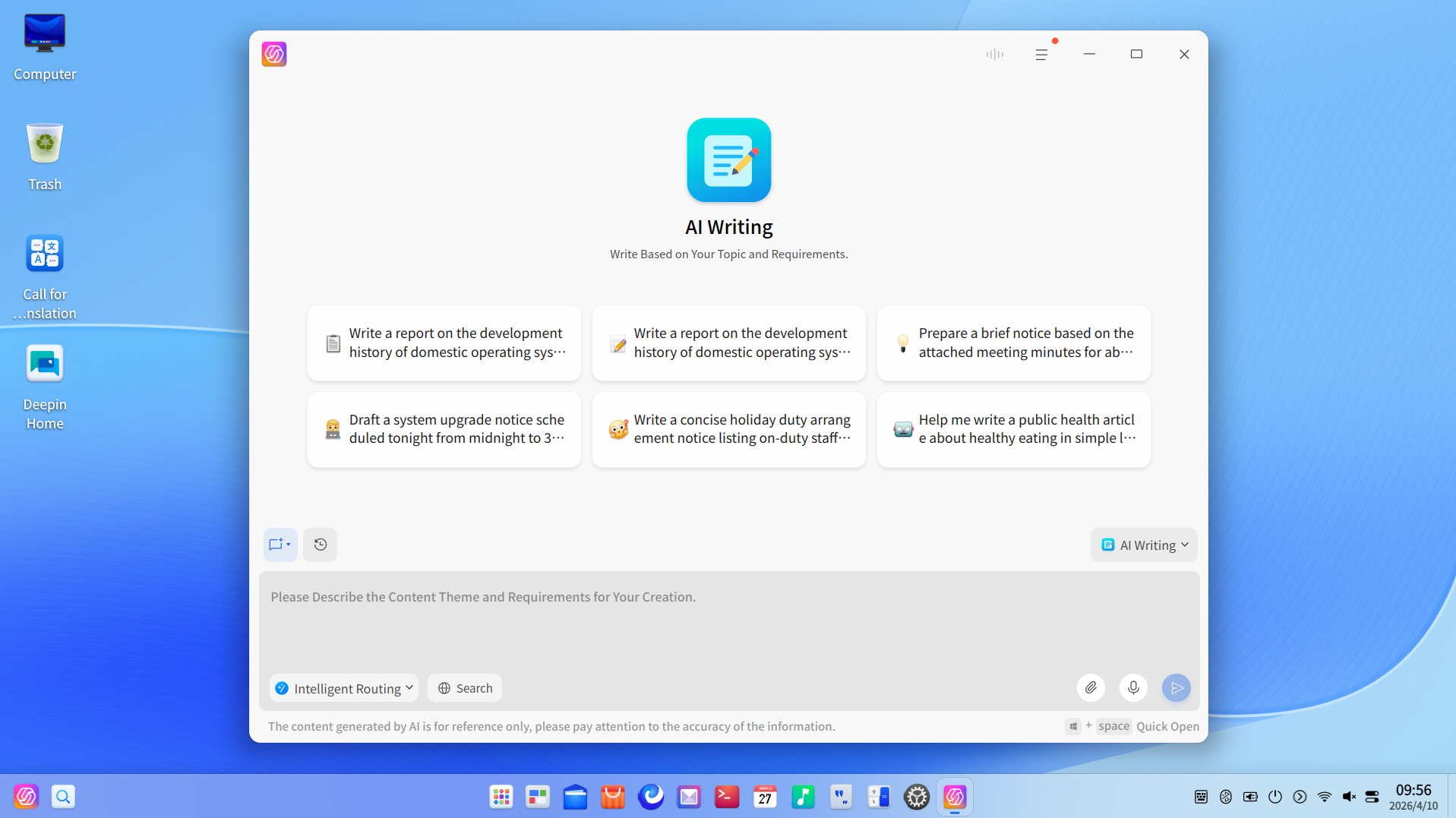
Major update for UOS AI. The text generation agent has been completely redesigned: it now supports generation using the 'outline first' scheme, along with source tracing. A system mode has been added Claw Mode, enabling automatic control of the computer with natural language commands. The Skills Center, which turns the AI into a full-fledged productivity tool, has been opened.
Kernel updated to 6.18. The memory and file system management logic has been redesigned, significantly increasing read, write, and boot speeds. The BORE, scheduler has been implemented, enhancing desktop fluidity and multitasking. Support for new hardware capabilities, including Intel APX, has been added, expanding compatibility with both new and older devices.
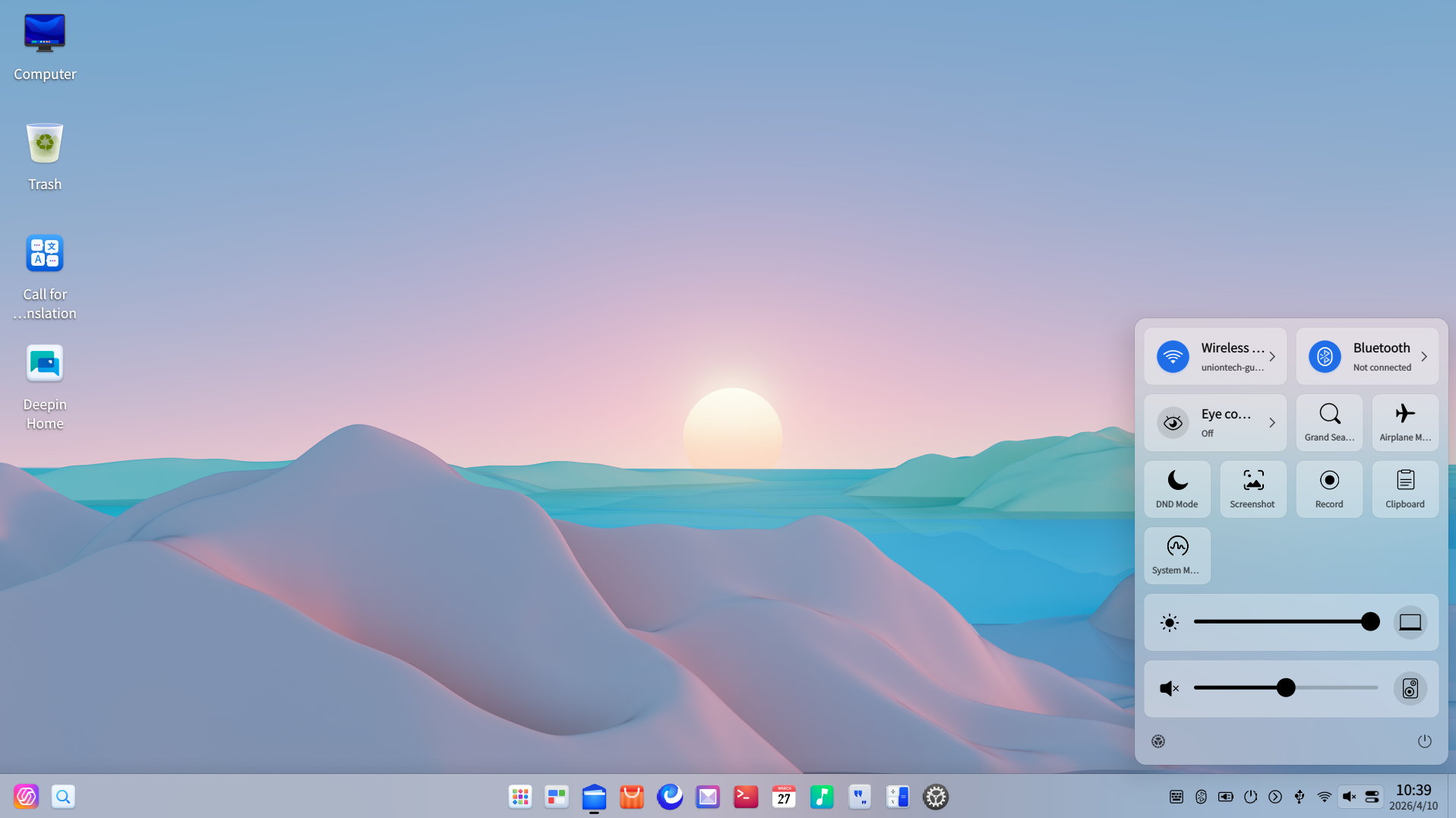
Further refinements to the desktop environment. Separate display of application icons on the taskbar has been implemented, mouse pointer size can be adjusted in the Control Center, and optimizations for multi-monitor configurations have been made.
File manager updates. The ability to pin top tabs and drag objects between windows has been added. The sidebar now supports image preview scaling through dragging; visual grouping of items has been revamped for clearer navigation.
Enhanced security and stability. Several high-risk vulnerabilities have been fixed, numerous security updates based on CVE have been integrated, and the system update mechanism and kernel stability have been improved, enhancing the reliability of the Solid Immutable System.
Recommended use cases
This update is aimed at expanding functionality and fixing bugs. A clean installation is recommended for the following user categories:
- users who are installing Deepin 25 for the first time on new devices and want to get the latest features and all the latest security fixes right away;
- For Deepin 25 users who haven't updated their system for a while or want to try out the new AI capabilities, you can quickly switch to the latest release using the new image.
If your current system is functioning properly and has been regularly updated, you can upgrade to version 25.1.0 without reinstalling — through the path Control Center → System Update.
Detailed update content
Comprehensive development of UOS AI capabilities
1. The AI assistant for text writing has been completely redesigned
Deep data feeding and generation via a plan. Support for loading local reference materials. First, the AI creates a logical structure for the text, after which the user can manually adjust the plan before generating the main content. This should eliminate the 'black box' effect when creating texts.
Built-in editor and export to multiple formats. The generated text can be edited directly within the AI interface and then exported to PDF, Word or Markdown with a single click.
Linking to trusted sources. All key arguments come with source indications, and data provenance checks are available with one click.
Privacy protection. Generation on local or private models is supported. With internet search disabled, all data remains within the device.
2. The system mode Claw Mode has been launched
Control your PC with a single phrase. The AI can automatically perform system tasks — opening applications, changing settings, and batch processing files — based on commands in natural language.
Deep integration with messaging services. At the interface level, integration with popular applications such as Lark, DingTalk and QQ. After authorization, the AI can perform complex cross-platform operations on behalf of the user, including collecting information and summarizing documents.
The Skills Center is now open. The system comes with a set of pre-installed skills, supports importing and creating custom Skills with one click, and is compatible with the ecosystem of OpenClaw, allowing unlimited expansion of AI capabilities.
3. AI Sidebar and intelligent task routing
Cross-Application Floating Tool. Users can select text in any program, on a webpage, or in a PDF and summon the AI sidebar for translation, summarization, explanations, and other operations.
Intelligent distribution across models. Models integrated by default DeepSeek 3.2 and GLM 4.7; the system dynamically selects the optimal model based on task complexity, balancing speed and depth of processing.
The kernel has been updated to version 6.18
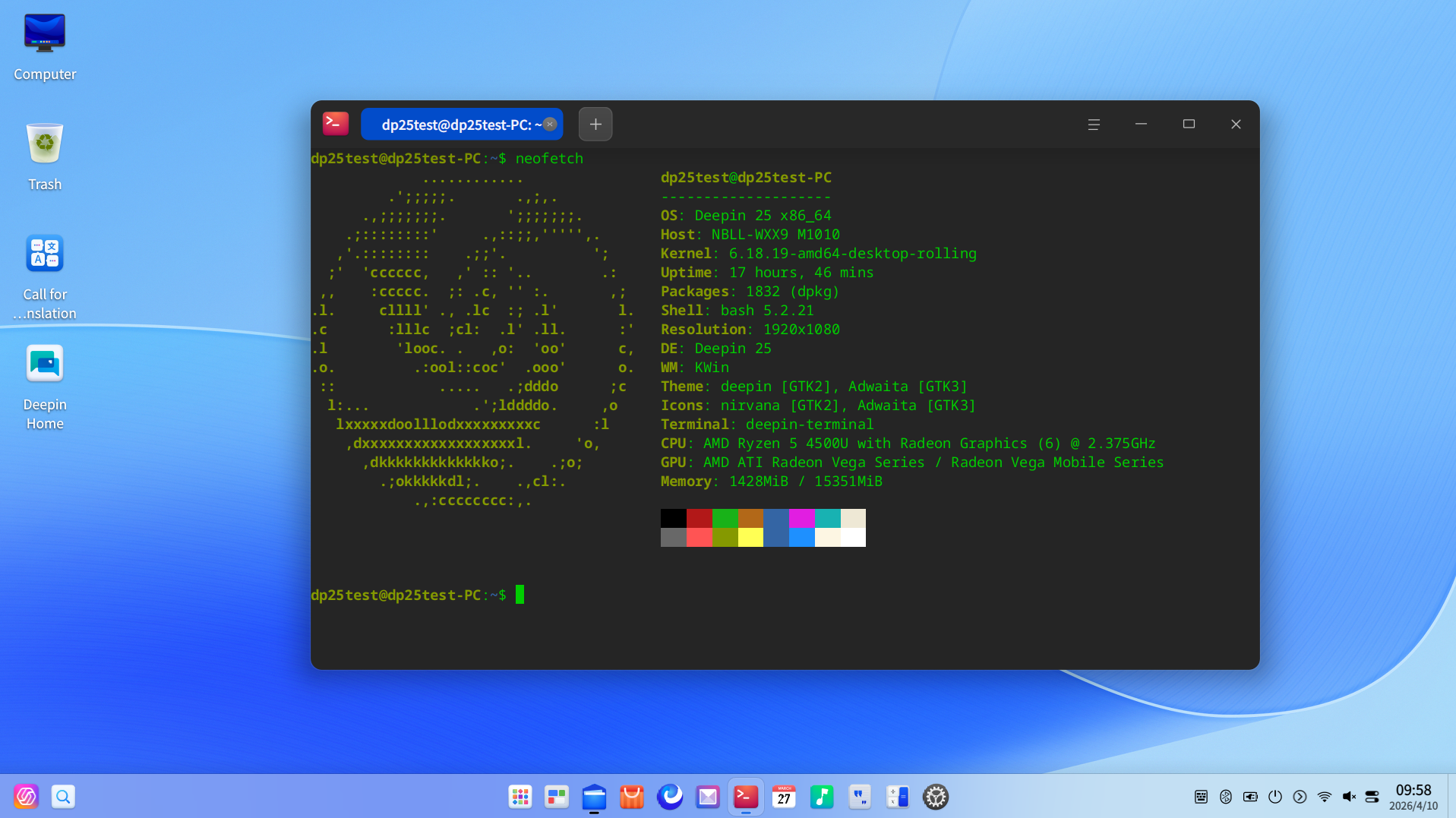
deepin 25.1 received a major kernel update: the advanced branch of the system transitioned from version 6.12 to 6.18, incorporating the main features of six major Linux releases. According to the developers, this update maintains broad hardware compatibility while introducing significant changes in task scheduling and memory management.
Memory management has been restructured. A new memory allocation mechanism has been implemented Slub, effectively creating a dedicated cache for the system kernel. This reduces overhead and delays in memory allocation and deallocation. Additionally, the new infrastructure Swap Table significantly enhances swap performance and improves multitasking efficiency.
File systems and I/O speeds have been accelerated. Deep optimizations Ext4 and XFS improve performance in typical scenarios, including sequential reading and writing of large files, thereby speeding up application loading and data transfer.
Performance and smoothness have been enhanced. The scheduler has been integrated BORE from CachyOS, which is expected to significantly increase the responsiveness of the desktop and gaming applications, as well as make multitasking smoother even under high load.
Expanded hardware compatibility. The kernel includes a large volume of functionalities and patches for hardware accumulated over six major versions. Support for new hardware features has been added, including Intel APX, which should simplify the transition to the new kernel for graphics adapters, network cards, and peripherals of various generations.
DDE and file handling optimization
1. Desktop Environment (DDE)
- The taskbar now supports separate display of application icons if multiple windows of the same program are opened. This feature can be enabled in the Control Center.
- A mouse pointer size setting has been added to the Control Center.
- Fixed anomalies in extended desktop mode on multiple monitors: it now handles cases more accurately when the item Multiple Displays did not disappear immediately after disconnecting the external monitor, wallpapers were not displayed on the second screen, or the system did not allow switching to the lock screen.
2. File Manager
- Supports pinning tabs through the context menu, allowing essential directories to be readily available; drag-and-drop between windows has also been implemented.
- In image preview, the sidebar now supports zooming by dragging.
- Visual effects for grouping files have been redesigned for a cleaner and more comfortable perception.
Application and component updates
Mail: added a function for printing emails; the issue with duplicating starred messages when using the POP3.
protocol has been resolved. Multimedia (Cinema/Music): audio stuttering, noise, and high CPU usage during playback through Bluetooth headsets in the.
A2DP
- profile have been fixed. IPv6 App Store:
- resolved download failures in environments with
and partial installation errors for some applications; optimized the display of tag collection pages, update interface, and comment pages. Terminal:fixed log output anomalies, issues with the tab drag style in scaling scenarios
DTK , and animation jerks when closing windows in multi-window mode.
UOS AI:
- corrected loading errors of the main interface, incorrect operation of the knowledge base in Q&A mode, and the unavailability of certain features on some architectures. NVIDIA Linyaps Environment: 580.119.02the proprietary driver
- for Linyaps has been synchronously updated to version 25.0.10, which eliminates, among other things, the issue of transparent rendering in Cinema and Mail applications;
for users updating from version
, if the NVIDIA driver is not updated simultaneously in Linyaps, applications in this environment will prompt the need to update the Linyaps graphics driver.
- Enhancing security and stability
- 1. Kernel fixes and vulnerability remediation A number of security vulnerabilities in the kernel have been eliminated, which should improve the system's overall security level. A fresh cumulative security update package has been integrated, closing several in system components.
2. System updates and optimization
- Fixed issues where a fully occupied partition BOOT prevented updates, and slow update checks in the Control Center have been eliminated.
- For Solid Immutable System Optimized disk space usage during system updates and snapshot recovery; notifications for unexpected power shutdowns during updates have also been improved.
Known issues yet to be resolved
Developers report that they are aware of several issues in the current build that do not interfere with normal operation and are already being addressed:
- on first login with a new account on laptops with HiDPI the scaling factor is not fully responsive: the interface shows 100%, whereas the actual default value is 125%; after logging in, the state normalizes;
- in the Control Center, the current first-level menu item continues to display a blue focus frame when navigating through the first-level menu or working in the right part of the interface;
- in the Thorium Terminal the terminal window title is displayed in white;
- in a dual-screen configuration, after connecting or disconnecting an additional display, logging out, and later waking up the system, the Launcher may appear on the second screen.
These issues are already included in the fix plan, and the developers ask for reports of other found errors through community forums and other feedback channels. Every feedback helps make Deepin better.
Special thanks: acknowledgment of the contributions of participants
The release of deepin 25.1, as noted by the developers, was made possible by the support of the entire open source community. Since the release of deepin 25, the project has received substantial feedback and code contributions from developers and users worldwide.
At the time of the release's publication, according to the project, over 2 200 bug reports, 150 000 commits, and 37 500 pull requests have been received. Deepin emphasizes that it is the community's contribution that ensures the further evolution of the system.
Related materials
- deepin 25.1.0 Image Download
- deepin Full Version Images (including deepin V15)
- Official announcement (eng.)
Source: linux.org.ru
