

The release of the proprietary browser Vivaldi 8.0 has taken place, developed on the basis of the Chromium engine by former developers of the Opera Presto engine. Builds of Vivaldi are prepared for Linux, Windows, and macOS. The changes made to the Chromium codebase are distributed under an open license. The browser interface is written in JavaScript using the React library, Node.js platform, Browserify, and various ready-made NPM modules. The implementation of the interface is available in the source texts, but under a proprietary license.
The project aims to create a customizable and functional browser that maintains user data privacy. Key features include a tracker and ad blocker, note managers, history and bookmarks, private browsing mode, synchronization secured with end-to-end encryption, tab grouping mode, a sidebar, a configurator with many settings, horizontal tab display mode, as well as an integrated email client, RSS reader, and calendar.
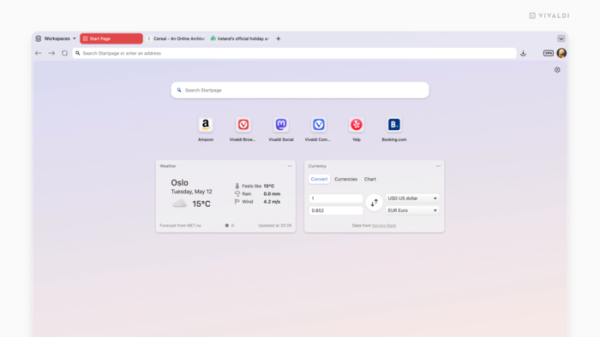
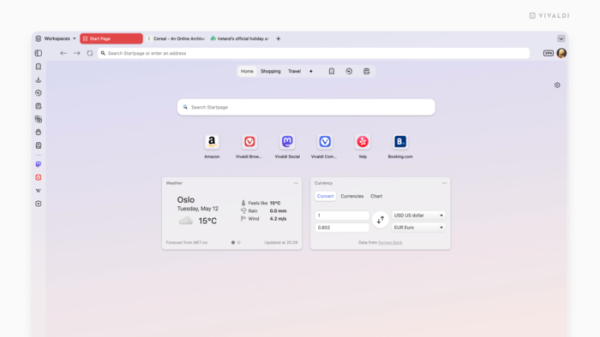
The new version has completely unified the browser interface— all toolbars are now in a single visual plane, covering the entire browser without splitting into frames.
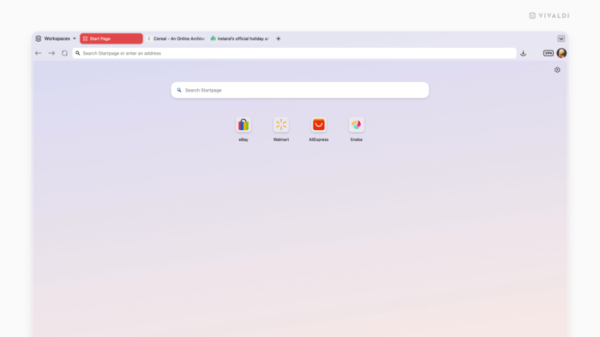
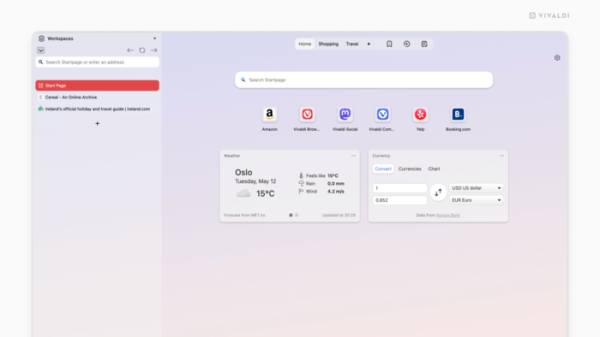
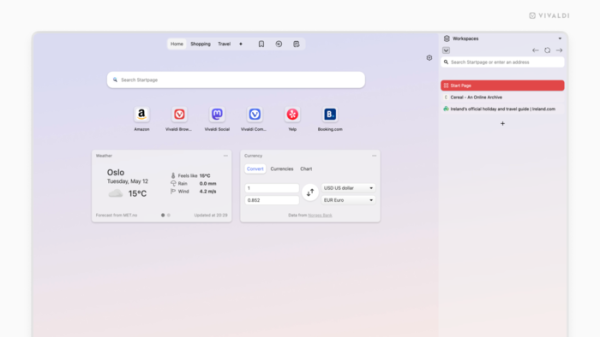
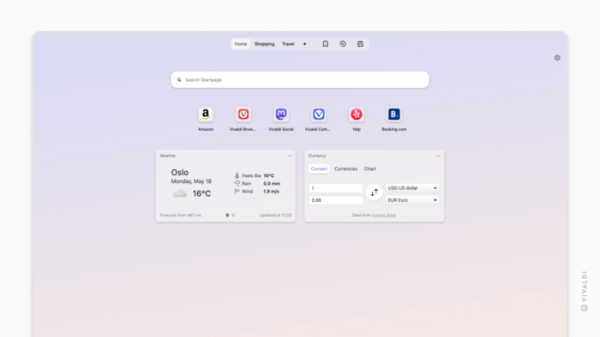
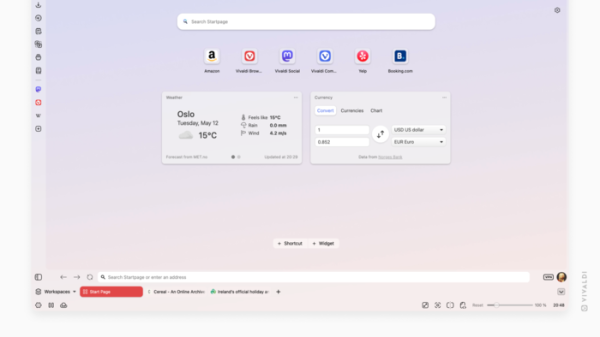
Users are given the option to choose from one of 6 preset browser layouts, allowing for quick configuration. The selection is made during the initial setup of the new browser installation or through the settings of already installed instances (Settings → Appearance → Layout).
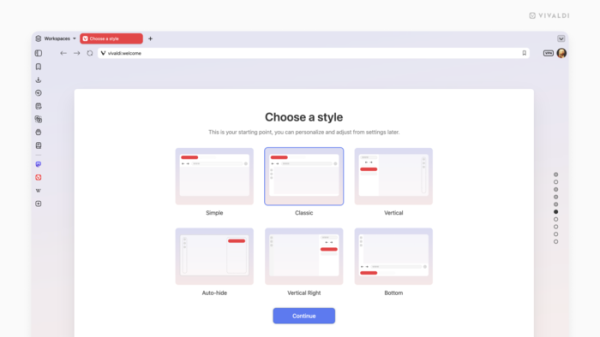
The following layout options are available:
- Lightweight interface with tabs on top.

- Classic interface with a toolbar and sidebar like in previous versions.
- Tabs vertically placed on the left side of the window and a sidebar that appears when hovering the cursor over the right edge of the window.
- Tabs vertically placed on the right side of the window and a sidebar that appears when hovering the cursor over the left edge of the window.
- Auto-hide of toolbars, tab bar, sidebar, and address bar. By default, all space is given to the page content, and panels appear when hovering the cursor over one of the edges of the window.
- Display of the tab bar and address bar at the bottom of the window.
Source: opennet.ru
