

The tenth release of the Orbitiny Desktop environment, built from scratch using the Qt framework, has been published. The project aims to combine some innovative ideas that have not been seen in user environments before with traditional elements, such as a plugin-supporting panel, application menu, and a desktop where shortcuts can be placed. Currently, the work focuses on running in X server-based environments, but support for Wayland may be added in the future. The code is written in C++ and released under the GPL license.
Notable features specific to Orbitiny include: action invocation through screen gestures (drawing a specific shape with the mouse in a blank area of the desktop); icons with labels (displayed for new, modified, empty, or moved files through the clipboard, as well as empty directories); the ability to insert a file simultaneously into multiple selected directories; support for placing desktop content in any directory (not just in $HOME/Desktop); and the use of separate desktop directories for each virtual desktops monitor. A list of typical features of Orbitiny can be found in the previous announcement. 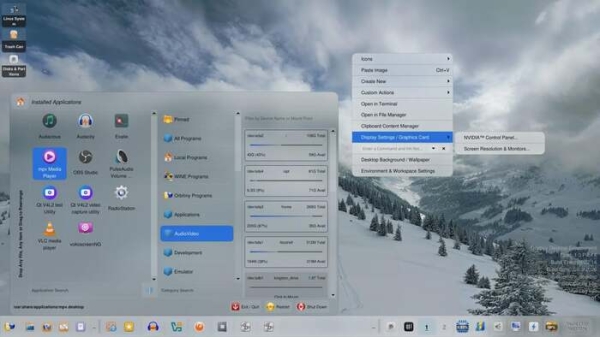
Among the changes:
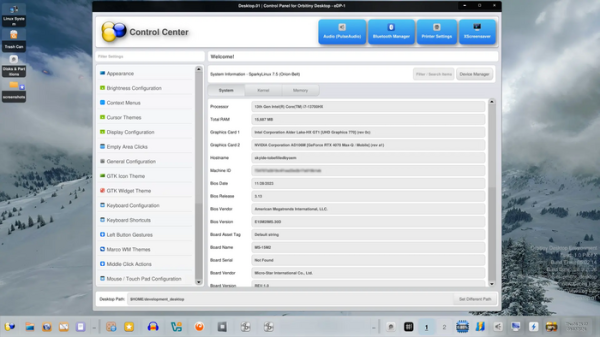
- A new control panelhas been added, providing capabilities for adjusting settings, viewing system information, and accessing external configurators. Navigation through the built-in settings pages is done via a sidebar, and external configurators can be called using customizable buttons at the top of the screen.

- Support for pinning the taskbar to any part of the screen and resizing it with the mouse has been implemented, along with scrolling the panel's content using the mouse wheel.
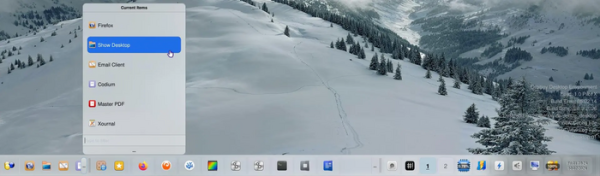
- A button has been added to the panel to bring up a dialog with a list of running application windows, featuring the ability to filter windows by name.

- A new applet with a quick launch menu, triggered by clicking the ‘…’ button after the list of pinned application shortcuts, has been proposed.

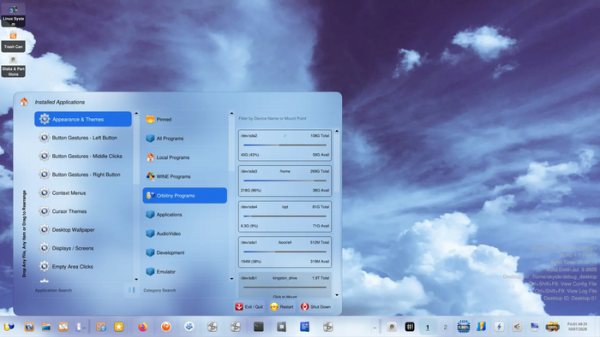
- New sections have been added to the application menu: ‘Orbitiny Programs’ for accessing embedded configurator applets, and ‘Local Programs’ with a list of programs for which desktop files are located in the directory ~/local/share/applications.
- The ability to change themes on the fly (immediately after editing CSS files) without restarting the desktop environment is now available.
- The interfaces for executing commands and monitoring CPU load have been transformed into single-button applets.
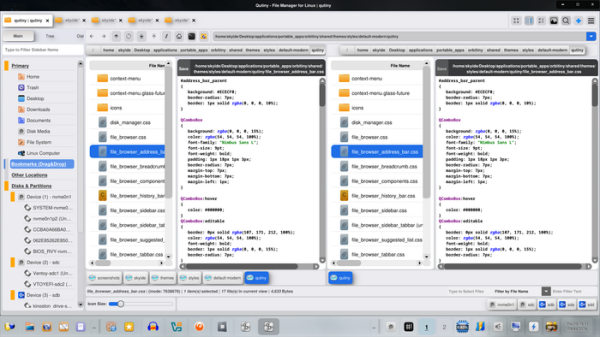
- In the file manager, the tab list has been moved to the area beneath the window header, and the slider for changing icon sizes has been relocated to the bottom left corner.

Source: opennet.ru
