

The release of Omarchy 4.0 has been published. The project is developed by David Heinemeier Hansson, the author of the Ruby on Rails web framework, who aims to create the ideal Linux environment according to the principle of 'Omakase Computing', which suggests that most users at the beginning of their journey do not know exactly what they want, and it is better for them not to struggle with choices but to use a set of tools prepared by someone whose expertise and taste they trust. Project developments are distributed under the MIT license. The size of the ISO image is 6.2 GB.
Omarchy is based on the Arch Linux package base, but it does not simply offer a set of pre-installed packages; it attempts to provide an environment of compatible applications selected with aesthetics and task efficiency in mind. According to David, for high productivity, motivation is important, and part of that motivation is a beautiful and aesthetic environment. The graphical environment is built on the composite manager Hyprland with a mosaic window layout.
The distribution does not try to resemble Windows or macOS, to please the majority, or to appear familiar to users. Instead of catering to a hypothetical average user, Omarchy offers only the applications daily used by David — from Neovim, Chromium, and LibreOffice to Spotify, Omawrite, Foot, and Zoom. It is assumed that the prepared environment, coding in Neovim, active terminal usage, and mosaic window layouts will seem unfamiliar to many, but those who dare to step out of their comfort zone and master something new will be able to enhance their work efficiency.
Changes in Omarchy 4.0:
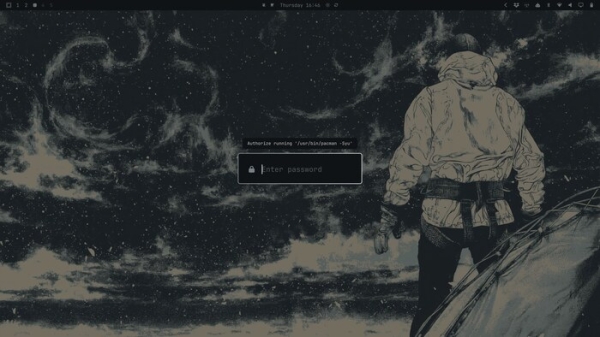
- The desktop environment has been completely redesigned using the Quickshell framework — the panel, application launcher interface, menu, notification output system, and screen indicators, control panel, the screen lock interface and privileged operations execution agent have been rewritten using QtQuick and now run in a single shell process based on a plugin architecture. The use of third-party packages Waybar, Walker, Mako, SwayOSD, hyprlock, hypridle, swaybg, and polkit-gnome has been discontinued and replaced with a proprietary implementation.
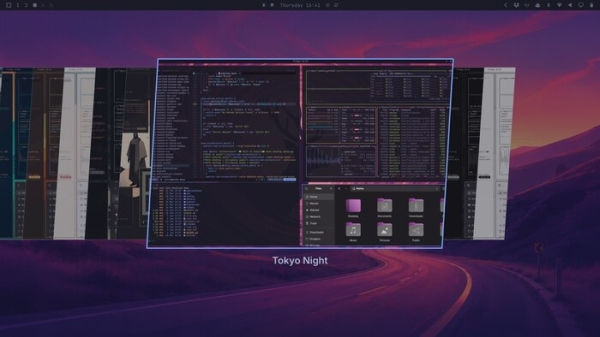
- A new interface for selecting the theme (Style > Theme) has been proposed, supporting a preview of available themes.

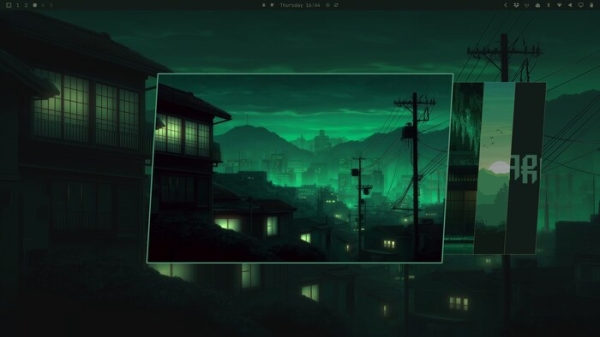
- A visual desktop wallpaper switcher has been implemented, activated by pressing SUPER + CTRL + SPACE.
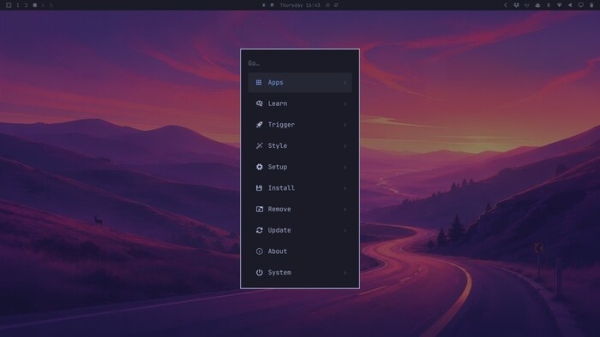
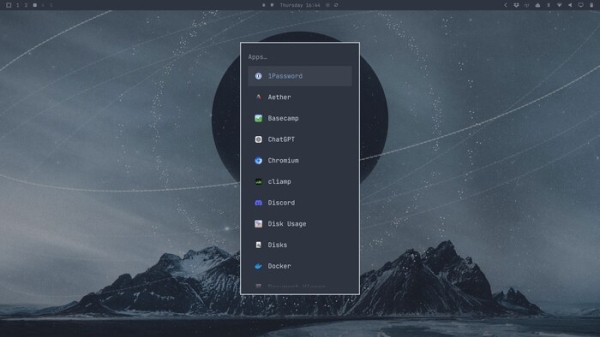
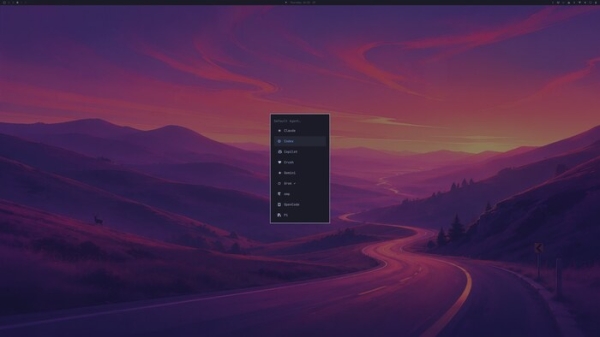
- The menus and application launcher interface, triggered by the SUPER + SPACE combination, have been merged.
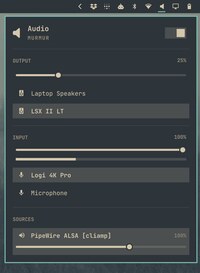
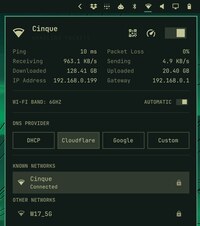
- Widgets placed on the panel allow for launching full control panels for sound settings (SUPER + CTRL + A) and network connection (SUPER + CTRL + W).


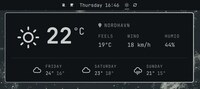
- A panel for viewing weather forecasts has been added.

- An interface with drag-and-drop style has been implemented for positioning the panel and attaching it to different edges of the screen. Double-clicking an empty area of the panel allows for adjusting transparency.
- Privileged operations are handled using pkexec and polkit, which prompt for confirmation and require a password input.
- Support for various AI agents (Setup > Defaults > Agent) has been provided, including Claude Code, Codex, OpenCode, Pi, Oh My Pi, Gemini, Grok, Copilot, and Crush.
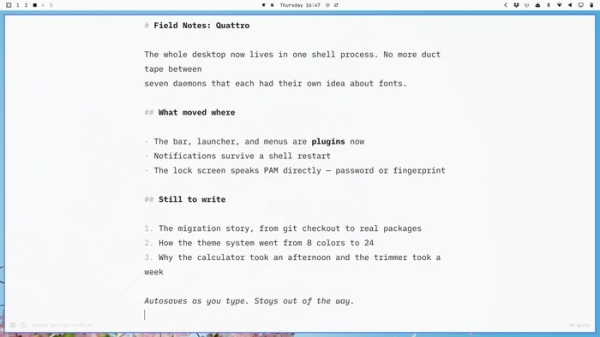
- The Omawrite editor has been adopted for editing text in markdown format instead of Typora.
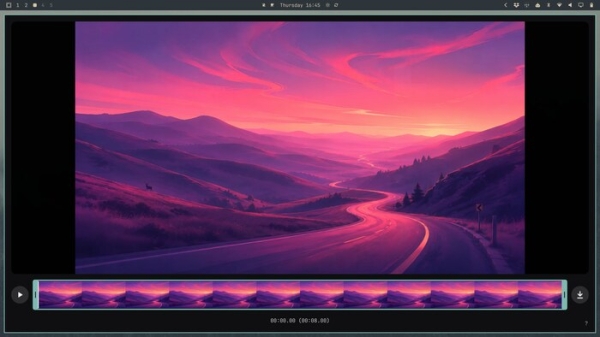
- A custom application named Omacu has been prepared for video trimming, utilizing ffmpeg.
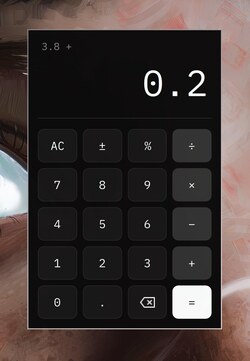
- Omacalc has been proposed as the calculator instead of GNOME Calculator.

- Foot has been suggested as the default emulator, Tensaku for image annotation, Moonlight for game streaming, and dua for checking disk space.
- A mode for installation without user addition has been added. In this case, user creation and initial setup occur during the first boot.


Source: opennet.ru
