

After three years since the last release, a new version of the compact Live distribution Slax 2026.11 has been formed, based on the Debian 13 package base. The graphical environment in Slax is built on the FluxBox window manager and the xLunch program launch interface, specifically developed by the project participants. The bootable ISO image is 530 MB (x86_64).
In the new version:
- The distribution has switched to the Debian package base. Until 2013, the distribution was based on Slackware, after which it stopped updating and was revived in 2018, but restructured using Debian packages, the APT package manager, and the systemd initialization system. In 2022, the project returned to Slackware again, and now it has switched back to Debian.
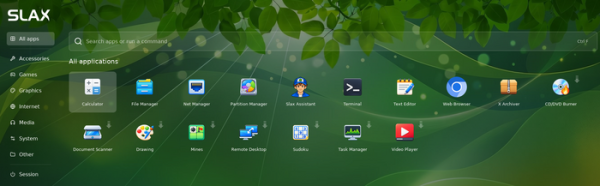
- A new application navigation interface has been proposed, activated by pressing the Super key or clicking the green button in the left corner of the taskbar. The list displays not only the applications included in the base package but also programs available for installation (next to such programs, an arrow is shown, and clicking it will load, install, and open the program).

- The visual style of all applications has been unified, and they now look like part of a single system.
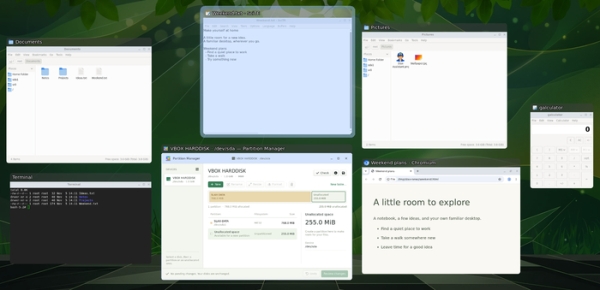
- A preview of open windows has been implemented in the Alt+Tab application switching interface.

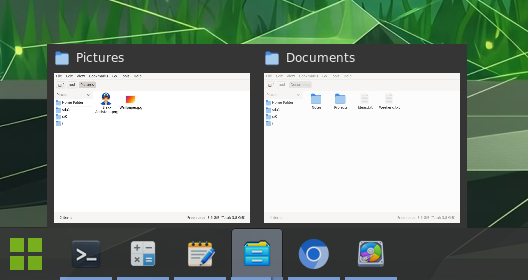
- Preview of all application windows is provided when hovering the cursor over the program icon on the taskbar.

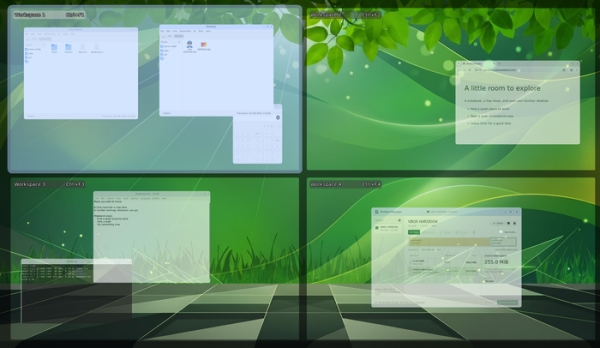
- Pressing Alt+F3 now displays the contents of four items on one screen simultaneously. virtual desktops.

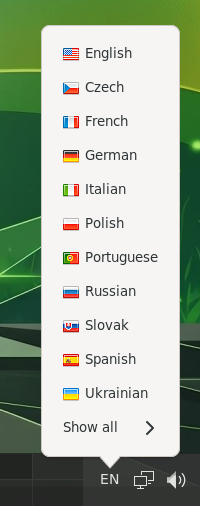
- The ability to change the keyboard layout through an indicator on the taskbar has been added. Key combinations for switching layouts include Ctrl + Shift, Alt + Shift, and Super + Space.

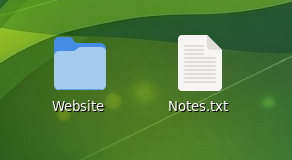
- The ability to place files and create directories on the desktop has been added.

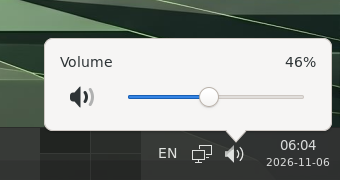
- A volume control widget has been added, allowing volume adjustment by scrolling the mouse wheel over the indicator, through a slider, or by pressing multimedia keys.

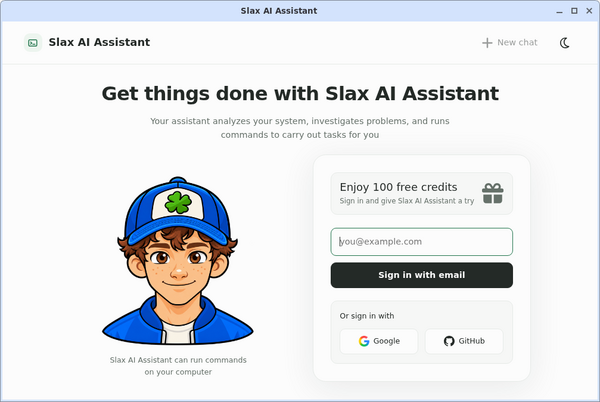
- An AI assistant has been added, allowing interaction in natural language. The AI can inspect the system, diagnose problems, and execute commands. The AI assistant is linked to a cloud service and requires account registration.

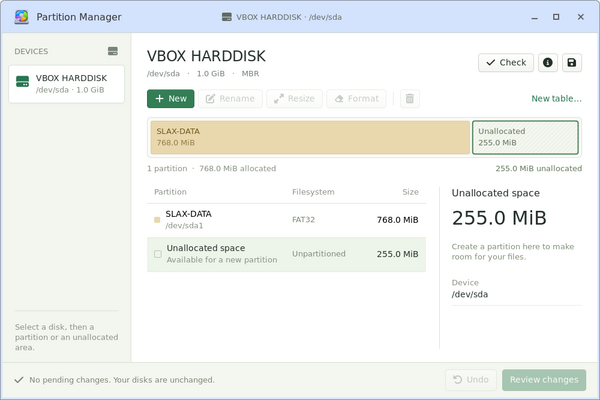
- A disk partition management interface has been added, allowing you to partition the disk, format the filesystem, or resize existing partitions.

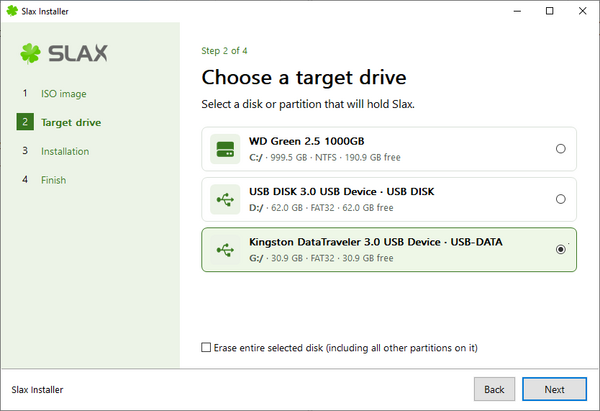
- A graphical installer has been added, supporting launches in Windows and Linux, allowing you to prepare a bootable USB drive or install Slax alongside an existing system.

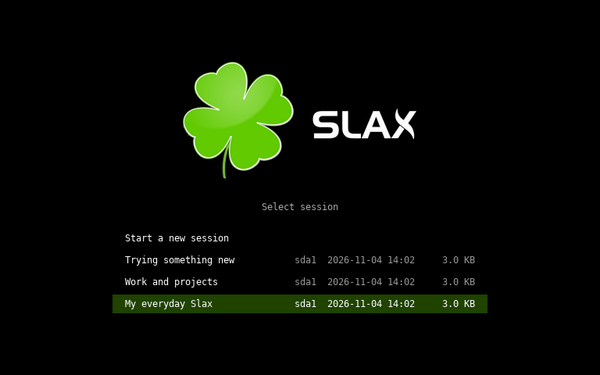
- A session manager has been added, enabling the storage of multiple independent sessions on a single USB drive, for instance, one for work and another for experimentation. Sessions can be selected at boot, renamed, or duplicated. All applications, files, and settings are preserved between reboots, even when booting on different computers.

- Support for verified boot on systems with UEFI Secure Boot has been added.
- Tools for data recovery from disks and backup creation have been added, supporting LVM, LUKS encryption, and filesystem check programs.
- Support for using features such as shared folders and clipboard sharing in VirtualBox and VMware has been added.
Source: opennet.ru

 Russian
 Italian
 German
 Polish
 Estonian
 Albanian
 Bulgarian
 Croatian
 Czech
 Danish
 Dutch
 English
 French
 Hungarian
 Latvian
 Norwegian
 Portuguese
 Romanian
 Slovak
 Slovenian
 Spanish
 Swedish