

As you may know, recently Microsoft released beta versions of the new Chromium-based browser, which are now available for download. Prior to that, the company launched a new webpage with extensions for the program. Until yesterday, it wasn't particularly necessary, but now the situation has changed.
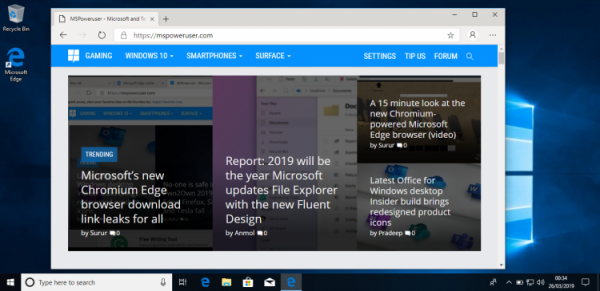
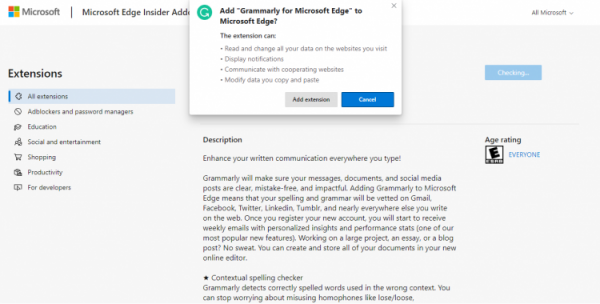
It is reported that the new resource functions similarly to the Chrome extension store. To access it, you need to do the following:
- Launch Microsoft Edge and click on the three dots ( … ), then select the desired extensions;
- After that, click 'Get extensions from the Microsoft Store', which will open the website with plugins;
- On the page, you can find a list of supported extensions, then click on the desired plugin to install it in the browser. After this, the installed extensions will appear on the corresponding page.
So far, the process seems clumsy, and it's unclear whether the company plans to keep the resource for the new Microsoft Edge or merge it with the Microsoft Store extensions page after the full launch. The latter is suggested by the fact that the extensions website lacks a search function, so users will have to manually scroll through the list to find a specific plugin.
It is worth noting that Microsoft previously planned to move the 'focus mode' from the original Edge to the new version. This feature allows users to pin web pages to the taskbar, and improvements for this mode are promised in the future Chromium-based browser version. These improvements include the ability to read text from the page without distractions from formatting and other elements.
At the same time, it is important to note that the company from Redmond has not yet specified when the release version of the browser will be available. It is possible that it will be presented in the fall or already in 2020.
Source: 3dnews.ru
