

We are well-acquainted with Solarwinds and have been working with them for a long time; many are also familiar with their products for network (and not only) monitoring. However, it is less known that they offer over forty free utilities for download from their website, which can help monitor network devices, manage infrastructure, databases, and even handle incidents. In fact, this software consists of standalone fragments of their paid products. All utilities are 100% free, not trial versions. Below are links to descriptions and downloads.
In this review of utilities for:
- network infrastructure management;
- IT infrastructure management;
- IT security management;
- database management;
- organizing Help Desk services.
Network Infrastructure Management
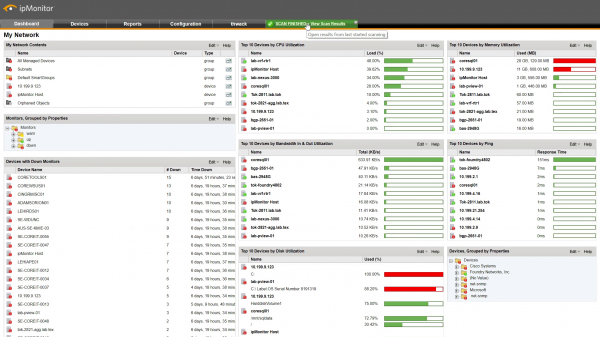
A simple tool. In the interface, you specify a range of addresses; it polls them and provides available nodes for remote monitoring. Possible monitoring tools include: ping, WMI, SSH. On servers, it can perform standard checks like CPU, Memory, Disk. This is the free version of its older brother ipMonitor (without free) and supports up to 50 nodes. It is quite suitable for a small office or testing tasks. There is .
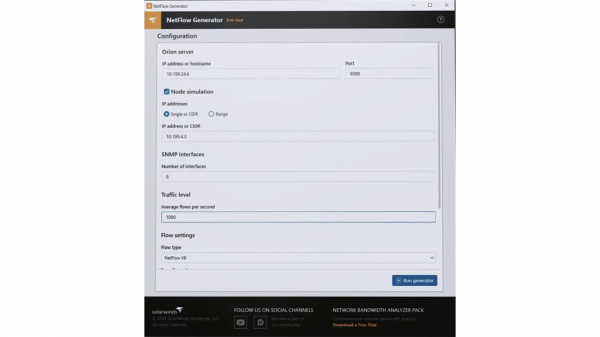
Replication, testing, and configuration of devices for sending flow traffic. The tool consists of three parts: a replicator, a generator, and a configurator. The replicator can receive and forward netflow traffic to one or more receivers. The generator creates netflow for testing, verifying firewall settings, and other purposes. The configurator automatically configures network devices to send netflow to the target device. There is .
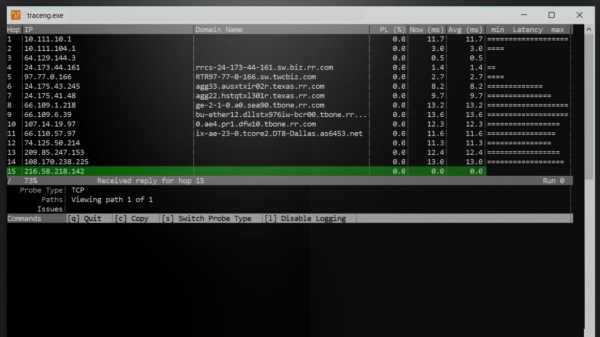
This utility is an extension of the system's tracert. It analyzes network routes and can send packets over TCP and ICMP protocols. There is .
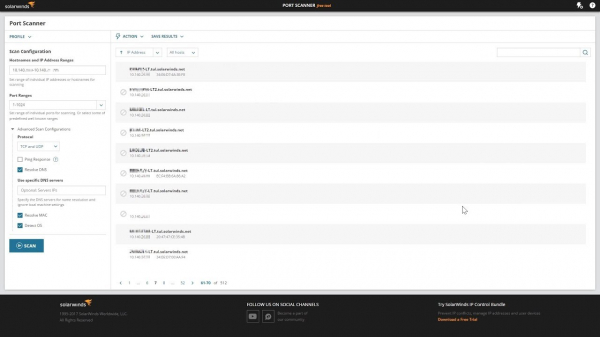
Generates a list of open, closed, and filtered ports for each scanned IP address. It can scan over TCP and UDP protocols, and after scanning, it is possible to export all collected data to a file. It also works through the command line.
There is .
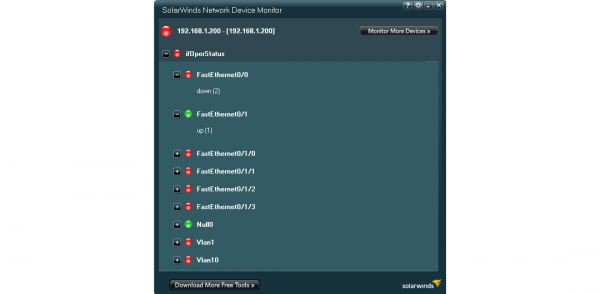
Network device monitoring. The utility comes with many different templates for monitoring via SNMP, allowing for report and alert configuration. However, there is a limitation: monitoring of only one device is supported. .
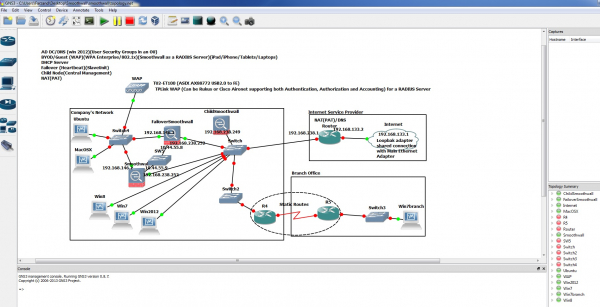
Network environment emulator. The utility works on Windows, Mac, and Linux. It supports over 20 vendors of networking hardware. Various network topologies can be emulated to see how everything will work. There is .
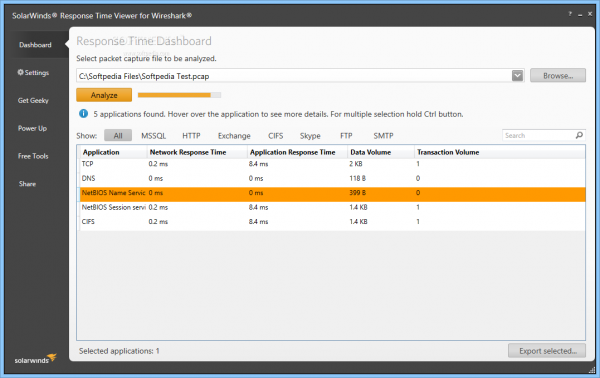
An extension for Wireshark for convenient analysis of packets by response time. It identifies traffic from approximately 1200 applications. It functions as a calculator for application response time. There is .
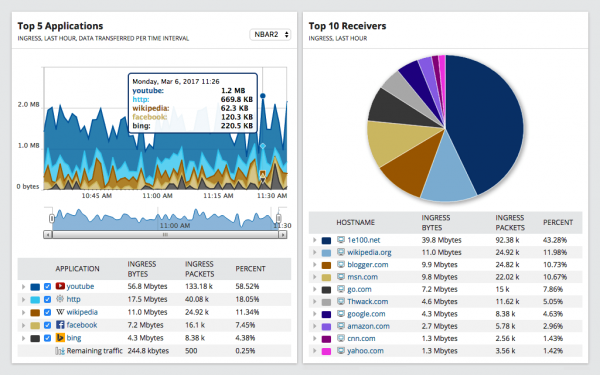
This utility is designed for monitoring NetFlow, J-Flow, and sFlow traffic. The interface presents various views: by interactions between devices, by applications, by domains, and by end devices. Additionally, data can be recorded for up to 60 minutes.
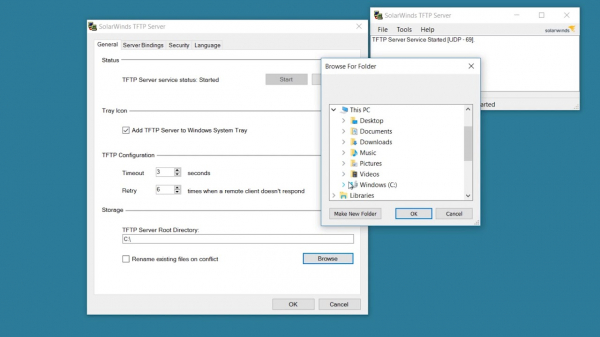
TFTP server with a graphical interface. It operates on Windows as a service. There is .
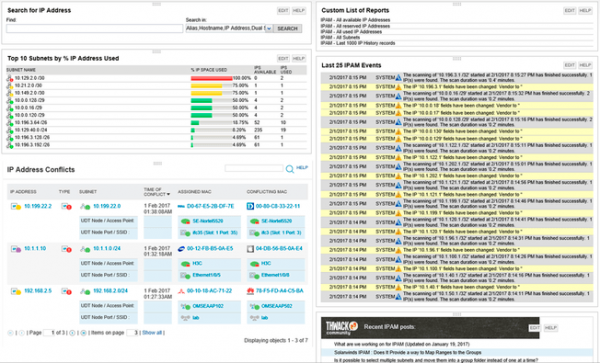
Scanning, tracking changes, and identifying IP address conflicts. This is the smaller version of the IP Address Manager — it can manage up to 254 addresses compared to 2 million in the paid version.
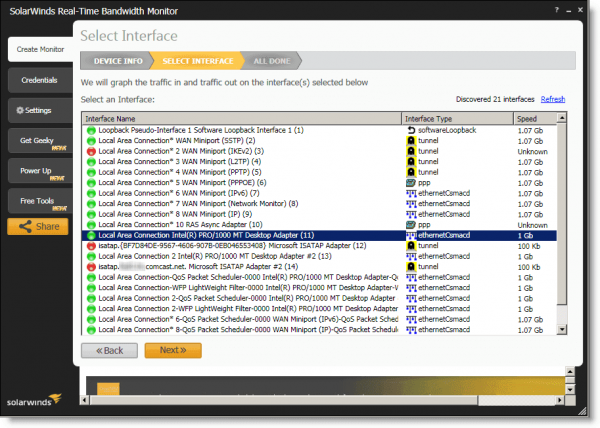
Monitoring the bandwidth of network interfaces and visualizing metrics. Also a smaller solution for Network Performance Monitor (NPM).
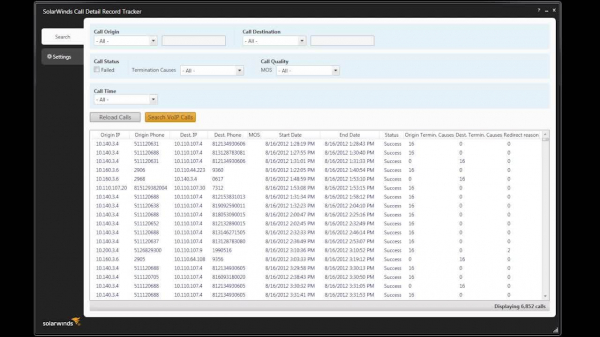
Searching, filtering, and sorting logs of CCM CDR.
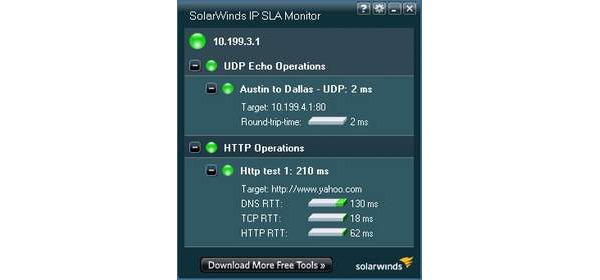
Collection of IP SLA data from Cisco devices and their visualization.
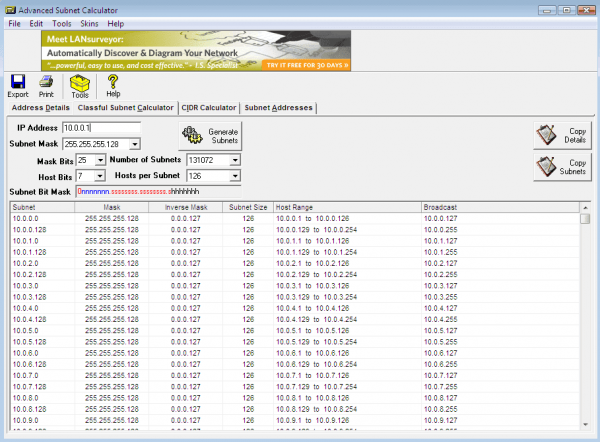
IP calculator for designing address space.
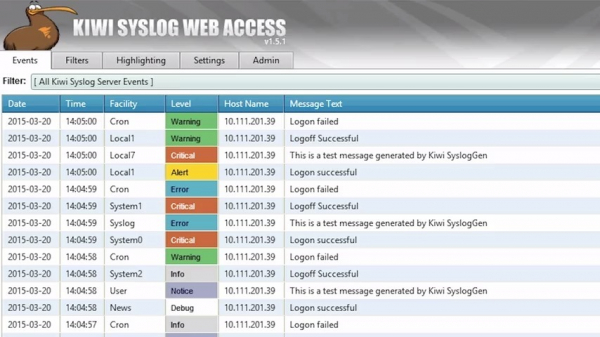
Analysis, reception, and archiving of syslog and SNMP. There is .
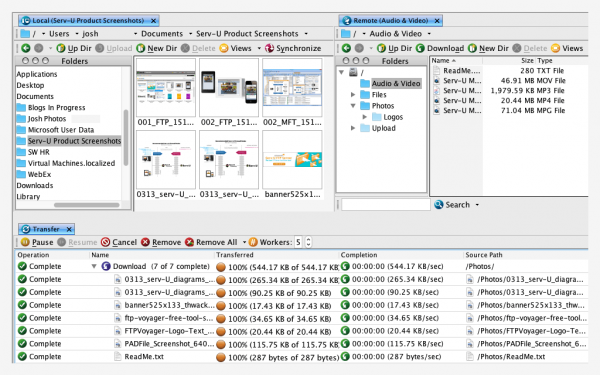
An advanced FTP client for Windows. It supports FTP, FTPS, and SFTP protocols. File transfers can be scheduled through this client.
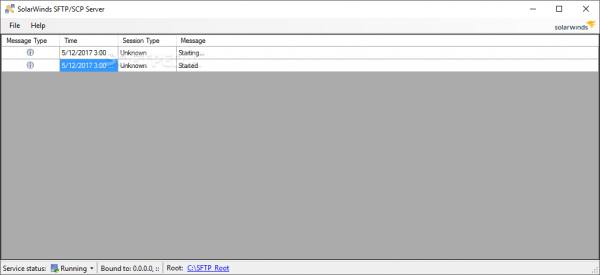
The utility operates as a Windows service and supports simultaneous file transfers to multiple devices.
IT infrastructure management
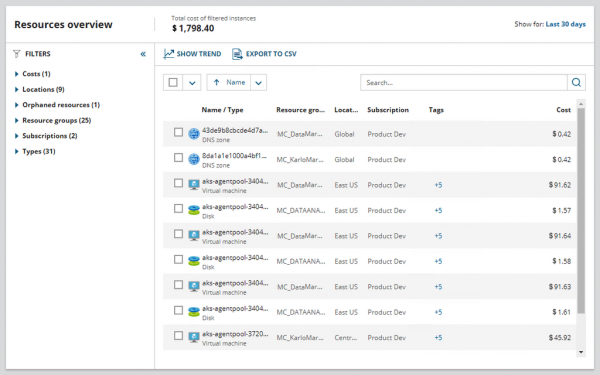
The utility can display financial information simultaneously for multiple accounts. The interface includes a breakdown of costs by year, quarter, and month, and additionally shows paid resources that are not in use. It works on Windows and Mac platforms.
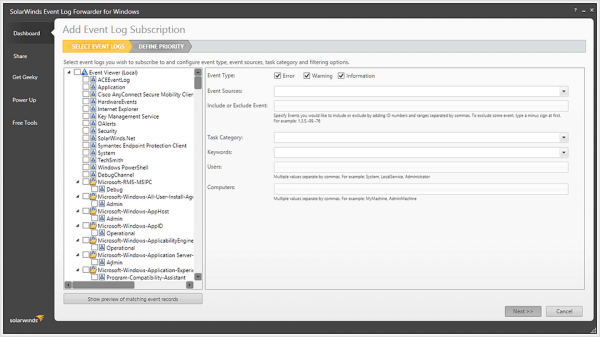
Packages events from the Windows log and sends them as syslog wherever you want. It has flexible filtering.
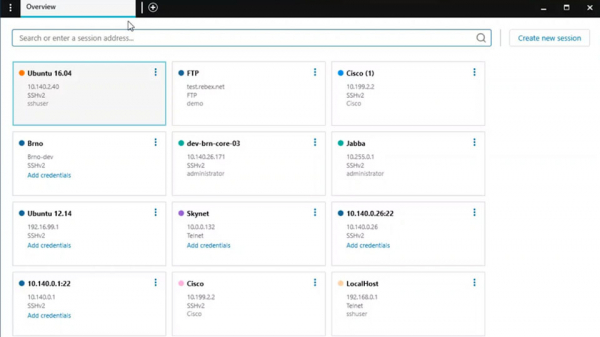
Advanced Putty. It features a tabbed interface and convenient search for saved sessions. Includes .
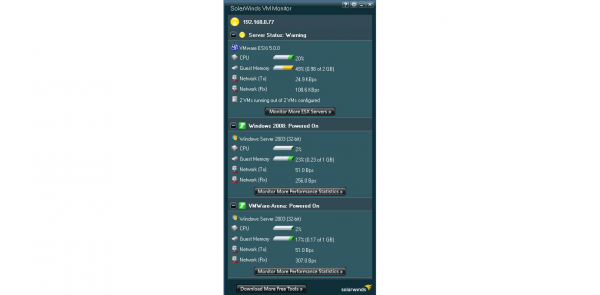
Performance monitoring for VMware and Hyper-V. The interface displays key performance metrics and the status of virtual machines.
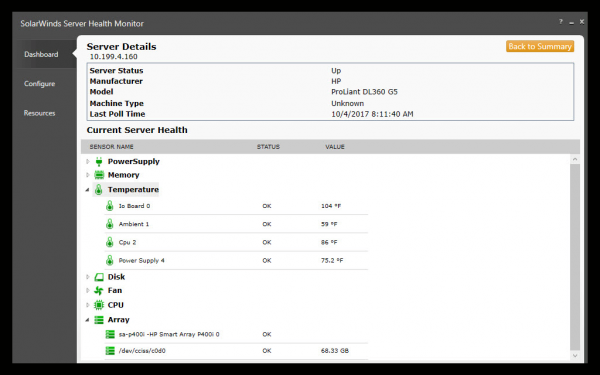
Designed for monitoring physical servers. It works out of the box with Dell PowerEdge, HP ProLiant, IBM eServer xSeries servers, and VMware ESX/ESXi hypervisors. Supports SNMP, WMI, and CIM communication protocols.
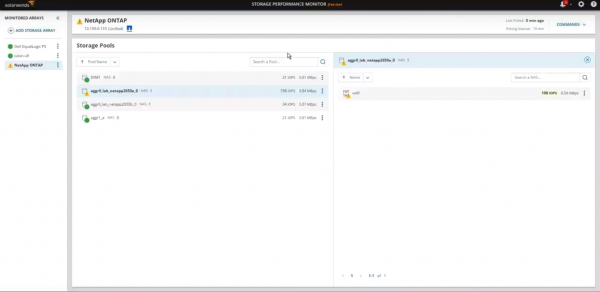
Monitoring for data arrays from Dell EMC, NetApp, IBM, Pure Storage. Includes .
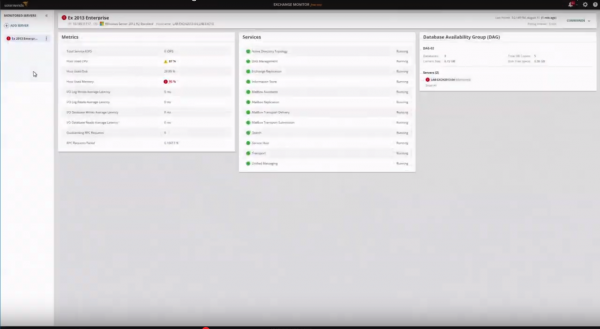
Monitoring of key Exchange services. Includes .
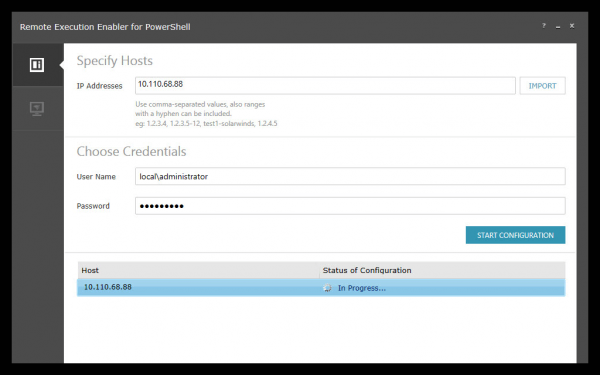
A utility for automatically configuring local and remote WinRM services.
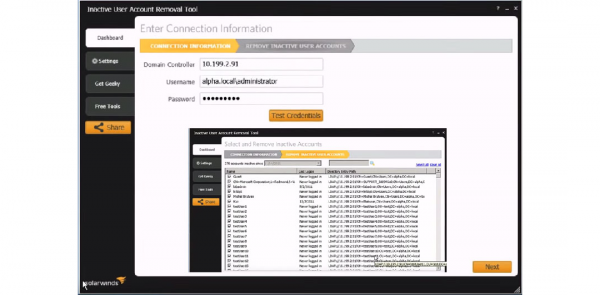
A package of three utilities for: discovering unused accounts, detecting unused workstations, and importing user accounts into AD. Includes .
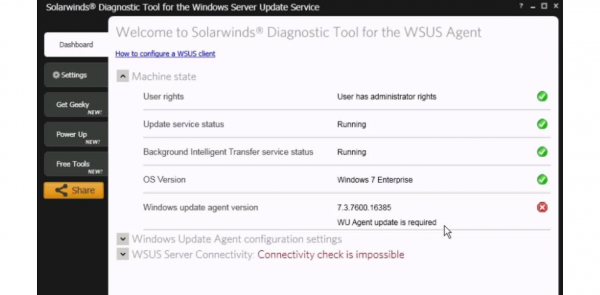
A utility for checking the availability of Windows Update (WSUS) services on remote servers.
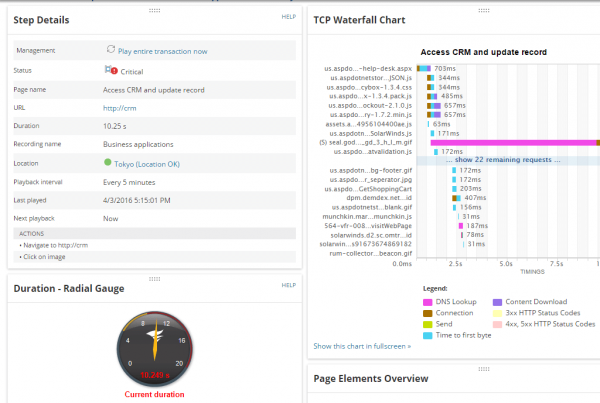
A utility for performing synthetic tests. Supports one transaction for web applications.
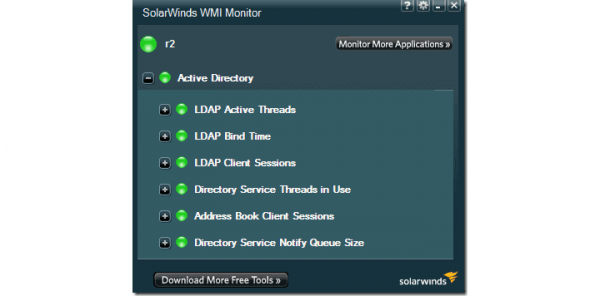
A utility for monitoring Windows servers via WMI. Specifically for servers, as only one device is supported.
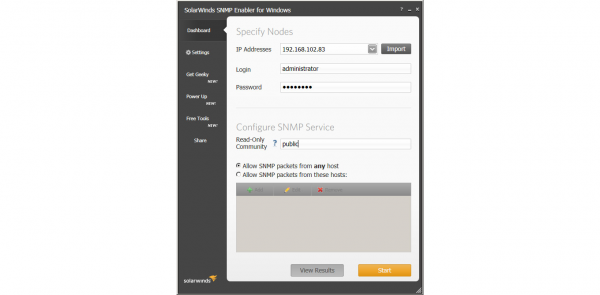
Configures SNMP counters on remote Windows servers.
IT Security Management
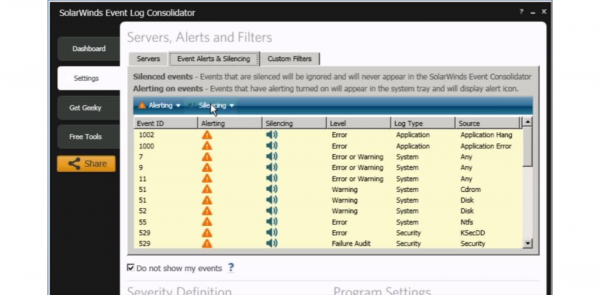
Windows log consolidator with convenient event search and alerting capabilities based on conditions. Includes .
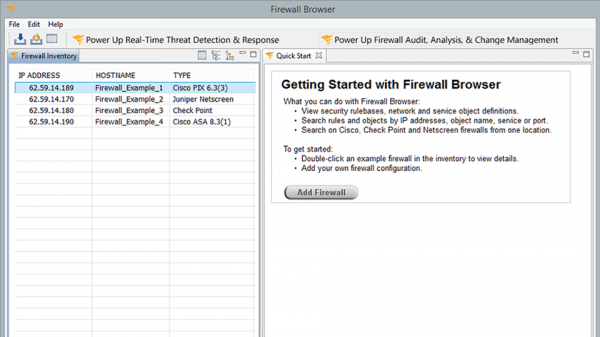
A utility for testing firewall rules. Supports configuration imports from devices Cisco, Check Point, and NetScreen.
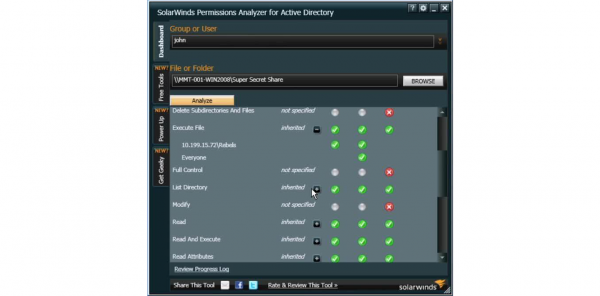
Analyzer of user access rights, group member rights, and rights to manage network shares.
Database Management
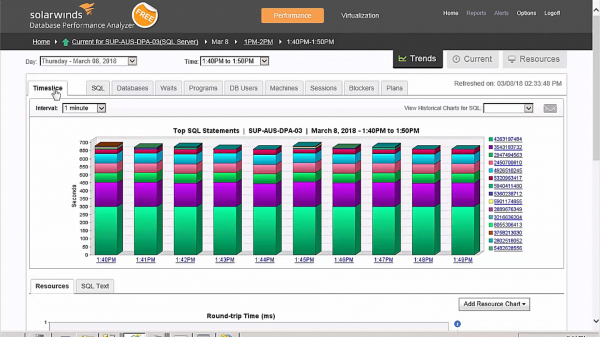
Real-time query analyzer for SQL Server, Oracle, DB2, and SAP ASE databases. Shows slow queries. Includes .
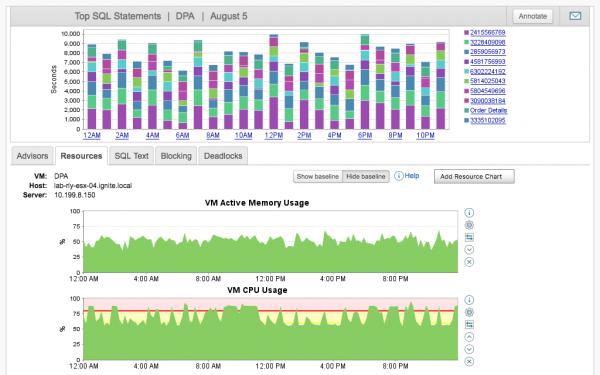
A utility for analyzing Execution Plans in SQL Server. Monitors resource utilization during plan execution. Includes .
Help Desk Organization
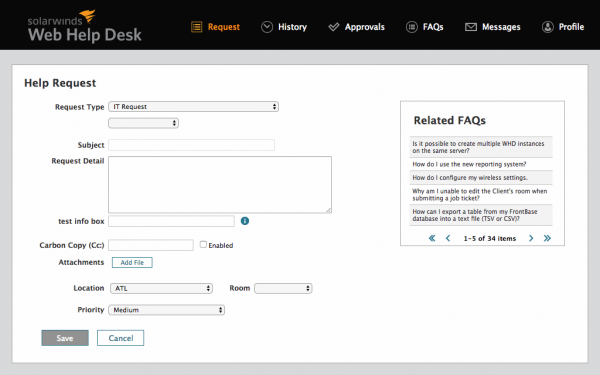
Incident, problem, and service level management. Includes integration with AD and reporting. This is the junior version of the full-featured edition.
Most of these utilities are suitable for solving local tasks, while some can be used as production systems. Over the last 2-3 years, Solarwinds has actively developed its products, and they can now be considered a versatile enterprise-level monitoring system. If you are looking for a monitoring system for this role, consider Solarwinds as well.
Source: habr.com
