

Google has finally the feature tabs, which has long been available in Firefox. It allows not to 'pack' dozens of tabs into the width of the screen, but to show only part of them. This feature can be disabled.
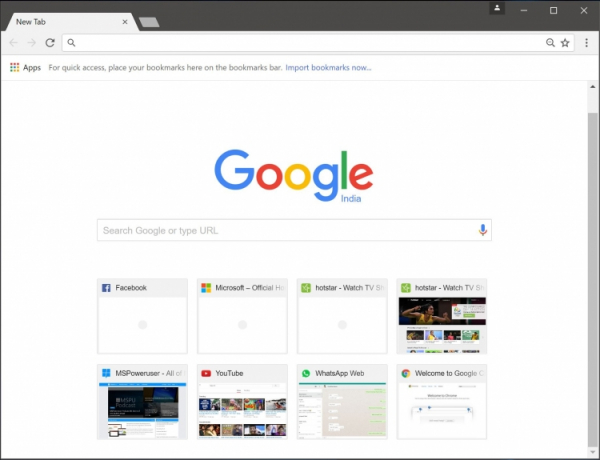
So far, this feature is only implemented in the test version of the Chrome Canary program. To enable it, you need to go to the flags section and activate it — chrome://flags/#scrollable-tabstrip. Currently, the feature does not work very well even in the test build, but we can hope that the innovation will improve and soon appear in the release.
However, this is not the only innovation. In Chrome Canary there is a feature that protects users from tracking by websites. Previously, some resources could track that they were being viewed in incognito mode. This was implemented through the File System API. Now, in the latest Canary build, the ability to disable tracking in incognito mode has been added.

This feature is force-enabled in the flags section: chrome://flags. After that, you need to find the 'Filesystem API in Incognito' flag and activate it, then restart the browser for the changes to take effect.
For testing, you can use this website. When protection against tracking is enabled and incognito mode is activated, it reports 'It seems you are not in incognito mode'. In other words, the feature works.
There is currently no information on when it will be added to the release, but the introduction of this feature will mean that it will be transferred to all Chromium-based browsers: from the new Microsoft Edge to Vivaldi and Brave.
Source: 3dnews.ru
