

Hello, Habr! I've decided to participate again in testing products from the "Dadget" range, and here is a story about the Honeywell HAQ air quality monitor.
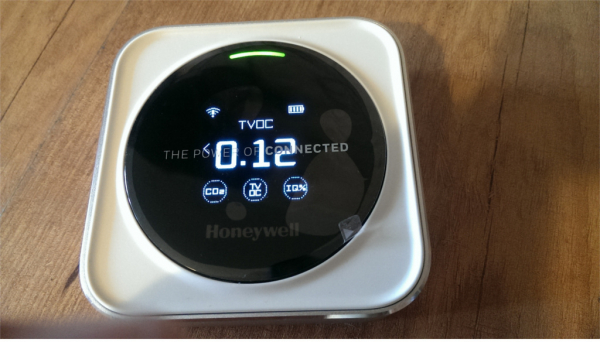
The device comes with: a pouch, a box, a manual, the device itself, transportation shock absorbers, and a Micro USB cable (it's unclear why it includes this, as it's not Type-C).
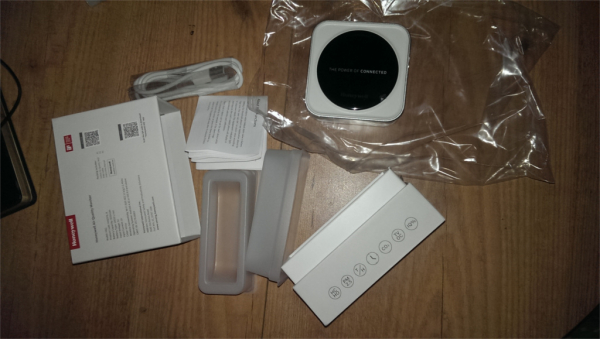
First of all, I was eager to run the device through lsusb, but—nothing. It can only draw power from USB. However, it can be connected to a "high-level computer," as the classics would say. It just has to be done differently.
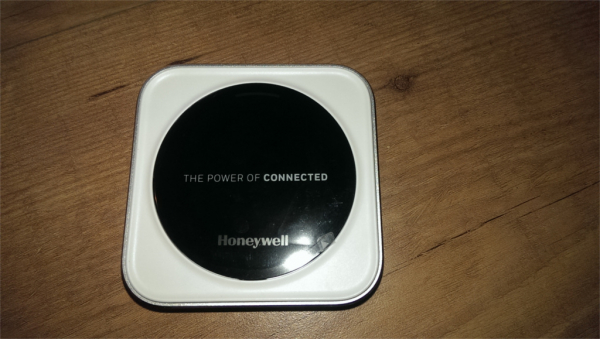
View from both sides:
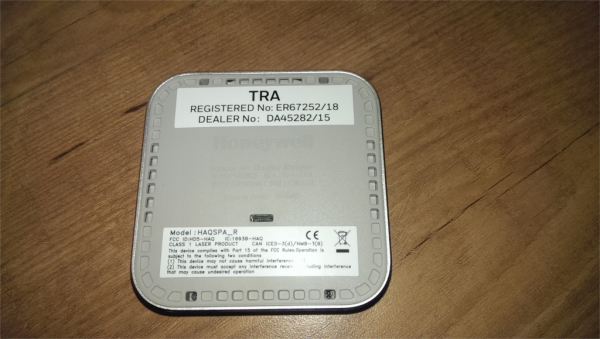
It even has a "class 1 laser product" label—this is not a light bulb, like in the .
After charging from a power supply with a load capacity of at least 1 A, the device operates on its built-in battery. During operation, a very quiet fan continuously spins. There's nothing to cool inside, but the sensors work more efficiently if the air is forced through them.
The device's display seamlessly combines two technologies: one from the early 2000s—PMOLED (which flickers significantly but has an enormous viewing angle), and the other—a modern capacitive sensor (likely not matrix, but made from pads in specific areas of the screen that need to be detected when touched). The flicker is unnoticed during filming. Above the display is a dual-chip LED (like ALS331A).
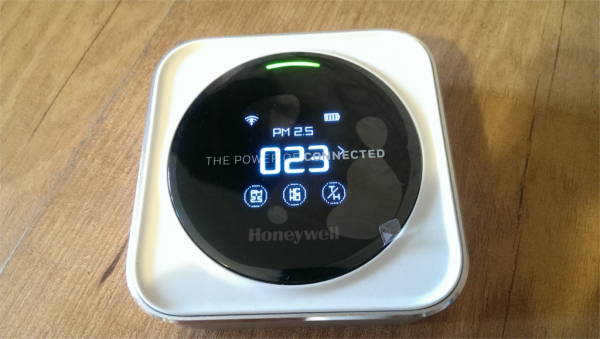
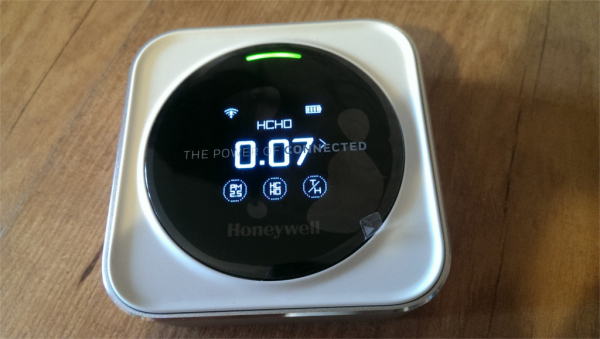
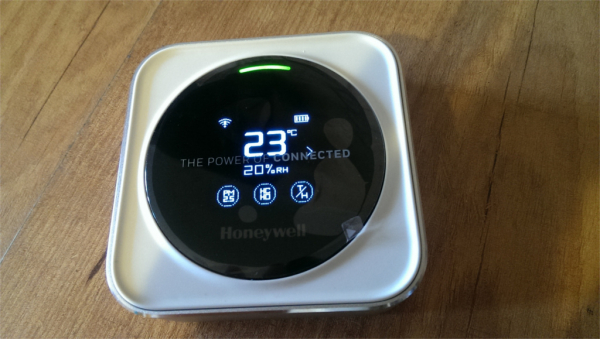
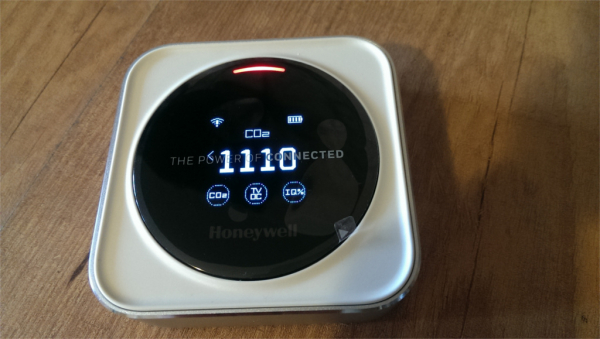
Six measurable parameters are divided across two screens, which can be switched between by pressing the flashing "turn signal" buttons. On each screen, you can tap the parameter icon to display its value.
Particulate matter with a diameter of less than 2.5 microns:
Formaldehyde:
Temperature, with humidity in smaller print:
Carbon dioxide:
Volatile organic compounds:
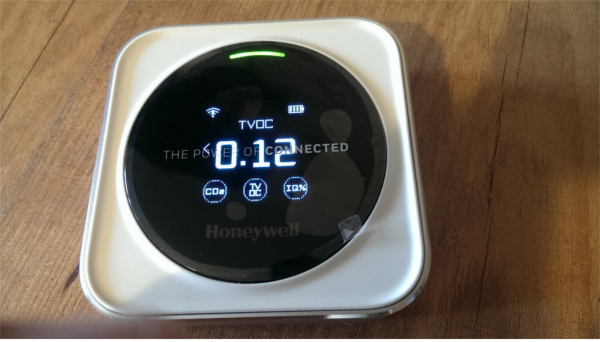
A generalized value, further details below:
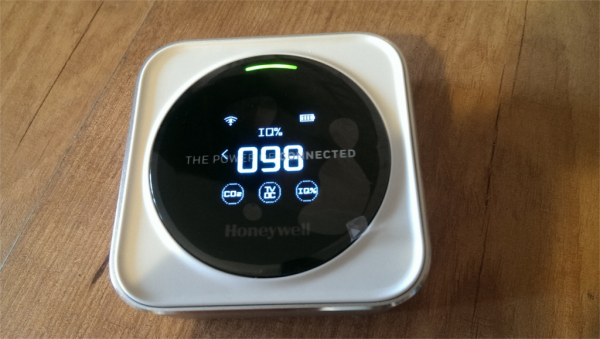
If any of the values takes on an undesirable value, the corresponding indicator flashes. During a prolonged period of user inactivity (when neither the top button nor the screen is pressed), the selected value is displayed in a more concise form:
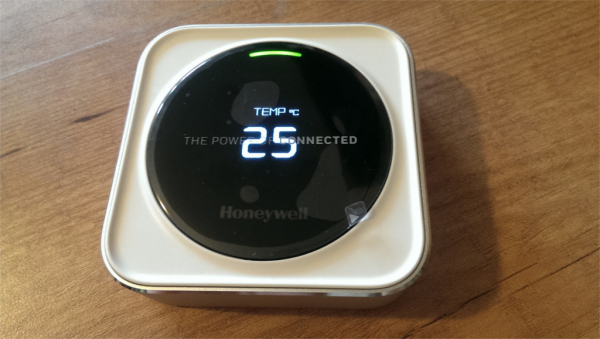
In this mode, when an exclamation mark appears in a circle at the bottom, you can press the top button to see which indicator is flashing.
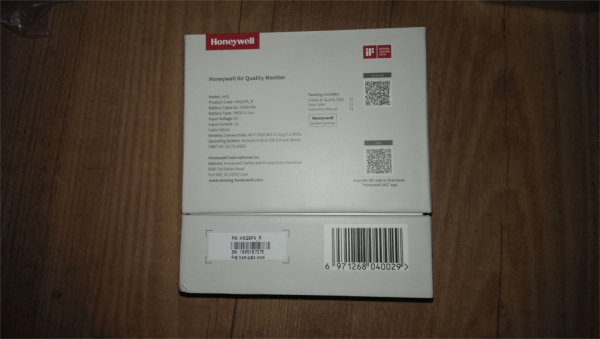
Let's move on to the most interesting part — pairing with a mobile device. We will install the app for Android or iOS. To do this, scan the QR code on the back of the box or simply find the program by the name Honeywell IAQ (the device — HAQ, and the app — IAQ).
Application welcome screen:
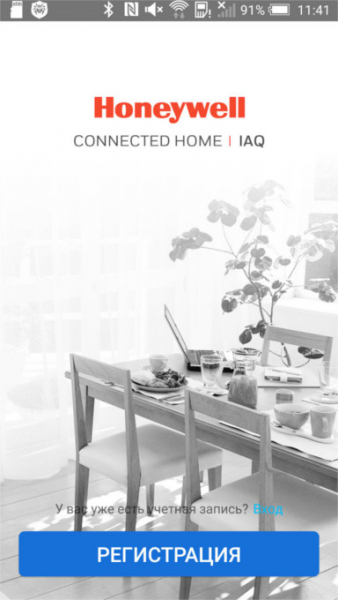
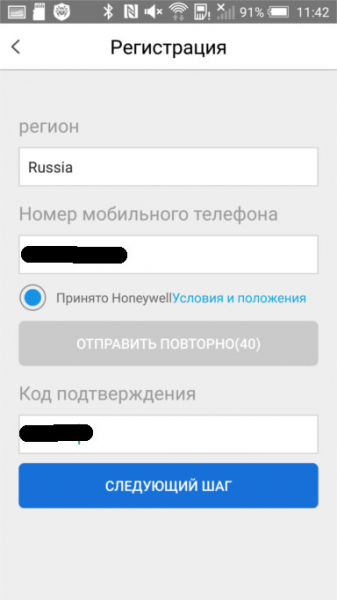
Registration:
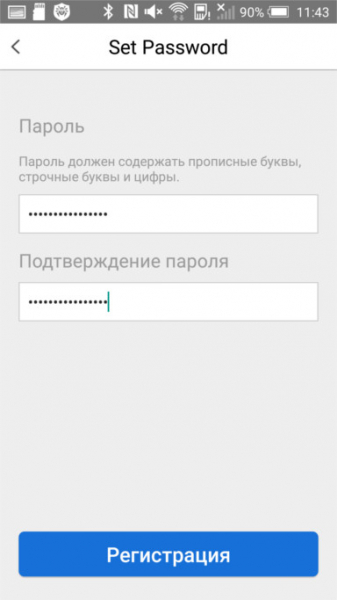
Setting up a password:
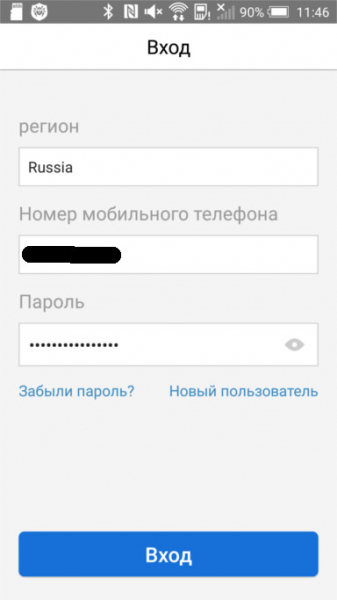
Login with username and password:
Let's add a device — click on the plus sign:
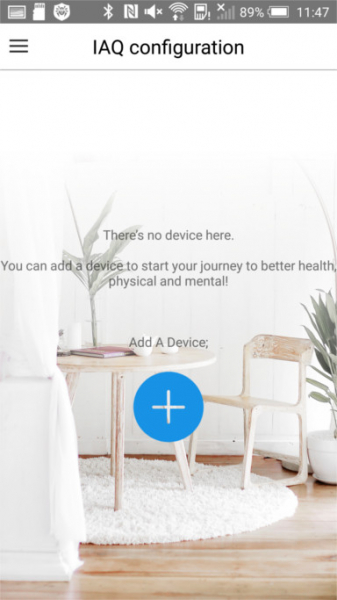
Next, you need to do what is shown in the following screenshot:
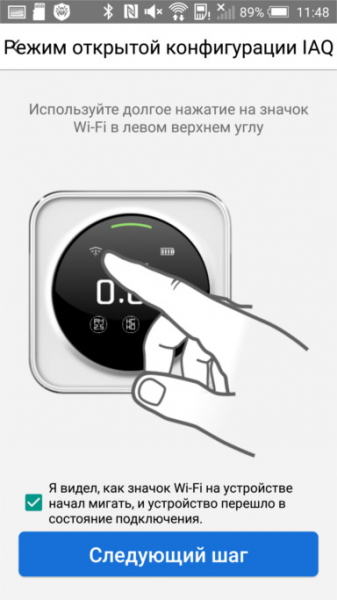
The device will become an access point, but it makes no sense to connect to it and try to access 192.168.0.1 or 192.168.1.1. You need to move to the next screen:
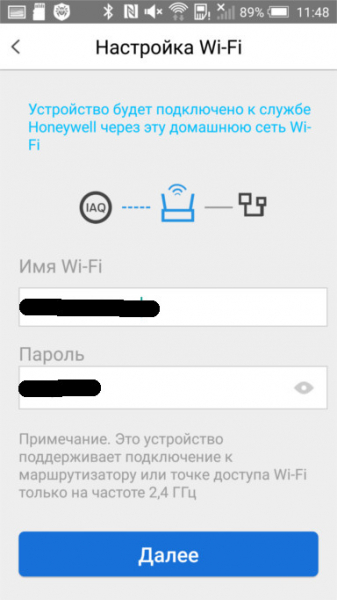
From the access point, the device will turn into a slave and connect to your router (only 2.4 GHz). Now your smartphone or tablet interacts with it via the cloud, and the app will continue to work when connected via a cellular network or another access point. If the manufacturer ever stops supporting the device as outdated, nothing serious will happen — it will still display parameters on the built-in screen, it just won’t be as ‘communicative’ anymore.
After pairing, the WiFi icon looks like this:
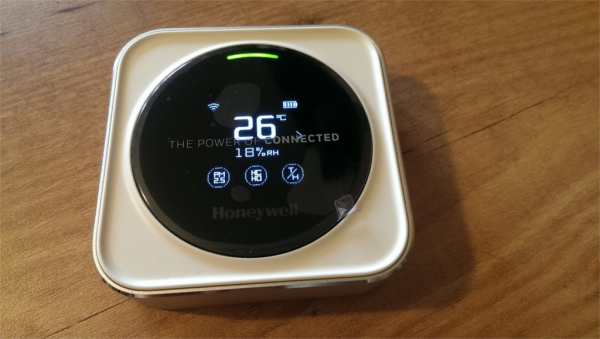
It seems the connection is established, but data is not coming through. What happened?
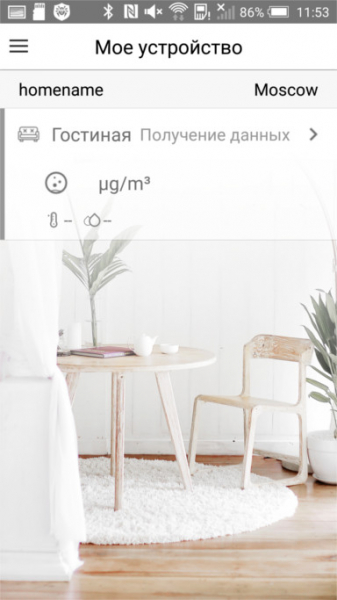
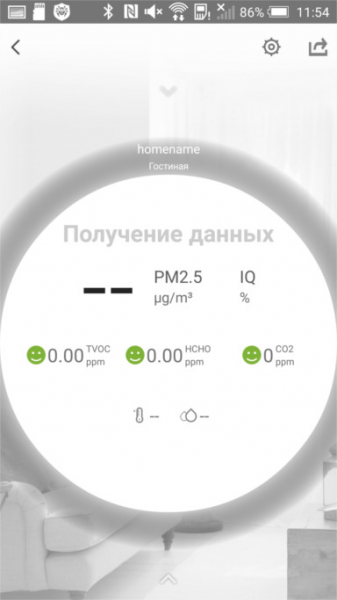
Force close the app and restart it. Success:
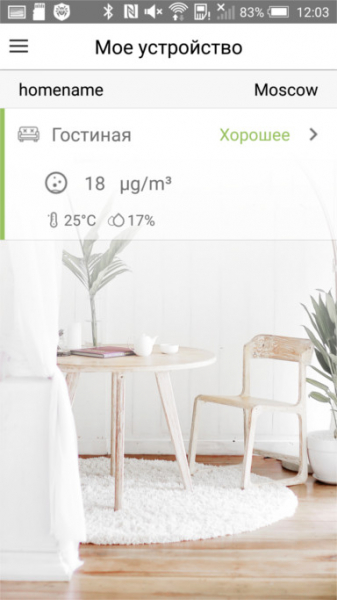
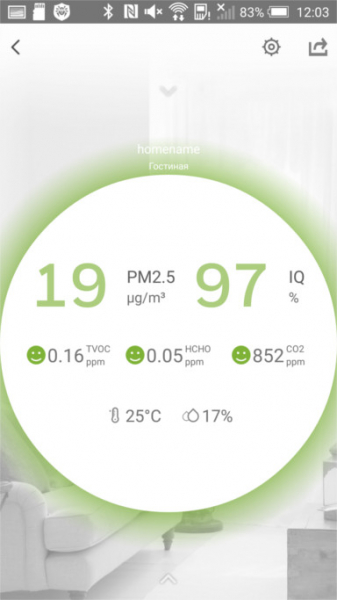
The graphs are still empty — the device has not been operational for long:
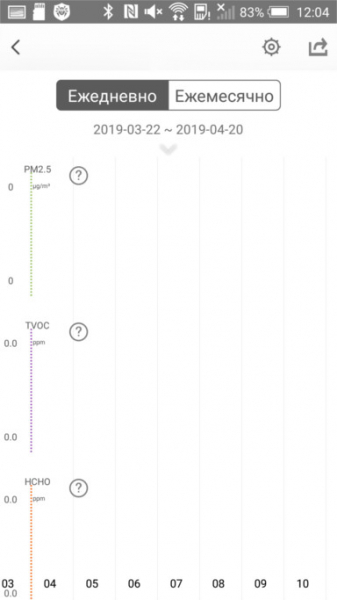
By clicking on the question mark next to the parameter name, you can learn more about it:
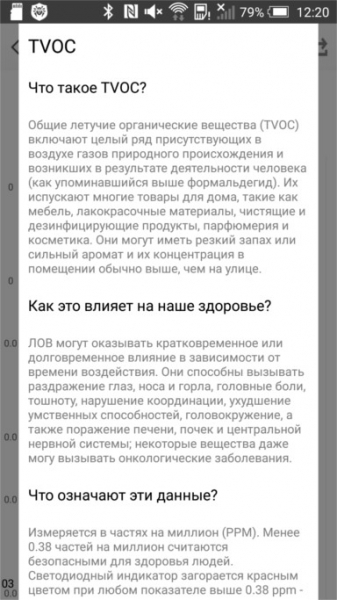
A small glitch: you cannot exit this screen using the back button. You have to restart the app again.
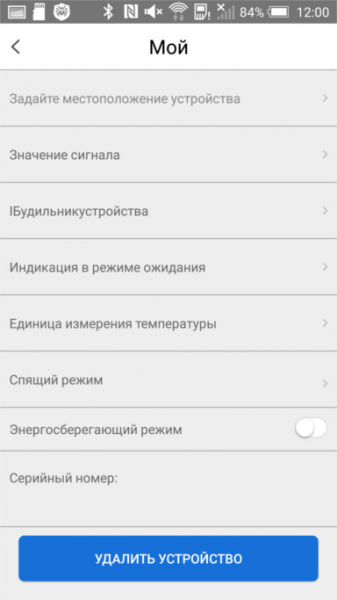
There are a lot of settings:
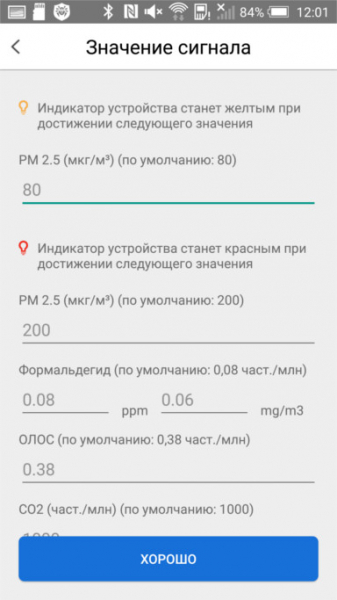
I really appreciated the ability to set the thresholds for switching colors of the bicolor LED myself:
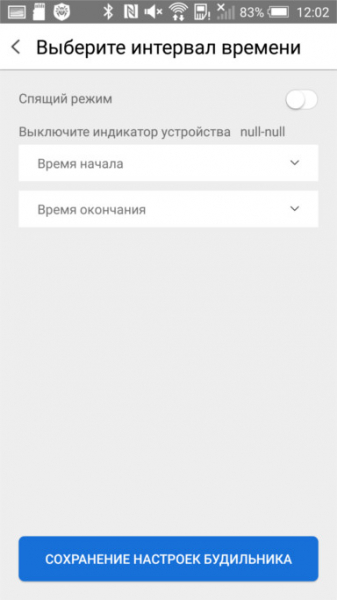
Screen brightness is non-adjustable, so if it bothers you at night, you can set a time interval during which it will be turned off:
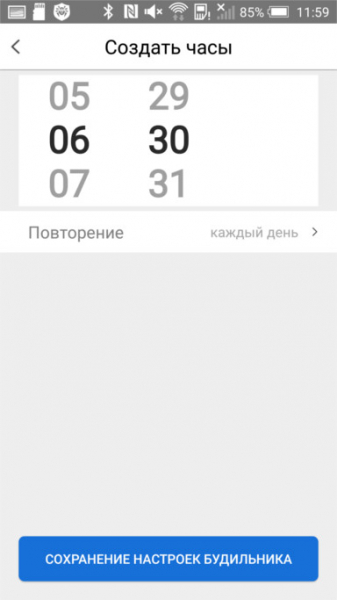
The device can be used as an alarm clock:
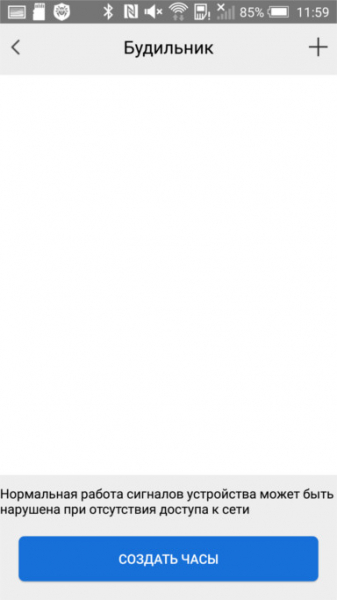
Just don’t turn off the router at night in this case:
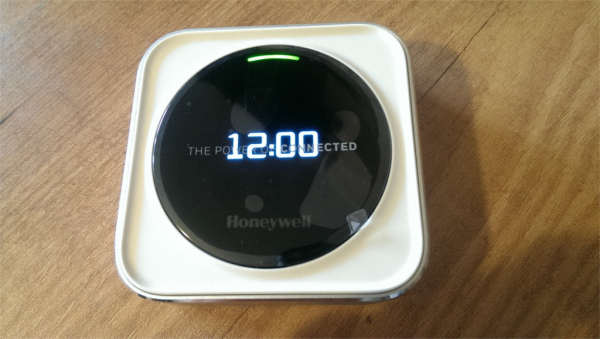
Another feature — stylish clock:
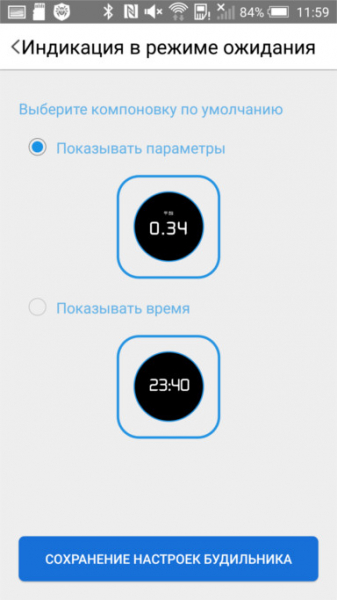
It looks like this:
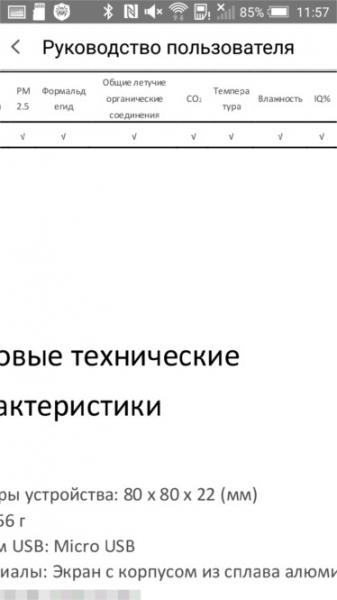
The app includes a manual, which, in particular, lists the types of measured values:
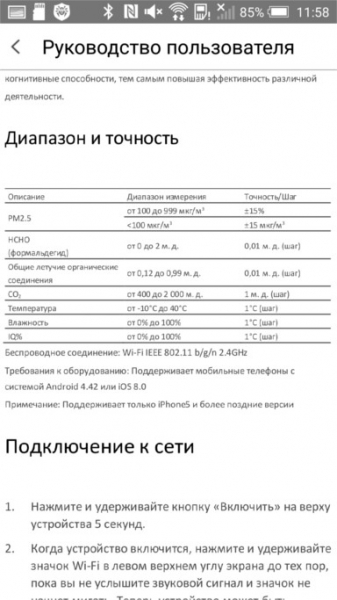
And the ranges of their measurements:
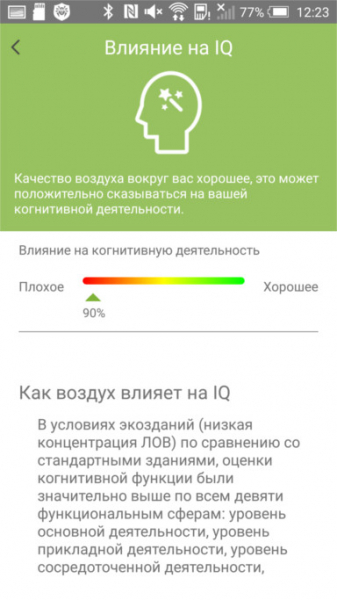
And a separate screen is dedicated to explaining this generalized quantity:
Any knowledgeable blogger can still participate in testing products from the "Dadjet" range. By using the promo code Honey, you can purchase the device with a 10% discount by visiting .
Source: habr.com
