

At the recent Google I/O developer conference, Google announced that the Chromebooks released this year will have the ability to run the Linux operating system. This capability existed before, but now the process has become much simpler and is available right out of the box.
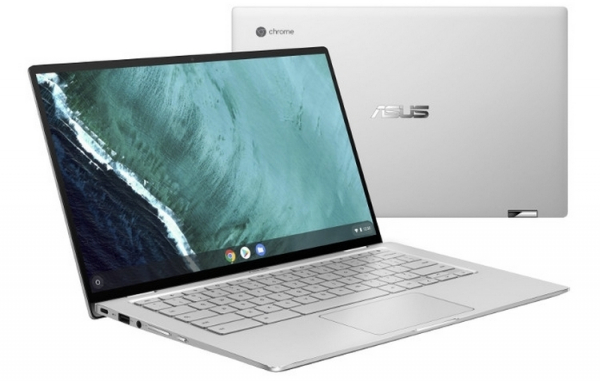
Last year, Google started allowing Linux to run on some Chromebooks with Chrome OS, and since then, more and more Chromebooks have officially supported Linux. Now, this support will be available on all new devices running Google's operating system, regardless of whether they are built on Intel, AMD, or any ARM processor.
Previously, running Linux on a Chromebook required using the open-source Crouton software. It allows you to run Debian, Ubuntu, and Kali Linux, but the installation process required some technical knowledge and was not accessible to all Chrome OS users.
Now, running Linux on a Chrome OS device has become significantly easier. You just need to start the Termina virtual machine, which will begin working with the Debian 9.0 Stretch container. That’s it, you are now using Debian on Chrome OS. Ubuntu and Fedora systems can also be run on Chrome OS, but setting them up still requires a bit more effort.
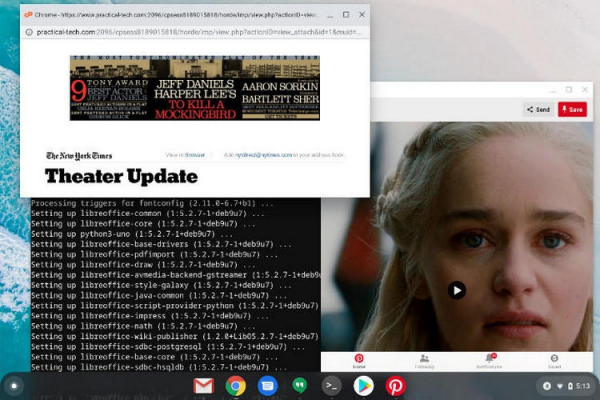
Unlike installing Windows on an Apple macOS computer through Boot Camp, there is no need for dual-booting and selecting the operating system when turning on the computer to use Linux. Instead, both operating systems can be used simultaneously. For example, this allows you to browse files in the Chrome OS file manager and open them with Linux applications like LibreOffice without rebooting the system or selecting Linux. Moreover, the latest version of Chrome OS has the ability to use the file manager to move files between Chrome OS, Google Drive, Linux, and Android.
While ordinary users may not need such "dancing with tambourines", software developers can derive significant benefits from this. The ability to run Linux allows for software development across three operating systems (Chrome OS, Linux, and Android) on a single platform. Additionally, Chrome OS 77 introduced support for secure USB connections for Android smartphones, enabling developers to write, debug, and release Android application packages (APK) for Android using any Chromebook.
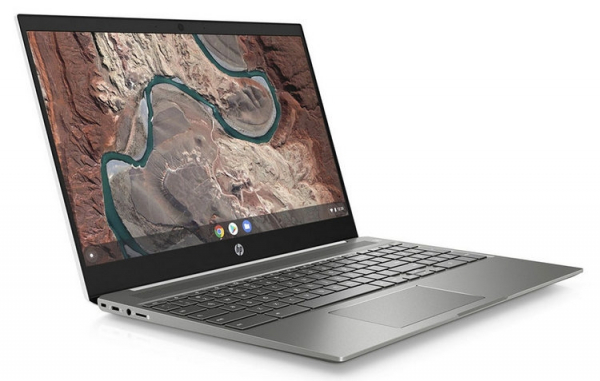
It's worth noting that when Chrome OS first launched, many criticized it for being essentially just a web browser with a few extra capabilities. However, Google continued to add functionality to its desktop OS, and now, with support for Linux and Android, developers can effectively move away from Mac or Windows computers. Gradually, Chrome OS has evolved into a fully-fledged operating system.
Source: 3dnews.ru
