

After relentless , which seemed to deprive all previous-generation GPUs of a chance for a happy retirement, it's nice to remember that there are popular games with quite democratic system requirements. Projects focused entirely on online battles prioritize gameplay mechanics and often stand out favorably from single-player blockbusters with modest hardware demands. In the case of Apex Legends, this is completely predictable, as the game is built on the long-standing Source engine, which was also used in Half-Life 2. However, the Respawn Entertainment team has significantly revamped the Source codebase. As a result, despite its deep roots, Apex Legends looks presentable and can therefore find work even for the most high-performance graphics cards.

Graphics Quality Settings
Apex Legends does not offer a convenient option to select one of the predefined image detail profiles. Instead, the settings menu provides several individual options controlling various parameters of the graphics engine. To ensure the game runs on weaker or simply outdated GPUs, we moved the sliders to the minimum quality setting, while powerful graphics cards were tested with uncompromisingly high options. In intermediate situations, a combination of settings was used that significantly reduces the load on the GPU compared to the requirements at the highest detail settings, while still maintaining an appealing look for the game.
| Graphics Quality Settings in Tests | |||
|---|---|---|---|
| Min. Quality | Avg. Quality | Max quality | |
| Anti-aliasing | None | None | TSSAA |
| Texture Streaming Budget | Off | Medium (3GB VRAM) | Insane (8GB VRAM) |
| Texture Filtering | Anisotropic 16X | Anisotropic 16X | Anisotropic 16X |
| Ambient Occlusion Quality | Off | Medium | High |
| Sun Shadow Coverage | Low | High | High |
| Sun Shadow Detail | Low | High | High |
| Volumetric Lighting | Disabled | Enabled | Enabled |
| Dynamic Spot Shadows | Disabled | Enabled | Enabled |
| Model Detail | High | High | High |
| Effects Detail | Low | Medium | High |
| Impact Marks | Low | Medium | High |
| Ragdolls | Low | Medium | High |
The only parameter that we left untouched is the texture filtering mode. On modern graphics cards, it doesn't significantly improve the frame rate, but it has a profound impact on rendering clarity, so 16x anisotropy was used in all tests. Additionally, we had to accept that Apex Legends (at least on our test system) ignores the model detail setting and stubbornly resets it to maximum. It's worth noting that there is no option to switch the API from Direct3D 11 to Direct3D 12 or Vulkan in the game. This privilege is reserved for a few projects using the Source engine version two.
 |  |  | ||
 |  |  | ||
 |  |  | ||
 |  |  | ||
 |  |  | ||
 |  |  | ||
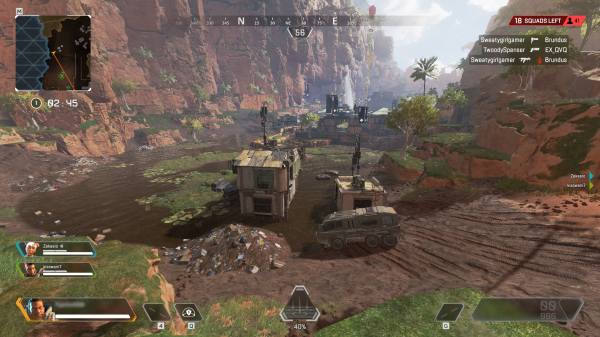 | 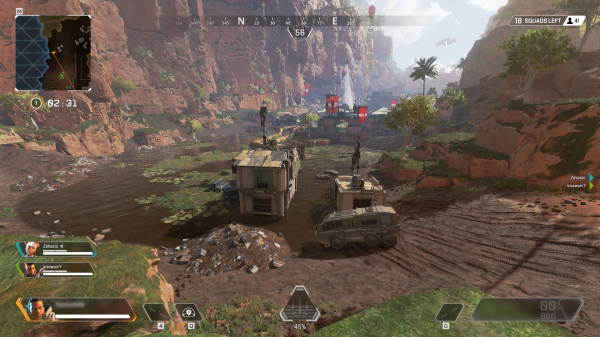 | 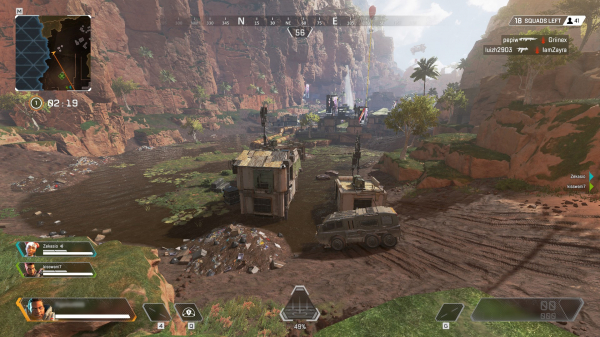 |
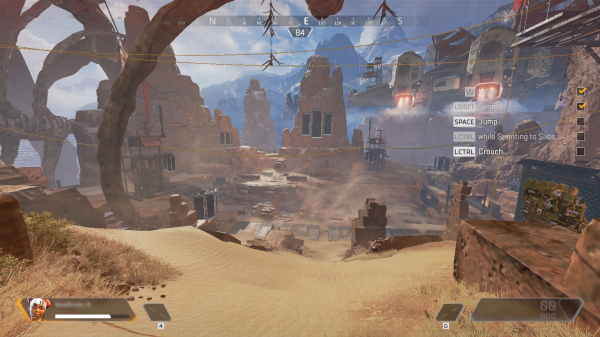
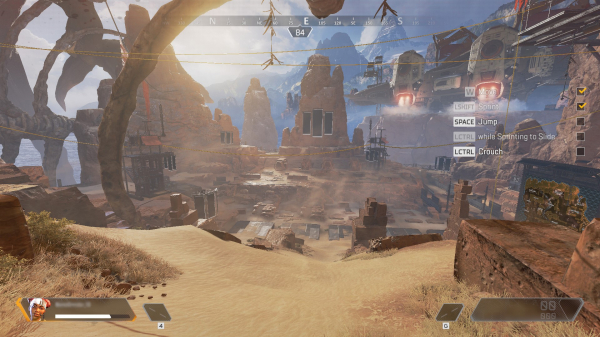
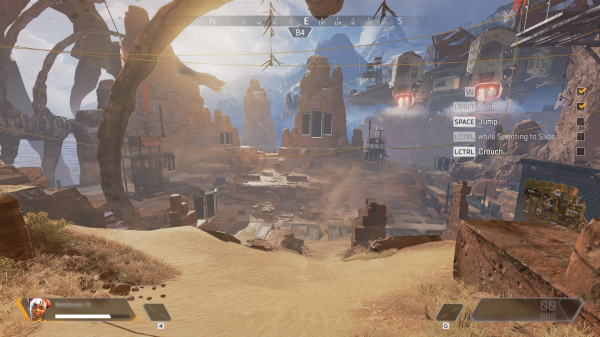
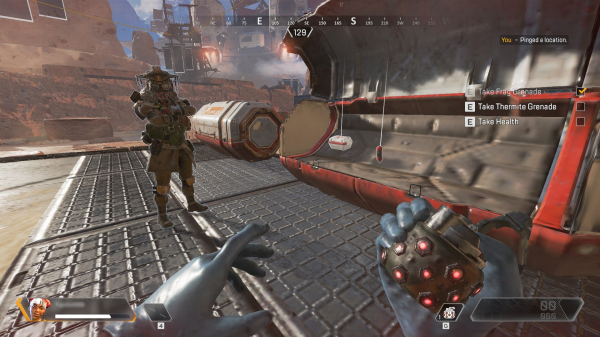
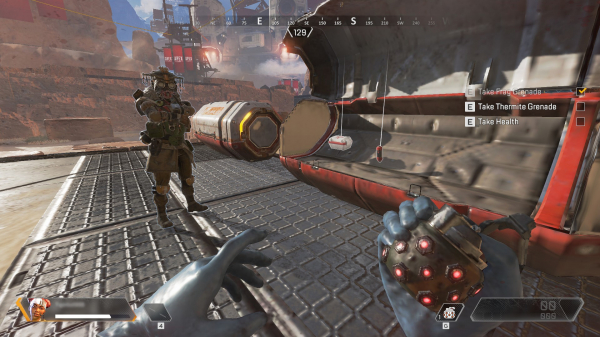
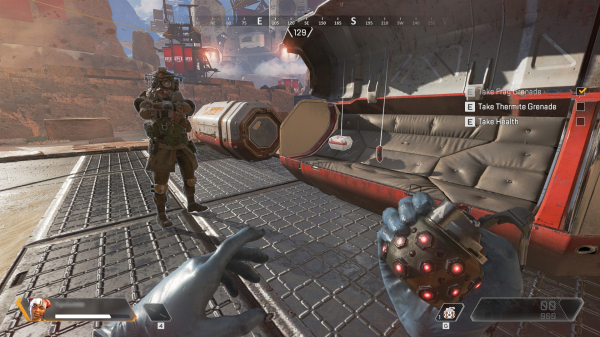
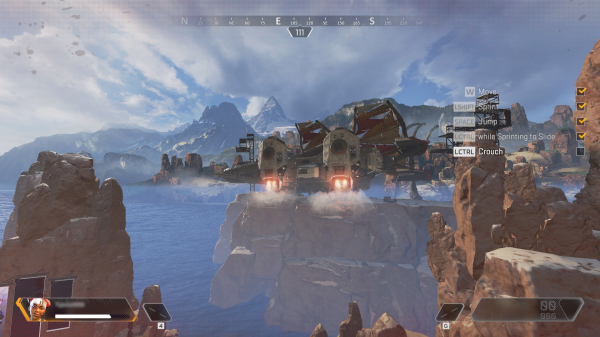
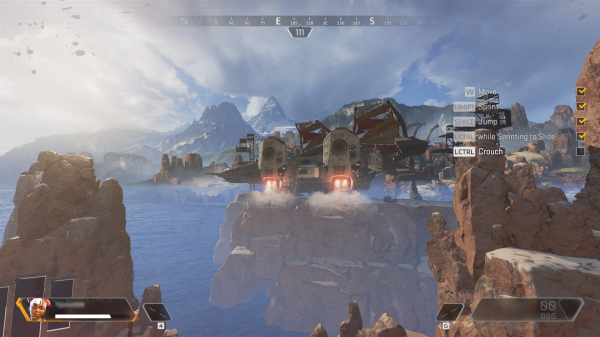
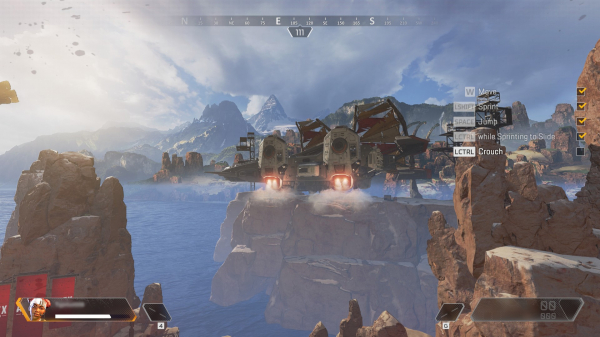
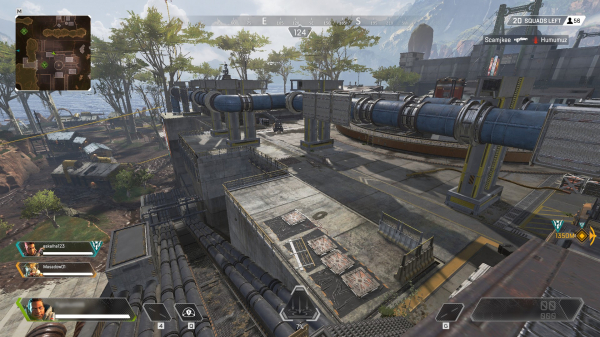
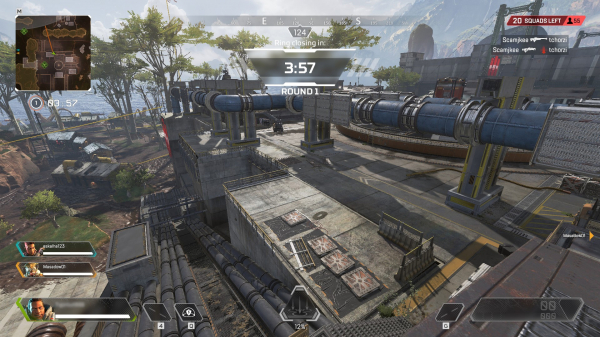
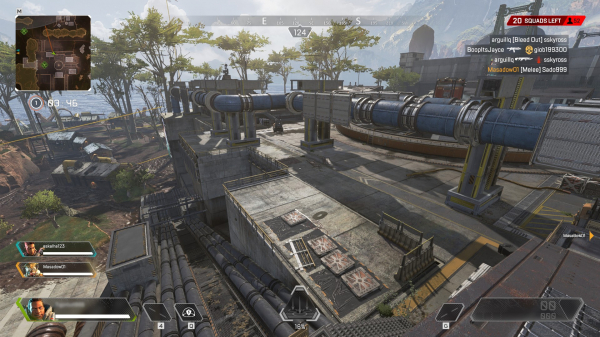
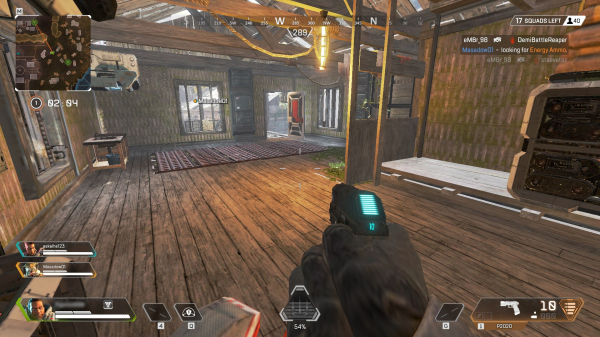
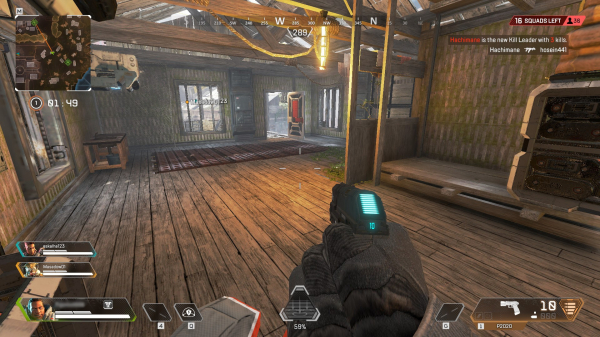
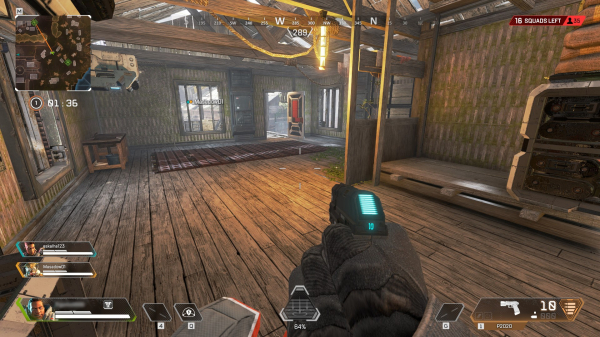
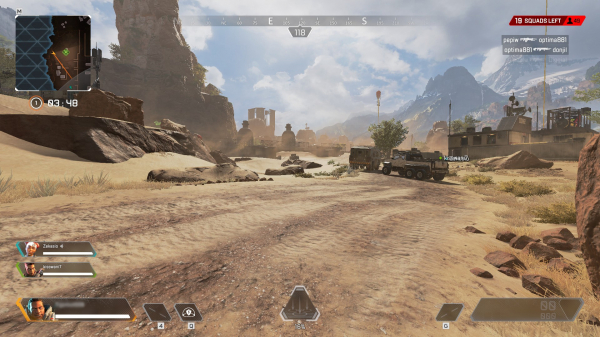
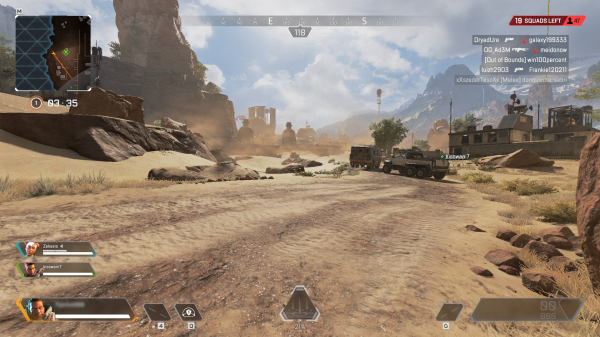
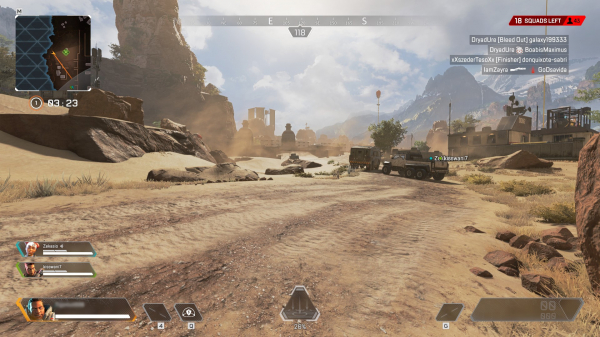
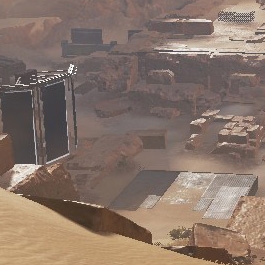
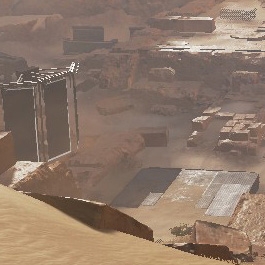
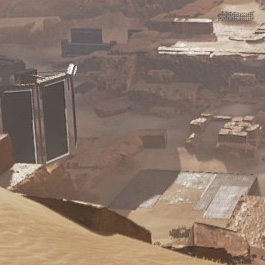
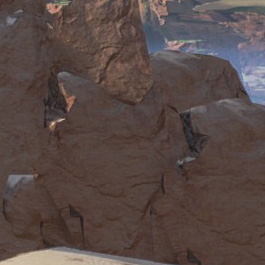
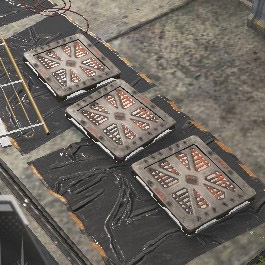
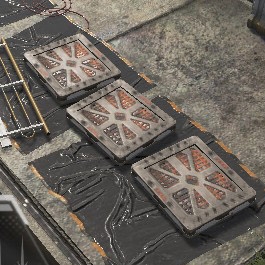
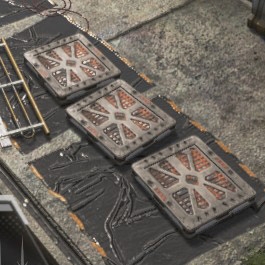
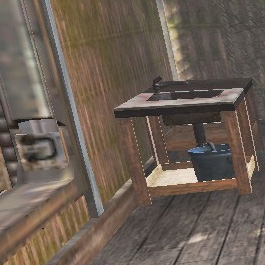
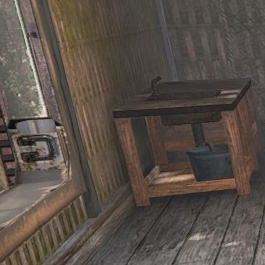
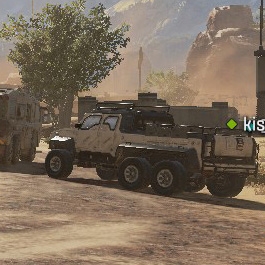
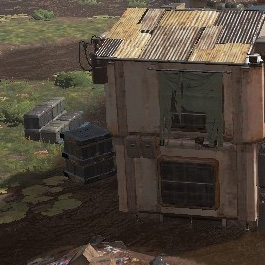
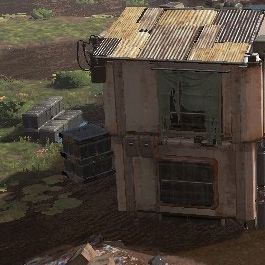
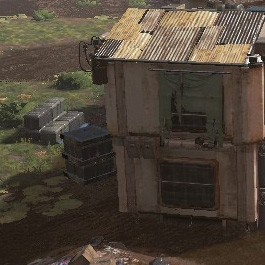
As can be seen from the screenshots, the minimal and maximum settings in Apex Legends differ drastically. The most significant impact on image quality comes from the Texture Streaming Budget setting, although the frame rate varies only when the GPU is short on local memory.
 |  |  | ||
 |  |  | ||
 |  |  | ||
 |  |  | ||
 |  |  | ||
 |  |  | ||
 |  |  |
Test bench, testing methodology
| Test Stand | |
|---|---|
| CPU | Intel Core i9-9900K (4.9 GHz, 4.8 GHz in AVX, fixed frequency) |
| Motherboard | ASUS MAXIMUS XI APEX |
| Memory | G.Skill Trident Z RGB F4-3200C14D-16GTZR, 2 × 8 GB (3200 MHz, CL14) |
| SSD | Intel SSD 760p, 1024 GB |
| Power Supply | Corsair AX1200i, 1200 W |
| CPU Cooling System | Corsair Hydro Series H115i |
| Case | CoolerMaster Test Bench V1.0 |
| Monitor | NEC EA244UHD |
| Operating system | Windows 10 Pro x64 |
| GPU Software for AMD | |
| All graphics cards | AMD Radeon Software Adrenalin 2019 Edition 19.4.1 |
| GPU Software for NVIDIA | |
| All graphics cards | NVIDIA GeForce Game Ready Driver 425.31 |
Since Apex Legends does not have a built-in benchmark, performance measurement was conducted using the OCAT utility during a short multiplayer session. To properly compare the most powerful graphics cards, we disabled the 144 FPS frame rate limit set by default in Apex Legends.
The average and minimum frame rate figures are derived from the array of rendering times for individual frames. The average frame rate shown in the charts is the inverse of the average rendering time per frame. To assess the minimum frame rate, the number of frames generated each second during the test is calculated.
Unlike the tests in single training mode, this methodology adequately reflects the typical load on the GPU in Apex Legends, although it has its drawbacks. Since the benchmarking procedure cannot be exactly repeated across multiple graphics cards, we had to lower the accuracy of the minimum FPS measurements from the standard 1st percentile to the 5th (although the average frame rate values remained quite stable). Additionally, the selected test scene is not the most demanding that the Apex Legends engine can handle (specifically, there is a higher load upon landing from the plane at the start of a match), and we also avoided collisions with other players. In light of these adjustments, it should be considered that there is a certain buffer in the testing results for all graphics cards regarding minimum and average FPS values.
Testing participants
- ;
- ;
- ;
- ;
- ;
- ;
- ;
- ;
- );
- );
- );
- );
- );
- );
- );
- AMD Radeon R9 370X (1000/5600 MHz, 2 GB);
- );
- AMD Radeon R7 360 (1050/6500 MHz, 2 GB);
- ;
- ;
- ;
- ;
- ;
- ;
- );
- );
- ;
- );
- );
- );
- ;
- ;
- ;
- ;
- ;
- .
Note: In the specifications of the Vega and Radeon VII graphics cards, AMD indicates the maximum Boost Clock not as the allowed maximum under standard settings, as was the case in previous generations of the GCN architecture, but rather the upper limit of the range in which the GPU operates under typical load. However, since monitoring and overclocking utilities, including the proprietary WattMan, ignore the Boost Clock and still display the maximum frequency, that frequency is what is listed in device lists and on charts.
Source: 3dnews.ru
