

Beeline is actively implementing IPoE technology in its home networks. This approach allows the client to be authenticated based on the MAC address of their equipment without using a VPN. When switching the network to IPoE, the router's VPN client becomes inactive and continues to repeatedly attempt to connect to the disabled provider's VPN server. We only need to reconfigure VPNthe router client to connect to a VPN server in a country where internet restrictions are not practiced, and the entire home network will automatically gain access to google.com (at the time of writing this article, this site was blocked).
Router from Beeline
In its home networks, Beeline uses L2TP type VPN. Accordingly, their router is specifically designed for this type of VPN. L2TP is an implementation of IPSec+IKE. We need to find a VPN provider that offers this type of VPN. As an example, let's take FORNEX (not an advertisement).
Setting up VPN
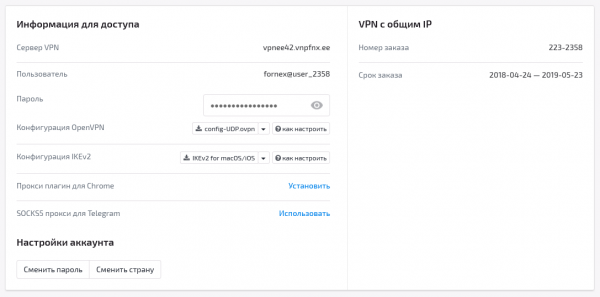
In control panel We find out the connection parameters to the VPN server. For L2TP, these will be the server address, username, and password.
Now we log in to the router.
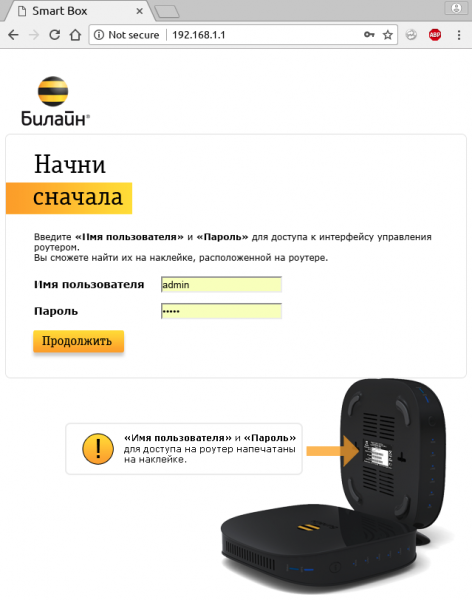
As indicated in the hint, "look for the password on the box."
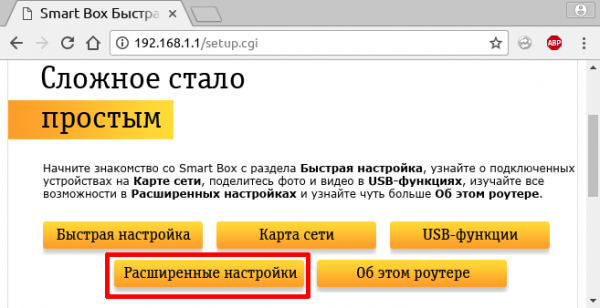
Next, click on 'Advanced Settings', then 'Other'.
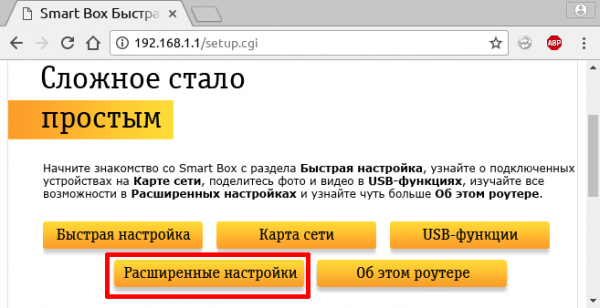
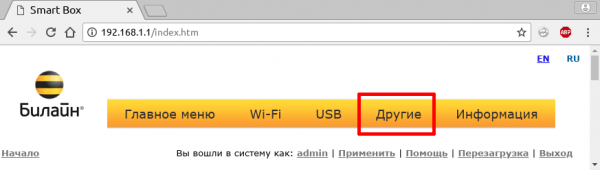
And here we land on the L2TP settings page (Home > Other > WAN).
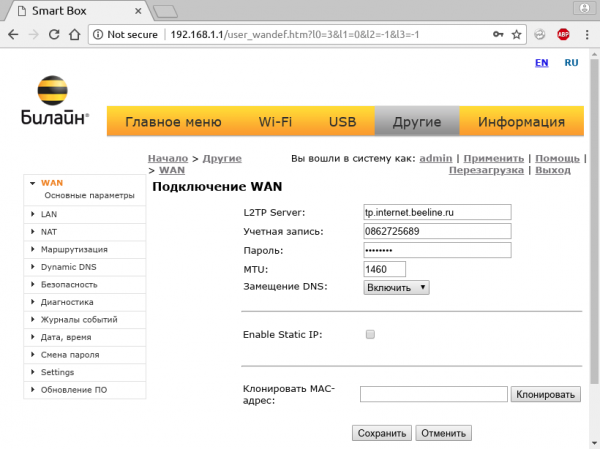
The parameters already have the address of Beeline L2TP server, along with the username and password for your Beeline personal account, which are also used on the L2TP server. When switching to IPoE, your account on the Beeline L2TP server is blocked, leading to a significant increase in the load on the provider's IKE server as a multitude of home routers continues to contact it day and night every minute. To ease its burden a bit, let’s continue.
We enter the address of the L2TP server, username, and password provided by the VPN provider.
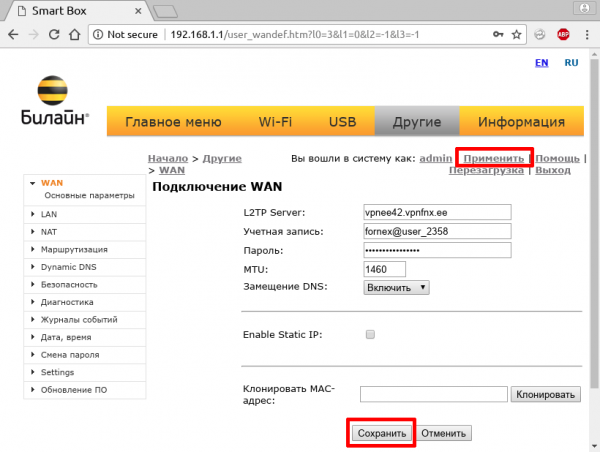
Click 'Save', then 'Apply'.
Go to 'Main Menu'
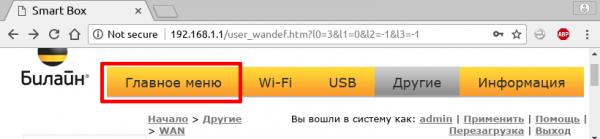
then back to 'Advanced Settings'.
In the end, this is what we got.
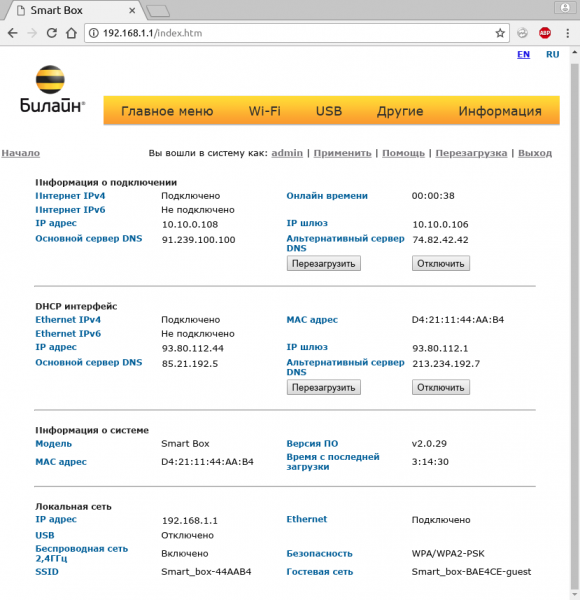
In the 'DHCP Interface' section, we received settings from the Beeline DHCP server. We were assigned a white address and DNS that handle restrictions. In the 'Connection Information' section, we received settings from the VPN provider: gray addresses (for security) and DNS without restrictions. The VPN provider's DNS servers override the DHCP DNS servers.
Profit
We received a miracle router that provides WiFi with a working Google, a satisfied grandmother continues chatting on Telegram, and the PS4 joyfully downloads content from PSN.
Disclaimer
All trademarks are the property of their respective owners, and their use in this material is purely coincidental. All addresses, usernames, passwords, and identifiers are fictional. This article does not contain advertisements from any provider or equipment since this trick works with any equipment on any operator's network.
Source: habr.com
