

To learn is not the same as knowing; some are knowledgeable, and others are scholars—one is formed by memory, the other by philosophy.
Alexandre Dumas, "The Count of Monte Cristo"
Hello, Habr! When we talked about of 6-inch e-reader models from ONYX BOOX, we briefly mentioned another device—the Monte Cristo 4. It deserves a separate review not only because it belongs to the premium segment thanks to its aluminum-magnesium alloy body and screen protected by the Japanese manufacturer Asahi; the Monte Cristo 4 is the flagship of the line, offering performance on par with its larger siblings despite its smaller screen size, and interacting with content has become even more interesting. All the details are, as usual, below the cut.
Until recently, flagship characteristics were mainly boasted by ONYX BOOX readers with larger screen sizes. There’s no need to look far for examples—take the or , detailed reviews of which we have already done. This means that if advanced hardware was needed, one had to choose larger devices. But power does not always go hand in hand with screen size: often, users need maximum performance in a compact body. For such readers, the ONYX BOOX Monte Cristo 4 was released.
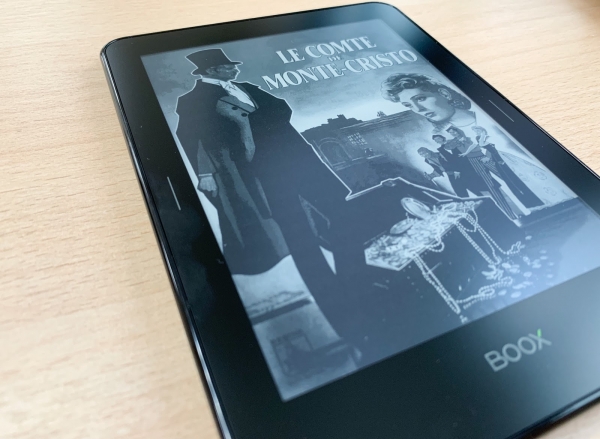
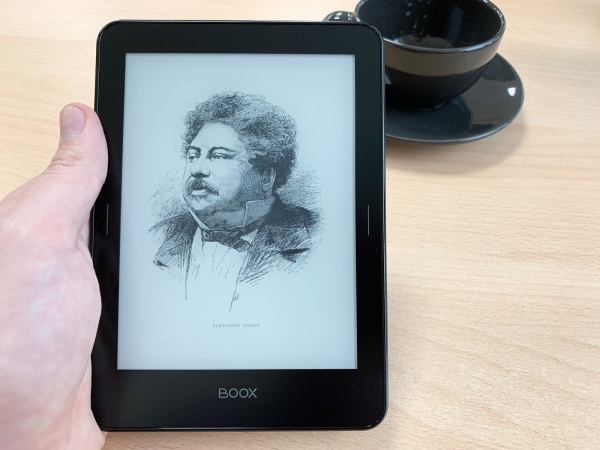
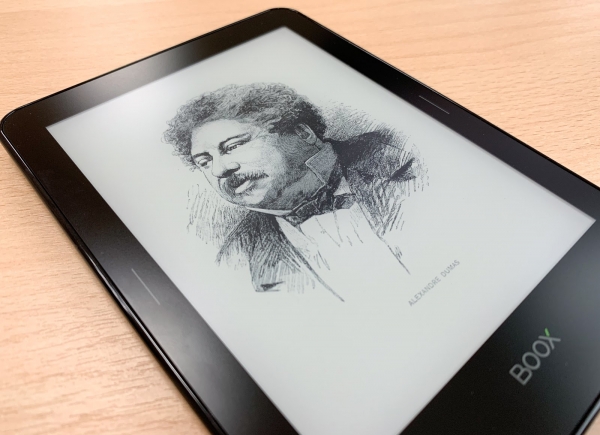
The new model is a logical continuation of the ONYX BOOX reader line, represented in Russia by the MacCenter company. The naming of the model was once again inspired by Alexandre Dumas with his famous novel "The Count of Monte Cristo," which has many references—this pertains both to the external design of the device's box and its content (various sketches from the book are displayed when translating the book into sleep mode). The fourth iteration of the ONYX BOOX Monte Cristo can hardly be called an update 'for the sake of it.' To see this, just take a quick glance at the technical specifications of the new reader:
| Display | Touchscreen, 6", E Ink Carta Plus, 1072×1448 pixels, 16 shades of gray, multitouch, SNOW Field |
| Backlight | MOON Light+ |
| Touch screen | Capacitive multi-touch |
| Operating system | Android 4.4 |
| Battery | Lithium-polymer, capacity 3000 mAh |
| Processor | Quad-core, 1.2 GHz |
| Memory | 1 GB |
| Built-in memory | 8 GB |
| Memory Card | MicroSD/MicroSDHC |
| Supported formats | TXT, HTML, RTF, FB2, FB3, FB2.zip, DOC, DOCX, PRC, MOBI, CHM, PDB, EPUB, JPG, PNG, GIF, BMP, PDF, DjVu |
| Wireless connectivity | Wi-Fi 802.11b/g/n |
| Dimensions, mm | 159 × 114 × 8 |
| Weight, g | 205 |
What makes our 'graph' so interesting? Firstly, the latest generation E Ink Carta Plus screen with SNOW Field technology and MOON Light+ backlighting, which allows for adjustment of the backlight color temperature. The display boasts an impressive resolution of 1072×1448 pixels and an outstanding pixel density of 300 ppi, which is comparable to high-quality paper printing.
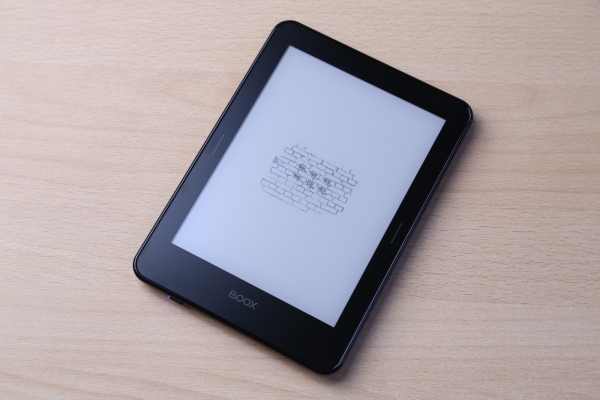
For a sweet touch — 1 GB of RAM (don't be surprised, that's REALLY a lot for an e-reader), 8 GB of storage thanks to support for memory cards, and Wi-Fi for internet access with a built-in browser and connections to online libraries. It was a bit surprising that the interface was built on Android 4.4 rather than Android 6.0, but this did not affect the reader's functionality.
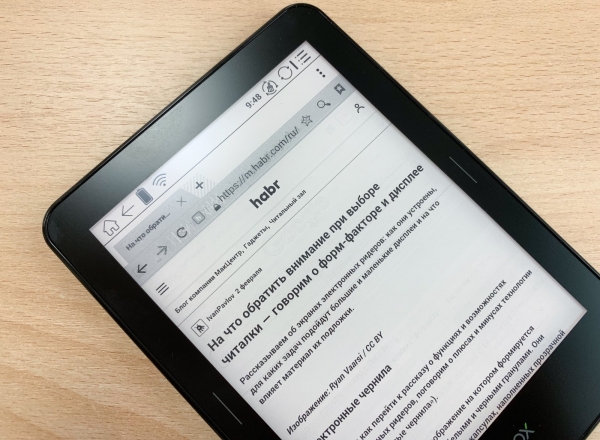
The new mobile version of Habr is perfect for reading on an e-reader.
We'll talk more about the reader's features later, but for now, let's look at what the potential buyer will delight in with the new package.
Why 'The Count of Monte Cristo'?
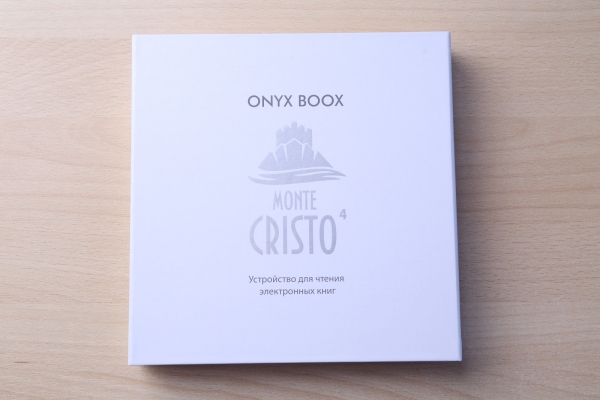
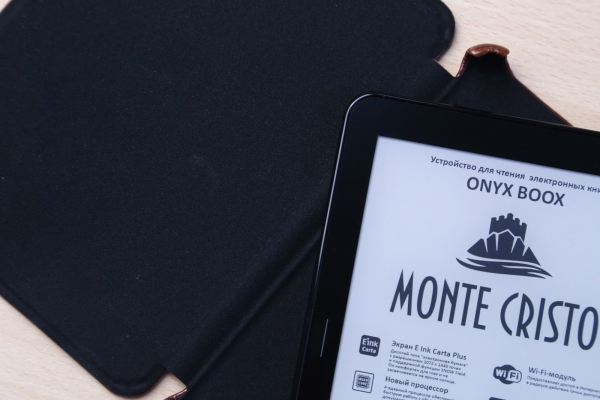
The manufacturer always delights with interesting packaging, and the Monte Cristo 4 box is no exception. It is made of dense white cardboard, adorned on the front with the name and the Château d'If. The package includes items familiar from other ONYX BOOX readers: the e-reader itself in a cover-case, a standard charger (for 220 V), a USB cable, and documentation. The reader can be easily removed from the box.
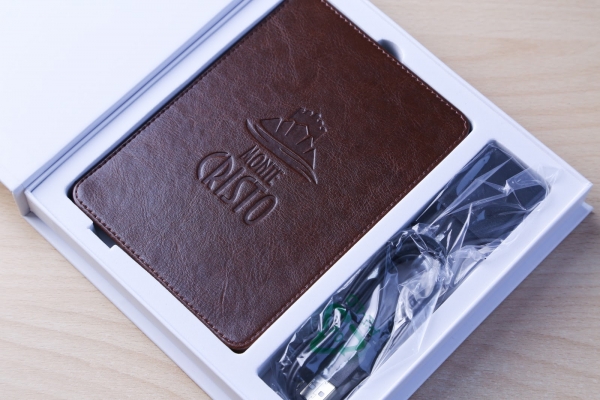
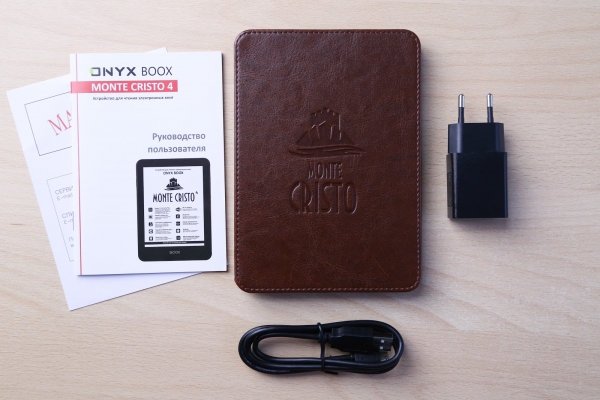
The case imitates rough leather with embossing and has a rigid frame, as well as two magnetic clasps. Inside, a soft material protects the screen. The Hall sensor helps the book automatically enter sleep mode when the cover is closed and wakes it up when opened. When reading, it does not distract, as it does not take away even a centimeter from each side. It secures reliably, although the thickness of the entire construction nearly doubles.
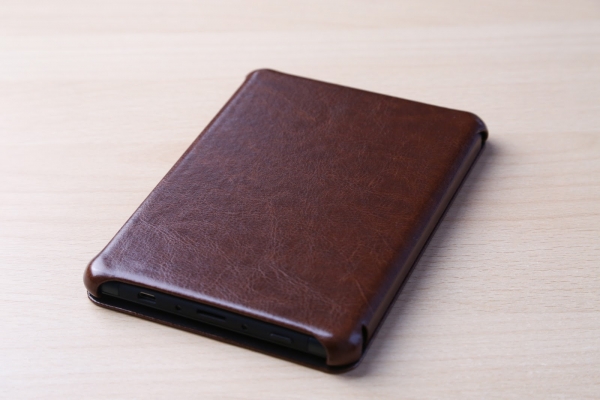
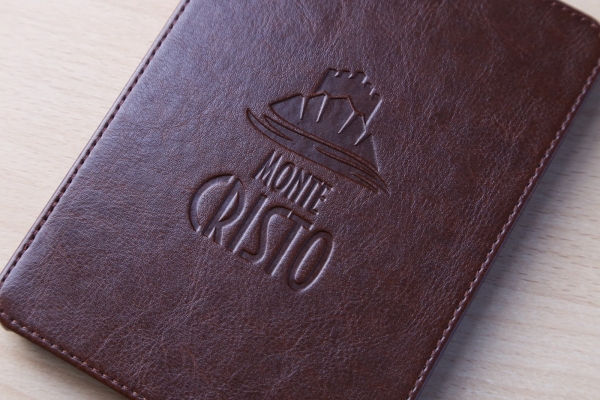
The cover almost completely mimics the box — it features the model name and that very Count of Monte Cristo, into which Dantès was sent without trial in the namesake work. Here you start to understand why the manufacturer chose such a name for its new product. Edmond Dantès, the protagonist of the novel, famously spent several years in prison, and he could certainly have used an e-reader that can operate for up to a month without a charge (the detail being that there was no electricity, and he wouldn't be able to recharge it, but let's skip that point). Other ONYX BOOX readers also carry informative names — one is dedicated to Robinson Crusoe, who spent a long time on an uninhabited island. By the way, the small island of Monte Cristo, where Dantès later found the treasure, was also uninhabited. A tablet or smartphone would discharge in such conditions within two days (at best), while an e-reader will last much longer, especially if used for 2-3 hours of reading a day. In standby mode, it consumes almost no charge.
Of course, these are far from the only cases for using an e-reader, and to truly appreciate all the advantages of such a device, you don't necessarily have to be in a pre-trial detention center or far from civilization. At the same time, it is precisely through such examples that one can genuinely evaluate the e-reader's battery life, unmatched by any mobile device suitable for similar tasks.
Marquis, you have outdone even the king!
The reader is designed in a matte black color, and the device's body is made from an aluminum-magnesium alloy — another hint at its premium positioning. On the front is Asahi protective glass (the Japanese equivalent of Gorilla Glass), making it one of the few devices that can be carried without a case or cover. Of course, this combination does not make the device extremely shock-resistant, but the likelihood of the glass breaking is significantly reduced compared to ordinary plastic-bodied e-readers. Despite its small diagonal, the device feels very solid and looks much more respectable than plastic readers. No doubt, the use of metal in devices makes a difference.
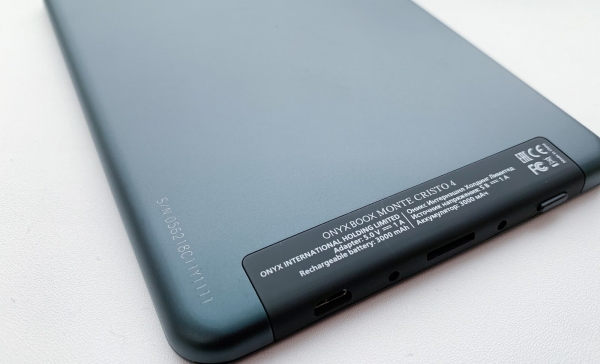
There are hardly any physical buttons, except for the power button. Next to it is a LED indicator that lights up red when connected to a power source, or blue when, for example, the device is powered on. A little further down is the port for charging and memory cards. Everything is minimalistic and tasteful.
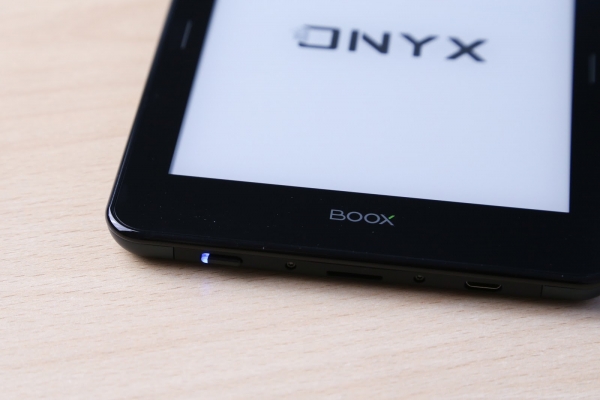
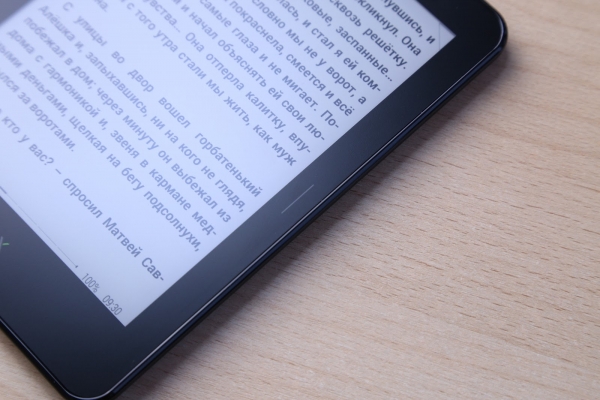
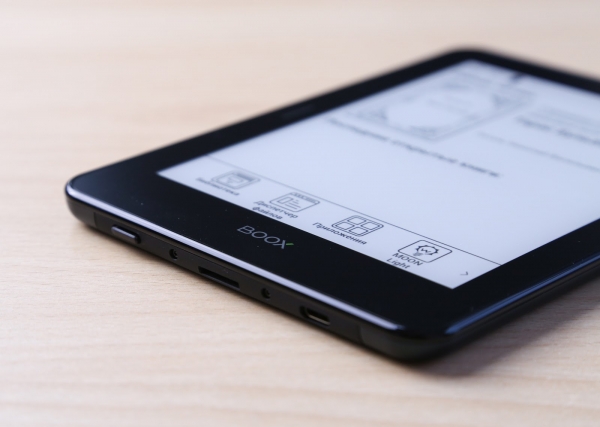
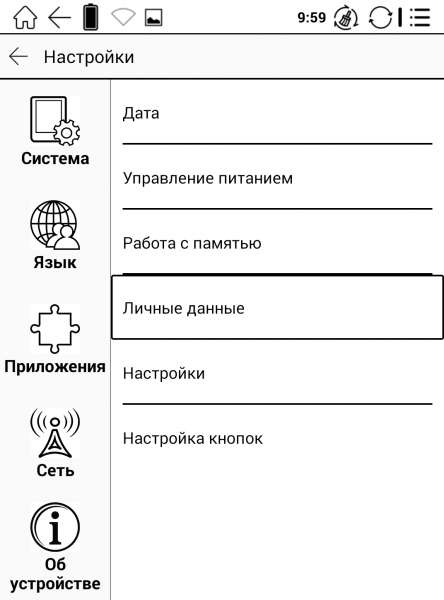
And there are no more buttons here — unless you count the touch-sensitive inserts on the sides, which by default serve as a tool for flipping pages while reading, as well as the touch button built right into the manufacturer's logo (which feels cool, like working on an iPhone). Even on a flagship model, the buttons are physical, but here — surprise! — we've got touch controls. Can this be customized? Of course, the button functions can be changed in the settings: for example, you can assign them to turn on the backlight or act as a 'Menu' button.
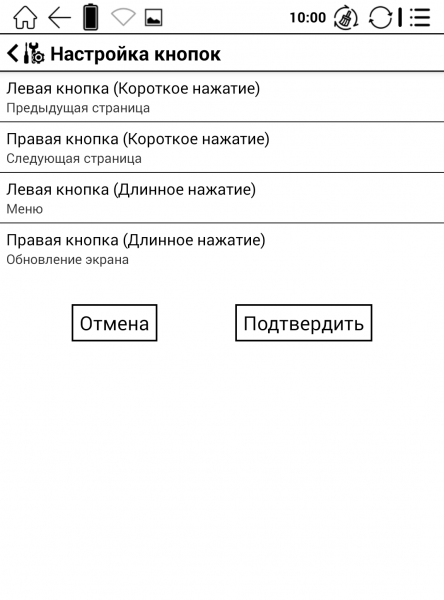
In addition to the screen and control buttons, the front panel features the manufacturer's logo, while the back is completely bare. However, when using the included cover (which is recommended), the back will still be fully covered.
In fact, for ONYX BOOX, this design is a breath of fresh air. The reader looks noticeably more modern (and in 2019, physical buttons are hardly found anywhere anymore), it's no wonder that the updated appearance has become one of the flagship 'Monte Cristo's' selling points.
Before bedtime and beyond
Despite the fact that the E Ink Carta Plus screen is 6 inches, it holds quite a bit of content and displays it very clearly — a resolution of 1072×1448 pixels and a high pixel density make the image almost indistinguishable from a paper book (except that you can't rustle the pages or spill coffee on them). Compared to a regular E Ink Carta screen, the resolution is significantly higher. It's pleasant to look at the screen; it doesn't strain the eyes, and fonts of any size remain sharp (it's akin to a retina screen compared to a regular one). If something needs to be enlarged — for instance, if you opened a multi-page PDF of an apartment plan for future renovations, there's always multitouch zoom.
The device's diagonal is perfectly suited first and foremost for artistic works. However, this is not an issue for any other ONYX BOOX reader. They also included the important MOON Light+ feature that the manufacturer uses in all of its new devices. While the regular MOON Light allowed for the adjustment of the light intensity, its second iteration features separate adjustments for warm and cold light. This makes it possible to read in poorly lit conditions, particularly noticeable before sleeping, when the warm hue is much more comfortable on the eyes than the cold one (not coincidentally, Apple has a similar Night Shift feature, and the f.lux app has millions of users). With such backlighting, you can spend hours reading your favorite work before bed without straining your eyes. Plus, you’ll fall asleep faster, as cold light negatively impacts melatonin production, which is essential for sleep.
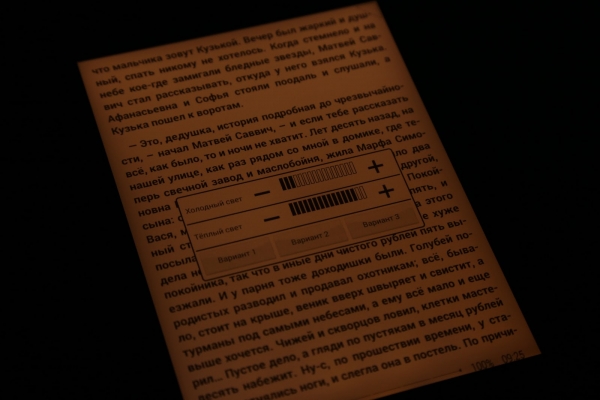
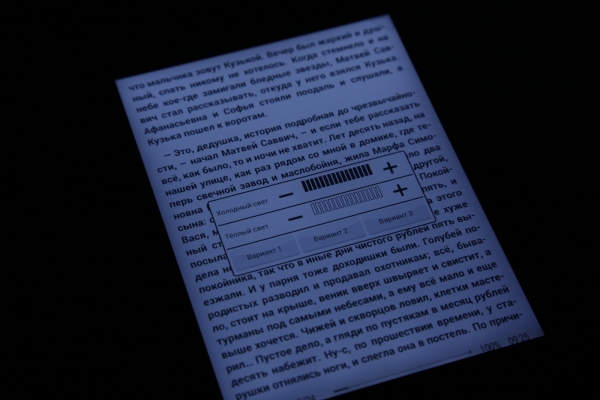
The standard set of features for ONYX BOOX readers now includes the SNOW Field technology: it minimizes the number of artifacts (remnants of the previous image) on the screen during partial redrawing. When flipping through pages, no traces of the previous text are left (which was a common issue with readers from a decade ago).
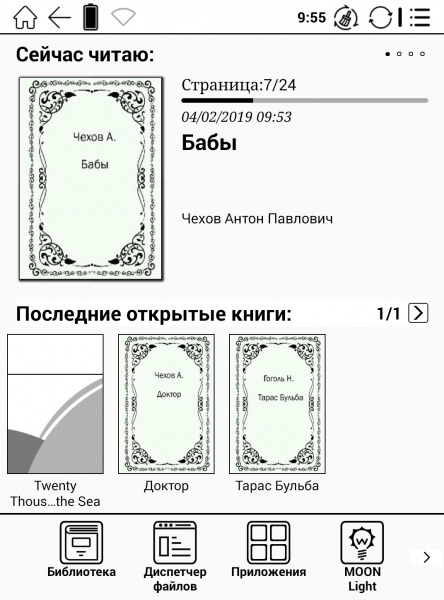
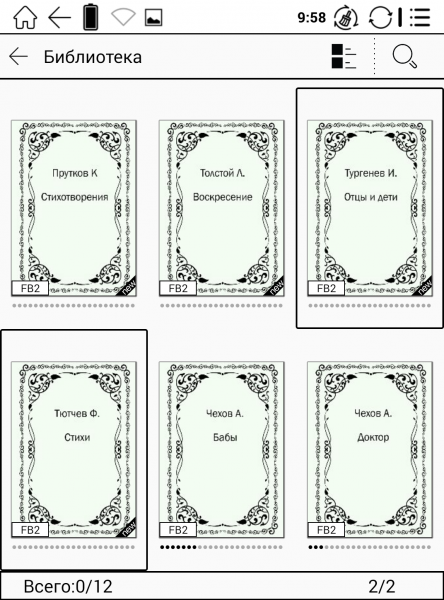
There's no need to dwell on the interface, as it's more or less the same across the manufacturer’s modern readers, with a couple of exceptions. For instance, if the reader lacks Wi-Fi support, the 'Browser' app is unnecessary. Upon turning on the Monte Cristo 4, it displays the main navigation screen (well, after an excerpt from the eponymous novel) where you can access the library, open the file manager, view the applications section, adjust the MOON Light+ backlight settings, enter general settings, and launch the browser.
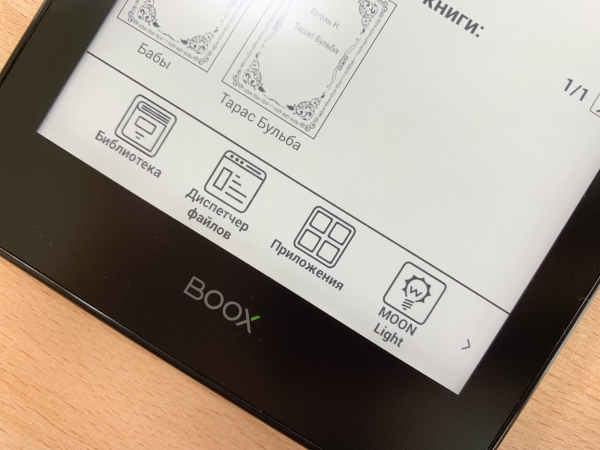
The icons are conveniently located on the bottom panel — very familiar if you’re used to smartphones.
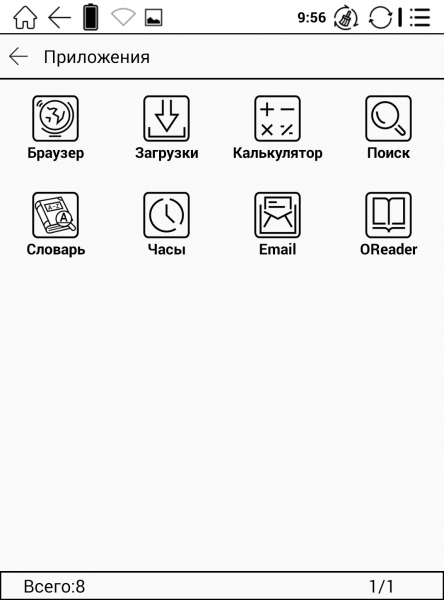
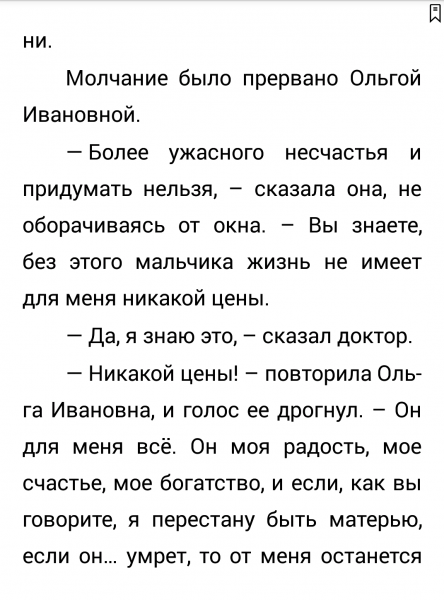
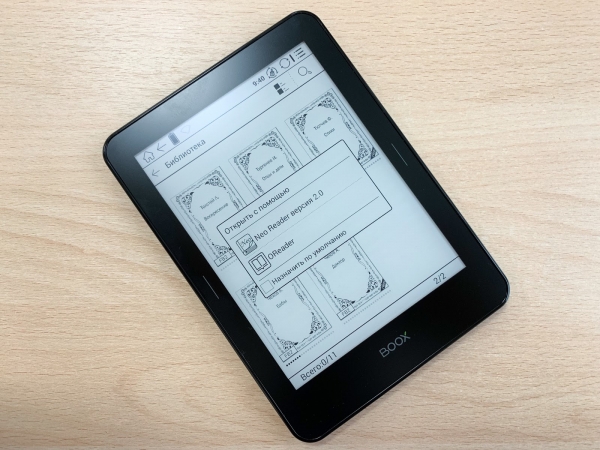
There are also two reading applications — OReader and Neo Reader version 2.0, both of which we are already familiar with from previous reviews. In OReader, above the page flipping strip, there is a panel for accessing display settings for the book and useful tools. If you are working with PDF/djvu files, you can select a specific area to zoom in, read the enlarged page in fragments, crop to the page and width, adjust the scale, enable highlighting, and access settings for customization. For graphs and diagrams, it's better to tweak the contrast so that minor details look even better, and at night, to make the screen shade a bit warmer. You can prepare for a report at work, study for an exam, or read a book for yourself. And, of course, the touchscreen on the e-reader is an incredibly convenient solution. Now we all deal with smartphones and tablets, which have only 2-3 buttons at most, so working with a touchscreen is much easier than with physical controls that you still need to get used to.
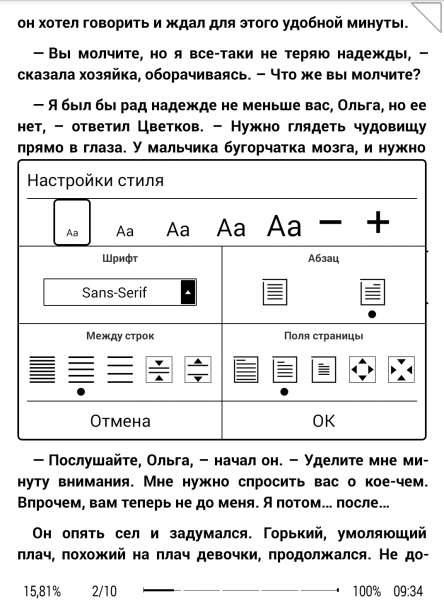
You can flip pages by simply tapping, swiping left or right, or using the touch buttons. The auto-flipping feature turned out to be very convenient, and its speed is adjustable with multiple presses on the page-turning buttons. It’s useful when you need to transcribe a lecture and don’t want to get distracted by turning the page every time.
If you load the device with heavy PDFs, the built-in 8GB of memory will likely be insufficient. For this case, there is a microSD slot that supports memory cards up to 32GB. For using the reader for study purposes or just occasional reading, 8GB will be more than enough. The supported formats are also sufficient — DOCX, PRC, CHM, PDB, and many others.
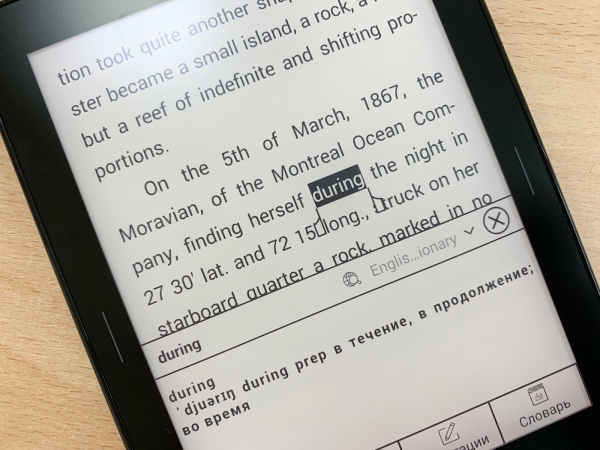
While reading, not only is a full multitouch with support for five simultaneous touches useful, but also the ability to invoke translation for a word using the uploaded dictionary (just touch the required word and hold until the translation appears), automatic memorization of the last opened book and page, and the option to quickly select the font, rotate the image, highlight a fragment in italics, and much more.
Many people are often concerned about the device's performance, and there are no issues here: the quad-core processor and 1 GB of RAM do their job well: the reader quickly opens books and turns pages, and also promptly executes operations like zooming and smooth scrolling. The device responds quickly to the touch buttons, and overall, the interface is responsive, with no lags or freezes regardless of the document opened—be it a small book or a large PDF manual.
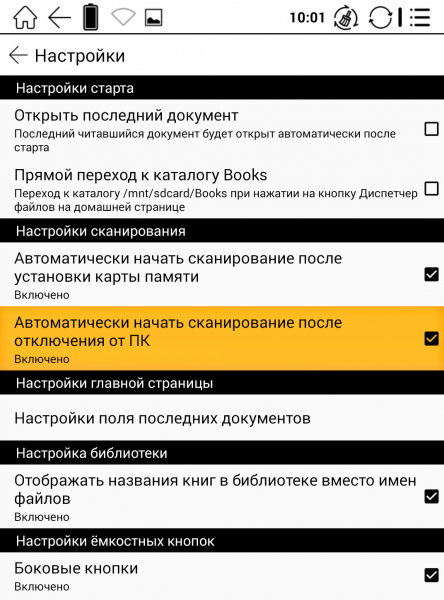
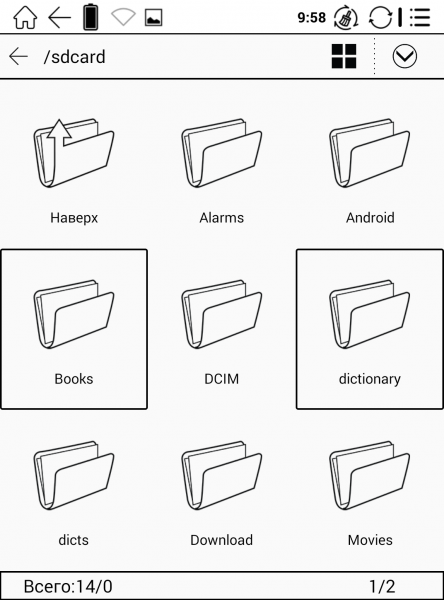
Where to get books? Everyone usually answers this question for themselves, but there’s nothing better than official sources. There are many stores with electronic versions of books available now, and after downloading, you can transfer the work to your device in just a few clicks (even on a Mac if you use something like Android File Transfer). Plus, the Monte Cristo 4 offers Wi-Fi, meaning it supports online libraries (OPDS catalogs). This provides hundreds of thousands of free books with convenient sorting.
You could spend a bit more time describing all the advantages of this reader, but they will mostly be similar to those of the Darwin 6, which we already detailed a few days ago. Therefore, it’s important to highlight the main differences, summarizing briefly:
- E Ink Carta Plus screen with high resolution and 300 ppi
- Body made from aluminum-magnesium alloy instead of plastic
- Asahi protective glass
- Wi-Fi support
- MOON Light+ and SNOW Field
- A cover that has become even more convenient
Why have an e-reader in 2019?
To experience all the pleasures of using an e-reader, it's not necessary to spend several years in distant places like Dantes (or even 15 days) or to go to a deserted island like Robinson Crusoe. There are countless scenarios for using an e-reader; here are just a few examples.
In education. You can forget about the pile of textbooks and notes, as the reader allows you to read them just like a paper equivalent, without causing eye strain or other artifacts. The built-in dictionary enables reading in other languages, with the translation displayed right on the same page. Long battery life allows you to forget about charging for at least a few days (or even longer, depending on how intensively you use the device), while the high-resolution screen, like that of the Monte Cristo 4, handles literature on analytical geometry and linear algebra, clearly displaying each character.
In work. This is currently a less popular use case for e-readers, but the development of the relevant market makes them increasingly popular among technical professionals and journalists. The former can load multi-page documents without worrying about "charging," while the latter can conveniently study literature on topics and simply expand their vocabulary. Programmers can even use the reader as a second monitor — the MAX 2 is well-suited for this purpose.
While traveling. Perhaps nothing beats a reader in this regard. A 13-hour flight? It will pass unnoticed if you are reading your favorite book or educational literature, and upon arrival, there will still be over 70% battery left (a tablet would have drained to "zero"). Many love to read on vacation, and it is not uncommon to charge the e-reader once before the trip and only reconnect it to the power supply upon return (unless it’s a total downshift for half a year, of course). Yes, you can't watch movies on it, but that’s not what it's made for. And if by relaxation you mean lounging like a seal under the sun, then the e-reader is also suitable here, unlike those same smartphones and tablets. Read-and-tan — you can significantly boost your knowledge in just a week-long vacation.
In prison? The author of this publication has just finished reading the electronic version of "3½" by Alexei Navalny, in which he shared stories from his days on the other side of freedom. There was a separate section on gadgets, one of which was the e-reader, with which he played chess with his father. Of course, the regulations vary in different establishments, but apparently, an e-reader without a SIM card is quite an acceptable gadget that can make reading more comfortable. But, of course, we don't wish anyone to experience such a scenario.
Reading, reading, reading! Indeed, loading several books onto an electronic device is much more convenient than carrying a paper equivalent. Given the prices of the latter, it’s also significantly more cost-effective: let’s not forget about electronic libraries and stores where a .fb2 version of a book can be purchased for 59 rubles instead of 399 rubles for a paper copy. And the battery life plays a significant role here as well. Moreover, ONYX BOOX offers a wide range of e-readers—from the simple 6-inch ‘Caesar’ to the flagship 10-inch ‘Euclid’. Or today’s hero—the Monte Cristo 4.
And what about the count?
Some know him by the names of Lord Wilmore, Abbe Busoni, and others... but in the end, he sails into the sunset, and everything is well with him. The same goes for the namesake e-reader: the Monte Cristo 4 has turned out to be an interesting flagship reading device that has been long awaited. It’s no longer necessary to take a device with a large screen if you need a powerful e-reader with a good display and high pixel density. While the MAX 2 or Gulliver screen was still too big to carry around, the Monte Cristo 4 is much more manageable in this regard. Plus, they often cost as much as a laptop, with the ‘Monte Cristo’ priced just above 13,000 rubles. The device is definitely suitable for both home reading enthusiasts and those who constantly deal with documents at work or in studies, including graphic files. The casing is sensitive to fingerprints, but not as much as readers with plastic cases.
The price may deter some, but it's important to consider that E-Ink essentially holds a monopoly in the e-reader market (and quality components cannot be cheap). Budget readers usually offer less functionality, and while the screen size might be similar, you can forget about high resolution and ppi. Weighing the pros and cons, our graphics speak for themselves (modestly so)). Thank you for your attention, we are ready to answer any questions in the comments.
Source: habr.com
