

Hello! In the comments to , which recently featured in our blog, some were surprised that the device in 2019 comes without a touchscreen (Karl!). For some, this is strange, while others specifically look for a reader with only physical buttons: for instance, elderly people find it easier to use something they can feel; an accidental swipe on the screen can 'break everything', and returning to reading can be quite difficult. If such e-books were truly unwanted, they simply wouldn't be produced — manufacturers also don't want to waste time on their suppliers.
Today, by popular demand, we will discuss a reading device with a touchscreen. And although this is no longer surprising, ONYX BOOX Faust deserves close attention, as this reader is a lighter version of the top model ONYX BOOX Darwin 5. Plus, it is two thousand rubles cheaper (yes, we are starting with a strong point).
Grading of ONYX BOOX readers
With such a variety, it’s easy to get confused, as the more devices available on the market, the harder it is to make the right choice. We previously conducted a of the latest products from ONYX BOOX, so we won’t dwell on them any longer. However, to make it easier to understand the basic-level readers, we will provide a brief specification for each of them:
- ONYX BOOX James Cook 2 — the cheapest and simplest option, without a touchscreen and with low resolution (600×800 pixels);
- ONYX BOOX Caesar 3 — an advanced reader with increased resolution (758×1024 pixels);
- ONYX BOOX Faust — a basic reader with a touchscreen and resolution of 600×800 pixels;
- ONYX BOOX Vasco da Gama 3 — a device with a capacitive multitouch screen and resolution of 758×1024 pixels.
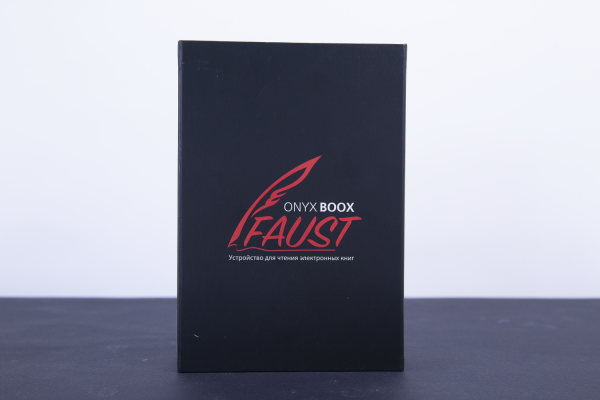
Essentially, Faust will be an excellent choice for those who absolutely need a touchscreen but do not want to spend more than 8,500 rubles on a reader (which is exactly its price). Additionally, it is a simplified version of one of ONYX BOOX's flagships (Darwin 5), made accessible by reducing the screen resolution and RAM. Otherwise, this device has top-tier components that are more than sufficient not only for reading fiction but also for working with PDF files.
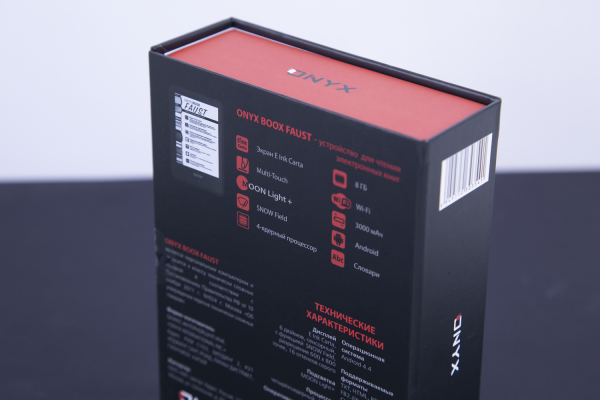
Specifications of ONYX BOOX Faust
| Display | Touchscreen, 6", E Ink Carta, 600×800 pixels, 16 shades of gray, multi-touch, SNOW Field |
| Backlight | MOON Light+ |
| Touch screen | Capacitive multi-touch |
| Operating system | Android 4.4 |
| Battery | Lithium-ion, capacity 3000 mAh |
| Processor | Quad-core, 1.2 GHz |
| Memory | 512 MB |
| Built-in memory | 8 GB |
| Memory Card | MicroSD/MicroSDHC |
| Supported formats | Text: TXT, HTML, RTF, FB2, FB3, FB2.zip, DOC, DOCX, PRC, MOBI, CHM, PDB, EPUB Graphics: JPG, PNG, GIF, BMP Others: PDF, DjVu |
| Wireless connectivity | Wi-Fi 802.11b/g/n |
| Wired connection | micro USB 2.0 |
| Dimensions | 170 × 117 × 8.7 mm |
| Weight | 182 g |
Features of ONYX BOOX Faust
Although it is essentially the entry-level model in the ONYX BOOX line of e-readers with a touchscreen, it features an E Ink Carta display. The device has the proprietary ONYX BOOX software interface, which acts as a 'layer' over Android, supporting all major text and graphic formats, and allows working with texts in other languages—some dictionaries are already pre-installed. The resolution is not the highest, but for an entry-level e-book, this display is quite sufficient, aided by fine temperature adjustments and good responsiveness, along with high clarity of letters even at small text sizes.
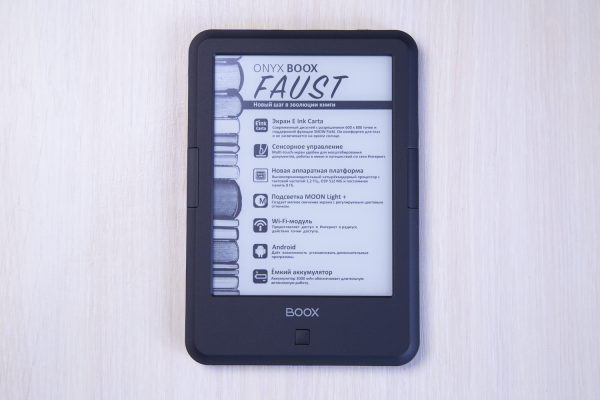
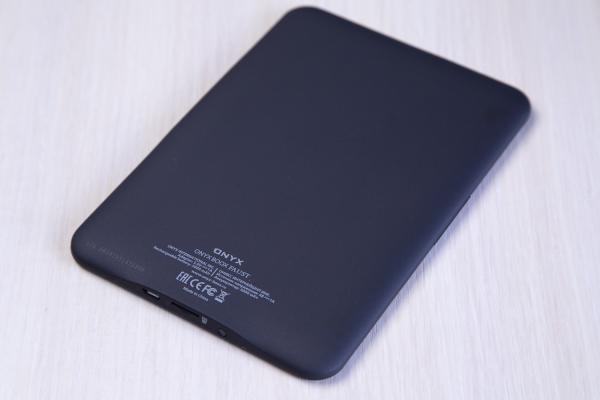
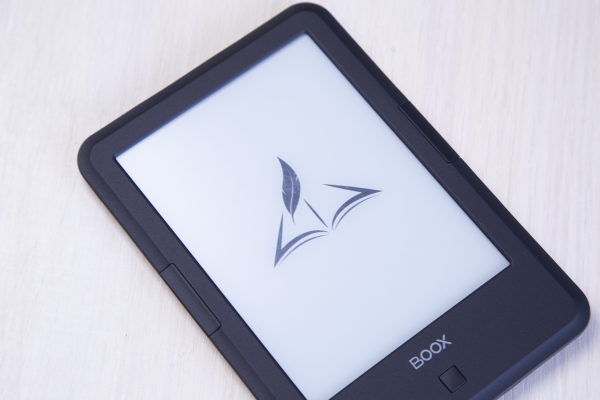
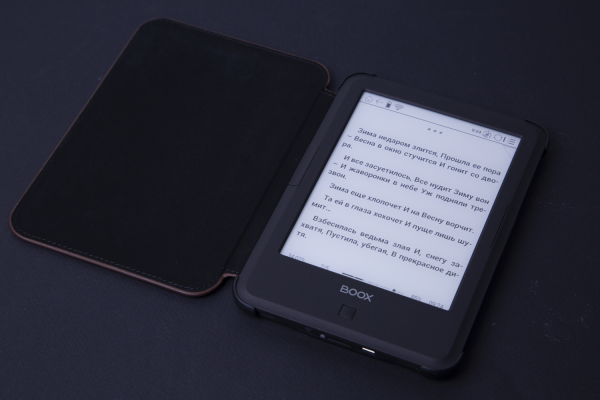
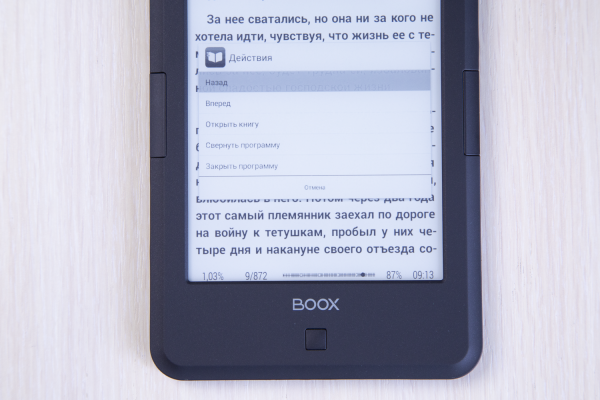
The casing is familiar from other readers by the manufacturer, made in a matte black color from quality plastic. There are four physical control buttons: one in the center functions as the 'Home' button, allowing access to additional menus and returning to the home screen, much like the Home button on iPhones (which has long ceased to exist). The other two are symmetrically placed on the sides, serving by default for turning pages.
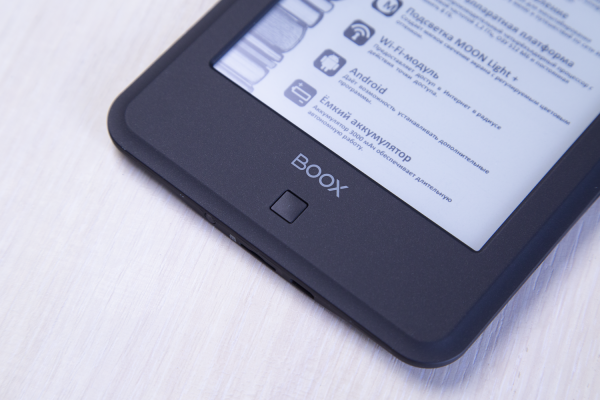
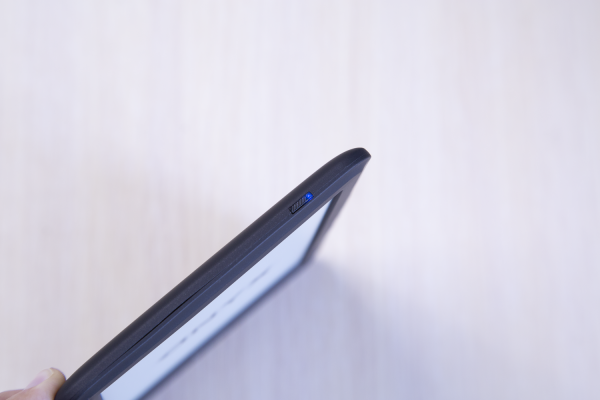
There is also a power button on the top with an LED indicator. It glows orange while charging and blue during booting. A small touch, but pleasant.
For those who completely refuse physical buttons, the touch display can be used for control while reading—this way of interacting with content will be more familiar to the current generation (especially children). Since this is a multi-touch display, it responds to some familiar gestures, including a 'pinch' with fingers to change the text size.
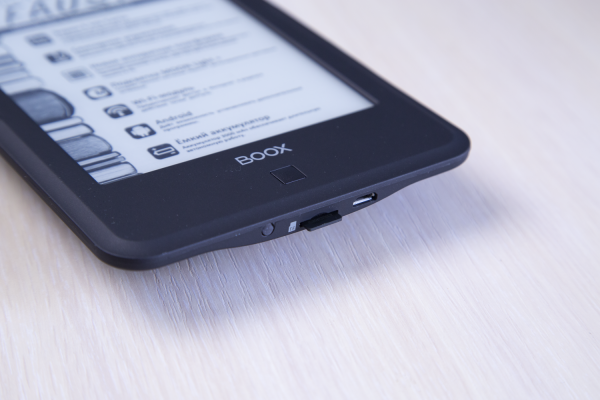
At the bottom, there is a microSD slot for memory cards and a microUSB port for charging and file transfer.
Screen
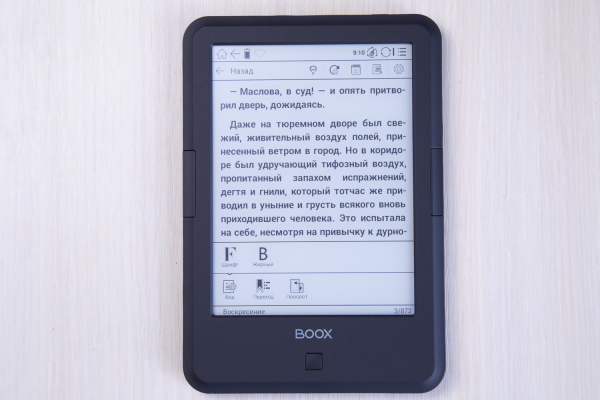
ONYX BOOX made a wise choice with E Ink Carta. It is designed like "electronic paper" and is significantly different from what we saw in e-readers a few years ago. This type of display has higher contrast and is free from flickering backlighting (a common issue with LCD screens). This, in turn, allows modern e-readers to operate for extended periods without recharging. Most importantly, the image on such a screen is formed using reflected light, making it possible to read a book on the e-reader for several hours without eye strain.
Many have likely noticed how their eyes can get tired after long periods of staring at a smartphone or tablet. With a "paper-like" screen, this doesn’t happen; thanks to a different working principle, you can read from it for hours without tiring.
At first glance, a 6-inch screen may seem small for some types of content (and this is indeed true, complicated diagrams are better studied on a device ), but when reading books or technical literature, this is hardly noticeable. Yes, the resolution here is far from Full HD, but due to the specific nature of E Ink, it is sufficient for clear rendering of small elements. The screen is pleasant to look at, the eyes don’t strain, and fonts remain sharp at a comfortable reading size. If you want to examine something closely, there’s always multitouch zoom at hand.
MOON Light+
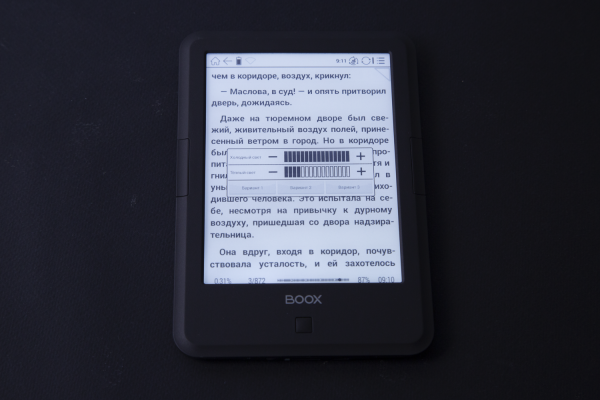
Without "Moon Light+", it's hard to imagine ONYX BOOX e-readers. And this is arguably my favorite feature that has carried over to the new Faust. It’s a special type of backlighting, with adjustable color temperature: there are 16 levels of adjustment for both warm and cold light (MOON Light+ separately adjusts the brightness of the "warm" and "cold" LEDs). In most other e-readers, the backlight is simply a slider for adjusting brightness, while the screen always remains white. With printed books, your eyes can strain significantly, and when there’s also artificial lighting from smartphones and tablets in the dark, it gets much worse.
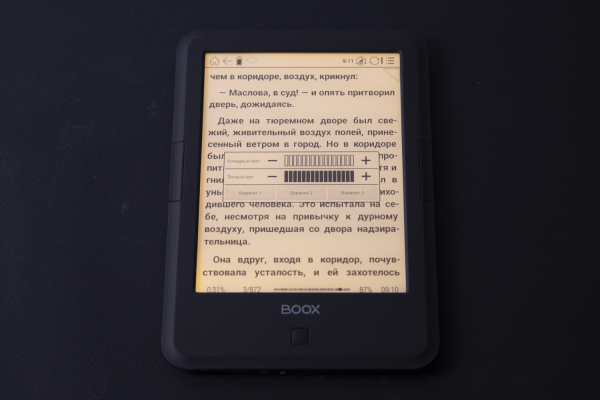
MOON Light+ greatly simplifies reading before bed; you just need to set a yellower shade with the blue part of the spectrum filtered out, and you can comfortably read something like Goethe's 'Faust' for another half hour. Although, perhaps, not everyone would enjoy such reading at night; it might be better to choose something from Tolstoy. Why set the warm light at all when you can read with regular light? That is undoubtedly true, but using cold (white) light poses an issue with melatonin production—the main hormone regulating circadian rhythms. Melatonin synthesis and secretion depend on light exposure—excess light reduces its production, while decreased light increases the synthesis and secretion of the hormone. That’s why if you read on your smartphone for a long time before sleep, you might sometimes sleep restlessly (to ease falling asleep or to correct the circadian rhythm, some even take special medications).
For comfortable reading from an e-book, even half of the backlight is sufficient.
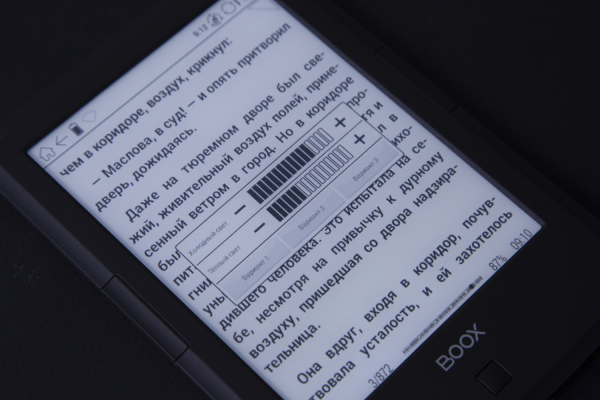
And most importantly—if you can't read a paper book in the dark without an external light source, here you turn on the backlight—and off you go.
Snow Field
Of course, Faust and the SNOW Field technology did not go unnoticed, which minimizes the number of artifacts on the screen during partial redrawing, meaning there are no remnants from the previous image. The device's diagonal is perfectly suited for reading literature, including that which mainly consists of images.
Interface and Performance
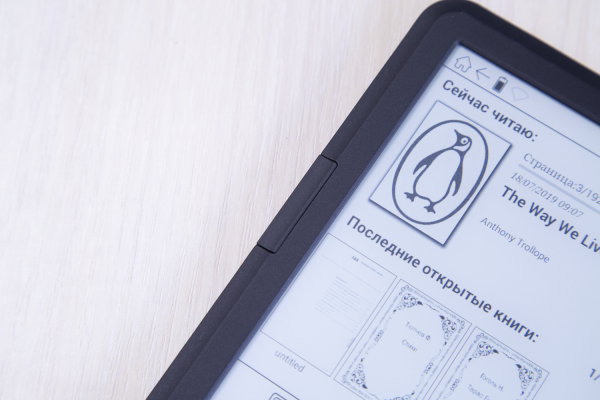
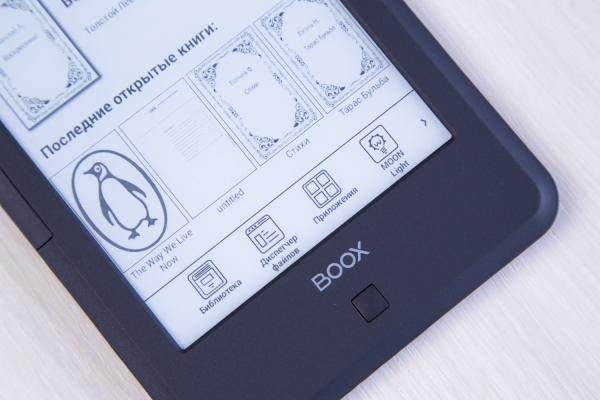
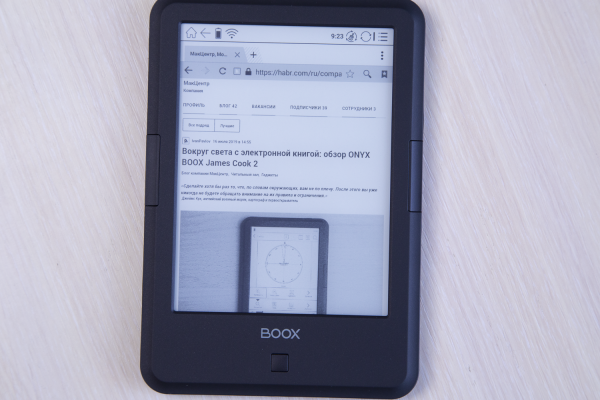
The interface is almost the same as in ONYX BOOX James Cook 2: in the center are the current and recently opened books, at the top is a status bar showing battery charge, active interfaces, time, and a 'Home' button, and at the bottom is the navigation bar. However, here, unlike the base model, there is a Wi-Fi module that allows for internet access—hence the 'Browser' app appears on the lower navigation panel. The app is pleasantly responsive, allowing you to visit our blog (and any other) on your favorite Habrahabr and participate in discussions. There is certainly redrawing, but it doesn't interfere.
The ONYX BOOX Faust features a quad-core processor with a clock speed of 1.2 GHz, 512 MB of RAM, and 8 GB of internal storage with the option to use a memory card — for entry-level readers, this is already the gold standard. The device boasts good performance, powers on and off quickly, and experiences no lag. It runs on Android 4.4 KitKat. Not Android P, of course, but that's all a reader really needs.
Since we are all now dealing with smartphones and tablets that typically have only 2-3 buttons, interacting with a touchscreen is much easier than with physical controls, which take some time to get used to. Therefore, the touchscreen on an e-reader is an incredibly convenient solution. You can turn the page with a single tap, swipe left to increase the font size, make quick notes in the text, look up a word in the dictionary, or interact with the menu.
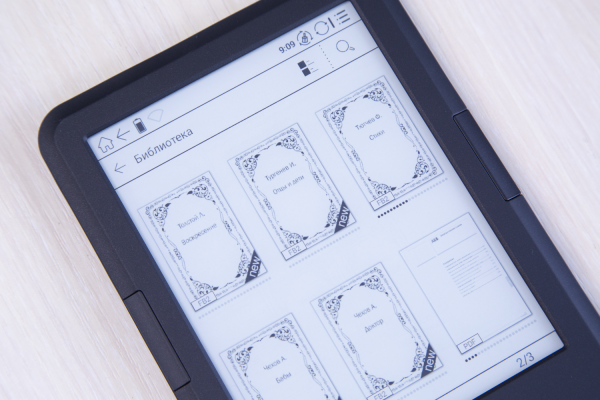
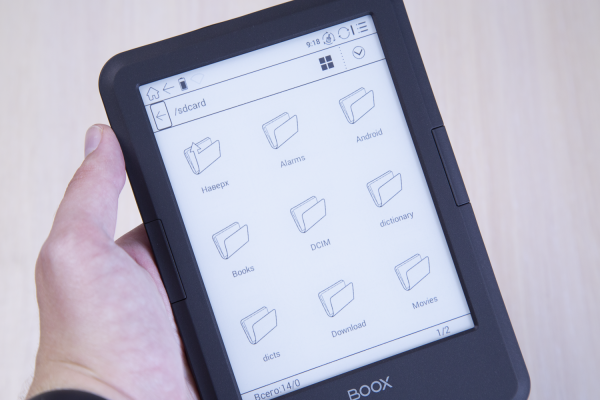
Access to the main features of the e-book is provided by a row of icons for 'Library', 'File Manager', 'Apps', 'MOON Light', 'Settings', and 'Browser'. We have covered these in detail in other reviews, so we won't dwell on them here. Most likely, you will frequently use the library — this is where all available books on the device are stored, which can be viewable in a list, table, or icon view. You can also use the file manager instead, which allows sorting by alphabet, name, type, size, and creation time, making it quicker to find the necessary file than in the 'Library'.
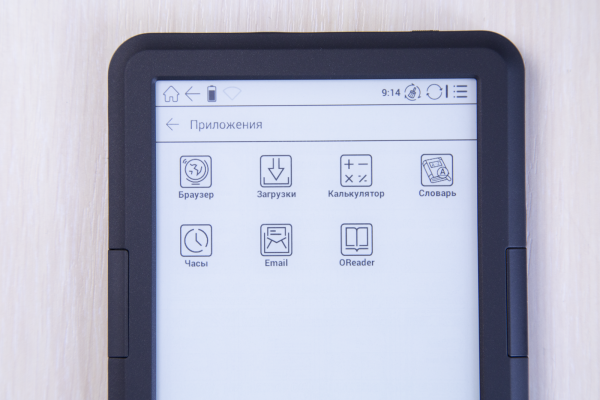
The 'Apps' section provides access to built-in reading applications, but there is also room for others — you can find the browser, set up email, or do some calculations with the calculator. This may not be the most common use case for an e-reader, but the mere availability of such features is certainly a plus.
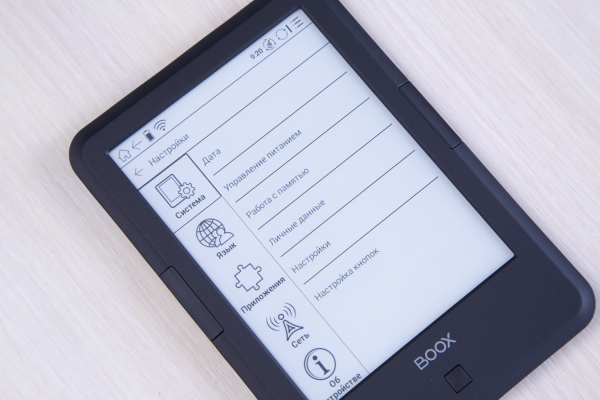
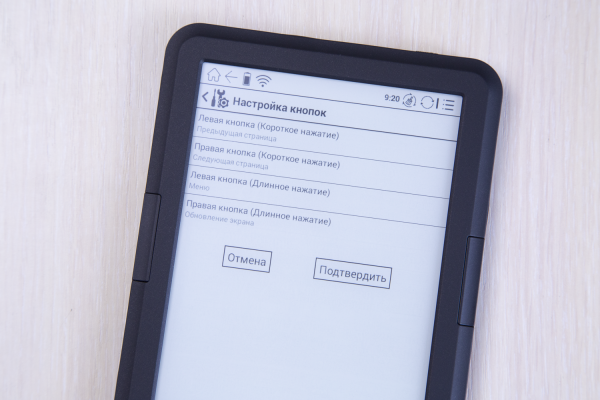
In the system settings, you can change the date, energy-saving parameters, check free space, configure buttons (for example, swap the page-turning keys), and more. Additionally, there are settings for the recent documents field, automatic opening of the last book upon device startup, and scanning only the 'Books' folder in the internal memory or on the card. Compared to Android devices, the view is noticeably simplified, but here you are unlikely to engage in unlocking the bootloader, obtaining root rights, and other complicated terms.
Reading
Thanks to the fact that the reader supports all major book formats, you can open both multi-page PDFs with eBooks and read your favorite work by Goethe in FB2 before bed. In the latter case, it is better to use the built-in OReader application: its interface is designed so that almost 90% of the screen is occupied by the text area, with information lines placed at the top and bottom (although there is also a full-screen mode).
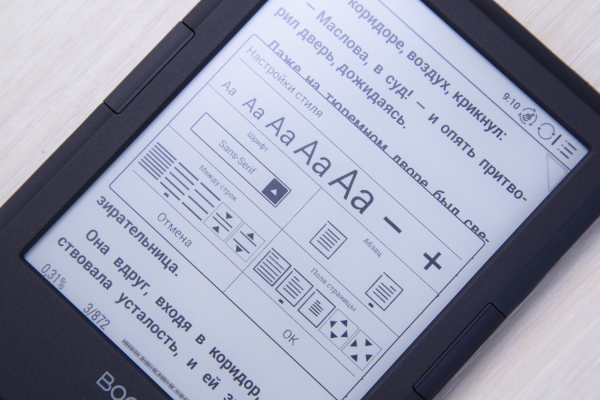
A long press of the page-turning button brings up a menu with text settings, where you can adjust the font to your liking, select the size, boldness of the text, and much more. You can turn pages using both physical buttons and gestures on the screen—whichever you prefer. Additionally, there is a text search feature that allows you to jump to the table of contents or to a specific page; you can save quotes or simply set bookmarks.
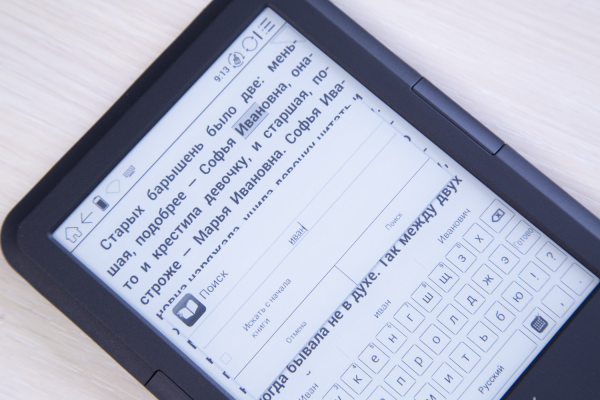
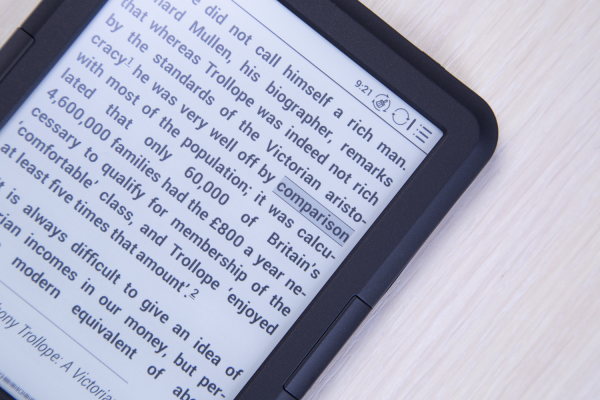
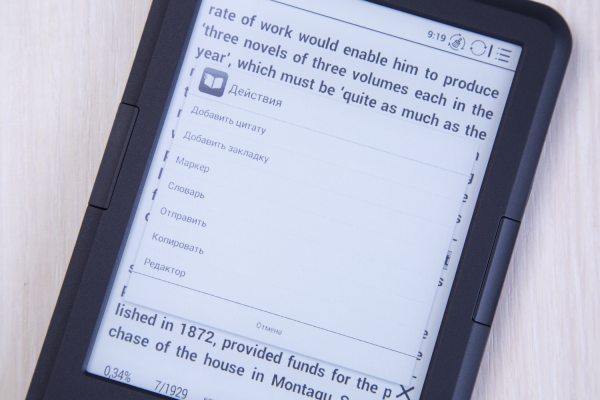
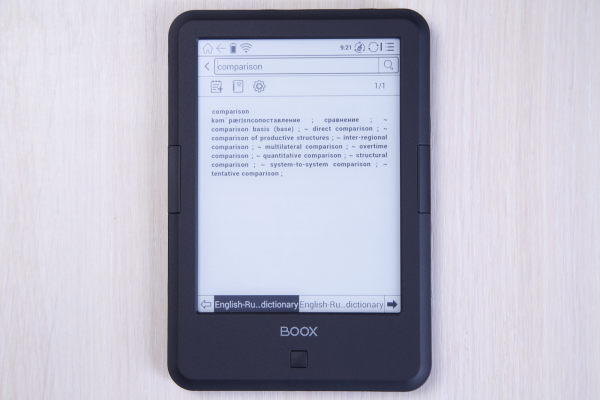
What I liked most was the ability to translate a word in just a few clicks while reading literature in a foreign language: just highlight the word, tap on the popup window, and select 'Dictionary'—after which the translation will appear in a separate window. Moreover, in the settings, you can assign a long press on a word to bring up the dictionary—this will make it even faster.
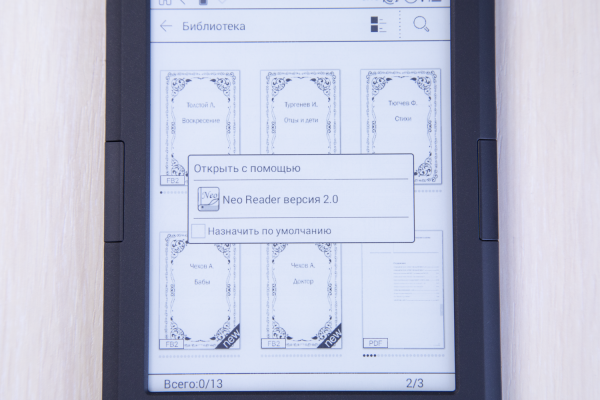
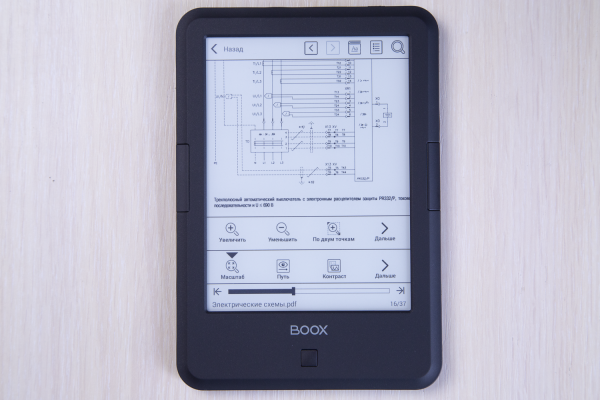
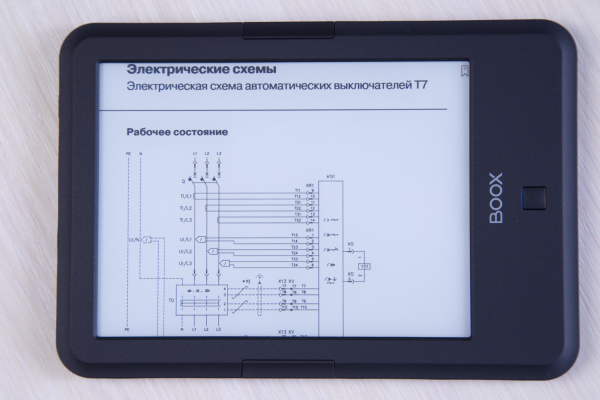
For PDF files, there is Neo Reader (if no third-party applications are installed). It is more minimalist and specifically designed for working with multi-page documentation — for example, navigation through the document can be easily done using the progress bar. Of course, this application, as well as PDF functionality, were also present in James Cook 2, but thanks to the touchscreen and multi-touch gesture support, everything here is much more convenient. Just pinch — enlarge the desired fragment; feel like it — jump several pages ahead, and so on.
Standalone Operation
In the comments to the previous review, someone suggested that in the case of an e-book, like an iPhone or tablet, one would have to live from charge to charge every day. This is absolutely not true: the efficiency of the e-ink screen and the energy-efficient hardware platform make the reader's battery life quite good — with about an hour of reading each day, the device can easily last more than a month on a single charge.
With hardcore usage and Wi-Fi constantly on, this time can be reduced to a day or two, but in 'normal' mixed reading mode, charging will be required approximately every three weeks if automatic Wi-Fi shutdown is not disabled.
Did you put a cover on it?
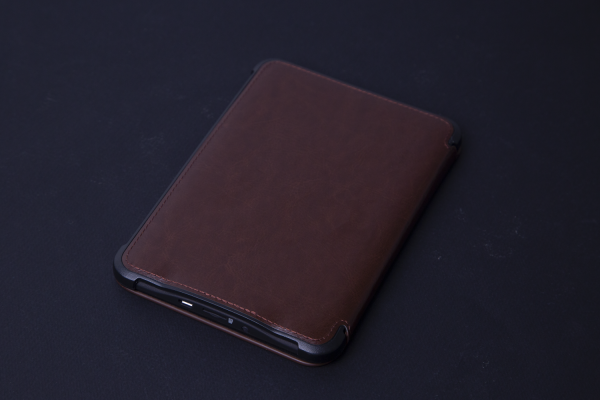
As you have probably noticed, yes! A cover-case is included (Darwin 5 sends its regards), which mimics coarse leather with embossing and has a rigid frame. Inside, there is a soft material to protect the screen. Thanks to the Hall sensor, the book automatically goes into sleep mode when the cover is closed and wakes up when it is opened. The cover is adorned with the inscription 'Faust'.
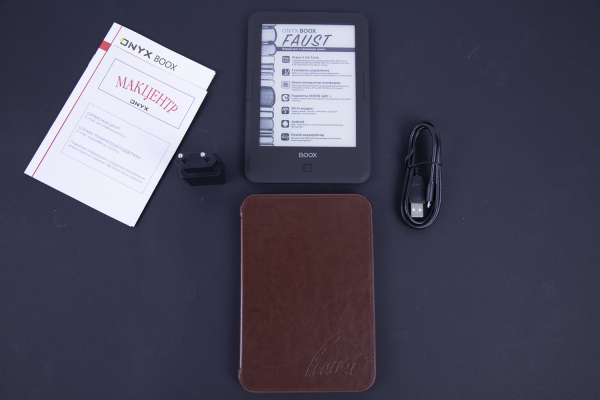
The e-book sits securely in it, so the accessory serves not only an aesthetic purpose but also provides protection.
Goethe's Verdict
Unlike traditional versions of the legend, where Faust ends up in hell, in Goethe's eponymous book, despite fulfilling the terms of the agreement and the fact that Mephistopheles acted with God's permission, angels take Faust's soul from Mephistopheles and carry it to paradise. I believe he would give such a chance to the e-book named after the main character of the work. It has plenty of positive qualities — from extended battery life and a 'useful' backlight to support for multiple formats and a touchscreen.
Source: habr.com
