

Currently, Microsoft is testing the Chromium-based Edge browser as part of its insider program. New features are added nearly every day, aimed at ultimately making the browser fully functional.
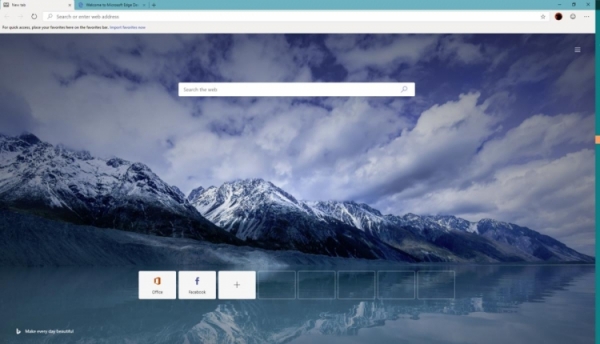
One of Microsoft's main areas of focus is the beloved dark mode. It aims to extend this feature across the entire browser, not just on individual pages. In the latest build of Microsoft Edge, support for the dark mode for the new tab has been introduced. Previously, the dark mode was available on the flags page, as well as on the 'Settings', 'History', 'Downloads', and 'Favorites' pages of the browser.
To activate it, you need to enable the edge-follow-os-theme flag in edge://flags/, then restart the program. After that, in Windows 10, go to 'Settings' > 'Personalization' > 'Colors', scroll down to 'Default app mode', and select 'Dark'.
In addition to this, the dark theme is also present in Microsoft Edge Dev Build 78.0.244.0. Previously, it was only available in the Canary channel, but now it has reached the developer version. This switch allows customization of the Dev build's appearance based on the OS theme or separately.
Other features of Dev Build 78.0.244.0 include the ability to import cookies from the classic Edge and the option for automatic deletion of browsing data upon exit. Additionally, the browser now does not mark downloads as unsafe when they come from a trusted or known source.
Finally, issues with streaming content on Netflix have been resolved, and the platform previously encountered error D7111-1331. This update fixes another bug that caused synchronization to hang during initialization.
Source: 3dnews.ru
