Available Firefox 69 has been released.
Key Changes:
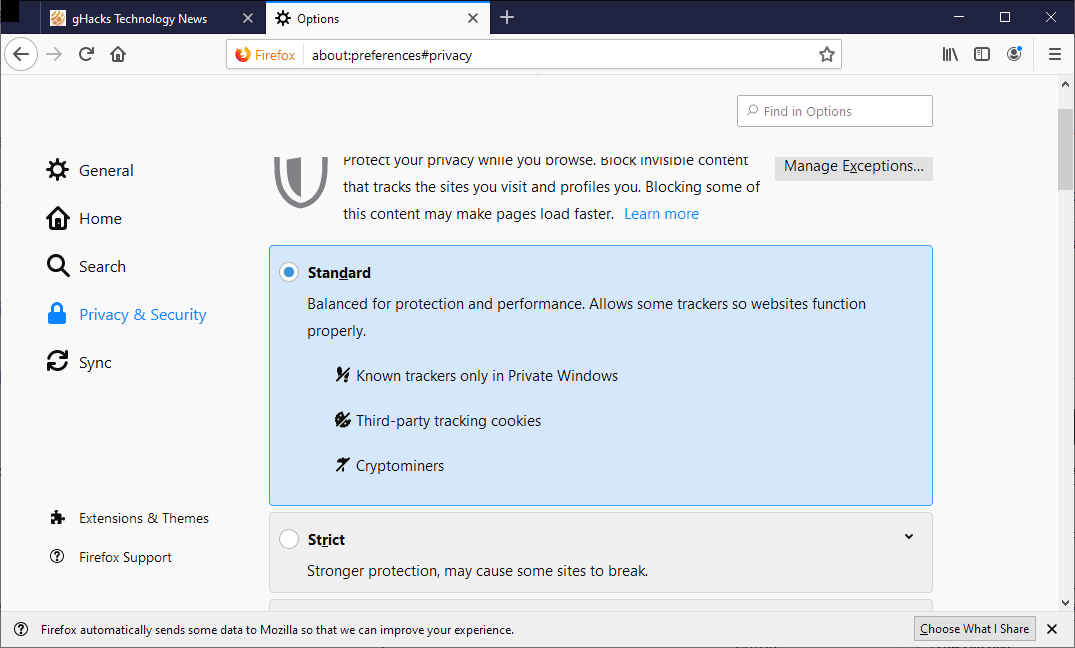
- Enabled By default, blocking scripts that mine cryptocurrencies.
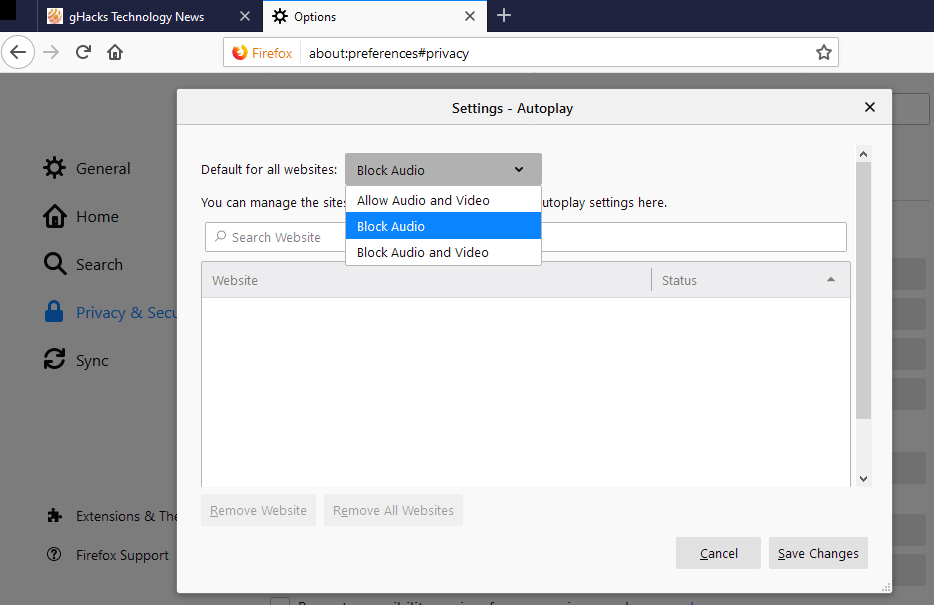
- Setting 'Do not allow sites to play sound' , rather than taking focus. blocks not only audio playback without explicit user interaction but also video playback. This behavior can be set globally or specifically for individual sites.
- An about:protections page has been added with statistics on tracking protection.
- Password Manager offers a saved password for all subdomains (i.e., a password saved for login.example.com will be suggested on the example.com page and all subdomains, not just on login.example.com).
- WebRTC can now accept streams encoded with different video codecs simultaneously, which is useful for multiparty conferences where participants may have different clients.
- On the about:support page implemented the path to the Firefox executable file.
- Users in the US and users with the en-US locale will receive an updated new tab page (different number, size, and placement of blocks, more diverse content from Pocket).
- The Flash plugin has lost the 'Always Allow' option. Launching Flash content now requires user interaction. Flash support will be completely removed in early 2020 (it will remain in ESR releases until the end of that year, after which it will be removed as Adobe will stop fixing vulnerabilities in Flash).
- The userChrome.css and userContent.css files are now ignored by default. Their support can be enabled through the setting toolkit.legacyUserProfileCustomizations.stylesheets (if the user has these files and the profile has been run at least once in Firefox 68, the setting is already enabled, so existing users will not notice any inconvenience). This customization method is used by a relatively small number of users, while accessing these files (even if they do not exist) takes precious time on each startup. Future releases will also treat the user.js file similarly.
- In order to reduce fingerprinting opportunities from the user agent has been removed. browser architecture (only the OS architecture is retained). Previously, the user agent of a 32-bit browser running on a 64-bit OS contained "Linux i686 on x86_64"; now it will only show "Linux x86_64". Indicating the browser architecture was once necessary for loading the appropriate Flash installer. Now that the Flash installer does not depend on the browser architecture (and Flash support will soon be discontinued), this is no longer needed.
- API support enabled Resize Observer (a mechanism that allows a website to track the size changes of an element) and Microtask.
- The navigator.mediaDevices object and the navigator.mozGetUserMedia method are only on sites opened via a secure connection.
- CSS properties implemented overflow-block, overflow-inline, user-select, line-break, contain.
- Support for public class fields JavaScript.
- Removed support for the deprecated tag <keygen>, which was never properly implemented.
- Windows:
- Added support for process priorities. The process handling the active tab will receive higher priority, while background tabs will have lower priority (the priority of audio and video playback will not decrease). Tests conducted by developers showed no negative impact on tab loading speed or interface performance, but there was no noticeable acceleration, so the effect mainly involves a more efficient distribution of CPU resources.
- Support for WebAuthn HmacSecret via Windows Hello added (starting from Windows 10 1903).
- macOS:
- On computers equipped with both discrete and integrated graphics, Firefox will more aggressively switch to the economical GPU when rendering WebGL content. Additionally, the browser will avoid single and minor attempts to engage the high-performance GPU.
- Finder now shows downloads progress.
- The installer is now offered in both dmg and pkg formats.
- Support for JIT has been implemented on ARM64 architecture devices.
- Developer tools:
- The tab order has been changed according to their popularity.
- Debugger:
- Added tool, allowing you to see what code is executed on the page in response to a specific event.
- In viewing scripts' source code mode a new feature has emerged the ability to save a script as a file.
- Significantly speedup launching the debugger.
- Console:
- Grouping of tracking protection warnings, CORS, CSP.
- New Menu Item "Export Displayed Messages", allowing you to copy or save all visible console messages to a file.
- Network:
- Resources blocked due to mixed content or CSP, displays indicated on the "Network" tab with the reason for the block.
- The "Network" Tab has received an optional "URL" column displaying the full URL of the resource.
Source: linux.org.ru