

‘An expert makes more mistakes than a beginner - in attempts’
Past gathered 50k views and 600 favorites. Here’s another list of interesting projects for practice, for those who want more.
1. Text Editor
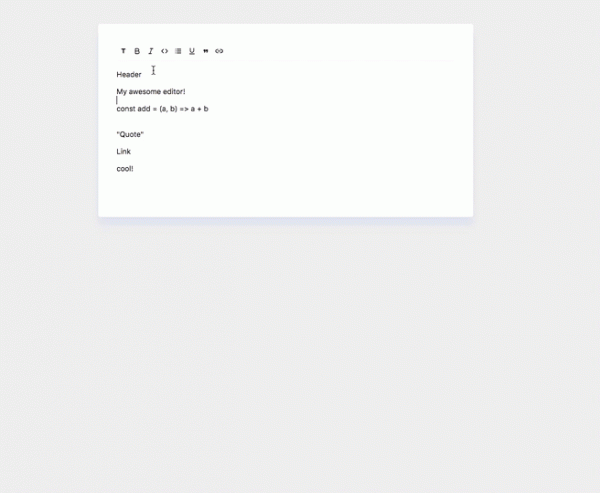
The purpose of a text editor is to reduce the effort for users trying to convert their formatting into valid HTML markup. A good text editor allows users to format text in various ways.
At some point, everyone has used a text editor. So why not ?
2. Reddit Clone
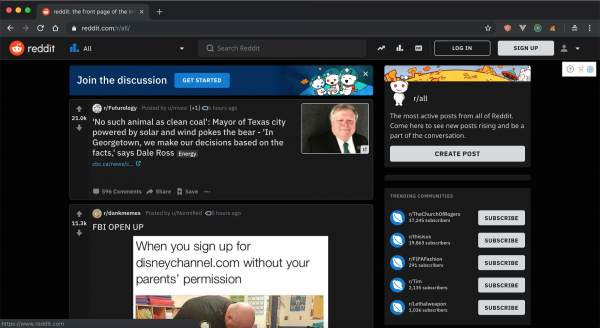
— this is a social news aggregation, web content rating, and discussion site.
Reddit takes up a lot of my time, but I keep getting sucked into it. Creating a Reddit clone is an effective way to learn programming (while simultaneously browsing Reddit).
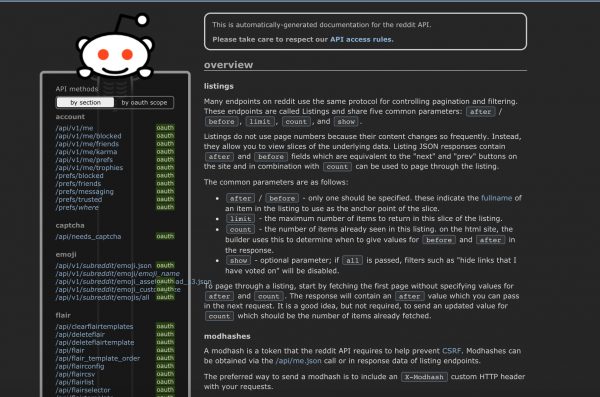
Reddit gives you a very rich. Don't overlook any features and don't do it haphazardly. In the real world with clients and customers, you can't work casually, or you'll lose your job quickly.
Smart clients will immediately figure out that the work is poorly done and will find someone else.
3. Publishing an open-source NPM package
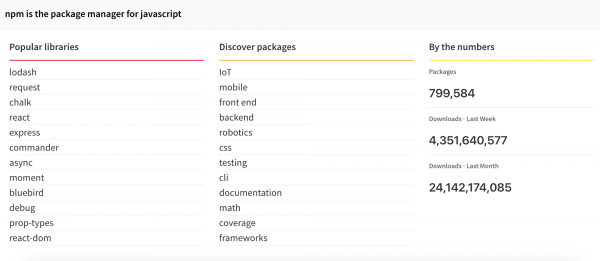
If you're writing code in Javascript, chances are you're using a package manager. A package manager allows you to reuse existing code that others have written and published.
Understanding the full life cycle of package development will provide great experience. There are many things you need to consider when publishing code. You need to think about security, semantic versioning, scalability, naming conventions, and maintenance.
The package can be anything. If you have no idea, create your own Lodash and publish it.
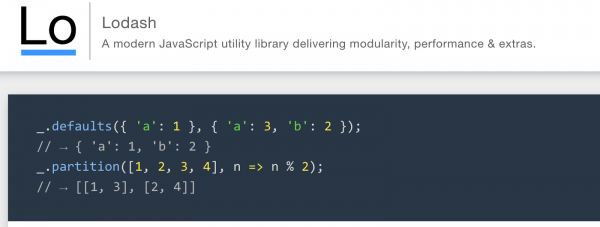
Lodash:
Having something out there that you made online puts you 10% ahead of others. about open sources and packages.
4. freeCodeCamp Curriculum
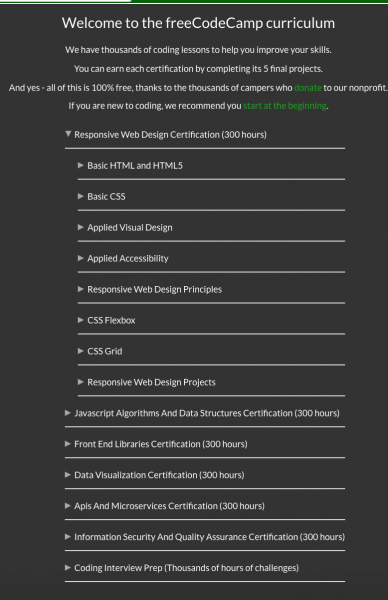
freeCodecamp has gathered a very .
freeCodeCamp is a nonprofit organization. It consists of an interactive learning web platform, an online community forum, chat rooms, Medium publications, and local organizations aimed at making web development learning accessible to everyone.
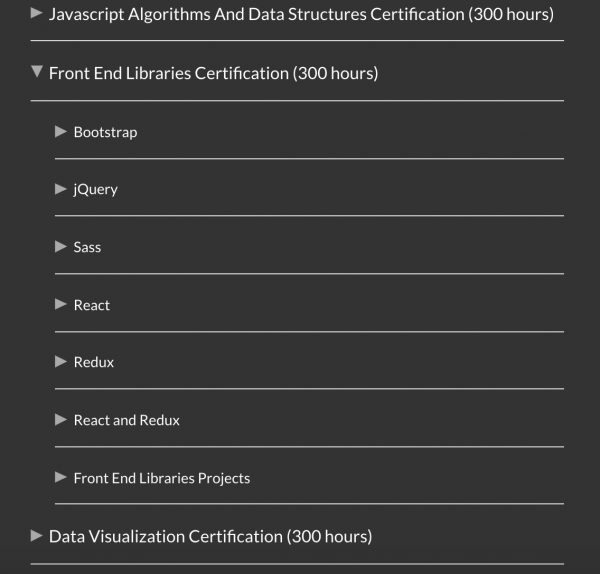
You will be more than qualified for your first job if you manage to complete the entire course.
5. Build an HTTP server from scratch
The HTTP protocol is one of the main protocols through which content is delivered on the web. HTTP servers are used to serve static content such as HTML, CSS, and JS.
The ability to implement the HTTP protocol from scratch will expand your knowledge of how everything interacts.
For example, if you’re using NodeJs, you know that Express provides an HTTP server.
For reference, see if you can:
- Set up a server without using any libraries
- The server should serve HTML, CSS, and JS content.
- Implement routing from scratch
- Monitor changes and update the server
If you don’t know where to start, use and try to create an HTTP server from scratch.

6. Desktop note-taking application
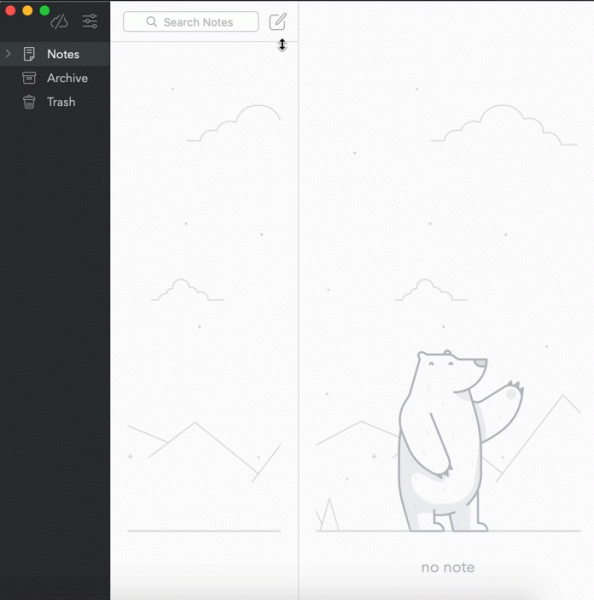
We all take notes, right?
Let’s create a note-taking application. The app needs to save notes and sync them with a database. Build a native application using Electron, Swift, or whatever else you like that works for your system.
Feel free to combine this with the first challenge (text editor).
As a bonus, try to sync the desktop version with the web version.
7. Podcasts (Overcast clone)
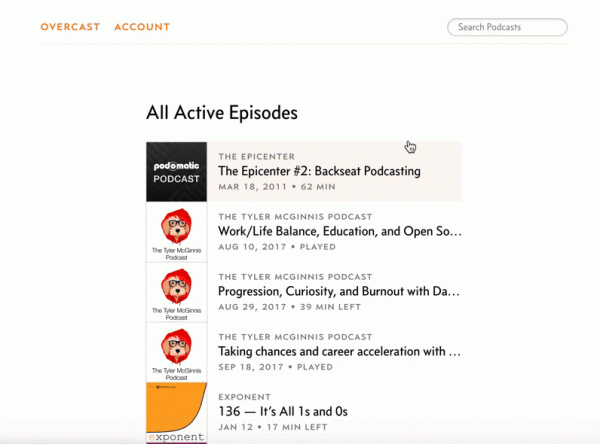
Who doesn’t listen to podcasts?
Create a web application with the following features:
- Create an account
- Search for podcasts
- Rate and subscribe to podcasts
- Pause and play, change speed, and have forward and back functions for 30 seconds.
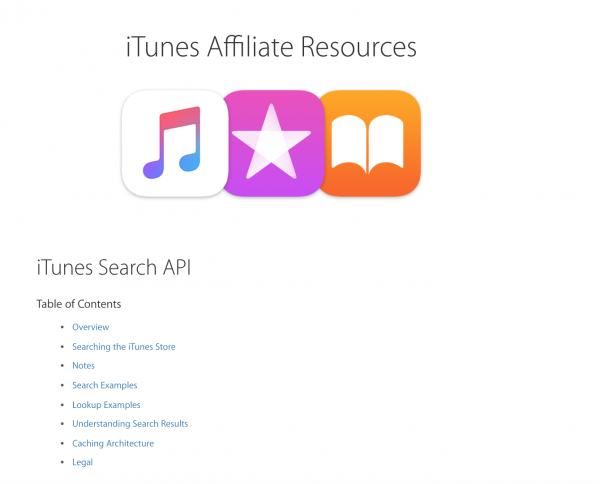
As a starting point, try using the iTunes API. If you know of any other resources, please leave them in the comments.
8. Screen capture
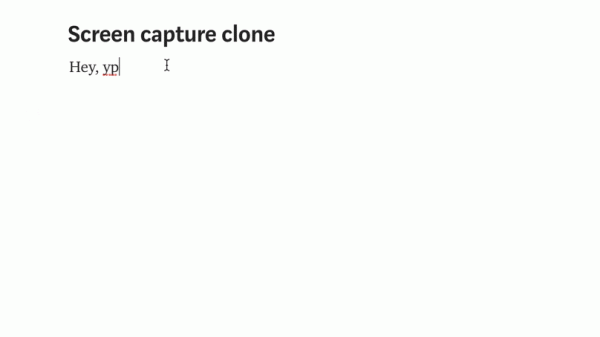
Hi! I’m capturing my screen right now!
Create a desktop or web application that allows you to capture your screen and save the clip as .gif
Here , on how to achieve this.
Translation supported by , who specializes professionally for large clients, as well as .
Source: habr.com
