

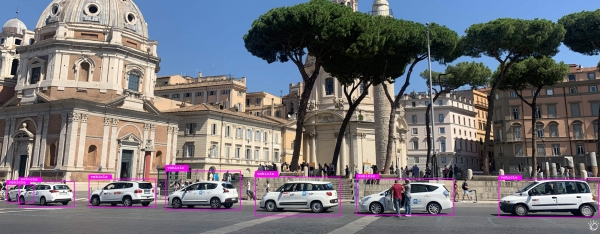
Until recently, IBM Watson Visual Recognition was primarily used for recognizing images as a whole. However, treating an image as a single entity is far from the best approach. Now, thanks to the new feature object recognition, IBM Watson users can train models on images with annotated objects for subsequent recognition in any frames.
Let's show how this can now be done.
Previously, with IBM Watson, you could distinguish a damaged car from an undamaged one, but now you can not only recognize the presence of damage but also assess its location and size. This approach is much more informative, allowing for predictions about the cost of necessary repairs.
Of course, the list of applications for this functionality is much broader than simple integrity checks of vehicles. You can now use Watson Visual Recognition for:
- Counting the number of people in queues or cars in traffic jams
- Identifying products on store shelves
- Recognizing logos in photographs
- Analyzing CT and MRI scans for abnormalities
- Other tasks related to working with specific objects in images
You won’t have to spend months selecting and annotating data – our model is already trained on several million samples and provides sufficiently high prediction quality without any changes. If necessary, you can always fine-tune it to meet the specific needs of your field.
Annotate images and train the model on your data faster with Watson Studio
Typically, training your own model for accurate object recognition is the most challenging task in creating a computer vision system. Watson Studio accelerates this process and helps reduce the time spent working with large volumes of data. When combined with the free add-on Auto Label , you can quickly annotate all images in the dataset.
Getting Started
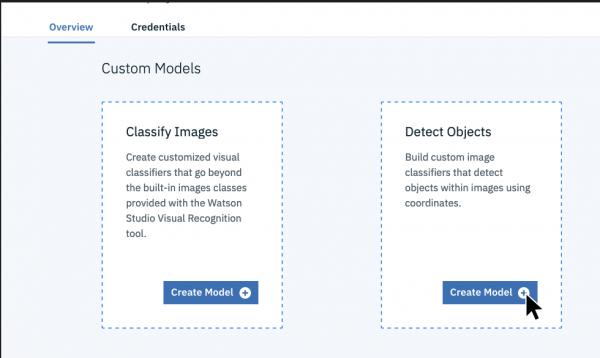
After activating and creating a Visual Recognition application in the cloud, connect it to Watson Studio and create a model in the Detect Objects window under Custom Models.
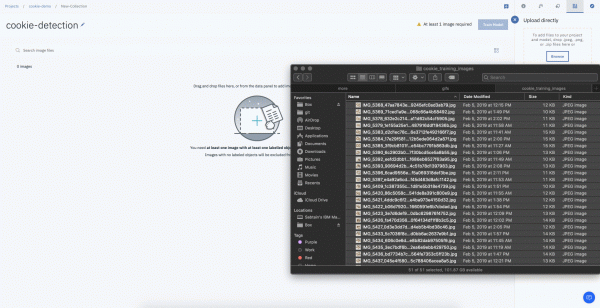
Upload your unlabeled data to Watson Studio (you can use JPEG, PNG, or a ZIP archive containing these images)
Select an image, highlight the object you want to recognize, give it a name, and save it. Repeat until you highlight all necessary objects in the image.
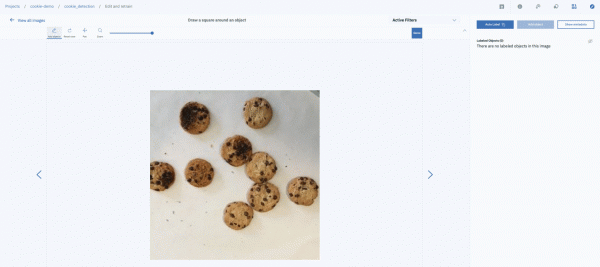
Once you label several images, you can train and test your model.
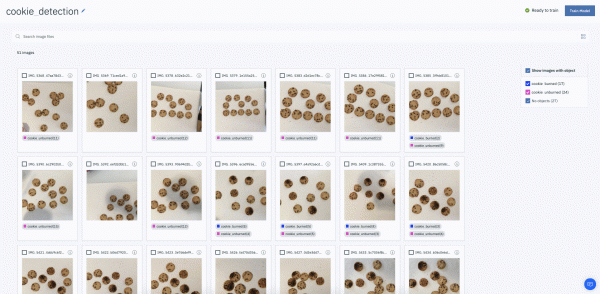
You can also add more images to improve the model's quality using the Auto Label feature, which will help you label all your data. To use this feature, select all necessary images and click the 'Auto Label' button to let Watson label the data according to the specified classes.
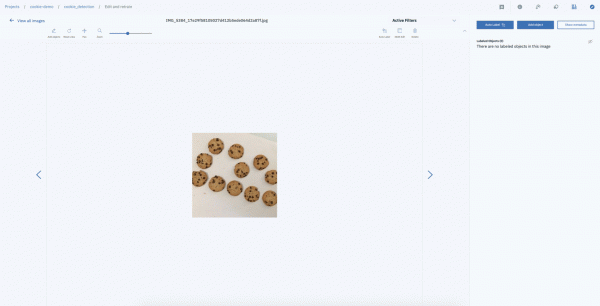
After verifying your model's accuracy, you can integrate the ready solution into your product.
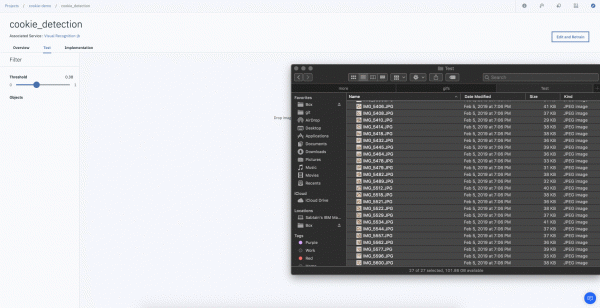
object recognition with IBM Watson Visual Recognition for free today!
We also invite you to free training sessions on and , held in November at the client center of our Moscow office.
Additional materials:
- with cookies for training
Source: habr.com
