

Hello, Habr.
In Five ways to utilize a Raspberry Pi were discussed. The topic proved to be quite interesting, and today I will explore a few more options for how to effectively use this microcomputer.
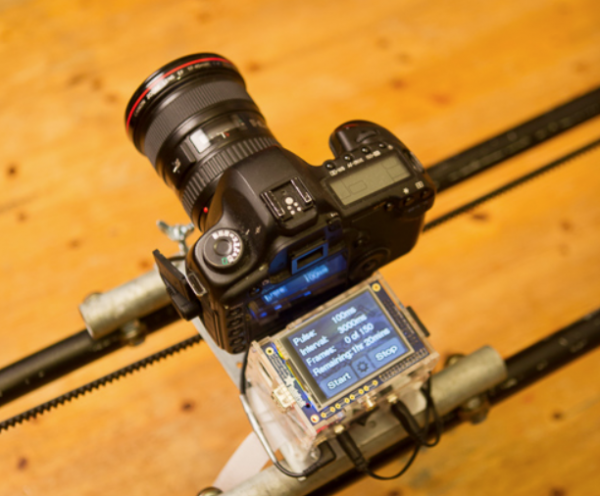
Photo from the website
As in the previous part, I will focus on methods that do not require programming.
For those interested, the continuation is below.
1. Surveillance Camera
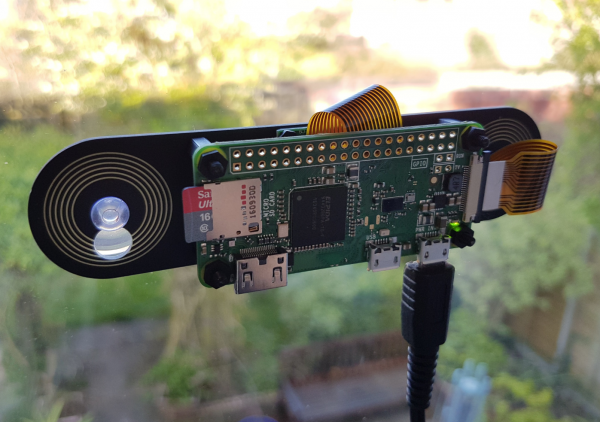
Source:
The Raspberry Pi can be used with almost any surveillance camera.
Compatible with Raspberry Pi are:
- USB Web cameras (for example, Logitech C910)
- IP cameras (like Axis) when a PoE injector is present (these cameras receive power over a network cable, allowing them to be placed outside a building)
- cameras that connect directly to the port on the RPi (as shown in the photo above).
There are many software configuration options available. You can use the package , which has quite flexible settings. You can write directly from the console using ffmpeg, or finally, write your own handler using Python and OpenCV. You can stream video, use motion detection, send photos via email, etc.
Those interested can check out the following tutorials:
Important: this was mentioned in the previous part, but it’s worth repeating. For any resource-intensive tasks (including video processing) on the Raspberry Pi, a quality branded power supply rated at 2.5A is essential, and a passive heatsink for the CPU is recommended (you can get one cheaply in China for $1-2 by searching for raspberry pi heatsink). Otherwise, the device may freeze, file copying errors may occur, etc.
2. Audio Recording
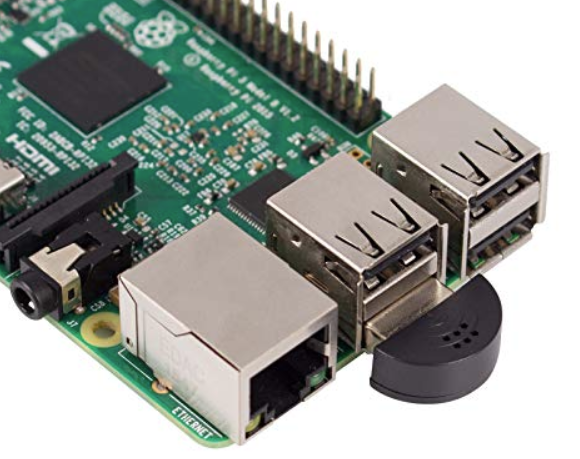
With a USB microphone, the Raspberry Pi can function as a compact device for audio recording. Again, there are many software configuration options—files can be written locally to the SD card, streamed to another PC, or transmitted over a network.
Here are some tutorials for guidance:
By the way, with a microphone, the Raspberry Pi can be used with and use the device for voice commands.
3. Professional Photography
Do not confuse p3 and p1. The first point was about surveillance cameras, but Raspberry Pi can also control professional cameras like Canon, Nikon, Sony, etc. You just need to connect the camera to the Raspberry Pi via USB.
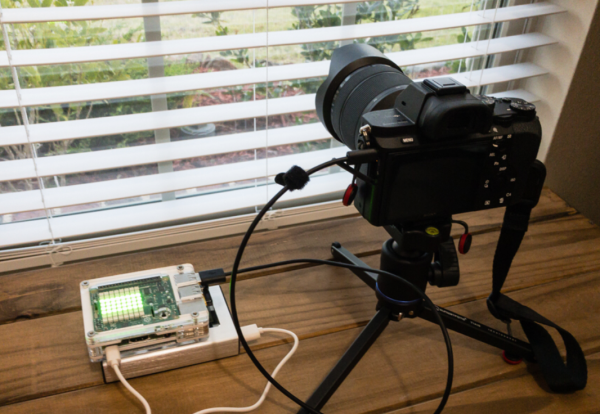
Photo from the website
Libraries and have both command line functionality and interfaces for Python and C++, allowing Raspberry Pi to manage a DSLR for example for time-lapse photography. is quite extensive, covering almost all models, from modern ones to those that are 10 years old. Libgphoto2 has a fairly , and can not only control the shutter but also change settings, upload files, and more.
Tutorials to replicate:
Interestingly, images can be written both to the camera's memory card and directly to the Raspberry Pi, making it possible to automatically upload them to the cloud. There are also libraries for controlling not just DSLRs but also astronomical cameras (such as ZWO ASI), including even .
4. Weather Station
Raspberry Pi can not only run Linux programs but also has quite developed peripherals — serial, I2C, SPI, GPIO. This makes the device almost ideal for collecting and sending data from various sensors — from temperature and humidity sensors to a Geiger counter.
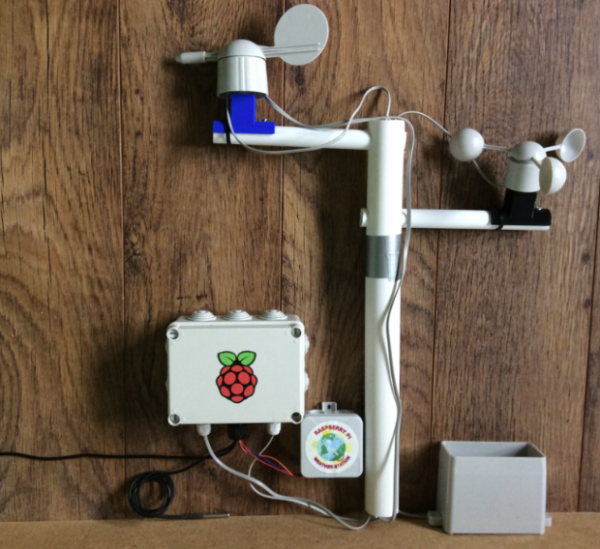
Photo from the website
By the way, if you really want to be lazy, you can also take data not only from your sensors but also from the web, that option exists as well. However, it's not hard to .
Tutorials for study:
5. Gaming Console
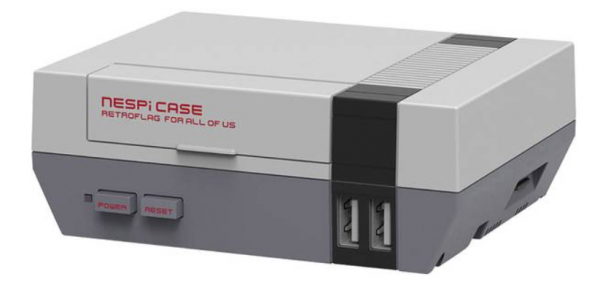
Using the project you can turn Raspberry Pi into a 'retro' emulator for various gaming consoles, from Atari to Gameboy or ZX Spectrum. You can also buy various cases, joysticks, and more.
I'm not really into gaming, so I can't provide more details; those interested can try it themselves. Here are a couple of tutorials for study:
Conclusion
I hope there are enough new ideas here to keep you busy over the weekend. If the article receives positive feedback, a third part will be released.
As usual, I wish everyone successful experiments.
Source: habr.com
