


Since was quite well-received, it would be wrong not to share more utilities that I still use today. I want to clarify right away that the article is adapted for beginners, while seasoned Linux users might need to exercise a bit of patience with the material. Let's get into the topic!
Foreword for Beginners
It's worth starting with which distribution you are using. Of course, you can compile everything from source, but not all users have those skills, and if a compiler throws an error, users will simply get frustrated and won't be able to try new utilities, rather than looking for solutions on Stack Overflow. To avoid this, let's agree on a few simple rules:
- If you are on a Debian branch (Ubuntu, Debian, Mint, Pop!_os), try looking for programs on , packages in repositories of utilities in
.deb - If you are on an Arch branch (Arch, Manjaro, Void Linux), then try searching for the program in , the utilities and programs in the format
.appimage(if they are graphical utilities), as well asPKGBUILDfiles for automatically compiling sources - If you are on a Red Hat branch (Fedora, CentOS), then try using the built-in utility Flatpak (similar to Snap) that is present in most Red Hat distribution branches. Also, try looking for packages in the format
.rpm
As for me, I have Manjaro CLI with i3-gaps installed along with , if anyone is interested — feel free to use them, while I recommend others simply stick to the rules above and remember that any problem in Linux can be solved with simple Googling and logical reasoning.
List of Programs
Administration
- — a process visualization program (similar to )
Installation using Snap:
snap install gotop --classic
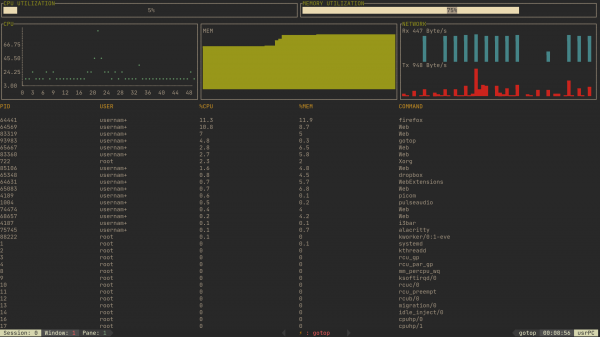
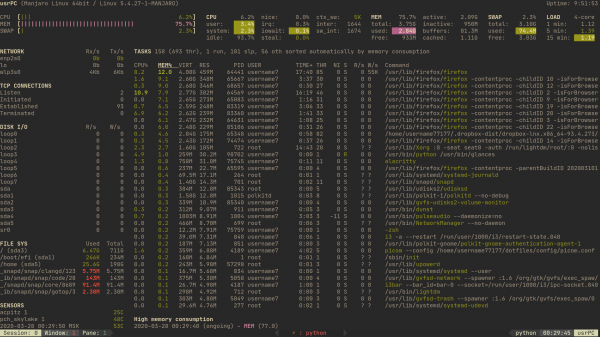
- — another alternative to htop, but this time more functional
Installation using pip
pip install glances
Web Development
- — if for some reason you don't like the console in your browser, you can always perform the same operations in terminal
- — a utility for easily launching a local server with auto-reloading when the index.html (or another file) changes
Installation using npm
sudo npm i live-server -g - — a utility for managing a WordPress site via the console
Installation by copying the source from the repositorycurl -O https://raw.githubusercontent.com/wp-cli/builds/gh-pages/phar/wp-cli.phar php wp-cli.phar --info chmod +x wp-cli.phar sudo mv wp-cli.phar /usr/local/bin/wp - — "launching a site in seconds"
Installation using npm
sudo npm i surge -g - — web application debugger from the console
Installation using any package manager
sudo apt install httpie || sudo pacman -Sy httpie || sudo dnf install -Sy httpie - — utility for parsing websites into a simple text file
Installation using npm
sudo npm install hget -g
Applications that facilitate work without a GUI
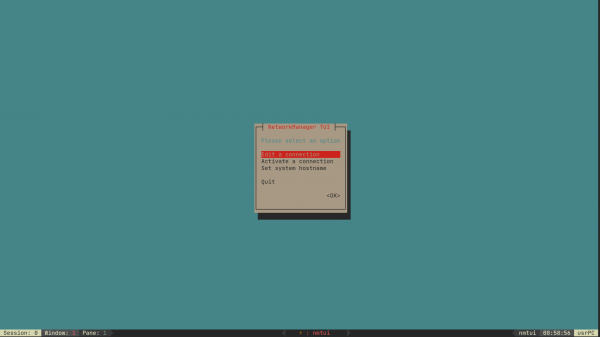
- nmtui — a TUI utility for selecting and configuring networks directly from the terminal
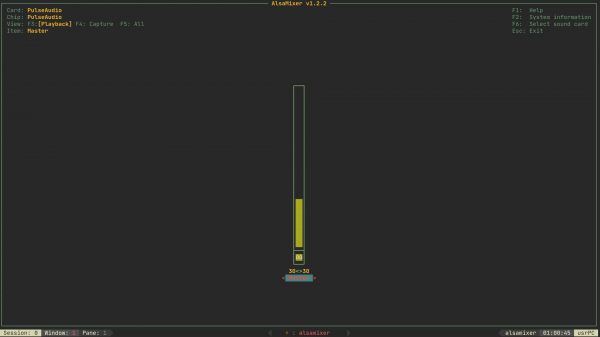
- alsamixer — utility for sound configuration
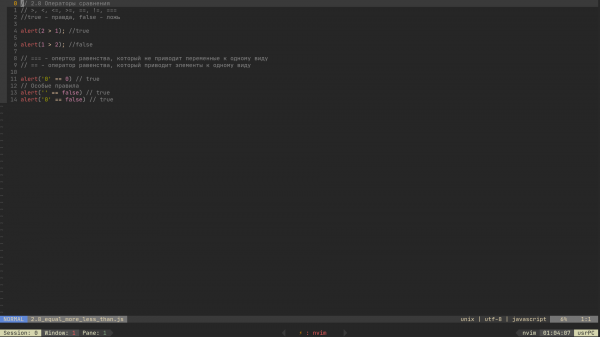
- — a convenient editor with support for asynchronous plugin downloads and language linting
- — a browser with a pseudo-GUI (ASCII graphics) directly in the console
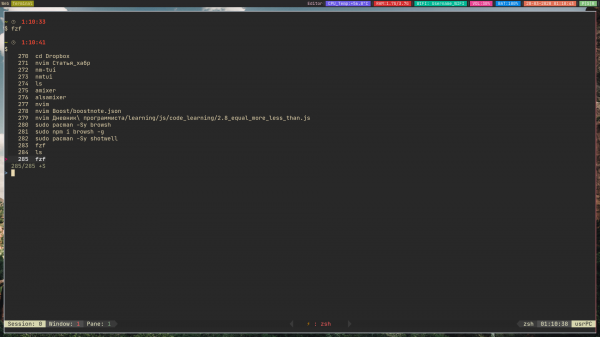
- — fast file search (FuzzyFinder)
Additions
If you have utilities that you like, write about them in the comments and I’ll include them in the article! Thank you for reading.
Source: habr.com
