

For a long time, some users have encountered difficulties installing the driver for integrated graphics (iGPU) of processors. This issue most often affects laptops from OEM manufacturers that are based on 'blue' chips. This is related to the manufacturer verification system for portable devices, which only allows the installation of drivers from the OEM manufacturer itself, blocking the option to install official drivers from Intel's website.
Up until today, OEM manufacturers received new drivers from the processor manufacturer, adapted them for their laptops, and subsequently offered them for users to download. As a result, it sometimes took several months for the driver to appear on the laptop manufacturer's website. Moreover, not every manufacturer took the initiative to release updated drivers, especially for entry-level and mid-range laptops or for models that are not very new.
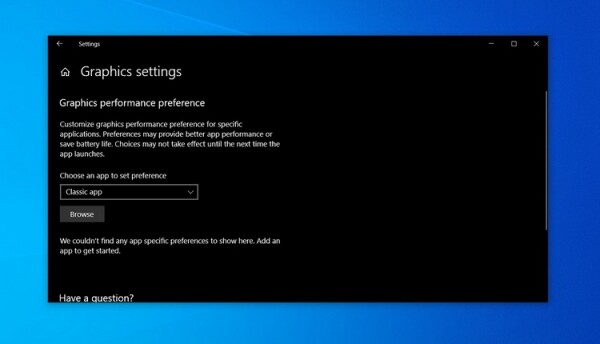
The unified Intel Graphics Windows 10 DCH Driver version 26.20.100.8141 puts an end to this practice. It can be downloaded directly from Intel's website and installed on any laptop, even if it previously only supported the installation of OEM driver versions.
To install the new driver, Intel offers the Drivers and Support Assistant tool, which keeps all previous OEM driver settings during the process.
At the same time, Intel warns that this approach to updating may cause problems on some devices, such as performance drops. In such cases, Intel recommends rolling back to the previous version of the drivers.
Source: 3dnews.ru
