

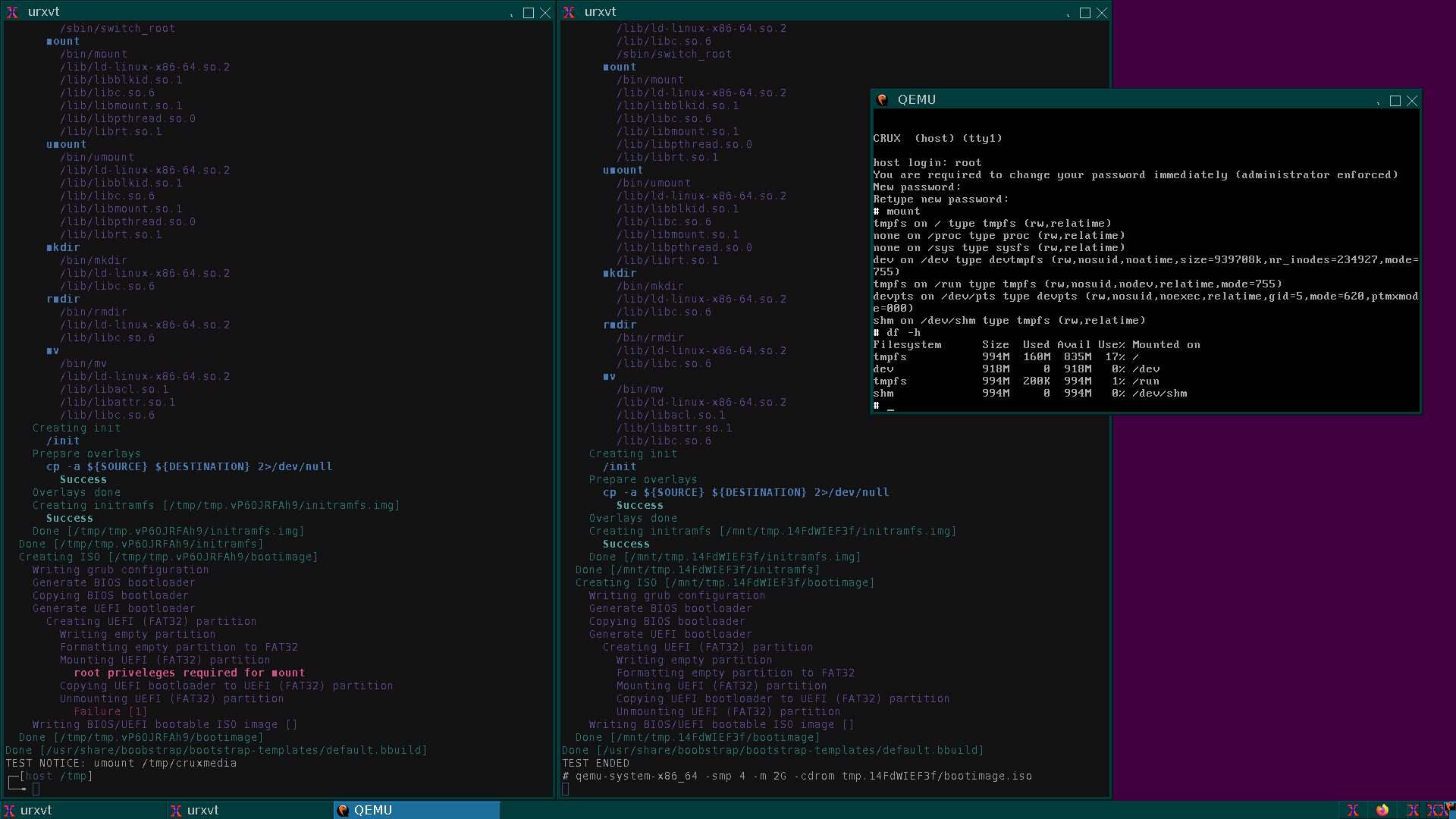
I would like to introduce you to a framework called boobstrap, written in POSIX shell, for creating bootable images with GNU/Linux distributions. The framework allows you to go through the entire process in three simple steps: from deploying the system in chroot, creating an initramfs image that includes the system from chroot, and ultimately a bootable ISO image. boobstrap includes three utilities mkbootstrap, mkinitramfs, and mkbootisofs respectively.
mkbootstrap installs the system in a separate directory, with native support for CRUX, while for Arch Linux / Manjaro and Debian-based distributions, third-party utilities pacstrap, basestrap, and debootstrap should be used respectively.
mkinitramfs creates an initramfs image, allowing you to use the installed system in the directory as an "overlay," compressed with SquashFS, or to boot into the system directly in tmpfs. For example, the command mkinitramfs `mktemp -d` —overlay "arch-chroot/" —overlay "/home" —squashfs-xz —output initrd will create an initrd file that includes two overlays with the "arch-chroot/" system and your "/home," compressed with SquashFS, which you can then boot via PXE into tmpfs or create a bootable ISO image with this initrd.
mkbootisofs creates a BIOS / UEFI bootable ISO image from the specified directory. You only need to place /boot/vmlinuz and /boot/initrd in the directory.
boobstrap does not use busybox, and for creating the initramfs working environment, it copies a minimal set of programs using ldd that are necessary for booting and switching to the system. The list of programs to copy, as well as everything else, can be configured through the configuration file /etc/boobstrap/boobstrap.conf. Additionally, you can install any minimalist distribution in a separate chroot/, from which you can create a full initramfs environment. As such a minimalist yet complete environment, the "crux_gnulinux-embedded" template is suggested, which after xz takes a compromise 37MB. Busybox, apart from its size, 3-5MB compared to 30-50MB for a full GNU/Linux environment, offers no further advantages, thus its use in the project does not seem justified.
How to quickly check functionality and get started? Install and run.
# git clone https://github.com/sp00f1ng/boobstrap.git
# cd boobstrap
# make install# boobstrap/tests/crux_gnulinux-download-and-build
You also need to install dependencies, namely: cpio, grub, grub-efi, dosfstools, xorriso. The use of squashfs-tools is optional; you can work in tmpfs if you have sufficient RAM. If something is missing from the system, boobstrap will notify you upon startup.
To simplify the creation of configurations, boobstrap offers the use of 'templates' and 'systems.' The essence is to use 'templates' (bootstrap-templates/) for quick installation of systems from a file, and to use 'systems' (bootstrap-systems/) for configuring final setups.
For example, running the script boobstrap/bootstrap-templates/crux_gnulinux-embedded.bbuild will install a minimal configuration of the CRUX GNU/Linux system and save it in the file crux_gnulinux-embedded.rootfs. Next, you run boobstrap/bootstrap-systems/default/crux_gnulinux.bbuild, which will load the initial configuration from the mentioned file, carry out all the necessary setup, and prepare a bootable ISO. This is convenient when, for instance, multiple systems use similar configurations: instead of describing the same set of packages each time, you can use one template to create bootable images of the systems with the final configuration.
Where can all this be used?
You configure the system in a file once, and by executing it, you build and/or update the system. The system operates in tmpfs, which essentially makes it disposable. If the system fails, you can return to the initial state with the press of a Reset button. You can safely execute rm -rf /.
You can locally configure all your systems, create images, test them on a virtual machine or separate hardware, then upload them to a remote server and update the entire system simply by running two commands: kexec -l /vmlinuz --initrd=/initrd && kexec -e.
Similarly, you can migrate all systems, for instance to VDS, operate in tmpfs, and encrypt the disk /dev/vda to use it solely for data, without needing to keep the operating system on it. The only 'information leakage point' in this case would be the 'cold dump' of your virtual machine's memory. In case of system compromise (for instance, through SSH password cracking or an Exim vulnerability), you can upload a new ISO via your provider's 'control panel' to restore your VDS, remembering to edit the system configuration to close all vulnerabilities. This is faster than reinstallation, subsequent configuration, or recovery from a backup, as the uploaded ISO with your system essentially acts as your backup. "Seven troubles - one Reset."
Ultimately, you can create any distribution tailored to your tasks, write it to a USB drive, and work within it, updating as needed and re-recording it onto the USB drive. Store all data in the 'cloud'. No longer worry about system integrity or backups since the system, I repeat, has essentially become 'disposable'.
Your wishes, suggestions, and comments are welcome.
The repository linked below contains a detailed README file (in English) explaining each utility and usage examples, as well as comprehensive documentation in Russian and a development history, available at the link: A set of boot scripts boobstrap.
Source: linux.org.ru
