

In I talked about the opportunities that Google offers for students and educational institutions. For those who missed it, let me briefly remind you: at the age of 33, I enrolled in a master's program in Latvia and discovered a wonderful world of free opportunities for students to gain knowledge from industry leaders, as well as for teachers to make their classes more relevant to the market. This post will discuss what Microsoft offers to students and educators.
Office 365 for Education
No matter how many free alternatives exist, the three most popular programs in the Office suite—Word, Excel, and PowerPoint—remain the most convenient, in my opinion. LibreOffice still looks a bit clunky visually, and Google Docs has fewer formatting options.
Fortunately, if your school or university provides you with an email, you can get a specific package . You can centrally create an account for the educational institution and also check the full list of available features .
Azure for Students
Of course, there are bonuses for accessing Azure—the cloud services provided by Microsoft. Residents can get free access to , as well as $100 in credits that can be used for other services. After 12 months, if you are still a student, both the amount and the validity can be "reset."
Teachers are traditionally offered a larger amount—$200. are available to all who want them.
To receive these benefits, you again need an email from an educational institution, but no credit card is required (I remind you that it is necessary to register a regular trial account). But that’s not all. The package also includes some nice perks:
Learning Materials
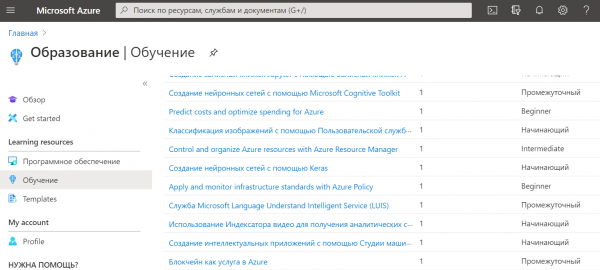
Inside the Azure for Students portal, there are short practical training materials that allow you to explore and get hands-on experience with the platform's features. A great use for the $100 in credits.
Development tools and resources
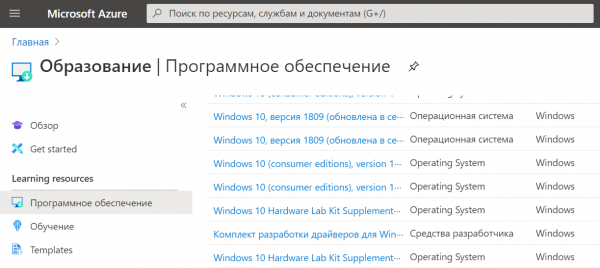
The list here is quite extensive. Among the items that caught my interest: Visual Studio 2019 Enterprise (I used it for one of my subjects since the necessary features in CLion didn’t work), Microsoft Visio, Microsoft Project (which were helpful for another subject), Windows 10 Education (which was simply useful), server versions of Windows…
WintellectNOW
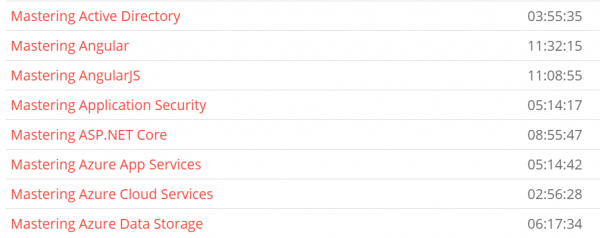
Free access to a collection of courses on a variety of topics related to both Microsoft products and development in general. However, this platform may not be particularly appealing; some courses are quite old, and there is virtually no interactivity. Just video lectures.
Pluralsight
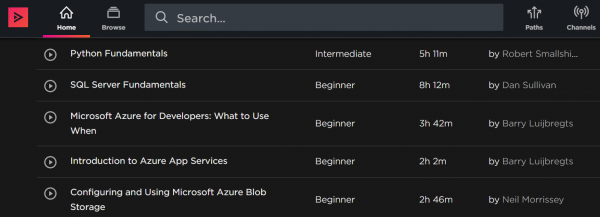
Another collection of courses that is more interactive. Access is granted only to a limited set of courses sponsored by Microsoft. Here, you can find topics that are general as well as specific to working with Azure features.
Microsoft Learn
Another selection of training materials for exam preparation and certifications from Microsoft. All lectures and lessons , however, to save progress, it is better to log in using any Microsoft account. Training with materials available online is completely free. However, you will have to pay for the certification itself if you want to obtain it.
Teachers' Center
A specific collection of materials is also available for educators. — a selection of lectures and courses designed to teach you how to conduct classes more effectively using Microsoft technologies. I can’t say how interesting and useful they are, to be honest. But if you know about them—write to me and I will add to the article.
In conclusion
I hope this was helpful. Share this information with fellow students, educators, and deans. If you know of any other educational offerings from Microsoft, please write in the comments. Subscribe to us so you don’t miss the continuation of various educational opportunities.
We also want to offer all students a 50% discount on the first year of using our and , as well as . To do this, you need to , place an order and, without paying for it, submit a ticket to the sales department, providing a photo of yourself with your student ID. A sales department employee will adjust the order price according to the promotion terms.
And again, there will be no other advertisements.
Source: habr.com
