

In early July 2020, MyOffice released . In the new version 2020.01.R2, the most noticeable functional changes occurred in the tools for working with email and calendar. The server components of 'MyOffice Mail' were optimized, resulting in a threefold increase in the speed of sending emails to 500 or more recipients.
Mail System
Starting from this version, 'MyOffice Mail' features a separate administrative web interface that allows management of the mail system functions and configuration of policies for resource groups and mailings. This interface simplifies the administration of the mail system and accelerates the deployment of software products on user workstations.
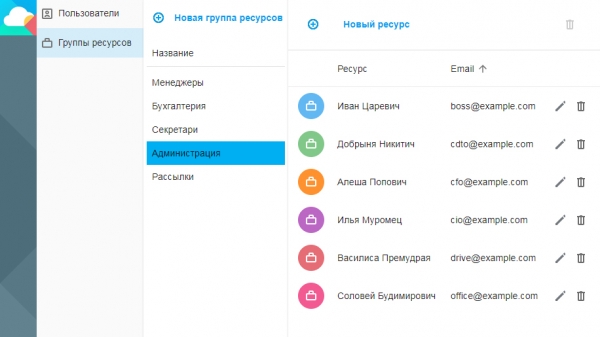
Now administrators can create user accounts, assign roles, and form resource groups directly from the browser.
The mail system also now supports working with templates for automatic responses – administrators can create and customize any templates for interacting with the company's systems.
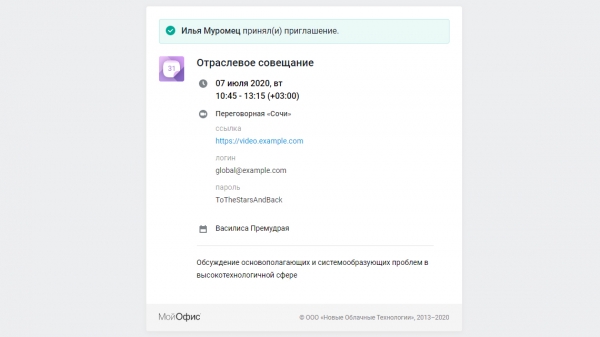
For example, they can change the appearance of the automatic email sent to recipients when certain events occur, including specifying the necessary fields for additional information, such as links to video conferencing sessions and attachments.
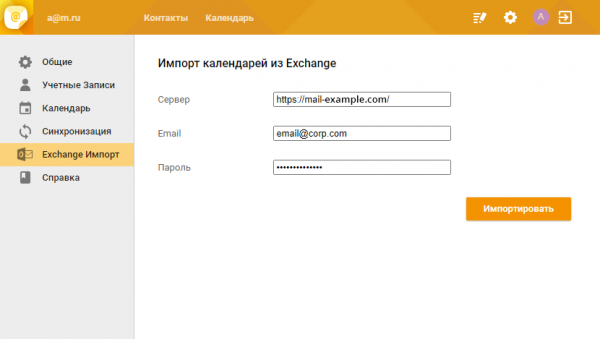
There is a new feature for importing third-party calendars, allowing users to transfer scheduled meetings from the Microsoft Exchange mail system. This function is particularly relevant when migrating from foreign solutions to MyOffice.
In the new version, MyOffice has updated the design of the Calendar application, as well as the appearance of system notifications.
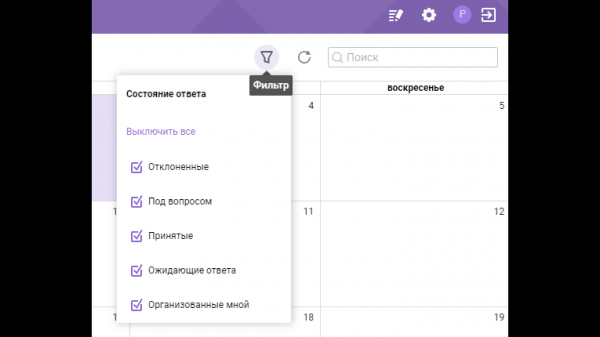
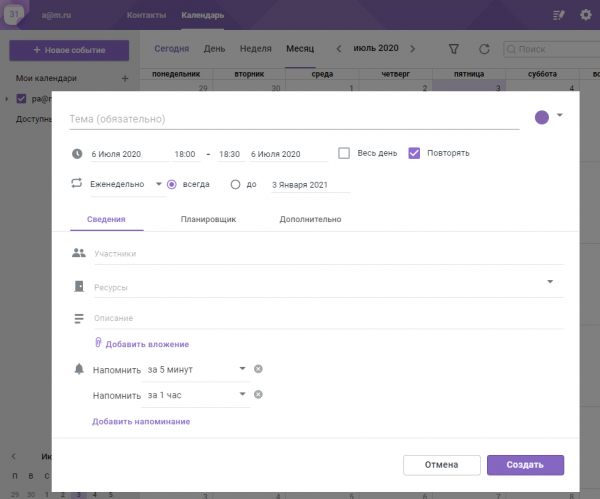
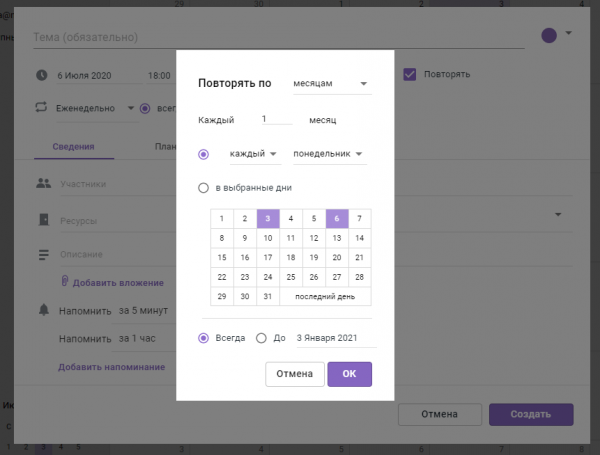
The event editor has also changed – MyOffice now includes advanced recurring event settings,
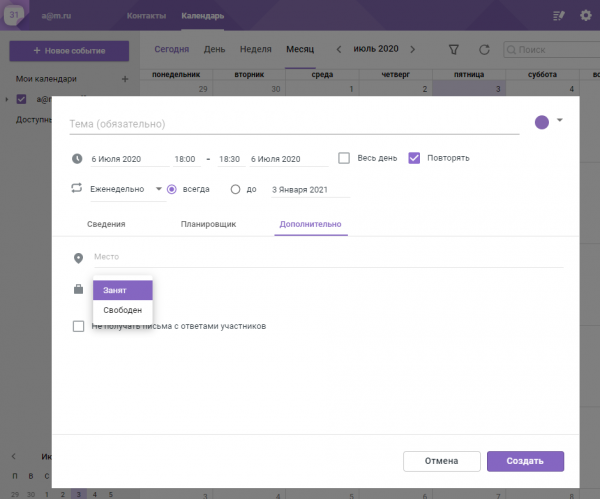
the ability to specify availability during certain time intervals,
viewing the availability of other participants, and recommendations for scheduling meetings.
'MyOffice SDK'
The developer toolkit "MyOffice SDK" has been enriched with a new component — the "Autonomous Editing Module" (AEM). This is a special web version of the MyOffice editors designed for integration into third-party products. Such applications do not require a separate server and contain a full set of editing and formatting functions, but do not feature collaboration capabilities. The editor in AEM processes only those files that the information system—application or service where the AEM module is integrated—provides.
«.
"MyOffice Document API," another component of "MyOffice SDK," has also been updated. Users can now utilize functions to work with specific sections of the document and select either portrait or landscape page format.
"MyOffice Text" and "MyOffice Table"
The text editor now features a forced text formatting clearing function, which can be activated via a button on the toolbar or by using the keyboard shortcut [CTRL]+[SPACE].
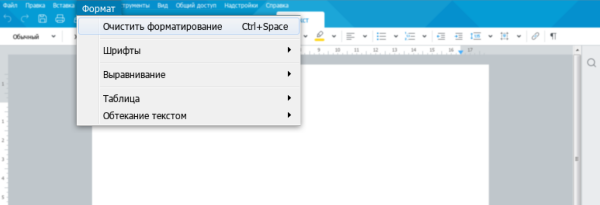
This function simplifies document formatting when copying text from various sources. With its help, users can reset formatting settings for a specific paragraph while keeping style settings intact.
Formatting tools
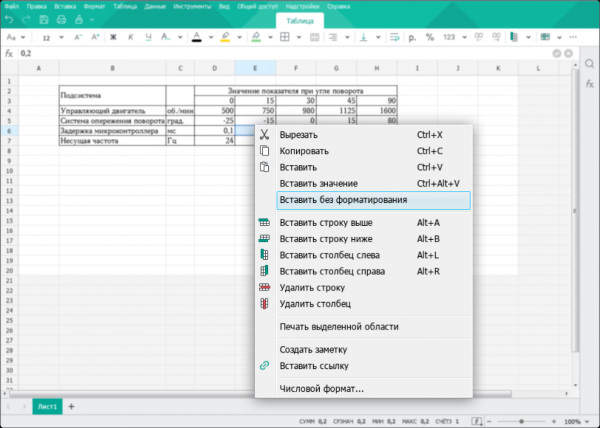
In the table editor, you can now insert values without considering formatting styles, which is particularly important when transferring data from one table to another.
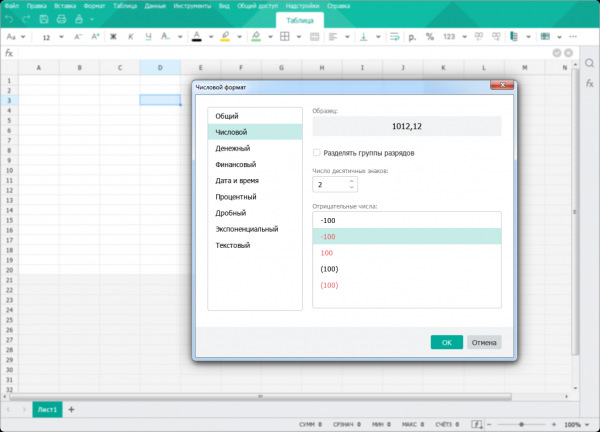
In the table editor, users can now select a numeric format template for cells. Choosing the appropriate style for displaying values in cells has become even easier and more convenient.
Basic document template
In the 2020.02.R2 release, the ability to replace the base template of a new document was introduced. By default, only the system administrator can change the base template. This is to ensure that regular users cannot accidentally replace document settings accepted within the organization. Main user templates can be stored anywhere—access to them is provided through the menu item [File] — [Create from template].
Corporate network administrators can distribute both basic and custom templates using centralized computer management tools. This allows, for example, for a quicker transition to new templates when changing branding elements (logo, corporate fonts), updating details, or other organizational information.
Replacing the basic template of a new document on an individual computer involves several steps:
Run the MyOffice desktop application as an administrator.
Create the required template sample containing all necessary information, page layout, and headers.
Select the menu item [File] and then [Save Template...]. Save the template in the special folder [Default Template].
The program searches for basic templates in standard installation folders that are accessible only to administrators. For example, in the Windows operating system, this folder is located at "C:Program FilesMyOfficeDefault Template", while in Linux it is at "/usr/local/bin/my_office".
After completing these actions, upon launching the application, a document will be created based on such a template.
Email Client
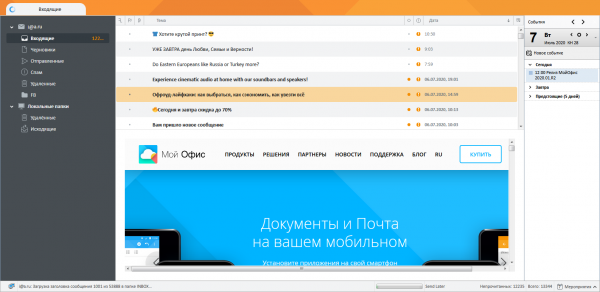
The design of the MyOffice Mail email client for PC has been updated, sporting a crystal pattern and the ability to display user images (avatars). Previously, this feature was only available in the cloud version of the email client.
Localization Tools
The cloud versions of MyOffice have now been translated into Belarusian, Kazakh, German, and Italian.
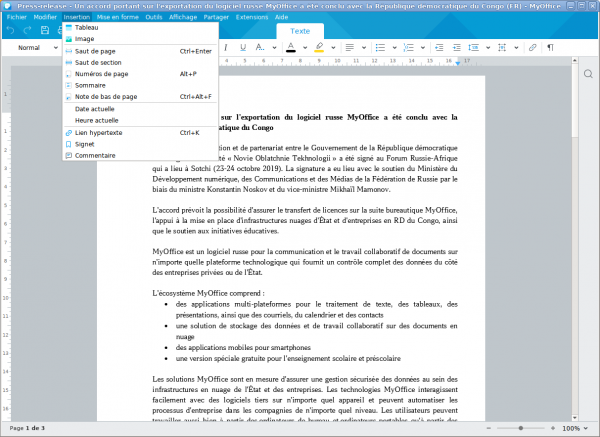
Desktop applications also support the French language. The total number of foreign languages has reached 11 — in addition to Russian, the MyOffice interface can also be switched to Tatar, Bashkir, English, Spanish, and Portuguese.
Mobile Applications
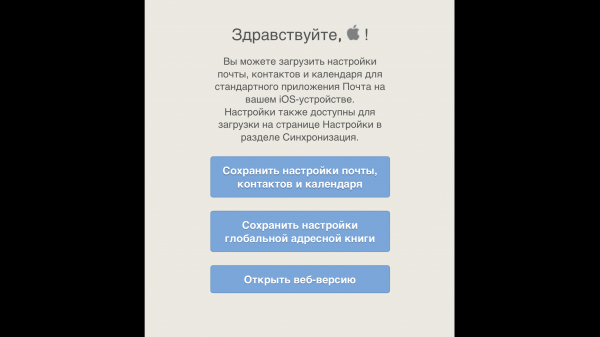
iOS smartphone users can now quickly connect email, calendar, contacts, and global address book profiles using the built-in applications of the operating system.
Mobile applications for document editing have introduced features for working with graphic shapes, text comments, and the ability to apply filters in the review panel.
Source: habr.com
