

We are back with another update , which will appear in September. Both versions of Windows Terminal can be downloaded from the Microsoft Store or the releases page on .
Check below to learn about the latest features!
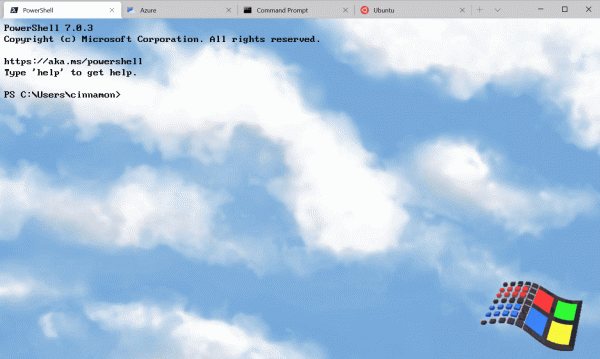
Command Palette
This new feature allows you to search through all commands available in Windows Terminal, similar to the one found in Visual Studio Code. You can invoke the command palette using Ctrl+Shift+P. If you want to change this key binding, you can add the command commandPalette to the keybindings in settings.json.
{ "command": "commandPalette", "keys": "ctrl+shift+p" }
The command palette has two modes: action mode and command line mode. In action mode, which you will enter by default, all Windows Terminal commands are listed. You can enter command line mode by typing >, and then entering any wt command that will be executed in the current window.
You can customize the actions you want to add to the command palette by entering commands in the settings.json file. New key bindings will be automatically applied in the command palette. Complete documentation on adding your own commands can be found on our .
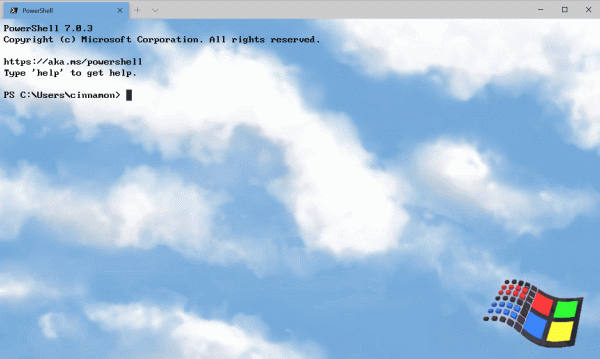
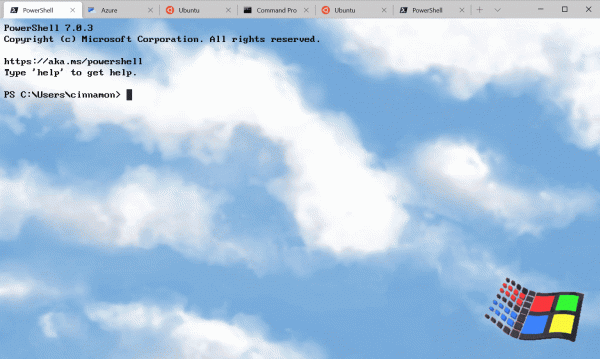
Advanced Tab Switcher
We have added an advanced tab switcher to simplify navigation between tabs. This feature is built into the global setting by default useTabSwitcher. When this setting is enabled, the commands nextTab and prevTab start using the tab switcher.
The default key bindings are Ctrl+Tab and Ctrl+Shift+Tab respectively.
"useTabSwitcher": true
Tab Color Configuration
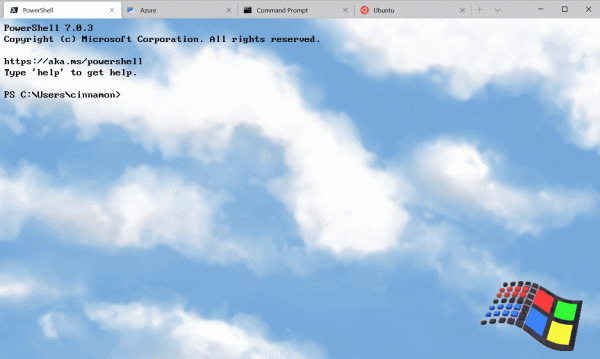
Now you can set a tab color for each profile! Just add the parameter tabColor to the selected profile in the 'profiles' section (settings.json file) and specify its color value in hexadecimal format.
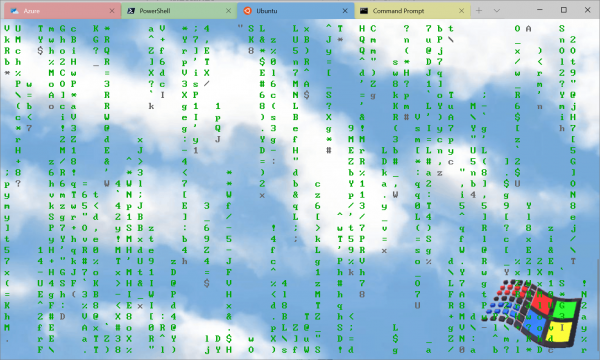
Tip: Choose the same shade used as the background color for a beautiful seamless window!
New commands
We have added several new commands that you can add to your key bindings in the settings.json file. None of the commands listed below are bound by default.
Commands wt and key binding
Now there's the option to execute wt.exe arguments with a key binding. This is done using the command wt. The property commandline defines the command line arguments you want to invoke in the current window. More information about command line arguments wt can be found on our .
// Эта команда открывает новую вкладку с PowerShell на панели, вертикальную панель с профилем командной строки в каталоге C: и горизонтальную панель с профилем Ubuntu.
{ "command": { "action": "wt", "commandline": "new-tab pwsh.exe ; split-pane -p "Command Prompt" -d C:\ ; split-pane -p "Ubuntu" -H" }, "keys": "ctrl+a" }
Sending Input to Shell
If you want to send input to the shell using a key combination, you can do so by using the command sendInput (thanks !).
// Эта команда перемещает назад по истории оболочки.
{ "command": { "action": "sendInput", "input": "u001b[A" }, "keys": "ctrl+b" }
Tab Search
This new command will be a real lifesaver when you have many tabs open. You can now search through tabs using tabSearch.
{ "command": "tabSearch", "keys": "ctrl+c" }
Changing the Color Scheme
You can now set the color scheme of the active window using the command setColorScheme.
{ "command": { "action": "setColorScheme", "colorScheme": "Campbell" }, "keys": "ctrl+d" }In conclusion
You can find all our documentation at . If you have any questions or want to share your feedback, feel free to reach out to Kayla ( ) on Twitter. Also, if you want to suggest improvements for the Terminal or report a bug, please contact us in the Windows Terminal repository at .

Source: habr.com
