

Background
I once tried to create an article on a couple of wiki projects, but they were removed because they lacked encyclopedic value, and it seems that if you write about something new and unknown, it's considered promotional. After some time, my article was deleted. I was initially upset, but in the discussion, I received an invitation to another small wiki project about everything (and then I was offered to write an article for another site). I had never heard of it, but I was still happy to write an article for a site someone was working on. By the way, both projects are updated, searchable, and read — for me, that was enough to write a review of my project. Both sites seemed to be on the MediaWiki engine or something similar, and they resembled any other popular wiki portal.
From wiki site to wiki engine
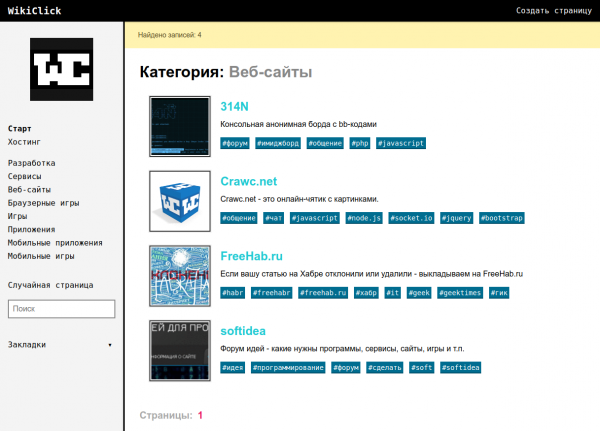
Since then, I became interested in creating a wiki site focused on IT projects — after all, it would be appealing to many people who want to share about their product. I also wanted to create my unique site structure and design that could fit many other projects. Once the site was ready, I made an admin panel and posted the code on GitHub. Primarily because you can write about an open source project and make it more than just a simple catalog of sites; moreover, I would be happy if someone wanted to create a site using my engine.
Attempt to create hosting
Unfortunately, few will choose a wiki engine for node.js; most webmasters will prefer something they are already familiar with, which is PHP, especially since most existing hosting services are set up for PHP. For node.js, one would have to rent a VPS.
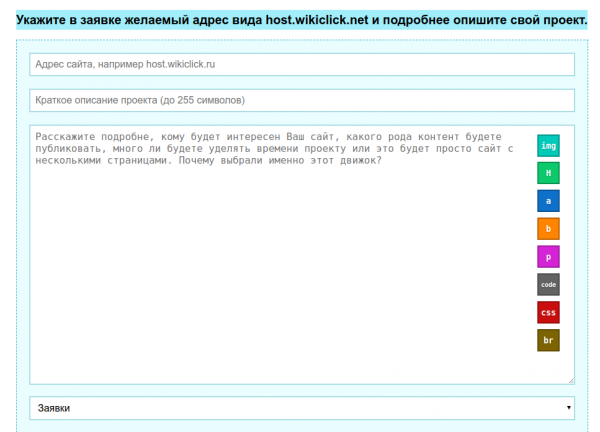
I really wanted to make my product more accessible. The idea of wiki hosting was introduced by Fandom. Wiki hosting would make my engine available to a much larger audience and also set it apart from hundreds of others (). I wrote a script ghost.sh that sets up a portal on a new domain (creates a working directory for the site, copies the default engine code into it, creates a database with a user and a password, and configures access rights for all of this), and I also added a link to Cloud Commander in the admin panel, which provides access to the files from the site's working directory for reading and writing. All that’s left is to manually enter the new domain in the DNS manager and add it to the launch in the main script. The hosting is still in beta — there may be some bugs for the first clients at launch. (I’ve never had experience creating a project like hosting before, so I might have done some things wrong or poorly, but I successfully launched the first site on the engine (the site for hosting) and it works wonderfully, and I even uploaded updates to it today).
Result
But overall it looks very appealing:
- Even a person who is not familiar with web development can create a site on my hosting;
- Activity monitoring on the main page;
- There is a preview image for pages;
- Beautiful design, including for mobile;
- Search engine optimized;
- Fully in Russian;
- Fast page loading;
- Simple admin panel, including access to engine files from the working directory (directly from the browser, CloudCommander);
- Simple server code (just over 1000 lines, with client script code — around 500);
- You can make changes to the source code;
I will immediately mention what is currently lacking, which might put you off, so you don’t waste your time. Some of the points may be implemented soon.
- There is no user registration or access rights delegation. Publication after entering a CAPTCHA.
- The tree of user comments on the pages may not be indexable due to ajax.
- If you need any unique service features, they may not be available. But the basic functionality is fully implemented.
P.S.
The engine is called WikiClick, with the official hosting site . The project's code .
Source: habr.com
