

We are back with another update , which will be available in October on . Both builds of Windows Terminal can be downloaded from the Microsoft Store or the release page on .
Check below to learn about the latest features!
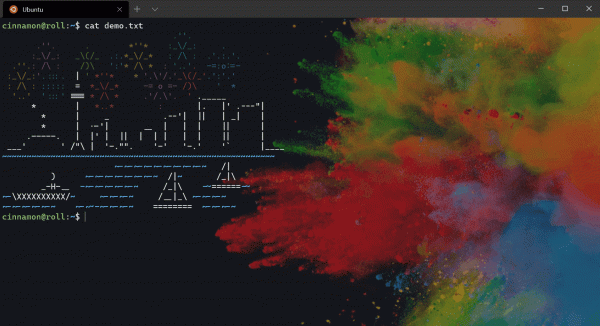
Navigation List
Now you can launch Windows Terminal Preview with a specific profile from the Start menu or the taskbar!
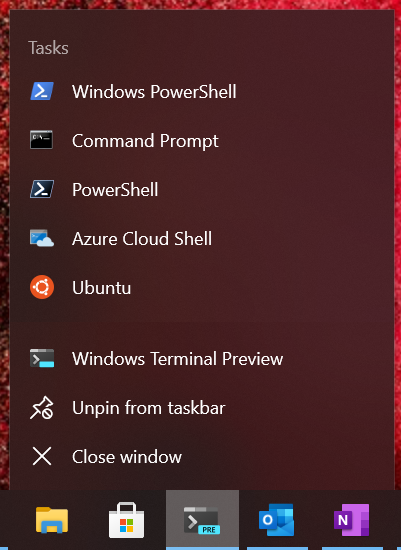
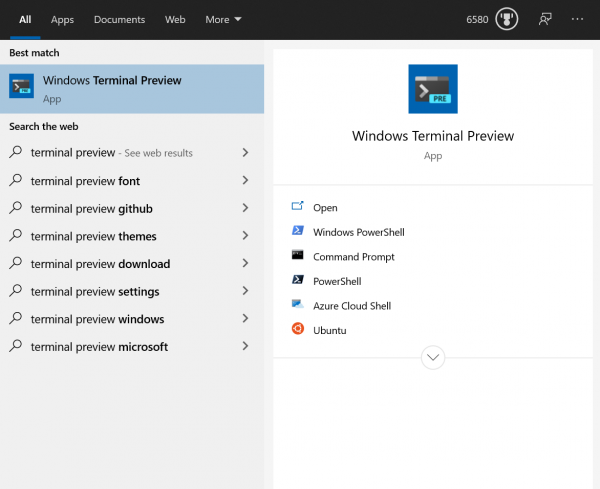
Note: To display icons in the navigation list, you need to specify their path in settings.json.
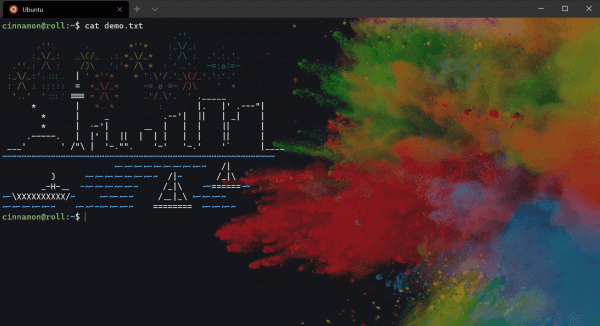
Hyperlink Support
We've added support for . These links will be displayed with an underline, and you can open them by clicking on them while holding Ctrl. We also plan to add support for automatically detecting all links in the text soon.
Blink Support
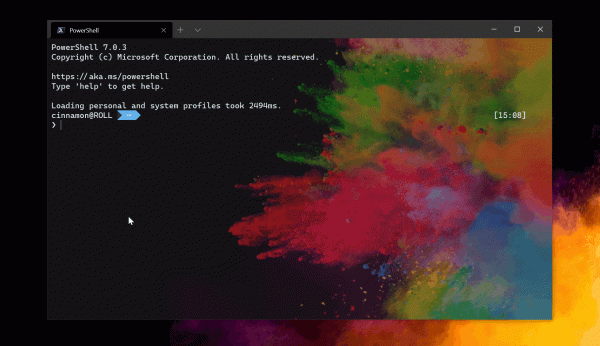
Windows Terminal has added support for SGR 5 (& thanks to the ), so now you can have fun flashing text inside the Terminal.
In conclusion
You can find all our documentation at . If you have any questions or want to share your feedback, feel free to reach out to Kayla ( ) on Twitter. Also, if you want to suggest improvements for the Terminal or report a bug, please contact us in the Windows Terminal repository at .

Source: habr.com
